
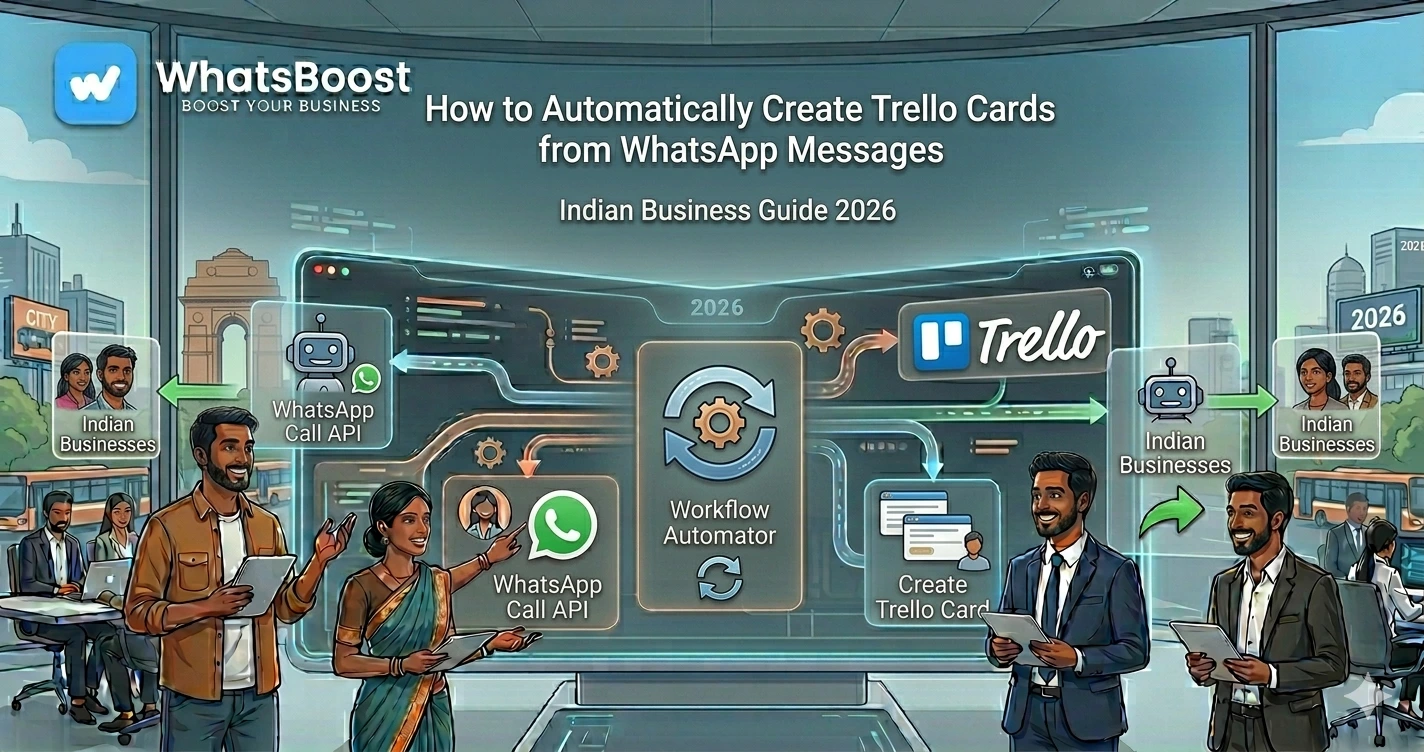
How to Automatically Create Trello Cards from WhatsApp Messages
Learn how to automatically create Trello cards from WhatsApp messages using automation tools like WhatsBoost, n8n, and AI workflows. Capture tasks, leads, support requests, and team actions instantly without manual data entry.
How to Automatically Create Trello Cards from WhatsApp Messages
Most businesses already use WhatsApp for daily communication.
Customers send enquiries.
Team members share updates.
Sales representatives discuss leads.
Support teams receive requests.
But there is one major problem.
Important messages often disappear inside busy WhatsApp chats.
A customer requests a quotation.
A lead asks for a callback.
A team member reports an issue.
A client requests a revision.
And then...
Nothing happens.
The message gets buried under hundreds of new conversations.
The result?
❌ Missed follow-ups
❌ Delayed responses
❌ Lost sales opportunities
❌ Poor team accountability
❌ Operational confusion
This is exactly why more businesses are now connecting WhatsApp with Trello.
Instead of manually creating tasks, businesses can automatically convert WhatsApp messages into Trello cards the moment they arrive.
Every important request becomes a trackable action item.
Every lead gets logged.
Every support issue gets assigned.
Every follow-up becomes visible.
👉 The result is a system where conversations automatically turn into work.
Why Businesses Need WhatsApp-to-Trello Automation
Most teams rely on one of these processes:
Method 1: Remembering Tasks Manually
A team member reads a WhatsApp message and promises to handle it later.
Then new messages arrive.
The task is forgotten.
Method 2: Copy-Paste Workflow
Someone copies information from WhatsApp.
Then opens Trello.
Creates a card.
Adds details.
Assigns team members.
Moves it to the right board.
This consumes valuable time every day.
Method 3: Screenshots and Forwarding
Many teams simply forward screenshots into internal groups.
This creates confusion.
Nobody knows:
- Who owns the task
- When it should be completed
- Whether it was completed at all
As businesses grow, these manual systems stop working.
That's why automation becomes essential.
What Is WhatsApp-to-Trello Automation?
WhatsApp-to-Trello automation automatically creates a Trello card whenever a predefined WhatsApp message is received.
The automation can capture:
- Customer enquiries
- Sales leads
- Support requests
- Internal team tasks
- Vendor communications
- Follow-up reminders
- Project updates
Instead of manually entering information, the workflow creates a Trello card instantly.
Simple Workflow
WhatsApp Message Received
↓
Automation Triggered
↓
Information Extracted
↓
Trello Card Created
↓
Assigned to Team Member
↓
Follow-Up Process Starts
Real Business Examples
Example 1: Sales Team
A lead sends:
"Hi, I need pricing for your CRM setup services."
Automation creates:
Board: Sales Pipeline
List: New Leads
Card Title: CRM Setup Pricing Request
Description: Customer enquiry received via WhatsApp
The sales team receives the task instantly.
Example 2: Customer Support
A customer sends:
"The order has not arrived."
Automation creates:
Board: Customer Support
List: Open Issues
Card Title: Delivery Complaint
The support team immediately sees the issue.
Example 3: Marketing Agency
A client sends:
"Please update the landing page headline."
Automation creates:
Board: Client Requests
List: Pending Revisions
The design team receives a new task automatically.
Benefits of Automatically Creating Trello Cards from WhatsApp
| Manual Process | Automated Process |
| Messages get lost | Every request becomes a task |
| Delayed follow-up | Immediate action |
| Human errors | Consistent workflow |
| No accountability | Assigned ownership |
| Difficult tracking | Full visibility |
Businesses often see the following:
✔ Faster response times
✔ Better team coordination
✔ Improved customer satisfaction
✔ Fewer missed opportunities
✔ Better project management
How the Workflow Works
A typical automation uses:
- Trello
- WhatsBoost
- n8n or automation platform
- Optional AI processing
Workflow Example
Customer sends WhatsApp message
↓
WhatsBoost captures messages
↓
Automation analyzes content
↓
Trello card created
↓
Priority assigned
↓
Team notified
↓
Follow-up workflow triggered
The entire process takes only a few seconds.
Using AI to Improve Trello Card Creation
Modern businesses are moving beyond simple task creation.
AI can analyze incoming WhatsApp messages before creating Trello cards.
For example:
Customer Message:
"I need a quotation for WhatsApp automation for 20 sales agents."
AI can automatically:
- Detect sales intent
- Identify lead quality
- Extract business requirements
- Generate task summaries
- Set priority levels
The Trello card becomes much more useful.
If you're exploring AI-powered WhatsApp workflows, you may also like:
- How to Integrate Gemini With WhatsApp
- Building an AI WhatsApp Coach Using Claude AI and n8n
- WhatsApp + n8n + Claude Automation Ideas
These workflows help businesses automate decision-making alongside task creation.
Step-by-Step Setup
Step 1: Connect WhatsApp
First, connect your WhatsApp communication channel using an automation platform.
Many businesses start with solutions that avoid the complexity of traditional API setups.
You can also learn more from:
How to Integrate WhatsApp Without WhatsApp Business API
and
What is Meta Coexistence
These approaches make WhatsApp automation more accessible for growing businesses.
Step 2: Create Your Trello Boards
Organize Trello based on your business processes.
Example:
| Board | Purpose |
| Sales Pipeline | Lead management |
| Customer Support | Issue tracking |
| Operations | Internal tasks |
| Marketing Requests | Content and campaigns |
| Client Projects | Deliverables |
This structure keeps automation organized.
Step 3: Define Trigger Conditions
Not every message needs a Trello card.
You can create rules such as:
- New lead enquiries
- Support complaints
- Project requests
- Internal task messages
- Escalation keywords
This prevents unnecessary cards.
Step 4: Configure Trello Card Fields
The automation can populate:
- Card title
- Description
- Labels
- Due dates
- Assigned members
- Customer details
- Priority levels
Everything is created automatically.
Step 5: Add Team Notifications
Once a Trello card is created:
- Notify managers
- Alert sales teams
- Inform support agents
- Trigger WhatsApp reminders
This ensures no task remains unnoticed.
For internal accountability systems, you may also find value in:
- Why Businesses Need Smarter Task Follow-Up Systems
- Task Delegation on WhatsApp
- Automated Employee Alerts via WhatsApp
Advanced Workflow Examples
Lead Management Workflow
WhatsApp Lead
↓
Lead Qualification
↓
Trello Card Created
↓
Sales Rep Assigned
↓
Follow-Up Scheduled
↓
CRM Updated
This works especially well alongside:
- How Indian Businesses Use WhatsApp Lead Qualification to Improve CRM Conversion Rates
- How to Integrate CRM With WhatsApp for Automation
- How to Build a WhatsApp Lead Tracking System Using Claude AI and Google Sheets
Form Submission Workflow
Google Form Submitted
↓
WhatsApp Confirmation Sent
↓
Trello Task Created
↓
Sales Team Alerted
↓
Lead Follow-Up Started
Businesses already using forms should also explore:
- How to Automate WhatsApp Replies From Google Forms
- Automatically Sending PDFs & Brochures on WhatsApp
Project Management Workflow
Client Request
↓
WhatsApp Message Received
↓
Trello Card Created
↓
Team Assigned
↓
Progress Tracked
↓
Completion Notification Sent
This creates a centralized operational system.
Common Mistakes to Avoid
Creating Cards for Every Message
Not every WhatsApp message requires a task.
Use filters.
No Priority Assignment
Without priorities, teams struggle to know what matters most.
Use labels and automation.
Poor Board Structure
Messy Trello boards create confusion.
Keep workflows simple.
No Follow-Up Process
Creating a card is only the beginning.
You need:
- Ownership
- Deadlines
- Reminders
- Escalations
Automation should support the entire lifecycle.
Before vs After Automation
| Before Automation | After Automation |
| Messages lost in chats | Every request tracked |
| Manual task creation | Instant task creation |
| Delayed response times | Faster action |
| No visibility | Centralized dashboard |
| Difficult accountability | Assigned ownership |
The difference becomes significant as message volume grows.
Who Should Use This Workflow?
This automation is valuable for:
Agencies
Track client requests automatically.
Coaches
Manage student enquiries and support.
Sales Teams
Capture every lead.
Service Businesses
Handle customer requests efficiently.
Consultants
Convert discussions into actionable tasks.
Operations Teams
Manage internal communication more effectively.
Final Conclusion
WhatsApp has become the primary communication channel for many businesses.
The challenge is not receiving messages.
The challenge is making sure every important message becomes action.
Manual task creation may work when message volumes are small.
But as businesses grow, important requests get missed, delayed, or forgotten.
By automatically creating Trello cards from WhatsApp messages, businesses can build a system where conversations instantly become trackable tasks.
This improves accountability.
It improves response times.
It improves customer experience.
And most importantly, it helps teams operate at scale without increasing administrative workload.
👉 The future is: WhatsApp + AI + Automation = Scalable Business Operations 🚀
Want to automate WhatsApp for your business?
Set up campaigns, replies, and follow-ups in minutes.