
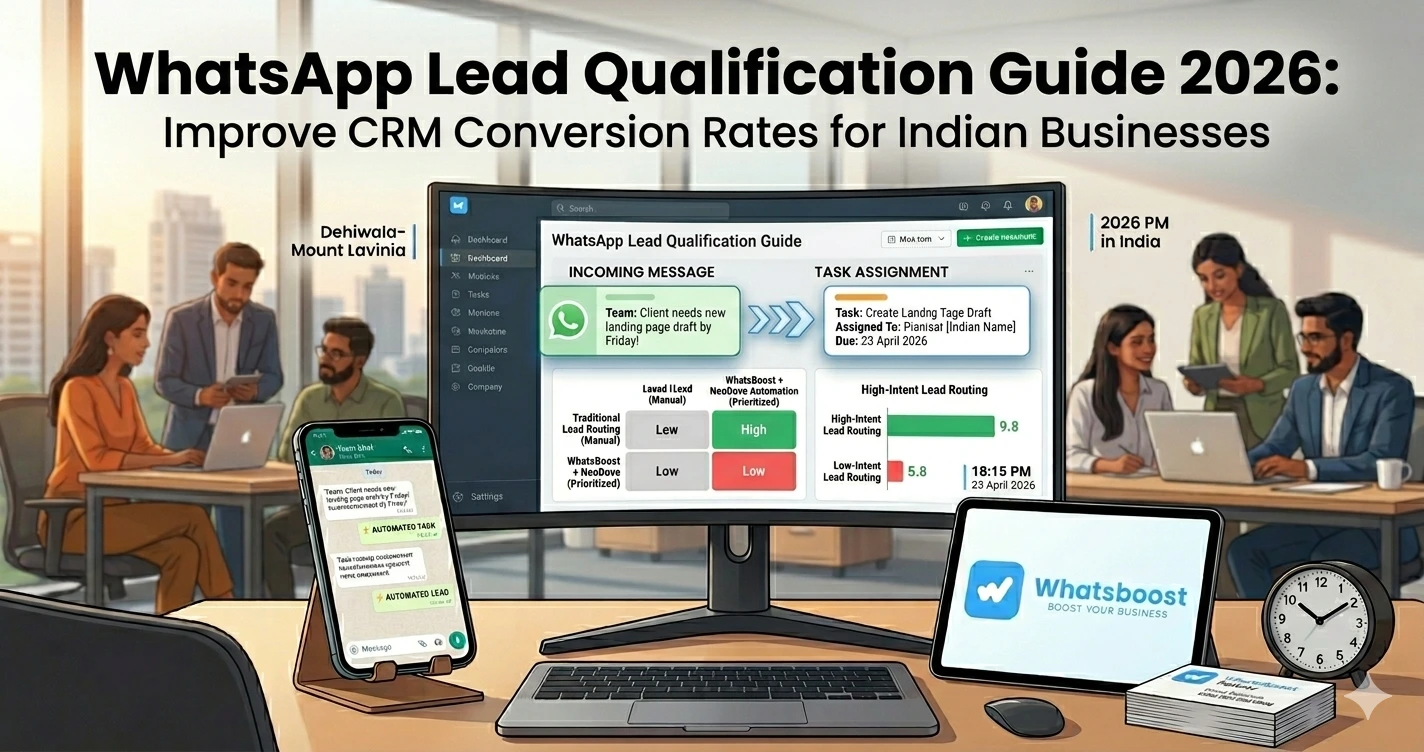
WhatsApp Lead Qualification Guide 2026: Improve CRM Conversion Rates for Indian Businesses
Discover how Indian businesses use WhatsApp lead qualification to filter high-intent prospects, improve CRM efficiency, and boost conversion rates with automation.
You’re Getting Leads… But Conversions Are Still Low
This is the reality for most Indian businesses today 👇
- Leads are coming from ads, IndiaMART, TradeIndia
- WhatsApp enquiries are increasing
- CRM is filling up
But still…
❌ Conversions are low
❌ Sales teams are overwhelmed
❌ Follow-ups are inconsistent
The Real Problem: Unqualified Leads Are Killing Your CRM
Let’s break it down 👇
Your CRM probably looks like this:
- 1000 leads
- Only 100 are serious
- But your team treats all 1000 equally
👉 Result:
❌ Time wasted on low-quality leads
❌ High-intent leads ignored
❌ Conversion rate drops
👉 If you’re still managing leads manually, first understand how WhatsApp automation without Business API works — this is the base for qualification systems.
What is WhatsApp Lead Qualification?
Simple definition 👇
👉 Lead qualification = filtering serious buyers from casual enquiries
👉 WhatsApp lead qualification means:
- Asking the right questions
- Tracking responses
- Scoring intent
- Filtering leads automatically
👉 Goal:
👉 Send only high-quality leads to your CRM
Why Indian Businesses Need Lead Qualification Urgently
📈 High Lead Volume
IndiaMART / TradeIndia generate bulk leads
❌ Low Intent Ratio
Most leads are just browsing
⚡ Fast Competition
First response wins
👥 Limited Sales Teams
Time is limited
👉 To understand how businesses track leads effectively, explore platforms to track conversations and deal progress
How WhatsApp Lead Qualification Works
High-Level Flow
- Lead enters system
- WhatsApp auto-response starts
- Qualification questions asked
- Responses analyzed
- Lead scored
- Qualified leads pushed to CRM
👉 This creates a clean, high-quality pipeline
Step-by-Step: Build WhatsApp Lead Qualification System
Step 1: Capture Leads Automatically
Sources:
- WhatsApp messages
- Website forms
- Marketplaces
👉 You can automate this using Google Forms to WhatsApp automation workflows so every enquiry is captured instantly.
Step 2: Send Instant Auto-Response
First response matters 👇
Example:
“Hi 👋 Thanks for reaching out! Can you tell us your requirement?”
👉 Speed increases engagement
Step 3: Ask Qualification Questions
Ask structured questions like:
- What product/service do you need?
- Budget range?
- Timeline?
- Quantity?
👉 This filters serious buyers
Step 4: Track Responses Automatically
System captures:
✔ Answers
✔ Response time
✔ Engagement
👉 This data is gold
Step 5: Score Leads Based on Intent
Example scoring:
| Behavior | Score |
|---|---|
| Replies instantly | +20 |
| Shares requirements | +40 |
| Asks pricing | +50 |
| No response | -20 |
👉 High score = high intent
👉 You can combine this with lead scoring workflows using WhatsApp automation for better prioritization.
Step 6: Filter Leads Before CRM Entry
Only push:
✔ Qualified leads
✔ High-intent prospects
👉 CRM stays clean
Step 7: Assign Leads to Sales Team
Automatically:
- Based on location
- Based on category
- Based on availability
👉 Faster response = higher conversion
Step 8: Automate Follow-Ups
For unqualified leads:
- Nurture messages
- Reminders
- Offers
👉 Keeps pipeline active
Step 9: Track Conversion Data
Measure:
- Lead → customer
- Response time
- Drop-offs
👉 Optimize continuously
Real Workflow (Simple Table)
| Step | Action | Result |
| Lead arrives | Captured | Stored |
| WhatsApp reply | Questions asked | Data collected |
| Scoring | System evaluates | Priority set |
| CRM entry | Qualified leads only | Clean pipeline |
| Sales action | Faster response | Conversion |
Best Use Cases in India
🏭 IndiaMART Sellers
Huge lead volume
👉 See how businesses turn TradeIndia leads into a sales machine using automation.
🛒 E-commerce
Filter serious buyers
🏢 Service Businesses
Consultation-based sales
🎓 Coaching & Courses
Student qualification
Advanced Strategies (Expert Level)
🔁 Multi-Step Qualification Flows
Ask questions in sequence
🧠 AI-Based Qualification
AI understands intent
👉 Enhance this using Gemini AI WhatsApp integration
📊 Behavioral Tracking
- Link clicks
- Response time
🔗 CRM Integration
Full lifecycle tracking
👉 Learn more about CRM + WhatsApp automation integration
Before vs After Lead Qualification
| Factor | Without Qualification | With Qualification |
| Lead Quality | ❌ Low | ✔ High |
| CRM Data | ❌ Messy | ✔ Clean |
| Sales Efficiency | ❌ Low | ✔ High |
| Conversion Rate | ❌ Poor | ✔ Strong |
👉 Qualification changes everything
Common Mistakes to Avoid
❌ Sending all leads to CRM
❌ No qualification questions
❌ Delayed responses
❌ No scoring system
❌ No follow-ups
👉 These mistakes reduce ROI
Pro Tips (From Indian Businesses)
Ask Simple Questions
Don’t overwhelm users
Respond Instantly
Speed matters
Use Automation
Scale easily
Track Everything
Data = growth
Why WhatsBoost is Ideal for Lead Qualification
🚀 Auto Lead Capture
No missed enquiries
🤖 Smart Question Flows
Automated qualification
👥 CRM Integration
Clean data
📊 Analytics
Better decisions
👉 It transforms WhatsApp into a lead qualification engine
Real Insight
Most Indian businesses realize this late:
👉 “We didn’t need more leads… we needed better leads”
👉 Once qualification is implemented:
✔ Sales team becomes efficient
✔ CRM becomes clean
✔ Conversion rates increase
Scaling Strategy
Start with Basic Questions
Simple flow
Add Scoring
Better prioritization
Integrate CRM
Full system
👉 Scaling requires structure
Final Conclusion
Leads are easy to generate
But converting them is hard
Without qualification:
❌ Wasted time
❌ Low conversions
With WhatsApp lead qualification:
✔ Better leads
✔ Faster response
✔ Higher conversions
👉 The future is:
👉 Qualification + Automation = Revenue Growth 🚀
Want to automate WhatsApp for your business?
Set up campaigns, replies, and follow-ups in minutes.