
Automating Team Notifications From WhatsApp to Project Management Dashboards in 2026 | Whatsboost
Learn how to automate team notifications from WhatsApp to project management dashboards in 2026. Discover practical workflows, setup steps, and how Whatsboost helps Indian teams connect WhatsApp alerts to ClickUp, Trello, Asana, and Notion automatically.
Automating Team Notifications From WhatsApp to Project Management Dashboards in 2026
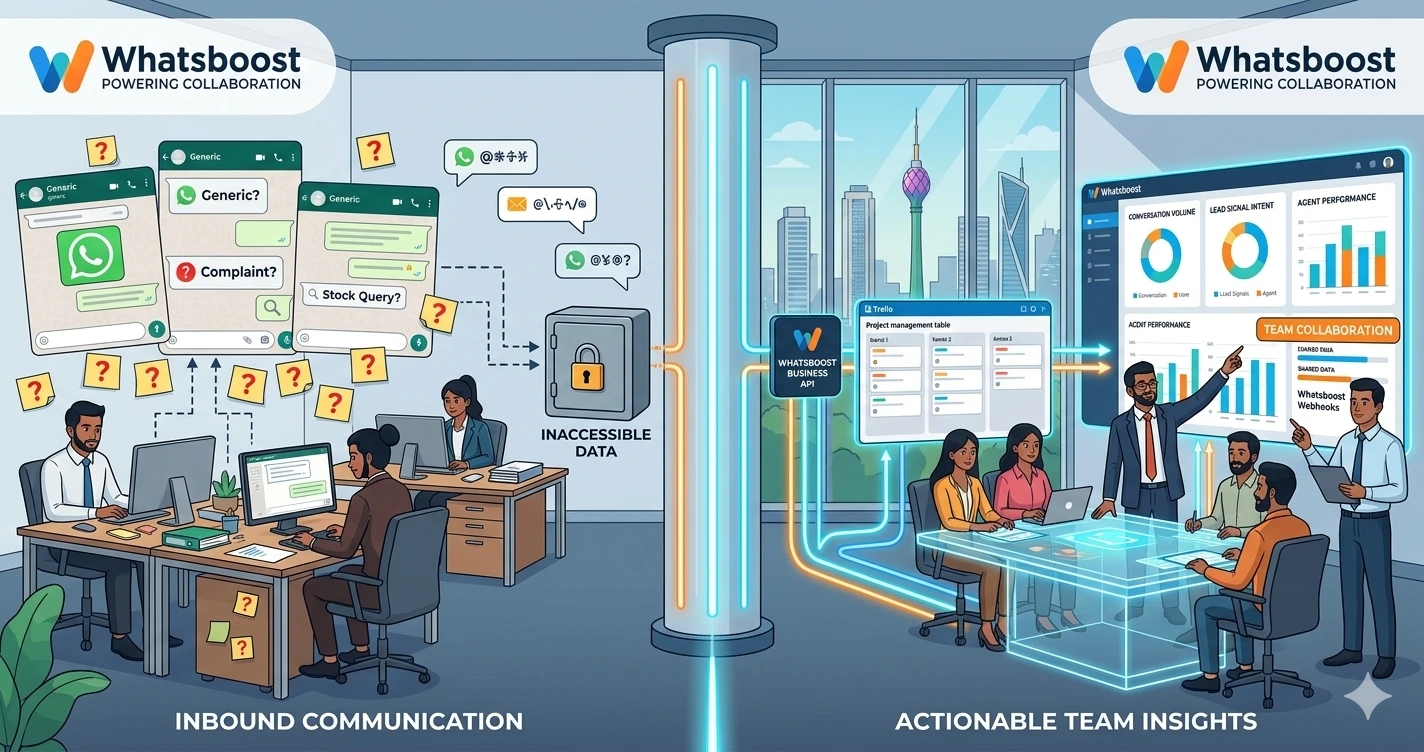
Indian project teams live in two worlds simultaneously. On one side is WhatsApp — where real-time updates, urgent flags, client messages, and team check-ins flow continuously throughout the working day. On the other side are project management dashboards — ClickUp, Trello, Asana, Notion — where tasks, deadlines, assignments, and project progress are formally tracked and managed.
The problem is that these two worlds rarely communicate with each other. A critical client message arrives on WhatsApp and the project dashboard never reflects it. A task status changes in ClickUp and the WhatsApp team group does not know. An urgent flag is raised on a Trello card and the responsible team member does not find out until they happen to check the tool. The result is a team that is simultaneously over-communicated through WhatsApp and under-informed through their project management dashboards — with significant gaps in both directions driving missed deadlines, duplicated effort, and frustrated clients.
In 2026, automating team notifications between WhatsApp and project management dashboards is one of the most impactful workflow improvements Indian project teams can implement. This blog explains how to build this bidirectional notification system — and how Whatsboost provides the WhatsApp Business API layer that makes it work reliably for teams of every size.
Why Bidirectional Notification Automation Matters for Indian Project Teams
Before exploring the setup, it is worth understanding both directions of the notification problem — because solving only one direction delivers only half the value.
Direction 1: WhatsApp to Project Management Dashboard
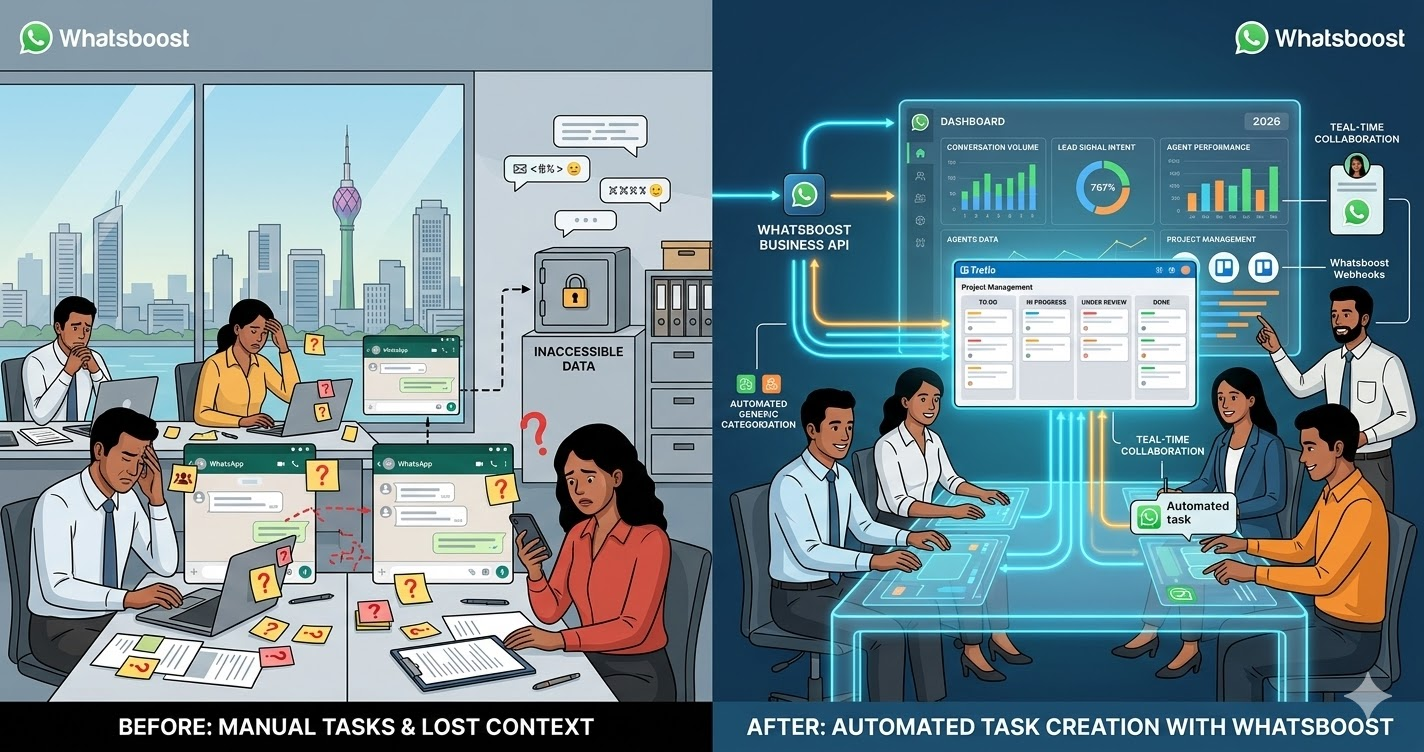
When action-generating messages arrive on WhatsApp — client instructions, escalation flags, change requests, approval confirmations — they need to surface immediately in the project management dashboard where the work is tracked. Without this connection, project managers are manually translating WhatsApp conversations into dashboard updates — a time-consuming, inconsistent process that creates a documentation lag between what clients request and what the team tracks.
Direction 2: Project Management Dashboard to WhatsApp
When tasks are updated, deadlines change, or project milestones are reached in the dashboard — the relevant team members and clients need to know immediately. Without automated WhatsApp notifications, teams rely on team members checking their project management tools regularly — an assumption that is not realistic in Indian work environments where WhatsApp is checked far more frequently than project dashboards.
Automating both directions creates a genuinely connected project communication system — where WhatsApp drives dashboard updates and dashboard events drive WhatsApp notifications — keeping every team member and every stakeholder continuously informed without manual effort.
Whatsboost powers the WhatsApp side of this bidirectional system — capturing incoming messages via the WhatsApp Business API, firing webhooks to dashboard tools, and delivering outbound notification messages to team members and clients. Visit Whatsboost.in to explore the platform.
How Automated Notifications Between WhatsApp and Dashboards Work
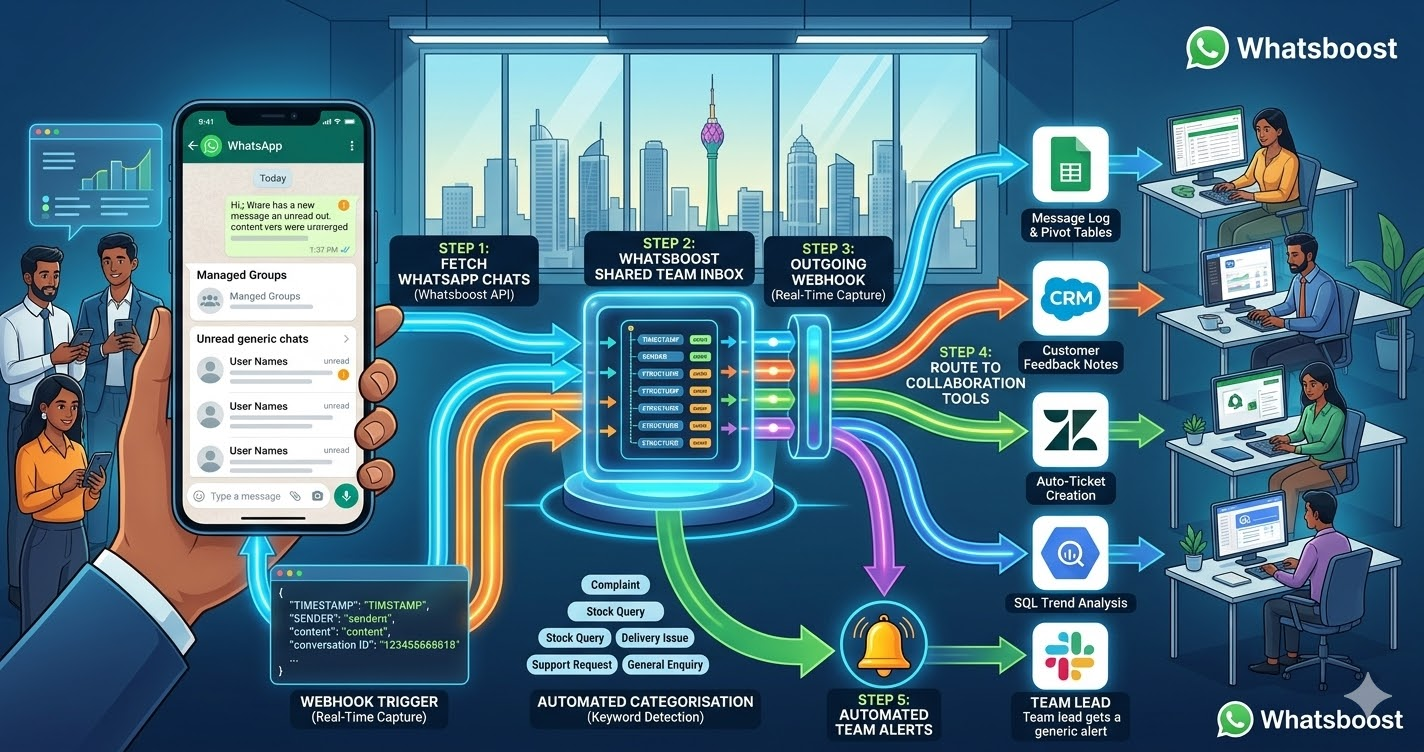
The automation architecture connects Whatsboost's WhatsApp Business API with your project management tool through an automation platform — Zapier, Make, or Pabbly Connect — that processes the logic and routes notifications in both directions.
WhatsApp to Dashboard — Incoming WhatsApp messages flagged with action keywords or conversation labels fire webhooks from Whatsboost. The automation platform receives these webhooks and creates or updates the corresponding task, card, or record in your project management dashboard — with the message content, sender details, and timestamp logged as full context.
Dashboard to WhatsApp — When specific events occur in your project management tool — a task changes status, a deadline is approaching, an overdue task is flagged, or a project milestone is reached — the tool fires a webhook to your automation platform, which triggers Whatsboost to send a targeted WhatsApp notification to the relevant team member, manager, or client with the update details.
Building Your WhatsApp to Project Management Notification System With Whatsboost
Step 1: Activate WhatsApp Business API via Whatsboost
Whatsboost activates your WhatsApp Business API as an authorised WhatsApp Business Solution Provider — the non-negotiable first step that enables both inbound message capture via webhooks and outbound notification delivery to team members and clients. Start at Whatsboost.in.
Step 2: Define Your Notification Trigger Events in Both Directions
Map out every event in your project communication workflow that should generate a notification in the opposite system. For most Indian project teams, the highest-priority notification triggers are:
WhatsApp to Dashboard triggers — Client sends a change request on WhatsApp, team member flags an urgent issue in a WhatsApp group, a client approves a deliverable via WhatsApp message, a stakeholder reports a bug or complaint on WhatsApp.
Dashboard to WhatsApp triggers — A task is marked complete in ClickUp, a card moves to "Blocked" status in Trello, a project deadline is 48 hours away with the task still incomplete, a new task is assigned to a team member in Asana, a project is marked at risk by the project manager in Notion.
This mapping exercise typically reveals 8 to 15 high-value notification triggers — enough to create a genuinely connected project communication system without overwhelming team members with excessive notifications.
Step 3: Set Up WhatsApp to Dashboard Notification Workflows
In your automation platform, create workflows for each WhatsApp to dashboard trigger:
Client change request workflow — When Whatsboost detects a WhatsApp message containing "change," "update," or "modify" from a client contact, the automation creates a change request task in the relevant project in your dashboard — tagged with the client's name, the original message content, the timestamp, and a "Change Request" label — and notifies the project manager via a targeted WhatsApp message with a direct link to the new task.
Urgent flag workflow — When a team member sends a WhatsApp message prefixed with "URGENT:" in the project group, the automation creates a high-priority task in the dashboard immediately and sends a WhatsApp alert to the project lead — ensuring urgent issues are tracked and escalated in both systems simultaneously within seconds of the original message.
Client approval workflow — When a client sends a WhatsApp approval message — "approved," "looks good," "confirmed," "go ahead" — the automation updates the corresponding deliverable task status in the dashboard from "Awaiting Approval" to "Approved" and notifies the assigned team member that they can proceed — closing the approval loop in the project management tool automatically.
Step 4: Set Up Dashboard to WhatsApp Notification Workflows
For each dashboard to WhatsApp trigger, build the reverse notification workflow:
Task completion notification — When a ClickUp, Trello, or Asana task is marked complete, Whatsboost sends a WhatsApp message to the client or internal requester who originally raised the task — confirming completion and providing a brief summary of what was delivered — without the project manager needing to manually send a status update.
Deadline approaching alert — When a task is 48 hours from its deadline and its status is not yet "Complete" or "In Review," the automation sends a WhatsApp alert to the assigned team member — flagging the upcoming deadline and prompting them to update the task status or flag a risk if they anticipate a delay.
Blocked task escalation — When a task is moved to "Blocked" status in the project management tool, Whatsboost immediately sends a WhatsApp notification to the project manager — including the task name, the blocker description, and the assigned team member's name — enabling rapid intervention before a blocked task cascades into a missed deadline.
New task assignment notification — When a new task is assigned to a team member in the project management dashboard, Whatsboost sends them a personalised WhatsApp message — including the task name, project, due date, and a direct link to the task — ensuring assignment notifications reach team members on the channel they check first.
Visit Whatsboost.in to explore how these outbound notification workflows are configured.
Step 5: Configure Notification Targeting and Frequency Rules
Not every team member needs every notification. Configure your automation to target WhatsApp notifications to the specific individuals whose role makes each notification relevant — assigning engineers only get engineering task notifications, client-facing project managers get client-related updates, and senior management receives escalation and risk alerts only.
Also configure frequency rules that prevent notification overload — batching non-urgent dashboard updates into a single daily WhatsApp summary rather than sending individual messages for each minor task update. Reserve real-time instant notifications for high-priority events: blocked tasks, overdue deadlines, client approvals, and urgent escalations.
Notification Automation Use Cases for Indian Project Teams
Software development agencies — Automatically notify developers via WhatsApp when bug reports arrive on WhatsApp from clients, and notify clients via WhatsApp when bugs are resolved in the project dashboard — creating a closed-loop bug tracking communication system with zero manual status updates required.
Marketing and creative agencies — Automatically update Asana or ClickUp when clients approve or request changes to creative deliverables on WhatsApp, and notify clients via WhatsApp when campaign milestones are reached in the project dashboard — keeping clients continuously informed without disrupting the creative team's workflow.
Construction and real estate project teams — Automatically log site updates and material requirement messages sent on WhatsApp as tasks in the project dashboard, and notify field teams via WhatsApp when procurement tasks are completed or schedule changes are made in the dashboard — connecting office and field operations in real time.
Best Practices for WhatsApp to Dashboard Notification Automation
Define notification criticality tiers before building workflows. Not all notifications are equal. Categorise each notification trigger as critical (real-time WhatsApp alert), standard (daily batch digest), or informational (weekly summary) — and configure your automation accordingly. This tiering prevents notification fatigue while ensuring high-priority events always receive immediate attention.
Include direct task links in every dashboard-to-WhatsApp notification. A WhatsApp notification that says "Task X has been blocked" is useful. A notification that includes a direct link to the blocked task in ClickUp or Asana is immediately actionable. Always include deep links to the relevant dashboard record in every outbound notification — reducing the clicks between notification and action to a minimum.
Review notification volume weekly in the first month. The right notification frequency varies by team size, project complexity, and working style. Monitor the number of notifications each team member receives daily in the first month and adjust triggers, batching rules, and targeting based on feedback — building toward a system that the team finds genuinely helpful rather than intrusive.
Connected Teams Execute Faster — Build the Connection Today
In 2026, Indian project teams that have automated the notification bridge between WhatsApp and their project management dashboards operate with a clarity and responsiveness that manual, siloed communication simply cannot match. Every client message becomes a tracked task. Every dashboard milestone becomes a WhatsApp update. Every team member is always informed — on the channel they check first — without anyone spending time on manual status updates.
With Whatsboost powering your WhatsApp notification layer, building this connected project communication system is achievable for any Indian team — without a developer, without complex infrastructure, and without asking your team to change how they communicate.
Visit Whatsboost.in and start automating your team notifications between WhatsApp and your project management dashboards today.
Want to automate WhatsApp for your business?
Set up campaigns, replies, and follow-ups in minutes.