
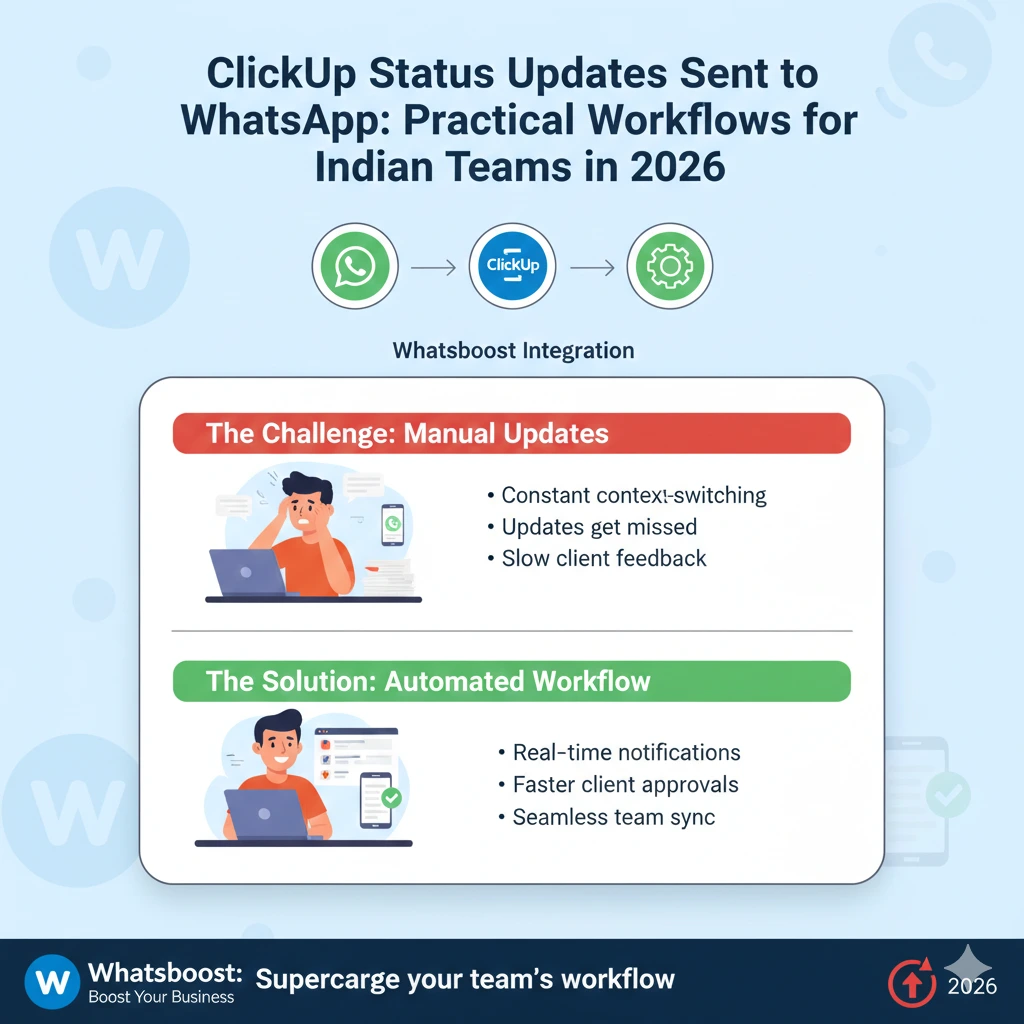
ClickUp Status Updates Sent to WhatsApp: Practical Workflows for Indian Teams in 2026 | Whatsboost
Learn how Indian teams can automatically send ClickUp status updates to WhatsApp in 2026. Discover practical automation workflows, setup steps, and how Whatsboost powers real-time team communication.
There is a moment every Indian project manager knows well. You are in a client call and they ask, "What is the current status of our project?" You mute yourself, frantically open ClickUp, scan through tasks across multiple lists, and piece together an update on the spot — hoping nothing is missed.
Now imagine instead that your client, your team lead, and your sales manager all received a clean, automated WhatsApp message the moment a ClickUp task status changed. No calls needed. No manual checking. Just real-time updates delivered exactly where everyone is already paying attention.
This is what ClickUp and WhatsApp automation makes possible for Indian teams in 2026 — and it is simpler to set up than most teams realise. This blog walks you through the most practical workflows to send ClickUp status updates to WhatsApp automatically, and how Whatsboost makes it all work seamlessly.
Why Indian Teams Need ClickUp Status Updates on WhatsApp
ClickUp is a powerful project management tool, but it has one persistent limitation: it only works for people who are logged in and actively checking it. In reality, most stakeholders — clients, department heads, sales managers, and even some team members — are not living inside ClickUp all day.
WhatsApp, on the other hand, is where every Indian professional is active, all day, every day. When ClickUp status updates are automatically pushed to WhatsApp, the right people get informed at the right moment, without having to check a dashboard or wait for a status meeting.
For Indian teams managing multiple projects, remote members across cities, or client relationships that demand regular transparency, routing ClickUp updates through WhatsApp is one of the most practical productivity upgrades available in 2026.
How the ClickUp to WhatsApp Automation Works
The technical foundation of this workflow is straightforward. ClickUp supports webhooks that fire whenever a task status changes. These webhooks connect to an automation platform — such as Zapier, Make, or Pabbly Connect — which then uses Whatsboost's WhatsApp Business API to deliver a formatted message to the relevant person or group.
Here is the core flow:
Step 1 — A team member updates a ClickUp task status, such as moving it from "In Progress" to "Under Review."
Step 2 — ClickUp fires a webhook containing the task name, the updated status, the assignee, and any other relevant details.
Step 3 — The automation platform processes the webhook and formats the WhatsApp message content.
Step 4 — Whatsboost delivers the WhatsApp message instantly to the designated recipient — a team member, a manager, a client, or an entire group.
The whole process happens in seconds. The moment a status changes in ClickUp, the right person knows about it on WhatsApp — without anyone sending a single manual message.
5 Practical ClickUp to WhatsApp Workflow Ideas for Indian Teams
1. Client Project Status Updates Sent Automatically
When a deliverable task moves to "Delivered" or "Awaiting Client Review" in ClickUp, an automated WhatsApp message is sent to the client with a summary of what has been completed and what action is needed from their end.
This eliminates the need for weekly update emails, keeps clients engaged and informed, and dramatically reduces the "any update?" messages that consume so much of a project manager's day. For Indian marketing agencies, IT firms, and design studios, this single workflow alone can save hours every week.
2. Internal Team Handoff Notifications
In multi-stage workflows — such as content creation, development sprints, or manufacturing processes — tasks often pass between team members at different stages. When a ClickUp task status moves to "Ready for Next Stage," an automatic WhatsApp message is sent to the next team member, alerting them that their work is ready to begin.
This prevents the bottleneck that occurs when someone finishes their part but the next person does not find out for hours. For Indian teams working across shifts or hybrid setups, this workflow keeps handoffs clean and instant.
3. Manager Escalation Alerts for Overdue Tasks
When a ClickUp task passes its due date without a status update, an automated WhatsApp alert is sent directly to the project manager or team lead. The message includes the task name, the original deadline, and the assigned team member — giving the manager everything needed to follow up immediately.
This workflow acts as an automatic safety net, catching delays before they escalate into missed deadlines or unhappy clients. It is particularly valuable for Indian businesses managing high volumes of concurrent projects.
4. Sales Deal Progress Updates to the Sales Manager
For sales teams using ClickUp to manage their pipeline, every time a deal task moves from one stage to the next — "Proposal Sent," "Demo Scheduled," "Negotiation," "Closed Won" — an automated WhatsApp update goes to the sales manager.
The manager gets a real-time pulse on the pipeline without pulling agents away from selling to give status reports. This workflow is especially powerful for Indian sales teams where managers oversee agents spread across multiple cities or regions. Explore how Whatsboost powers these sales automation workflows at Whatsboost.in.
5. Weekly ClickUp Progress Summary on WhatsApp
Every Friday afternoon, trigger an automated WhatsApp broadcast to the entire team summarising the week's ClickUp activity — tasks completed, tasks still in progress, and tasks overdue. This replaces the end-of-week status meeting and gives everyone a clear picture of where things stand heading into the weekend.
For Indian startups and agencies where Friday afternoons are often chaotic, this automated summary brings order and closure to the week with zero manual effort.
Setting Up ClickUp to WhatsApp Automation with Whatsboost
Getting these workflows live requires three components working together:
WhatsApp Business API via Whatsboost — Whatsboost is an authorised WhatsApp Business Solution Provider that activates your API quickly and provides the reliable messaging infrastructure these automations run on.
ClickUp Webhooks — ClickUp's native webhook functionality fires triggers whenever task statuses change, feeding real-time data into your automation platform.
An Automation Platform — Tools like Zapier, Make, or Pabbly Connect bridge ClickUp and Whatsboost without requiring any code, letting you map ClickUp task fields to WhatsApp message content through a simple drag-and-drop interface.
Once configured, these workflows run entirely on autopilot. Whatsboost also provides a shared team inbox to manage any WhatsApp replies that come in, no-code automation for follow-up sequences, and detailed analytics to track message delivery and engagement across all your workflows. Get started at Whatsboost.in.
Best Practices for Indian Teams Running These Workflows
Segment your recipients carefully. Not every ClickUp status change warrants a WhatsApp notification to every stakeholder. Map each workflow to the specific person or group who genuinely needs that update to avoid notification fatigue.
Keep WhatsApp messages concise and actionable. The best automated WhatsApp updates include the task name, the new status, and a single clear next step — nothing more. Brevity drives action.
Use Whatsboost's analytics to refine over time. Track which notifications generate responses and which are ignored. Use that data to continuously trim and improve your workflows so only the most valuable updates are sent.
Always test before going live. Run every workflow in a test environment before deploying to real clients or team members. A misfired automated message to a client can be difficult to walk back.
FAQs: ClickUp Status Updates Sent to WhatsApp for Indian Teams
Q1. Do I need technical skills to connect ClickUp with WhatsApp? No. Using Whatsboost for your WhatsApp Business API and a no-code automation platform like Zapier or Make, you can build these workflows entirely without coding. Whatsboost also provides onboarding support to help you configure your first workflows.
Q2. Can I send ClickUp updates to WhatsApp groups rather than individuals? Yes. Through Whatsboost's WhatsApp Business API, you can route ClickUp status update notifications to specific WhatsApp groups — ideal for keeping entire project teams or client groups informed simultaneously.
Q3. Which ClickUp status changes can trigger a WhatsApp notification? Any ClickUp status change can be used as a trigger — including custom statuses you have defined in your workspace. You can also combine multiple conditions, such as a status change plus a specific assignee or tag, for more targeted notifications.
Q4. Will clients find automated WhatsApp updates intrusive? Not if configured thoughtfully. Clients generally appreciate proactive, concise updates on their project status. The key is to trigger updates only for meaningful milestones — not every minor task movement — and to keep message content brief and relevant.
Q5. Can these workflows handle high task volumes without delays? Yes. Whatsboost's WhatsApp Business API infrastructure is built to handle high message volumes reliably, making it suitable for businesses managing large numbers of concurrent ClickUp tasks and notifications.
Q6. What if a team member wants to reply to an automated WhatsApp update? All replies are captured in Whatsboost's shared team inbox, where the relevant team member or manager can respond directly — combining the efficiency of automation with real human follow-through when needed.
FAQs: Whatsboost Features
Q1. What is Whatsboost and how does it support ClickUp integrations? Whatsboost is an authorised WhatsApp Business Solution Provider that gives businesses access to the WhatsApp Business API and the automation tools needed to connect platforms like ClickUp to WhatsApp for real-time status updates and workflow notifications.
Q2. Does Whatsboost support webhook-based integrations with ClickUp? Yes. Whatsboost accepts incoming webhooks and can trigger outgoing WhatsApp messages based on data received from ClickUp through automation platforms like Zapier, Make, or Pabbly Connect.
Q3. Can Whatsboost manage replies from multiple team members in one place? Yes. Whatsboost's shared team inbox allows multiple agents to manage WhatsApp conversations simultaneously, with chat assignment, internal notes, and role-based permissions keeping collaboration structured.
Q4. Does Whatsboost offer analytics for tracking automation performance? Yes. Whatsboost provides detailed analytics covering message delivery rates, open rates, response times, and agent performance — giving you the data needed to continuously optimise your ClickUp to WhatsApp workflows.
Q5. How quickly can I get Whatsboost set up for my team? Visit Whatsboost.in, sign up for your account, and the Whatsboost team will guide you through WhatsApp Business API activation, webhook configuration, and workflow onboarding — most teams are live within a few days.
Keep Your Team and Clients Informed — Automatically
In 2026, the Indian teams that stand out are those that communicate proactively, keep stakeholders informed without being asked, and operate workflows that run on autopilot. Sending ClickUp status updates to WhatsApp automatically is one of the most practical and impactful ways to achieve all three.
With Whatsboost powering your WhatsApp Business API, you have the infrastructure, the integrations, and the support to bring these workflows to life quickly — and scale them as your team grows.
Visit Whatsboost.in and start automating your ClickUp to WhatsApp workflows today.
Want to automate WhatsApp for your business?
Set up campaigns, replies, and follow-ups in minutes.