
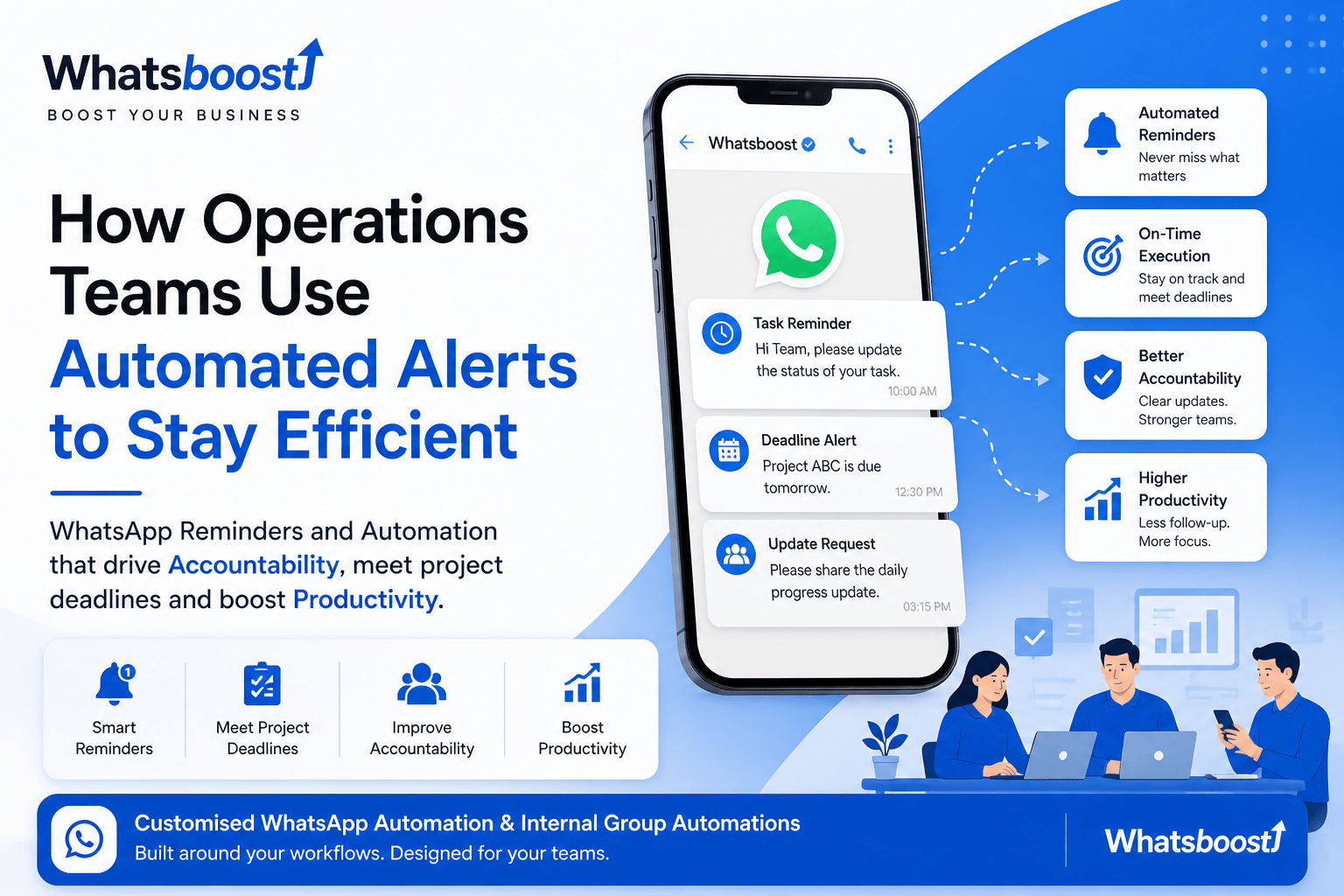
How Operations Teams Use Automated Alerts to Stay Efficient
Missed follow-ups and delayed tasks slow down operations more than you realize. Discover how teams are using WhatsApp alerts and automation to stay accountable, meet deadlines, and keep work moving—without constant follow-ups.
In most teams, work doesn’t really stop. It just slows down.
A task is pending because someone forgot to follow up.
A client hasn’t replied, and nobody checked again.
A deadline is missed—not because it was difficult, but because it wasn’t tracked properly.
If you’ve worked in operations, you’ve seen this. It’s not a people problem. It’s a system problem.
And that’s where automated alerts—especially on WhatsApp—are quietly changing how teams function.
The real issue: too many things depend on memory
In most companies, a lot of work still runs on:
“I’ll remember to check this”
“I’ll follow up tomorrow”
“Let me remind them later”
But when work increases, memory fails.
That’s when:
Follow-ups get missed
Tasks stay incomplete
Managers start chasing updates
And slowly, productivity drops without anyone noticing immediately.
What changes when alerts are automated
When you introduce simple automation, things don’t feel chaotic anymore.
Instead of someone remembering, the system reminds.
Instead of asking for updates, the system nudges.
Instead of delays piling up, things move on time.
It’s not about doing more work.
It’s about making sure work doesn’t get stuck.
Why WhatsApp actually works better than tools
Most companies already use tools—CRMs, dashboards, emails.
But let’s be honest.
People don’t check them consistently.
WhatsApp is different. Everyone checks it. Quickly.
That’s why many teams are now moving towards using WhatsApp for internal reminders and follow-ups, instead of relying only on emails or dashboards.
It fits into daily behavior. No extra effort needed.
Where automated alerts actually help
1. Daily task reminders
Instead of a manager asking:
“Did you complete this?”
A simple automated reminder goes out.
The person sees it, acts on it, and updates it.
No chasing needed.
2. Follow-ups that usually get missed
This is where most teams lose time.
Clients don’t reply. Internal approvals get delayed. Nobody follows up at the right time.
With automation, reminders go automatically.
Many teams now use systems like WhatsApp-based follow-up workflows to make sure no lead, task, or approval is forgotten.
3. Deadlines that feel real
Deadlines written in tools are often ignored.
Deadlines that come as reminders on WhatsApp feel immediate.
That small difference improves:
Accountability
Speed of response
Completion rates
4. Managers don’t have to chase
One of the biggest operational problems is constant follow-up by managers.
Automation changes that.
Instead of:
“Can you send an update?”
The system already asked. And the team already responded.
This reduces friction in teams.
A simple way to understand this
Here’s what usually happens:
| Without Alerts | With Alerts |
|---|---|
| Tasks depend on memory | Tasks are system-driven |
| Follow-ups are random | Follow-ups are timely |
| Managers chase updates | System handles reminders |
| Delays are noticed late | Delays are visible early |
It’s a simple shift, but it changes everything.
The biggest benefit (that people don’t talk about)
It’s not speed.
It’s discipline.
When reminders are consistent:
People stop relying on memory
Work becomes predictable
Teams start taking ownership
You don’t have to push people. The system supports them.
Where most teams go wrong
Some teams try automation and give up.
Usually because:
Too many alerts
Irrelevant messages
Complicated setup
Automation should feel simple.
Right message. Right time. That’s it.
How teams are actually setting this up
Most setups are not complicated.
They usually include:
A simple data source (like Google Sheets or CRM)
Defined triggers (task assigned, deadline near, delay)
Alerts sent via WhatsApp
This is where platforms like Whatsboost help—by turning these simple ideas into structured systems that actually work daily.
Teams use it to build:
Reminder systems
Follow-up flows
Internal alert setups
Even WhatsApp group-based updates for teams
Everything stays in one place.
Internal WhatsApp group automation
Most teams already have WhatsApp groups.
But they use them randomly.
Now imagine this instead:
Daily task summary posted automatically
Missed deadlines highlighted
Updates shared without asking
Suddenly, everyone is aligned without extra effort.
Final thought
Operations don’t break in big moments.
They break in small misses:
One follow-up skipped
One reminder forgotten
One delay ignored
Automated alerts fix these small gaps.
And when small gaps are fixed,
big problems don’t happen.
If you’re thinking about trying this
You don’t need to automate everything.
Start small.
Pick one process:
Follow-ups
Task reminders
Deadline tracking
And automate just that.
You’ll immediately see the difference.
A simple next step
If you’re curious how this would actually work for your team,
it helps to see it in your own workflow.
That’s usually what teams do when they explore a quick demo with Whatsboost.
Not to buy anything—but to understand:
What can be automated
What should not be
And how it fits into their current system
Sometimes, seeing it once is enough to realize
how much smoother operations can actually be.
Want to automate WhatsApp for your business?
Set up campaigns, replies, and follow-ups in minutes.