
How to Integrate WhatsApp With ClickUp for Efficient Team Collaboration in India in 2026 | Whatsboost
Learn how to integrate WhatsApp with ClickUp for efficient team collaboration in India in 2026. Discover step-by-step setup, practical use cases, automation workflows, and how Whatsboost makes it seamless.
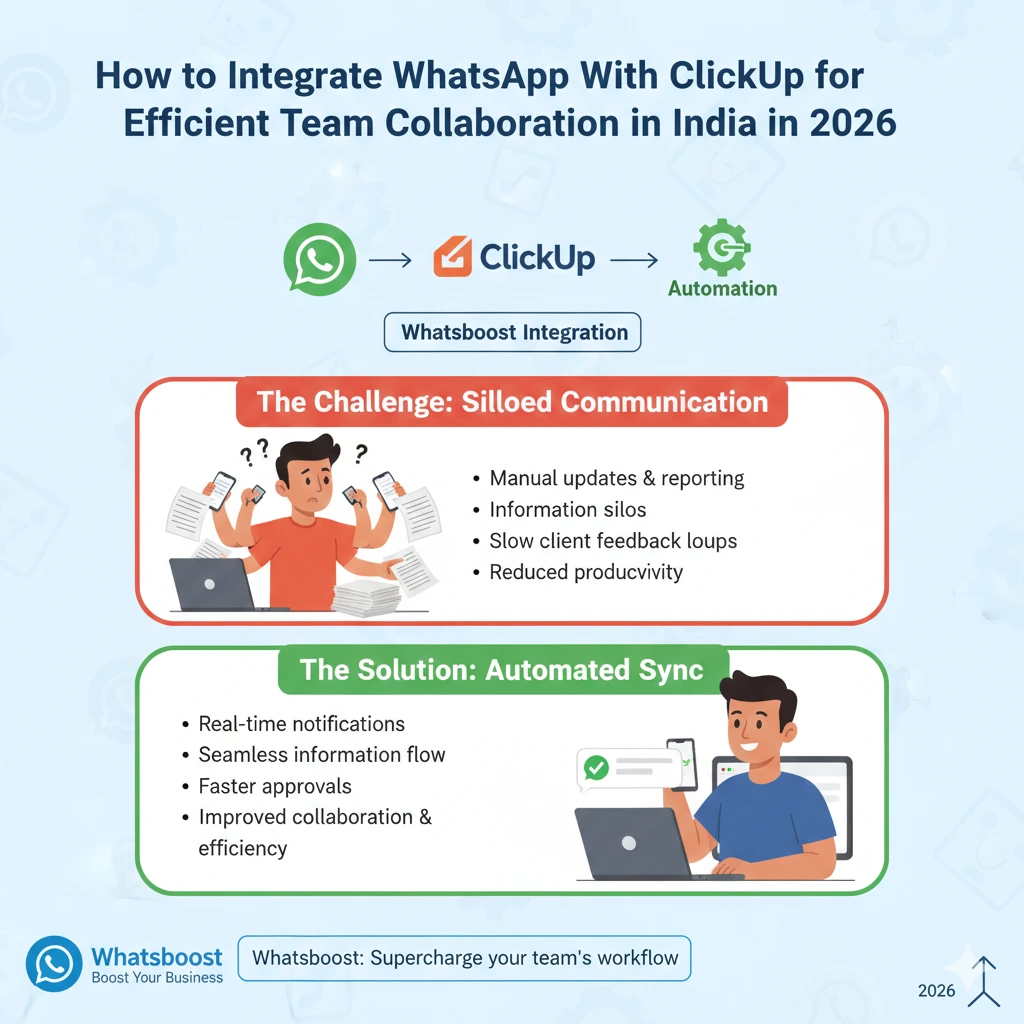
Walk into any growing Indian business in 2026 and you will find two tools at the heart of how work gets done: WhatsApp for communication and ClickUp for task management. Both are exceptional at what they do individually. But when they operate in silos — which is how most Indian teams use them — the result is duplicated effort, missed updates, and a constant gap between what is happening and what is being communicated.
Integrating WhatsApp with ClickUp closes that gap completely. It creates a unified workflow where task updates trigger instant WhatsApp notifications, team collaboration happens in real time, and no one has to chase anyone for a status update ever again.
This blog walks you through exactly how to integrate WhatsApp with ClickUp for efficient team collaboration in India, and how Whatsboost gives you the WhatsApp Business API foundation to make it work reliably at scale.
Why Indian Teams Need WhatsApp and ClickUp to Work Together
Indian businesses operate in one of the most fast-paced, communication-heavy work cultures in the world. Decisions happen over WhatsApp. Tasks are tracked in ClickUp. Approvals bounce between both. And somewhere in the middle, context gets lost.
The core problem is this: ClickUp is a structured, organised system that works only when people actively log in and check it. WhatsApp is where Indian professionals are constantly present — for better or worse. When these two worlds do not communicate, teams end up doing double the work: managing tasks in ClickUp and then manually relaying updates on WhatsApp.
For Indian startups, agencies, e-commerce operations, and sales teams managing high volumes of concurrent work, this inefficiency is not just annoying — it is costly. Integrating WhatsApp with ClickUp eliminates the gap and brings communication and execution together in one automated flow.
What WhatsApp and ClickUp Integration Actually Delivers
When you integrate WhatsApp with ClickUp through Whatsboost, here is what your team gains in practice:
Real-time task notifications on WhatsApp — Team members receive instant WhatsApp messages when a ClickUp task is assigned to them, updated, or approaching its deadline.
Automated client communication — Clients receive WhatsApp updates the moment a task or project milestone changes status in ClickUp, without anyone manually drafting a message.
Two-way workflow connectivity — Actions on WhatsApp — like a lead message or a client reply — can trigger task creation or status updates in ClickUp automatically.
Centralised team inbox — All WhatsApp responses from team members and clients are managed through Whatsboost's shared inbox, keeping collaboration structured and visible to the whole team.
The result is efficient team collaboration where communication and task management reinforce each other rather than existing as two separate systems your team has to maintain simultaneously.
How to Integrate WhatsApp With ClickUp: Step-by-Step
Setting up the WhatsApp and ClickUp integration does not require a developer. Here is the practical path for Indian teams:
Step 1: Activate Your WhatsApp Business API via Whatsboost
The WhatsApp Business API is the non-negotiable foundation of this integration. Without it, WhatsApp cannot send or receive automated messages programmatically.
Whatsboost is an authorised WhatsApp Business Solution Provider that activates your API quickly, with full onboarding support. Once live, your WhatsApp number is ready to send and receive automated messages connected to your ClickUp workflows. Get started at Whatsboost.in.
Step 2: Set Up Your ClickUp Workspace and Webhooks
Ensure your ClickUp workspace has clearly defined spaces, lists, and task statuses that reflect your actual workflow stages. Then activate ClickUp's webhook feature — found under Settings — to enable real-time event triggers whenever task statuses, assignments, or due dates change.
Step 3: Connect ClickUp and Whatsboost via an Automation Platform
Use a no-code automation platform like Zapier, Make, or Pabbly Connect to bridge your ClickUp webhooks with Whatsboost's WhatsApp API. These platforms let you map ClickUp trigger events to WhatsApp message actions using a simple drag-and-drop interface — no coding required.
Step 4: Define Your Automation Workflows
This is where the real value is built. Decide which ClickUp events should trigger which WhatsApp messages, and to whom. Start with high-impact workflows first — such as task assignment notifications and deadline reminders — then expand as your team gets comfortable with the system.
Step 5: Test, Refine, and Scale
Before going live, test every workflow thoroughly. Trigger each ClickUp event and confirm the WhatsApp message arrives correctly, with the right content and recipient. Once validated, roll out to your full team and build additional workflows as your collaboration needs evolve.

4 Practical Collaboration Workflows for Indian Teams
1. Instant Task Assignment Notifications
The moment a ClickUp task is assigned to a team member, they receive a WhatsApp message with the task name, description, deadline, and a direct link to the ClickUp task. No more waiting to log into ClickUp to find out what has been assigned — the work comes to them instantly on WhatsApp.
2. Deadline Reminder Alerts
Twenty-four hours before a ClickUp task deadline, an automated WhatsApp reminder is sent to the assignee. If the task is still incomplete two hours before the deadline, a second alert goes to the team lead. This two-layer reminder system prevents last-minute surprises and keeps Indian teams consistently on track without micromanagement.
3. Client Milestone Updates
When a project milestone task moves to "Completed" in ClickUp, an automated WhatsApp message goes to the client summarising what has been delivered and what comes next. This proactive communication builds client confidence, reduces check-in calls, and frees your project managers to focus on execution rather than status reporting.
4. Cross-Team Handoff Notifications
In workflows that span multiple departments — such as a campaign moving from strategy to creative to execution — each stage transition in ClickUp triggers an automatic WhatsApp notification to the next team. Handoffs happen instantly and cleanly, without any team member having to track down a colleague to let them know their stage has begun.
Whatsboost supports all of these workflows through its webhook integration, no-code automation builder, broadcast messaging, and shared team inbox. Visit Whatsboost.in to explore the full platform.
Best Practices for Efficient WhatsApp and ClickUp Collaboration

Start with three to five workflows, not twenty. The temptation is to automate everything at once. Resist it. Start with the highest-impact workflows, run them for a few weeks, then expand based on what your team actually finds valuable.
Keep automated WhatsApp messages short and specific. Include the task name, the key update, and one clear action — nothing more. Long automated messages are ignored; concise ones get acted on immediately.
Use Whatsboost's shared inbox for all inbound replies. When team members or clients reply to automated WhatsApp messages, those replies land in Whatsboost's shared team inbox where the right person can respond directly — keeping every conversation tracked and accountable.
Review Whatsboost analytics regularly. Use the platform's built-in analytics to see which notifications are being read, which are generating replies, and which might need to be refined or removed. Data-driven refinement is what separates good automation from great automation.
FAQs: Integrating WhatsApp With ClickUp for Indian Teams
Q1. Is coding required to integrate WhatsApp with ClickUp? No. Using Whatsboost for your WhatsApp Business API and a no-code automation platform like Zapier or Make, the entire integration can be configured without writing a single line of code. Whatsboost also provides setup guidance for teams getting started.
Q2. Can I send ClickUp updates to WhatsApp groups for team-wide visibility? Yes. Through Whatsboost's WhatsApp Business API, you can route ClickUp trigger notifications to specific WhatsApp groups — keeping entire project teams or departments informed simultaneously without individual messages.
Q3. How long does it take to get the integration live? With Whatsboost handling your API activation and a no-code automation platform connecting ClickUp, most basic workflows can be live within two to four days. More complex multi-step automations may take a little longer to configure and test properly.
Q4. Can this integration handle multiple projects running simultaneously? Yes. The WhatsApp and ClickUp integration scales with your workload. Whether you are managing five projects or fifty, the automation runs in the background handling all notifications without any additional manual effort from your team.
Q5. What happens if a team member replies to a WhatsApp notification? Replies are captured in Whatsboost's shared team inbox, where the relevant team member or manager can continue the conversation directly. This keeps all communication tracked and ensures no reply goes unnoticed.
Q6. Is this integration suitable for remote Indian teams working across different time zones? Absolutely. Automated WhatsApp notifications are triggered by ClickUp events regardless of when they occur, ensuring remote team members across cities or time zones always receive updates relevant to their work without delay.
FAQs: Whatsboost Features
Q1. What is Whatsboost? Whatsboost is an authorised WhatsApp Business Solution Provider that helps Indian businesses activate the WhatsApp Business API and build powerful automation workflows — including integrations with tools like ClickUp — for smarter, faster team collaboration and customer communication.
Q2. Does Whatsboost support ClickUp webhook integrations? Yes. Whatsboost accepts webhook data from ClickUp via automation platforms like Zapier, Make, and Pabbly Connect, enabling seamless real-time notifications and task-triggered WhatsApp messages.
Q3. Can multiple team members manage WhatsApp conversations through Whatsboost? Yes. Whatsboost's shared team inbox supports multiple agents managing conversations simultaneously, with chat assignment, internal notes, and role-based access control to keep collaboration structured as your team scales.
Q4. Does Whatsboost offer a no-code automation builder? Yes. Whatsboost's no-code workflow builder lets you create automated WhatsApp message sequences — including task notifications, deadline reminders, and follow-up flows — without any technical expertise required.
Q5. Does Whatsboost provide analytics for tracking integration performance? Yes. Whatsboost provides detailed analytics covering message delivery rates, response times, agent performance, and workflow engagement — giving you the visibility needed to continuously optimise your WhatsApp and ClickUp collaboration workflows.
Q6. How do I get started with Whatsboost? Visit Whatsboost.in, sign up for your account, and the Whatsboost team will walk you through WhatsApp Business API activation, ClickUp integration setup, and full platform onboarding tailored to your team's collaboration needs.
Build the Collaboration System Your Team Deserves
The most efficient Indian teams in 2026 are not the ones with the most tools — they are the ones whose tools work together. Integrating WhatsApp with ClickUp through Whatsboost transforms two powerful standalone platforms into a single, unified collaboration engine where communication and task management happen in perfect sync.
Stop switching between apps. Stop sending manual updates. Start building workflows that keep your entire team informed, aligned, and moving forward — automatically.
Visit Whatsboost.in and start your WhatsApp and ClickUp integration today.
Want to automate WhatsApp for your business?
Set up campaigns, replies, and follow-ups in minutes.