
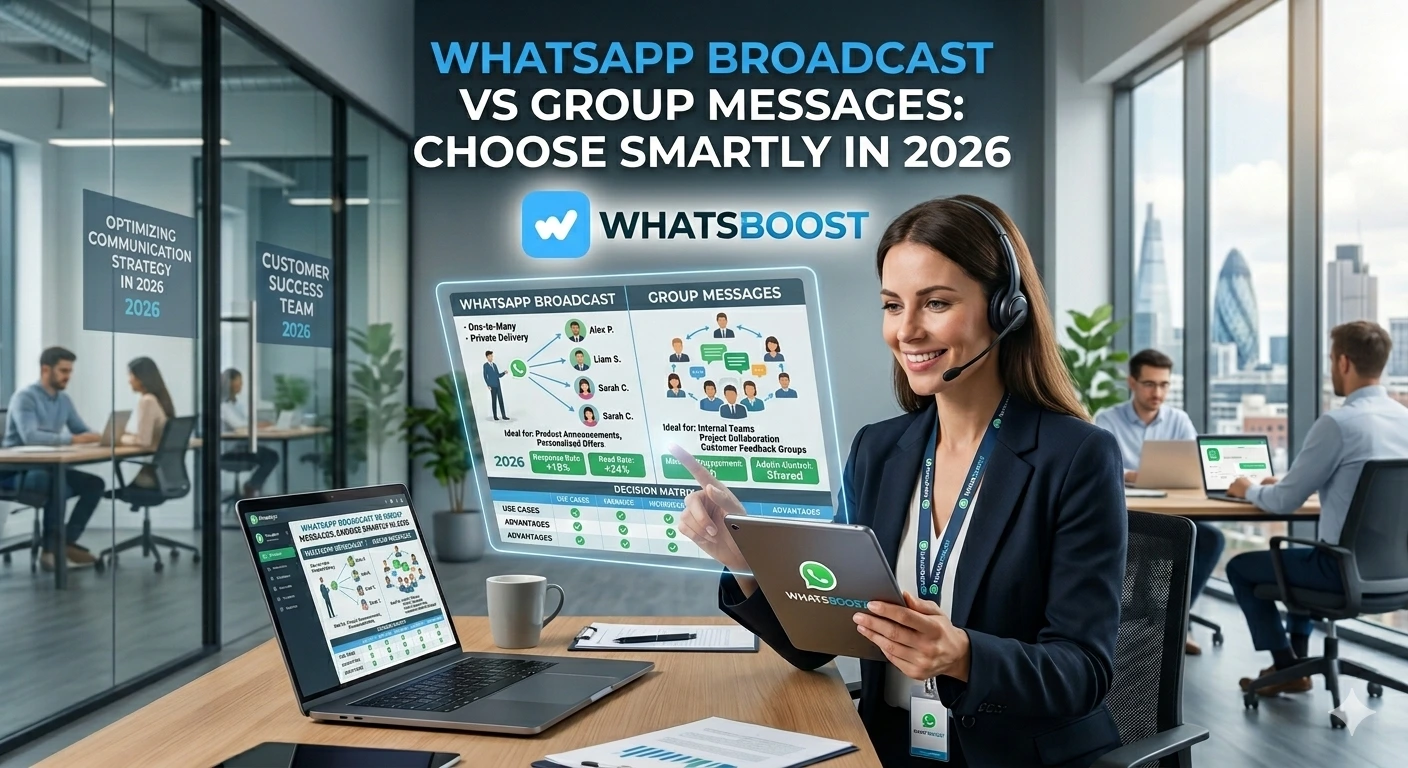
WhatsApp Broadcast vs Group Messages: Choose Smartly in 2026
WhatsApp Broadcast or Group — which one is right for your business in 2026? Discover the key differences, use cases, pros, cons, and how to choose smartly with Whatsboost.
Are your business messages getting buried in noisy WhatsApp groups? You are not alone. With over 3 billion WhatsApp users globally in 2026, the platform offers enormous reach — but only if you are using the right tools in the right way. Choosing between WhatsApp Broadcast and WhatsApp Groups is not just a technical decision. It is a strategic one that directly impacts your brand perception, customer engagement, and sales results.
In this blog, we break down the key differences between WhatsApp Broadcast and Group messages, when to use each, and how to make the smartest choice for your business.
Why This Choice Matters More Than You Think
Picture this: you have a game-changing product update to share with your customers. Use the wrong WhatsApp feature and you could come across as spammy, damage your brand image, or simply fail to drive any action at all.
Here is what is at stake. Broadcasts deliver one-way, personalised messages that feel direct and professional — ideal for promotions and announcements. Groups create interactive spaces that are great for community building but can blur your marketing goals and overwhelm members with noise. For sales and conversions, the right tool at the right moment makes all the difference.
WhatsApp Broadcast vs WhatsApp Group: Key Differences at a Glance
| Feature | WhatsApp Broadcast | WhatsApp Group |
|---|---|---|
| Purpose | Send private messages to multiple contacts at once | Facilitate group discussions |
| Message visibility | Individual chat windows | Shared group chat |
| Engagement type | One-way communication | Two-way communication |
| Ideal use case | Flash sales, product launches, newsletters | VIP communities, networking, brand advocacy |
| Recipient limit | Up to 256 contacts (unlimited via API) | Up to 1,024 members |
| Privacy | Recipients do not see each other | All members visible to each other |
| Best for | Direct sales, lead nurturing, targeted campaigns | Engagement, discussions, brand communities |
|

How Each One Works
WhatsApp Broadcast sends a single message to multiple recipients simultaneously, but each person receives it as a private, one-to-one chat. They cannot see who else received the message and can only reply to you directly. With standard WhatsApp, broadcasts are limited to contacts who have saved your number. However, using the WhatsApp Business API through a platform like Whatsboost, you can send broadcasts to unlimited contacts — even those who have not saved your number.
WhatsApp Groups allow real-time conversations among multiple members in a shared space. Everyone can see and reply to every message, making it ideal for open discussions, collaborative selling, and building tight-knit communities around your brand.
Advantages of Each Tool
WhatsApp Broadcast is your best choice when you need:
- Efficient mass communication without the clutter of group chats
- Privacy — recipients never see each other on the list
- Higher engagement — messages land directly in a personal inbox
- Focused, distraction-free outreach for promotions and campaigns
WhatsApp Groups work best when you need:
- Community-driven engagement where customers interact with your brand and each other
- Trust and loyalty building through exclusive insider access
- Real-time feedback, discussions, and relationship nurturing
- Internal team communication and collaboration
When to Use WhatsApp Broadcast
WhatsApp Broadcast is the right tool for sales-driven, outbound communication. Here are the clearest use cases in 2026:
- eCommerce brands sharing exclusive discounts, product launches, and order updates
- Event organisers sending reminders, RSVP confirmations, and last-minute changes
- Marketing teams distributing newsletters, promotional campaigns, and time-sensitive offers
- Real estate agents notifying clients about new listings and open house schedules
When lead generation, re-engagement, or conversion is your goal, broadcast wins every time. It offers personalised reach at scale without the noise of group dynamics.
When to Use WhatsApp Groups
WhatsApp Groups shine when your goal is community, engagement, and collaborative selling:
- Brand communities for VIP customers, early adopters, and brand advocates
- Customer support groups offering real-time assistance in a moderated environment
- Educational institutions facilitating online learning and student engagement
- Exclusive memberships delivering insider updates, premium content, and live Q&A sessions
Groups are powerful engines for trust and loyalty — but they require consistent moderation to stay focused and valuable.
Limitations and How to Overcome Them
Broadcast limitations — The standard WhatsApp app restricts broadcasts to 256 contacts, and messages only reach people who have saved your number. The solution is the WhatsApp Business API. Whatsboost removes both of these barriers entirely, enabling you to send unlimited broadcast messages to any opted-in contact — with full analytics to track performance.
Group limitations — Large, active groups can quickly become overwhelming, leading members to mute notifications or leave. Privacy concerns are also a factor since all members can see each other. The solution is strong admin controls — restrict who can send messages, moderate discussions, and keep content focused and relevant.
Scalability and Automation in 2026
Businesses using the WhatsApp Business API see a 3x increase in customer engagement compared to standard messaging. Automation is what makes that possible at scale.
With Whatsboost's broadcast feature, you can automate bulk personalised messages, trigger abandoned cart reminders, schedule campaign sequences, and monitor open rates and conversions in real time. With Whatsboost's chatbot automation, you can manage group and direct conversation queries automatically — handling FAQs, qualifying leads, and routing conversations to the right team member without manual effort.
How to Set Up WhatsApp Broadcast and Groups
Setting up a WhatsApp Broadcast:
- Open WhatsApp and tap the three-dot menu (Android) or the Chats tab (iPhone)
- Select "New Broadcast" and choose up to 256 contacts
- Tap the checkmark (Android) or "Create" (iPhone) to finalise the list
- Type your message, attach media if needed, and hit Send
For unlimited reach without the saved-number restriction, use Whatsboost's WhatsApp Business API broadcast solution.
Setting up a WhatsApp Group:
- Open WhatsApp and tap the three-dot menu (Android) or New Chat (iPhone)
- Select "New Group" and add up to 1,024 members
- Name your group, set a profile picture, and tap "Create"
- Assign admin roles and configure messaging permissions to maintain quality
Which Should You Choose?
The answer depends entirely on your goal. If you need to drive sales, promote offers, nurture leads, or re-engage cold contacts — WhatsApp Broadcast is your tool. It delivers personalised, one-to-one communication at scale without the chaos of group chats. If you want to build a community, spark real-time conversations, or create an exclusive space for loyal customers — a WhatsApp Group is the right environment.
The smartest businesses in 2026 do not choose one over the other. They use both strategically — broadcasts to convert, groups to retain.
Scale Both Strategies With Whatsboost
Whether you are running targeted broadcast campaigns or managing active customer communities, Whatsboost gives you the tools to do both with precision and scale. Segment your audience and send hyper-personalised broadcast messages that triple response rates. Automate follow-ups, recover abandoned carts, and auto-assign replies to the right sales rep. Use Whatsboost's chatbot builder to manage group conversations and direct queries automatically — 24 hours a day, seven days a week.
Do not just use WhatsApp. Optimise it with Whatsboost.
FAQs: WhatsApp Broadcast vs Group Messages
Can I use WhatsApp Broadcast and Groups together? Absolutely. Use broadcasts for mass outreach and targeted campaigns, and groups for two-way community engagement. Combined, they create a well-rounded marketing funnel with stronger lead nurturing and conversion potential.
Do I need a WhatsApp Business account to use Broadcast or Groups? Yes. A WhatsApp Business account gives you access to broadcast lists, group management tools, labels, quick replies, and segmentation features essential for professional business communication.
Can I send different messages to different audiences using Broadcast? You cannot customise messages per group in a single broadcast send, but with audience segmentation you can create separate broadcast lists and send targeted, personalised messages to each segment independently.
Are recipients notified they are part of a WhatsApp Broadcast? No. Recipients receive broadcast messages as direct private chats and have no visibility into the broader campaign — making it feel genuinely personal and non-intrusive.
How does Whatsboost remove the 256-contact broadcast limit? Whatsboost operates through the official WhatsApp Business API, which removes the standard app's contact limit entirely. You can send personalised broadcast messages to your entire opted-in audience — at any scale — safely and without risking your number being flagged.
FAQs About Whatsboost Automation
What is Whatsboost? Whatsboost is a WhatsApp marketing and automation platform built on the WhatsApp Business API, helping businesses run broadcast campaigns, automate customer conversations, and build intelligent chatbot flows. Learn more at Whatsboost.
Can Whatsboost automate WhatsApp Broadcast campaigns? Yes. Whatsboost's broadcast feature lets you schedule, personalise, and automate bulk WhatsApp messages to your entire contact list — with real-time delivery tracking and performance analytics built in.
Does Whatsboost support WhatsApp chatbots for group and direct conversations? Yes. Whatsboost's chatbot builder automates responses to common queries, qualifies leads, and routes conversations to human agents when needed — across both direct messages and managed group interactions.
Is Whatsboost suitable for small businesses? Absolutely. Whatsboost is designed for businesses of all sizes with flexible plans, no coding required, and an intuitive interface that makes professional WhatsApp automation accessible from day one.
Want to automate WhatsApp for your business?
Set up campaigns, replies, and follow-ups in minutes.