
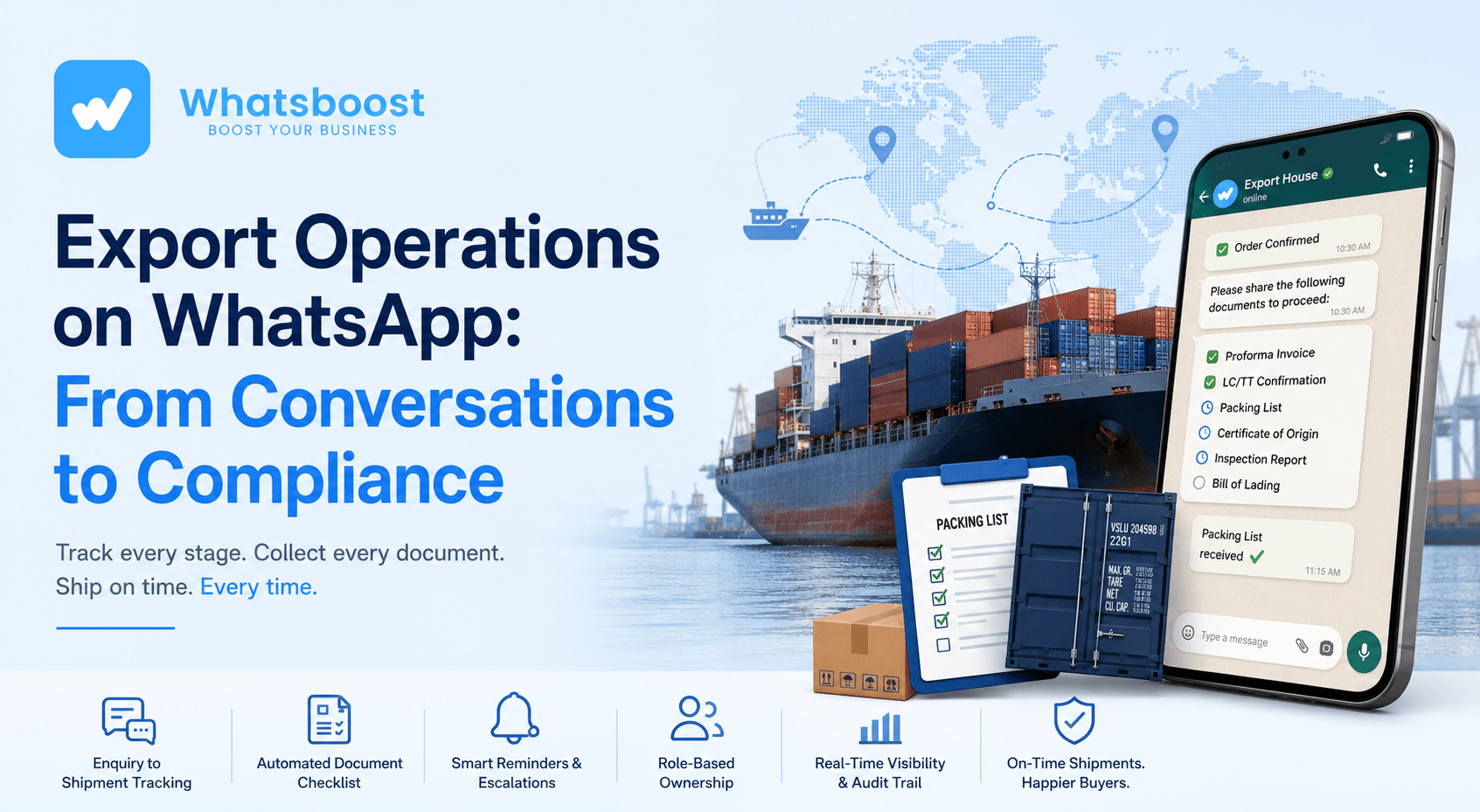
WhatsApp CRM for Export Houses: From Buyer Enquiry to Document Follow-Up
How Indian export houses can turn WhatsApp into a compliance-ready CRM — automating document collection, LC/TT tracking, and shipment follow-up without losing the personal touch.
A shipment gets delayed not because a buyer backed out, but because nobody chased the packing list until three days after the vessel was booked. That's the story most export houses live through every quarter, and it rarely gets fixed because the fix looks unglamorous: better follow-up discipline on the one channel everyone already checks — WhatsApp.
Most export houses already use WhatsApp for buyer communication. Very few use it as a system. The difference between the two isn't the platform — it's whether every message is tied to a stage, a document, or an owner, or whether it's just a conversation that happens to be searchable if you scroll back far enough.
Why export operations need more structure than a chat thread
An export deal moves through a fixed sequence — enquiry, sample, price negotiation, proforma invoice, LC or TT confirmation, packing list, pre-shipment inspection, bill of lading, and final documentation for the bank and the buyer. Each stage produces a document, and each document has a deadline tied to a vessel schedule, a shipment window, or a payment term. When that sequence lives entirely inside WhatsApp chat history, nothing forces anyone to notice that the packing list hasn't been shared 48 hours before cutoff.
A WhatsApp-based CRM for an export house isn't a marketing tool. It's an operational layer that converts a chat thread into a tracked sequence: each message either records a stage, requests a specific document, or flags an owner to act. That distinction — between messaging and milestone tracking — is what actually prevents missed shipments.
Where the breakdowns usually happen
Three failure points repeat across most small and mid-sized export operations, and they're rarely about the buyer relationship itself:
| Failure point | Root cause | Business impact |
|---|---|---|
| Document collection lags after order confirmation | No automated trigger; reminders depend on someone remembering | Shipment delays, demurrage charges, buyer frustration |
| Deal stage lives only in someone's head | No shared record of where each buyer is in the pipeline | Duplicate follow-ups, dropped enquiries, no handoff coverage |
| Payment and shipment status scattered across chats and Excel | No single source of truth for LC/TT status vs. dispatch readiness | Reconciliation errors, disputes at bank negotiation stage |
The common thread: these aren't communication problems, they're coordination problems. WhatsApp is fine as the channel. What's missing is the structure around it.
The core workflow: enquiry to document follow-up
The practical fix is a milestone-driven sequence where every stage has a defined trigger, a required document, and a next action — not a generic drip campaign, but a checklist that happens to be delivered over WhatsApp.
| Stage | Trigger | Data to capture | Next action |
|---|---|---|---|
| Enquiry | Buyer messages or fills an enquiry form | Product, quantity, target market, timeline | Auto-acknowledge, route to sales owner |
| Qualification | Sales owner responds | Buyer's import history, order size tier, urgency | Send indicative pricing or sample offer |
| Sample & negotiation | Sample dispatched or price discussed | Sample tracking ID, negotiated terms | Trigger proforma invoice draft |
| Order confirmation | Buyer confirms via PI | PI number, agreed LC/TT terms | Start document checklist sequence |
| Document collection | Order confirmed | Packing list, COO, inspection certificate status | Escalate to documentation owner if pending 48hrs |
| Shipment & closure | BL issued | BL number, dispatch date, bank submission status | Notify buyer, close file, request feedback |
A well-designed WhatsApp CRM replaces one-off conversations with milestone-driven workflows, where the document checklist stage is the one most export houses skip — and the one most responsible for delays when they do.
For the enquiry and qualification stages specifically — instant response to a new buyer lead, and structured qualification before a sales conversation starts — the mechanics are largely the same ones covered in how TradeIndia sellers automate WhatsApp response for B2B buyers, so it's worth setting that layer up first before building the document-tracking layer on top of it.
Automating the document checklist
This is the section that actually differentiates an export house's WhatsApp CRM from a generic sales pipeline: automated, tracked requests for the specific paperwork that keeps a shipment compliant.
| Document | When it's needed | How to request on WhatsApp | Validation step |
|---|---|---|---|
| Proforma Invoice (PI) | After price and terms agreed | Auto-send PI draft for buyer confirmation | Buyer reply logged as confirmation |
| LC / TT confirmation | Before production or dispatch | Request bank advice copy or TT confirmation screenshot | Cross-check against agreed PI amount |
| Packing list | Before dispatch booking | Auto-reminder 3 days before agreed shipment window | File-type check (PDF only, named by PI number) |
| Certificate of Origin (COO) | Before customs filing | Reminder tied to dispatch date minus 5 days | Confirm issuing authority stamp is legible |
| Pre-shipment inspection report | If buyer mandates inspection | Trigger after packing list is confirmed | Confirm inspection date falls before vessel cutoff |
| Bill of Lading (BL) | After vessel departure | Auto-request from forwarder contact, forward to buyer | Match BL details against PI and packing list |
Each of these can run as a scheduled or trigger-based reminder rather than a manual "did you send this yet?" message — the same logic used for time-based reminder sequences generally, which is covered in more depth in WhatsBoost's guide to scheduling WhatsApp messages if you want the underlying mechanics.
Integrating WhatsApp with the rest of the export stack
None of this works in isolation. The WhatsApp layer needs to sit on top of — not replace — the CRM, the forwarder relationship, and the bank documentation process.
A practical architecture looks like: WhatsApp (buyer-facing) → automation layer (n8n or similar) → CRM (for deal and document status) → accounts/bank (for LC/TT reconciliation). The automation layer is the connective tissue — it's what lets a "document received" reply on WhatsApp update a status field in the CRM without anyone re-typing it.
If you're setting this integration up from scratch, the workflow logic (webhook triggers, HTTP request nodes, connecting WhatsApp events to a CRM) is the same pattern documented in WhatsBoost's n8n WhatsApp integration guide — it's written for general use cases but the trigger-to-CRM logic transfers directly to document-status tracking. And if the export house already runs a CRM like Zoho or HubSpot and wants WhatsApp synced without adopting the full Business API stack, this guide to connecting an existing CRM to WhatsApp covers that lighter-weight path.
Roles and response times
Structure only holds if someone owns each stage. A minimal setup for a small export team:
- Enquiry Owner — first response within 1 hour, qualifies and routes.
- Documentation Owner — chases packing list, COO, inspection reports; escalates anything pending past 48 hours.
- Logistics Owner — coordinates with the forwarder, confirms BL, closes the shipment file.
Even a two-person export team benefits from naming these roles explicitly rather than assuming "whoever sees the message first" handles it — that ambiguity is usually where documents fall through.
A rough sense of the payoff
For a mid-sized export house handling roughly 40–60 active buyer enquiries a month, the return isn't primarily more leads converted — it's fewer shipments delayed by missing paperwork. If even 15–20% of monthly shipments currently see a 2–3 day delay due to document chasing, and each delay costs in demurrage, expedited freight, or buyer goodwill, a structured document-tracking workflow tends to pay for the setup time within the first couple of shipping cycles. The bigger, harder-to-quantify win is the audit trail: when a buyer disputes a shipment date six months later, having timestamped WhatsApp confirmations against each document is worth more than reconstructing the story from memory.
Getting started without overhauling everything at once
The realistic rollout isn't "automate the whole pipeline this month." It's:
- Pick one product line or buyer segment as a pilot.
- Map just the document-collection stage first (PI confirmation through BL) — this is where the highest-value, lowest-effort win sits.
- Add the enquiry-and-qualification automation once the document layer is stable.
- Review after 30 days: are documents arriving earlier? Are fewer shipments held up at the packing-list stage?
Want to automate WhatsApp for your business?
Set up campaigns, replies, and follow-ups in minutes.