
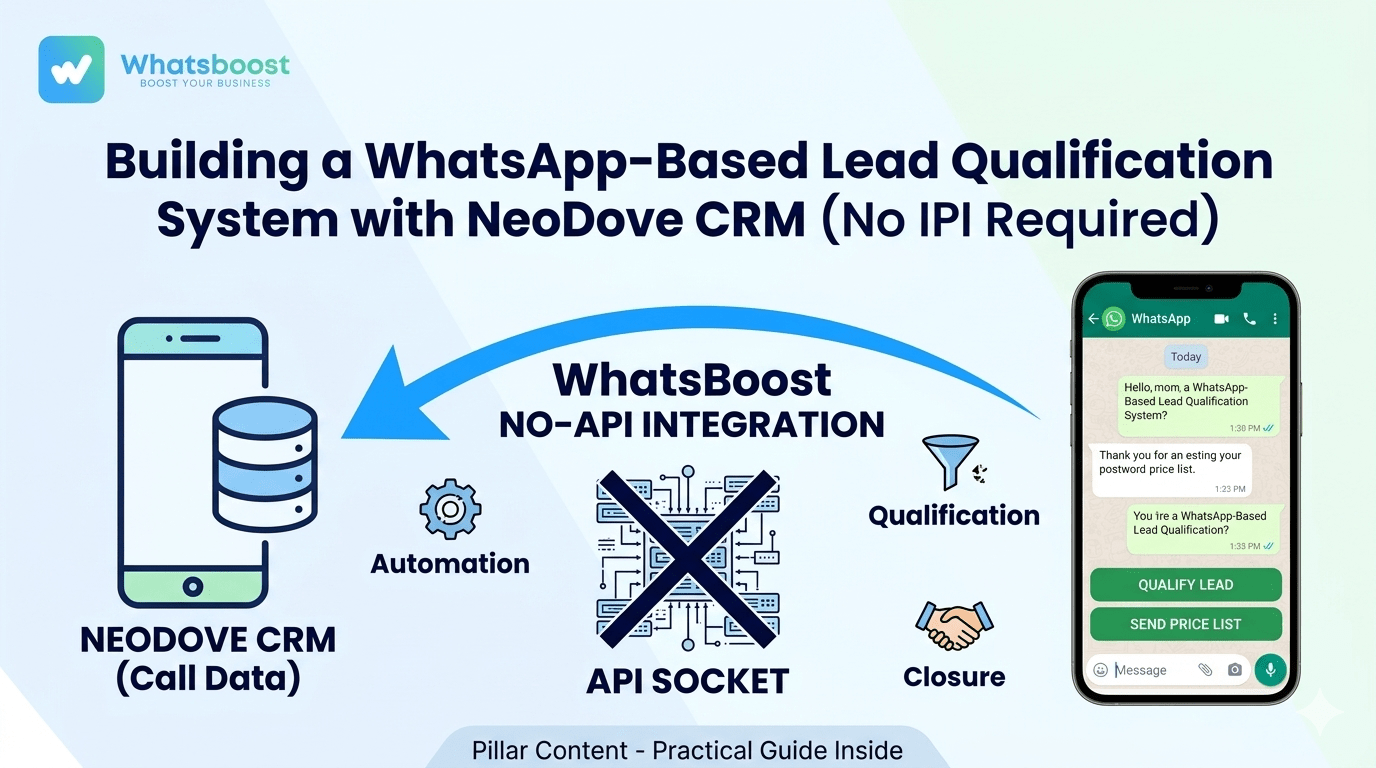
Building a WhatsApp-Based Lead Qualification System with NeoDove CRM (No API Required)
Learn how to build an automated lead qualification system by linking NeoDove CRM with WhatsApp—without the costs and headaches of the official API.
In the world of Indian sales—where "Missed Calls" are leads and "Quick Follow-ups" are sales—the gap between a CRM and WhatsApp can be a deal-killer. While NeoDove CRM is excellent at managing telecalling workflows, most businesses still manually type WhatsApp messages after a call.
If you’ve researched automation before, you’ve likely been told you need the "WhatsApp Business API." But for many, the API is a headache: it has strict template approvals, per-message costs, and complex setup requirements.
The good news? You can build a fully automated qualification system using WhatsBoost and NeoDove without touching an API.
This guide will show you how to turn your WhatsApp into a smart filter that qualifies leads 24/7, all synced perfectly with your NeoDove dashboard.
1. The Problem with the "Manual Hustle"
Most sales teams follow this leaky bucket process:
A telecaller calls a lead from NeoDove.
The lead is interested but busy.
The caller manually saves the number on their personal phone.
They send a generic WhatsApp message 3 hours later.
By then, the lead has forgotten the context or moved to a competitor.
This
2. Why "No API" is the Smarter Move for Indian SMBs
When we say "No API," we refer to a system that uses WhatsApp Automation Workflows instead of the rigid API infrastructure.
No Message Costs: Send unlimited messages without worrying about Meta's conversation-based pricing.
No Template Approvals: Use raw, direct, and human "Hinglish" without waiting 24 hours for Meta to approve your text.
Faster Deployment: You can go live in 30 minutes, not 2 weeks.
Work with Regular Numbers: Use your existing business number that your customers already recognize.
3. The Architecture: How NeoDove Talks to WhatsBoost
Even without an API, NeoDove can send data to other tools using Webhooks. Think of a Webhook as a digital messenger that says, "Hey, a call just ended in NeoDove; here is the lead's phone number."
The Workflow Blueprint:
Trigger: A telecaller updates a lead status in NeoDove (e.g., "Interested" or "Follow-up").
Webhook: NeoDove sends that lead data to WhatsBoost.
Automation: WhatsBoost triggers a predefined qualification bot.
Qualification: The bot asks 2-3 key questions via WhatsApp.
Sync: The answers are captured and can be viewed or exported back to your sales sheet.
4. Setting Up the Qualification Bot (Step-by-Step)
Step 1: Design Your Questions
Don't ask too much. For an Indian context (Real Estate, Loans, or Coaching), keep it to 3 questions:
Requirement: "What are you looking for?"
Budget: "What is your budget range?"
Timeline: "When do you plan to start?"
Step 2: Use "Button" Replies
Typing is a barrier. Use
[Within 7 Days]
[Next 1 Month]
[Just Researching]
Step 3: Trigger via NeoDove Webhooks
Go to your NeoDove Admin Portal > Integrations > Webhook. Paste your WhatsBoost webhook URL. Now, every time your team marks a lead as "Interested," the WhatsApp bot starts working instantly. This
5. Industry-Specific Qualification Workflows
For Real Estate Agents in Gujarat/NCR
Instead of calling everyone, let the bot ask: "Are you looking for 2BHK or 3BHK?" If they click 3BHK, the bot sends the brochure. If they don't click anything, it moves them to a
For Coaching & Tuition Classes
When a parent calls, the bot can instantly send: "Thank you for your inquiry! Which grade is your child in?"
[Grade 8-10]
[Grade 11-12]
6. The "Human" Touch: Copywriting for No-API Bots
Since you aren't restricted by API templates, you can use Hinglish to sound like a real person from your local office.
Bad Copy: "We have received your inquiry. A representative will call you shortly."
Good Copy: "Hi! Abhi aapka call aaya tha NeoDove par. Aapko details chahiye thi? Neeche diye gaye buttons use karke bataiye aapko kya help chahiye."
Using
7. Scaling Without Breaking the Bank
The beauty of this "No-API" system is scalability. Whether you handle 10 leads or 1,000 leads a day, your costs stay predictable. You don't need a massive tech team to maintain it; you just need to keep your NeoDove campaigns updated and your WhatsBoost flows active.
Final Thoughts
Building a WhatsApp-based lead qualification system without API is the ultimate "growth hack" for Indian businesses. It respects your budget while giving you the high-tech features of an enterprise-level CRM.
Stop wasting your telecallers' talent on "junk" leads. Let the automation do the filtering, so your team can focus on what they do best: Closing the deal.
Ready to start your No-API journey?
Want to automate WhatsApp for your business?
Set up campaigns, replies, and follow-ups in minutes.