
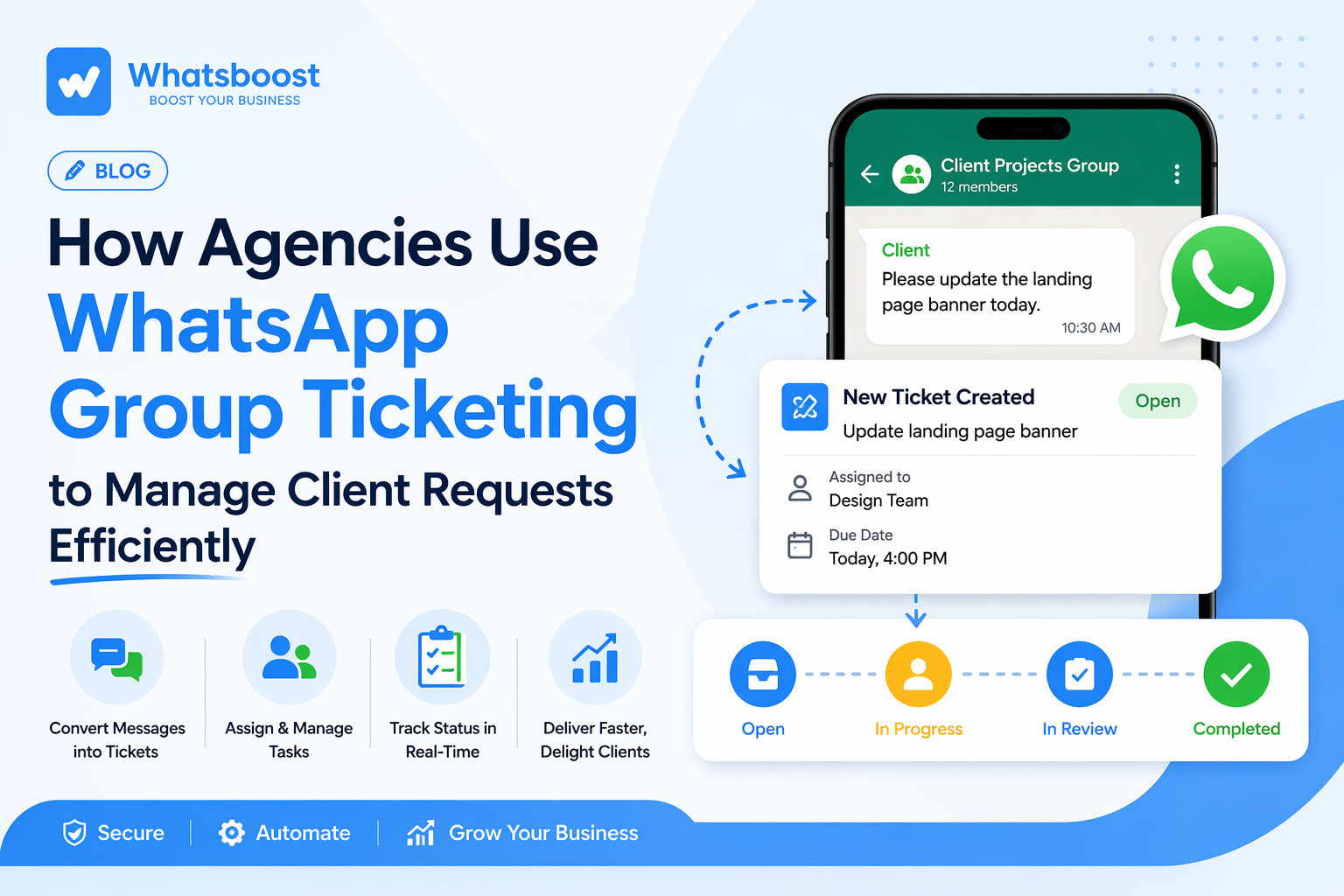
How Agencies Use WhatsApp Group Ticketing to Manage Client Requests Efficiently
Struggling with messy client communication on WhatsApp? Discover how agencies use WhatsApp group ticketing to organize requests, assign tasks, and deliver faster with better clarity and control.
Managing multiple clients on WhatsApp sounds simple—until your team starts missing messages, duplicating work, and chasing updates across endless groups.
For most agencies, WhatsApp begins as a convenience and slowly turns into chaos.
That’s exactly why WhatsApp group ticketing is becoming a core system for modern agencies.
🚩 The Hidden Chaos in Agency Communication
Most agencies deal with:
Multiple client WhatsApp groups
Random task requests buried in chats
No clear ownership of work
Constant follow-ups like “Any update?”
The real issue isn’t WhatsApp.
It’s the lack of a structured workflow behind conversations—something many agencies are now solving by adopting systems explained in this guide on how to automate WhatsApp messaging workflows for service businesses
💡 What is WhatsApp Group Ticketing?
Instead of treating WhatsApp messages as casual chats, agencies convert them into trackable tickets.
So when a client sends:
“Please update the creatives today”
It becomes:
A task (ticket)
Assigned to a team member
With a clear status
This small shift transforms WhatsApp from a messaging app into a client management system.
⚙️ How Agencies Actually Use It
1. Converting Messages into Tasks
Every important message becomes actionable.
No more:
“I missed that message”
“It got lost in the chat”
Everything is captured, tracked, and processed—similar to how structured systems improve engagement and response tracking, as discussed in this breakdown of WhatsApp broadcast limits and smarter communication strategies.
2. Clear Task Ownership
Each request is assigned to a specific person.
This eliminates:
Confusion
Duplicate work
Delays
Now everyone knows:
👉 Who is responsible for what
3. Real-Time Status Tracking
Instead of constant follow-ups:
Clients can see progress
Teams can update status
Managers can monitor everything
This reduces noise and increases clarity.
4. Handling Multiple Clients Without Stress
With 10+ clients, things usually break.
But with ticketing:
Requests are organized
Priorities are clear
Urgent work doesn’t get missed
This is where agencies shift from reactive work to controlled execution.
🔄 Before vs After
❌ Without Ticketing
Scattered chats
Missed tasks
Team confusion
✅ With Ticketing
Structured workflow
Assigned tasks
Faster delivery
🚀 How Whatsboost Enables This System
To implement this properly, agencies need more than just WhatsApp—they need a system layer on top of it.
That’s where platforms like Whatsboost come in.
Instead of managing chats manually, agencies can use tools like **** to:
Convert messages into tickets automatically
Assign tasks within workflows
Track progress without leaving WhatsApp
Manage multiple client groups efficiently
This transforms WhatsApp into a central operations hub for agencies.
🧠 Why This Matters in 2026
Client expectations are higher than ever:
Faster responses
Clear communication
Zero missed tasks
Agencies still relying on manual tracking will struggle to scale.
Those using structured systems like group ticketing will:
Deliver faster
Reduce stress
Retain clients longer
📌 Final Thoughts
WhatsApp isn’t going anywhere.
But the way agencies use it is evolving fast.
The difference between chaotic agencies and scalable ones is simple:
👉 Systems.
And WhatsApp group ticketing is becoming one of the most powerful systems for client management today.
🚀 Want to See This in Action?
If you’re curious how this works in a real agency setup, you can book a live demo of Whatsboost here:
Want to automate WhatsApp for your business?
Set up campaigns, replies, and follow-ups in minutes.