
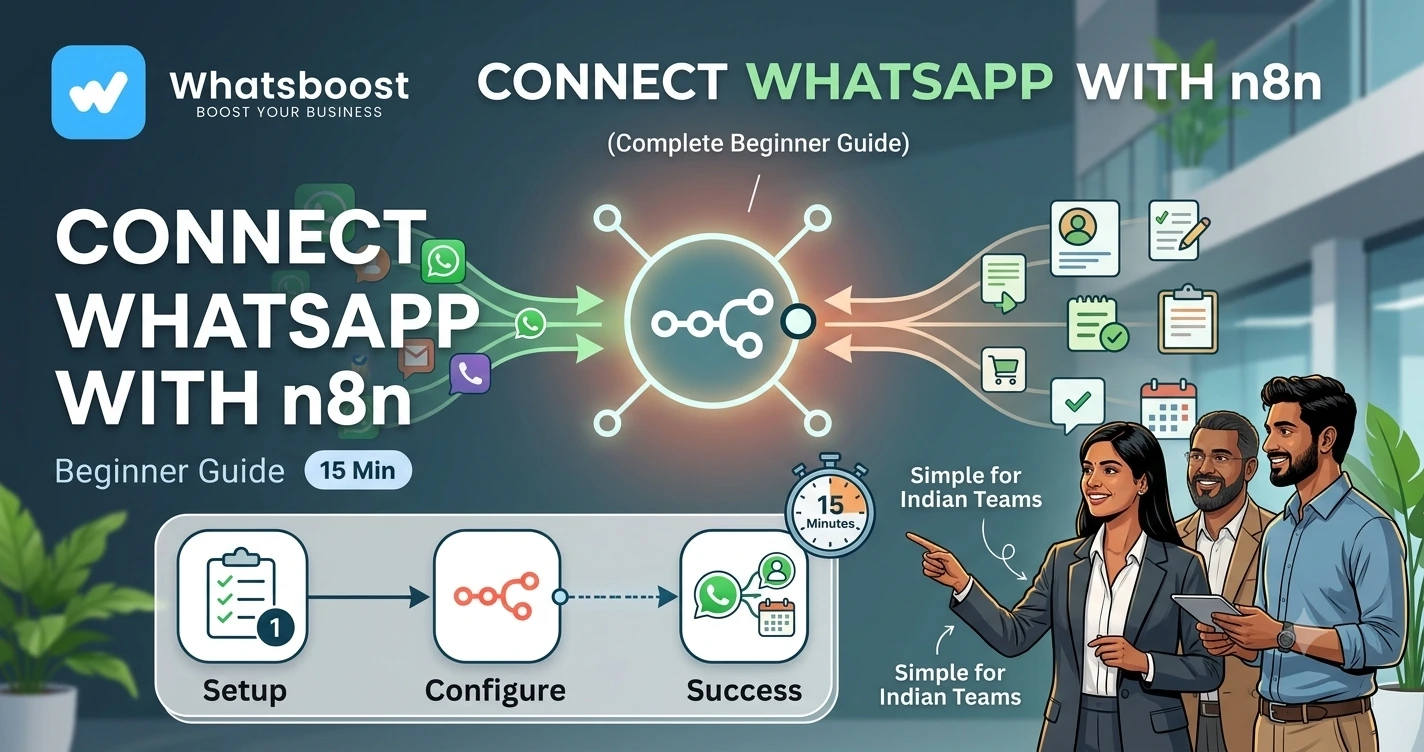
How to Connect WhatsApp with n8n in 15 Minutes (Complete Beginner Guide)
Learn how to connect WhatsApp with n8n in just 15 minutes. Discover how to automate lead capture, notifications, CRM updates, follow-ups, and customer communication using WhatsApp and n8n workflows.
How to Connect WhatsApp with n8n in 15 Minutes
Most businesses waste hours every week on repetitive WhatsApp tasks.
A lead arrives.
Someone manually sends a welcome message.
A sales representative updates the CRM.
Another team member sends a follow-up.
The same process repeats dozens of times every day.
The result?
❌ Missed leads
❌ Delayed responses
❌ Manual work
❌ Human errors
❌ Slower growth
This is exactly why businesses are connecting WhatsApp with n8n.
In less than 15 minutes, you can automate lead management, notifications, CRM updates, follow-ups, and customer communication.
👉 The goal isn't to replace people.
It's to eliminate repetitive work so your team can focus on closing deals and serving customers.
What Is n8n?
n8n is a workflow automation platform that connects different applications and automates processes between them.
Think of it as a bridge.
Instead of manually moving information between systems, n8n handles everything automatically.
For example:
WhatsApp Message Received
↓
Lead Created
↓
CRM Updated
↓
Sales Team Notified
↓
Follow-Up Scheduled
Everything happens without manual intervention.
Many businesses use workflows similar to those discussed in n8n WhatsApp Integration Without API.
Why Connect WhatsApp with n8n?
WhatsApp is where customer conversations happen.
n8n is where automation happens.
When combined, businesses can automate:
✔ Lead capture
✔ CRM updates
✔ Follow-ups
✔ Appointment reminders
✔ Team notifications
✔ Payment reminders
✔ Customer onboarding
✔ Reporting workflows
The result is faster operations and fewer manual tasks.
What You'll Need Before Starting
Before connecting WhatsApp with n8n, you'll need:
- WhatsApp Business Account
- n8n Account or Self-Hosted Instance
- WhatsBoost or WhatsApp API Access
- CRM (optional)
- Google Sheets (optional)
Businesses managing multiple automations often build scalable systems similar to Multi-Client Automation Management Using n8n Self Hosted Infrastructure.
Step 1: Create Your n8n Account
Start by setting up n8n.
You can either:
Use n8n Cloud
Quick and beginner-friendly.
Self-Host n8n
More control and scalability.
Many agencies and automation providers eventually move toward self-hosted infrastructure for managing multiple workflows.
Step 2: Connect WhatsApp
The next step is connecting WhatsApp.
This can be done through:
- WhatsBoost
- WhatsApp Business API
- Meta Cloud API
- Third-party WhatsApp providers
Once connected, n8n can:
- Receive incoming messages
- Send outbound messages
- Trigger workflows
- Update external systems
If you're still evaluating WhatsApp infrastructure, you may also find value in understanding What Is Meta Coexistence.
Step 3: Create Your First Workflow
Let's build a simple lead capture automation.
Workflow:
Website Lead Form Submitted
↓
WhatsApp Message Sent
↓
Lead Saved
↓
CRM Updated
↓
Sales Team Notified
In n8n, this is created using connected nodes.
Each node performs a specific task.
Step 4: Capture Incoming WhatsApp Messages
One of the most common automations is handling incoming enquiries.
For example:
Customer Sends Message
↓
n8n Receives Webhook
↓
Customer Data Extracted
↓
Lead Created
↓
Follow-Up Triggered
Businesses often combine this with reporting workflows similar to How to Automatically Save WhatsApp Conversations to Google Sheets for Reporting
Step 5: Connect WhatsApp to Your CRM
Most businesses don't want conversations living only inside WhatsApp.
They need:
- Lead tracking
- Sales pipelines
- Deal stages
- Customer history
This is why CRM integration is so valuable.
Many companies extend these workflows using Using n8n to Fetch WhatsApp Chats and Send Data to Looker Studio, allowing customer conversations to flow into reporting and operational systems automatically.
Step 6: Automate Team Notifications
One of the easiest wins with n8n is internal notifications.
Example:
New Lead Arrives
↓
Assign Sales Rep
↓
Send WhatsApp Alert
↓
Create Task
↓
Update CRM
No one has to manually inform the team.
Everything happens automatically.
Businesses looking to improve internal coordination often implement ideas similar to Automated Employee Alerts via WhatsApp.
Step 7: Automate Follow-Ups
Most businesses lose leads because follow-ups stop.
Not because customers aren't interested.
n8n can automatically:
✔ Schedule reminders
✔ Trigger follow-up messages
✔ Notify sales teams
✔ Escalate inactive leads
✔ Create CRM tasks
This works exceptionally well alongside strategies discussed in Why Businesses Need Smarter Task Follow-Up Systems.
Example n8n Workflow
Here's a simple automation flow:
Customer Enquiry
↓
WhatsApp Message Received
↓
Lead Qualification
↓
CRM Updated
↓
Task Created
↓
Sales Notification Sent
↓
Follow-Up Scheduled
↓
Lead Converted
Once built, the workflow runs automatically.
Advanced Automations You Can Build
After mastering the basics, you can automate:
Lead Qualification
Automatically identify high-intent prospects.
AI Customer Support
Route conversations through AI agents.
Payment Reminders
Trigger billing notifications automatically.
Appointment Scheduling
Connect calendars and reminders.
Reporting Dashboards
Send WhatsApp data to analytics platforms.
Many businesses expand into workflows inspired by WhatsApp + n8n + Claude: 50 Automation Ideas for Indian Businesses in 2026.
Common Mistakes to Avoid
Automating Everything Immediately
Start simple.
Ignoring Error Handling
Always plan for failures.
Not Using CRM Integration
Data becomes fragmented.
Skipping Notifications
Teams need visibility.
Overcomplicating Workflows
Keep processes easy to maintain.
Before vs After WhatsApp + n8n
| Before Automation | After Automation |
| Manual lead tracking | Automated workflows |
| Delayed responses | Instant actions |
| Repetitive tasks | Automated execution |
| Missed follow-ups | Scheduled nurturing |
| Multiple tools disconnected | Centralized workflow |
| Limited scalability | Growth-ready operations |
How WhatsBoost Helps Businesses Connect WhatsApp with n8n
WhatsBoost helps businesses:
✔ Connect WhatsApp to n8n
✔ Build workflow automations
✔ Integrate CRM systems
✔ Automate follow-ups
✔ Create lead routing systems
✔ Build AI-powered workflows
✔ Manage reporting and notifications
✔ Scale customer communication
The result is a fully automated business communication engine.
Final Conclusion
Most businesses spend too much time manually managing WhatsApp conversations.
As enquiry volumes increase, manual processes become bottlenecks.
Leads wait.
Follow-ups get missed.
Teams become overwhelmed.
By connecting WhatsApp with n8n, businesses can automate repetitive tasks, improve response times, and create scalable workflows that grow with the organization.
The best part?
You can get started in less than 15 minutes.
👉 The future is: WhatsApp + n8n + AI + Automation = Scalable Business Operations 🚀
Want to automate WhatsApp for your business?
Set up campaigns, replies, and follow-ups in minutes.