
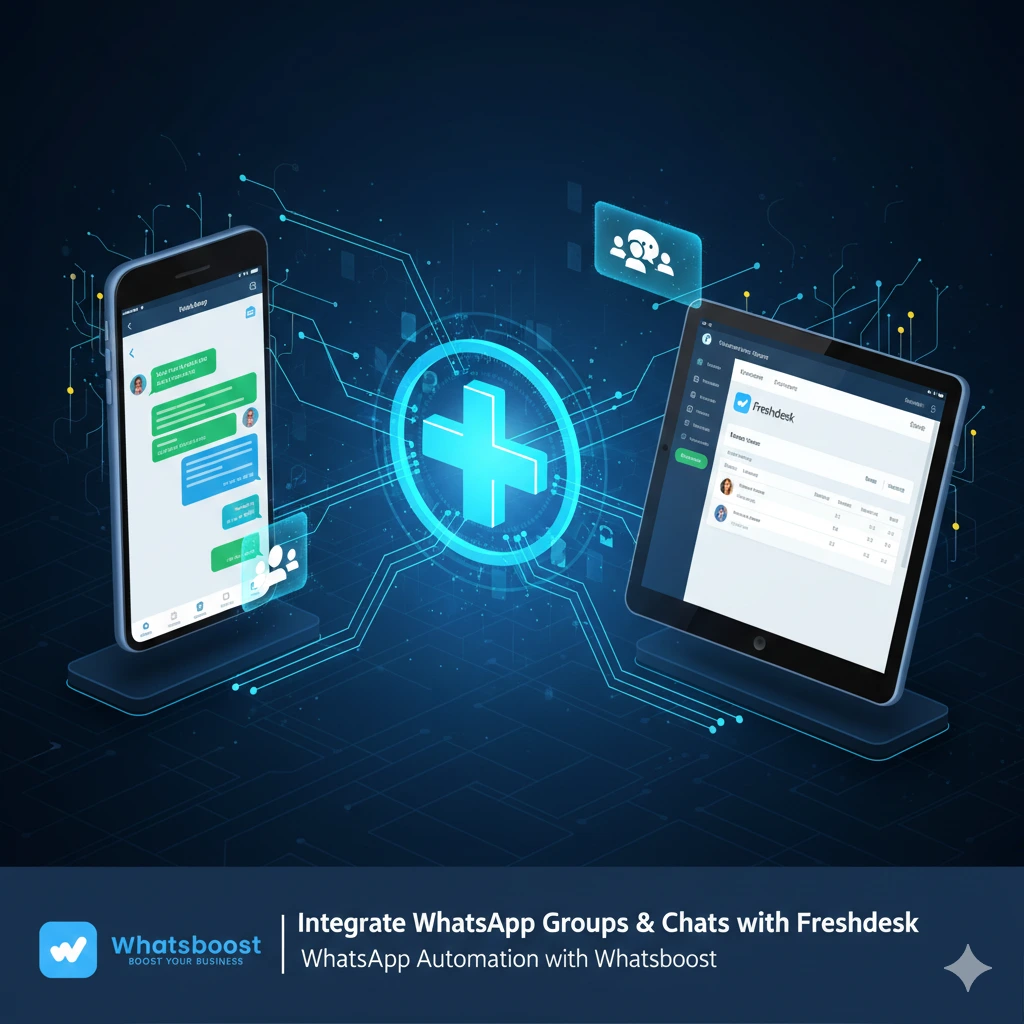
Integrate WhatsApp Groups & Chats with Freshdesk | WhatsApp Automation with Whatsboost
Learn how to integrate WhatsApp Groups and Chats with Freshdesk using Whatsboost. Automate support, create tickets instantly, reply from Freshdesk, and track performance with powerful WhatsApp Automation.
Integrate WhatsApp Groups & Chats with Freshdesk Using Whatsboost
Customer support is no longer limited to emails and phone calls. Today, businesses rely heavily on WhatsApp to communicate with customers, communities, and internal teams. However, managing WhatsApp Groups and chats at scale can quickly become overwhelming without the right system in place.
That’s where WhatsApp Automation steps in.
With Whatsboost, businesses can seamlessly integrate WhatsApp Groups and 1:1 chats with Freshdesk, transforming everyday conversations into structured, trackable support tickets. This integration combines the speed of WhatsApp with Freshdesk’s powerful ticketing capabilities — ensuring no message is missed and every customer query gets resolved efficiently.
If your team is struggling to manage WhatsApp conversations manually, this comprehensive guide will show you how to integrate WhatsApp Groups and Chats with Freshdesk, automate ticket creation, and improve response efficiency.
Why Businesses Need WhatsApp–Freshdesk Integration
WhatsApp has become one of the most important communication channels for businesses worldwide. From customer inquiries to post-purchase support, users expect quick responses.
But here’s the challenge:
WhatsApp Groups generate dozens or even hundreds of messages daily
Important messages get buried in conversations
No centralized tracking of issues
No performance metrics
No ticket prioritization
No SLA management

Without WhatsApp Automation, support teams often rely on manual processes — copying messages, creating tickets separately, and replying across platforms.
Integrating WhatsApp Groups and chats directly with Freshdesk eliminates this inefficiency.
What is Whatsboost’s WhatsApp–Freshdesk Integration?
Whatsboost allows businesses to:
Integrate WhatsApp Groups with Freshdesk
Sync 1:1 WhatsApp chats into Freshdesk tickets
Create tickets instantly from any WhatsApp message
Reply from Freshdesk directly to WhatsApp
Track open tickets, resolution times, and team performance
Manage support at scale with WhatsApp Automation
Instead of switching between multiple tools, your support team can handle everything from Freshdesk while Whatsboost ensures messages flow seamlessly between platforms.
Explore Whatsboost’s automation capabilities further.
Key Features of Integrating WhatsApp Groups & Chats with Freshdesk
1. Connect WhatsApp Groups and 1:1 Chats
Unlike traditional integrations that only support direct chats, Whatsboost enables businesses to integrate WhatsApp Groups as well.
This is crucial for:
Community support groups
Dealer and distributor networks
Franchise support groups
Internal team collaboration groups
Customer onboarding groups
Every message inside a group can now be tracked and converted into actionable tickets inside Freshdesk.
Learn more about managing WhatsApp Groups at scale.
2. Instantly Create Freshdesk Tickets from WhatsApp
Any WhatsApp message — whether from a direct chat or group — can be converted into a Freshdesk ticket within seconds.
This allows support teams to:
Assign tickets to agents
Categorize queries
Set priorities
Add internal notes
Track SLA compliance
No more manual copying and pasting.
With WhatsApp Automation, the process becomes seamless and efficient.
3. Reply from Freshdesk, Delivered Directly to WhatsApp
One of the most powerful features of this integration is the ability to reply directly from Freshdesk.
Here’s how it works:
Agent opens ticket in Freshdesk
Agent replies inside Freshdesk dashboard
Whatsboost automatically sends the response back to the correct WhatsApp chat or group
This ensures:
Faster resolution
Centralized communication
Clear conversation history
No switching between tools
Your team works from Freshdesk while customers continue chatting on WhatsApp.
4. Real-Time Metrics and Performance Tracking
Freshdesk provides powerful analytics — and now WhatsApp conversations are included.
Track:
Open tickets
Pending tickets
Resolution time
First response time
Agent performance
Ticket categories
With WhatsApp Automation integrated into Freshdesk, you gain full visibility into your support operations.
Step-by-Step Guide: How to Integrate WhatsApp Groups & Chats with Freshdesk
Integrating WhatsApp with Freshdesk using Whatsboost is simple and takes only a few minutes.
Step 1: Create a Whatsboost Account
To connect Freshdesk, you must first have a Whatsboost account.
Visit:
👉 https://whatsboost.in/
Sign up and connect your WhatsApp number by scanning the QR code.
Step 2: Navigate to the Freshdesk Integration Section
Once logged in:
Go to the Integrations section
Select Freshdesk
Click “Connect”
Step 3: Enter Freshdesk Details
To successfully integrate, you’ll need:
Freshdesk Domain
Example:
https://yourcompany.freshdesk.com
API Key
To find your API key:
Log in to Freshdesk
Go to Profile Settings
Locate “Your API Key”
Copy and paste the API key into Whatsboost.
Step 4: Confirm and Activate
After entering the required details:
Click Connect
Integration activates instantly
WhatsApp Groups and chats begin syncing
You have now successfully integrated WhatsApp Groups & Chats with Freshdesk.
How This Integration Transforms Customer Support
Let’s look at real-world impact.
Before Integration
Agents constantly switching between WhatsApp and Freshdesk
Missed messages in busy WhatsApp Groups
Delayed responses
No accountability
No ticket tracking
After Integration
All WhatsApp conversations synced to Freshdesk
Structured ticket management
Automated workflows
Improved SLA compliance
Faster resolutions
Clear reporting dashboards
WhatsApp Automation ensures every message becomes actionable.
Use Cases Across Industries
E-commerce
Order queries from WhatsApp groups
Refund requests
Delivery complaints
Product inquiries
EdTech
Student support groups
Course enrollment queries
Technical issues
Real Estate
Project update groups
Buyer queries
Site visit coordination
Healthcare
Appointment bookings
Patient support groups
Lab result inquiries
SaaS & Tech Companies
Customer onboarding groups
Beta user communities
Technical troubleshooting
No matter your industry, integrating WhatsApp Groups with Freshdesk helps scale support operations efficiently.
Why Whatsboost Stands Out in WhatsApp Automation
While several tools offer WhatsApp integrations, Whatsboost uniquely supports:
WhatsApp Groups integration (not just 1:1 chats)
Bulk messaging capabilities
CRM integration
Advanced analytics
Ticket syncing
Role-based access
Secure number management
Explore more about Whatsboost features here:
👉 https://whatsboost.in/features
Benefits of WhatsApp Automation for Support Teams
Increased Efficiency
Automated ticket creation saves hours daily.
Improved Customer Satisfaction
Faster replies lead to higher CSAT scores.
Centralized Communication
No scattered conversations across platforms.
Scalable Operations
Manage hundreds of WhatsApp Groups without chaos.
Better Team Collaboration
Internal notes and ticket tagging improve coordination.
Security and Compliance
When integrating WhatsApp with Freshdesk, data security is critical.
Whatsboost ensures:
Secure API authentication
Controlled access permissions
Encrypted communication
Centralized data logging
Your support operations remain compliant and protected.
How WhatsApp Automation Improves Team Productivity
By integrating WhatsApp Groups and chats with Freshdesk:
Agents focus on solving issues rather than managing messages
Managers track real-time metrics
Teams prioritize urgent tickets
Follow-ups are automated
Escalations happen systematically
Automation reduces manual workload and improves operational accuracy.
Best Practices for Using WhatsApp–Freshdesk Integration
To maximize results:
Set clear ticket categories
Use tags for WhatsApp Group queries
Define SLA policies
Train agents on Freshdesk workflows
Monitor analytics weekly
Optimize response templates
Consistency is key to getting the most out of WhatsApp Automation.
Frequently Asked Questions (FAQs)
What does it mean to integrate WhatsApp Groups with Freshdesk?
It means syncing WhatsApp Group conversations with Freshdesk so messages can be converted into tickets, tracked, and managed within Freshdesk.
Can I integrate both 1:1 chats and WhatsApp Groups?
Yes. Whatsboost allows integration of both direct chats and group conversations.
Do I need technical expertise to set it up?
No. The setup process is simple and requires only your Freshdesk domain and API key.
Can agents reply from Freshdesk directly?
Yes. Replies made in Freshdesk are automatically delivered to the corresponding WhatsApp chat or group.
Is WhatsApp Automation safe?
Yes. Whatsboost uses secure API authentication and encrypted communication.
FAQs About Whatsboost Automation
What is Whatsboost?
Whatsboost is a WhatsApp Automation platform that helps businesses manage WhatsApp Groups, chats, bulk messaging, ticketing, CRM integrations, and analytics at scale.
Does Whatsboost support bulk messaging?
Yes. You can send bulk messages to multiple WhatsApp Groups and contacts in a single click.
Can Whatsboost integrate with other CRMs?
Yes. Whatsboost supports CRM integrations, enabling centralized customer management.
Is Whatsboost suitable for large teams?
Absolutely. It is designed for businesses managing high-volume WhatsApp conversations.
How long does setup take?
It takes less than a minute to connect your WhatsApp number and integrate Freshdesk.
Ready to Transform Your Customer Support?
Managing WhatsApp Groups and chats manually is no longer sustainable for growing businesses.
By integrating WhatsApp with Freshdesk using Whatsboost, you can:
Automate ticket creation
Manage WhatsApp Groups efficiently
Track performance metrics
Improve resolution times
Enhance customer satisfaction

WhatsApp Automation is no longer optional — it’s essential.
Start optimizing your support workflow today.
👉 Try Whatsboost for free: https://whatsboost.in/
Want to automate WhatsApp for your business?
Set up campaigns, replies, and follow-ups in minutes.