
WhatsApp + Hive Automation: Turning Conversations Into Structured Workflows in 2026 | Whatsboost
Learn how WhatsApp and Hive automation turns conversations into structured workflows in 2026. Discover practical workflows, setup steps, and how Whatsboost helps Indian teams bridge WhatsApp communication with Hive project management automatically.
WhatsApp + Hive Automation: Turning Conversations Into Structured Workflows in 2026
Every Indian business team has two operational realities running simultaneously. The first is the conversation layer — fast, fluid, and overwhelmingly WhatsApp-based. Instructions, approvals, updates, feedback, change requests, and coordination flow through WhatsApp at a pace that keeps teams aligned in real time. The second is the workflow layer — structured, accountable, and managed in a project management platform like Hive. Tasks, deadlines, assignees, milestones, and deliverables are tracked here with the rigour that professional project delivery demands.
The gap between these two layers is where Indian project teams lose the most — and where the greatest operational improvement opportunity exists. Conversations that should become workflows stay as conversations. Instructions that should become tracked tasks stay as WhatsApp messages. Agreements that should be formally documented stay visible only to those present in the original thread.
In 2026, WhatsApp and Hive automation — powered by Whatsboost — closes this gap systematically. This blog explains how to build a connected WhatsApp and Hive system that turns every relevant conversation into a structured workflow automatically, and what this means for Indian teams serious about delivery quality and operational efficiency.
The Operational Case for Connecting WhatsApp and Hive
Before exploring the how, it is worth articulating precisely why this connection matters for Indian businesses — because the problem is often felt acutely but not always diagnosed at the root.
Conversations Without Structure Are Invisible to the Team
A conversation between a project manager and a client on WhatsApp — even one that results in clear agreement on a scope change, a revised deadline, or a new deliverable — has zero operational existence in Hive until someone manually creates the corresponding task. If that manual creation step is missed, skipped, or delayed, the agreement lives only in the WhatsApp thread. Team members working in Hive have no visibility into it. The work is not planned for. The deadline is not scheduled. The deliverable is not assigned.
Structure Without Conversation Context Leads to Misexecution
The reverse problem is equally damaging. When tasks are created in Hive without the full conversational context from which they emerged — the client's exact wording, the tone of urgency, the accompanying reference file shared in WhatsApp — the team member assigned to the task is working with incomplete information. The result is deliverables that technically respond to the task description but miss the nuance the client actually communicated.
Connecting WhatsApp and Hive through automation solves both problems simultaneously — every conversation becomes a structured workflow, and every structured workflow carries the complete conversation context that makes accurate execution possible.
Whatsboost is the WhatsApp Business API layer that makes this connection real-time, reliable, and scalable for Indian teams. Visit Whatsboost.in to learn more.
What a Connected WhatsApp and Hive System Looks Like
A fully connected WhatsApp and Hive automation system operates in two simultaneous directions — conversations generating workflows and workflows generating conversations — creating a closed loop of structured communication that keeps every team member and every stakeholder continuously aligned.
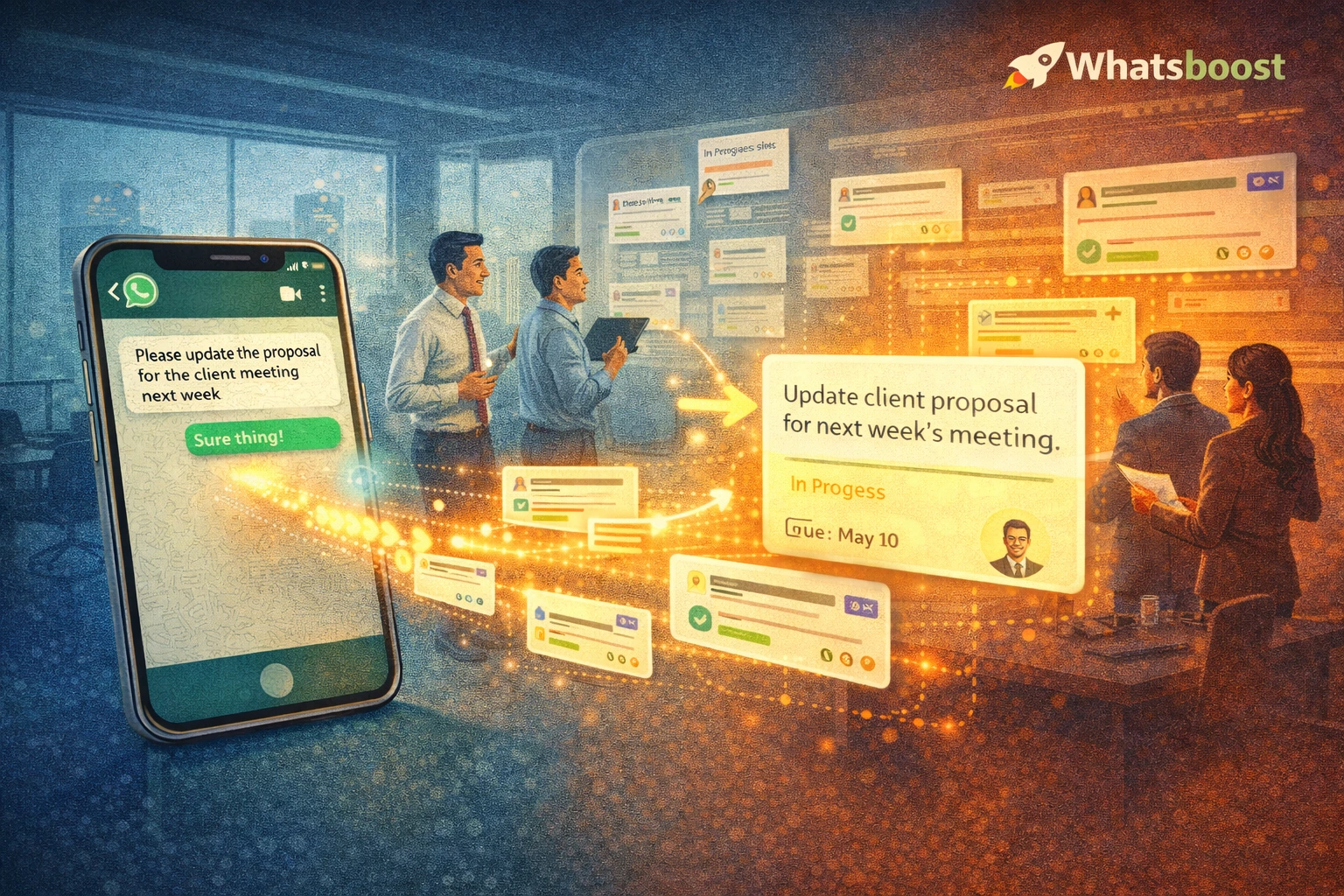
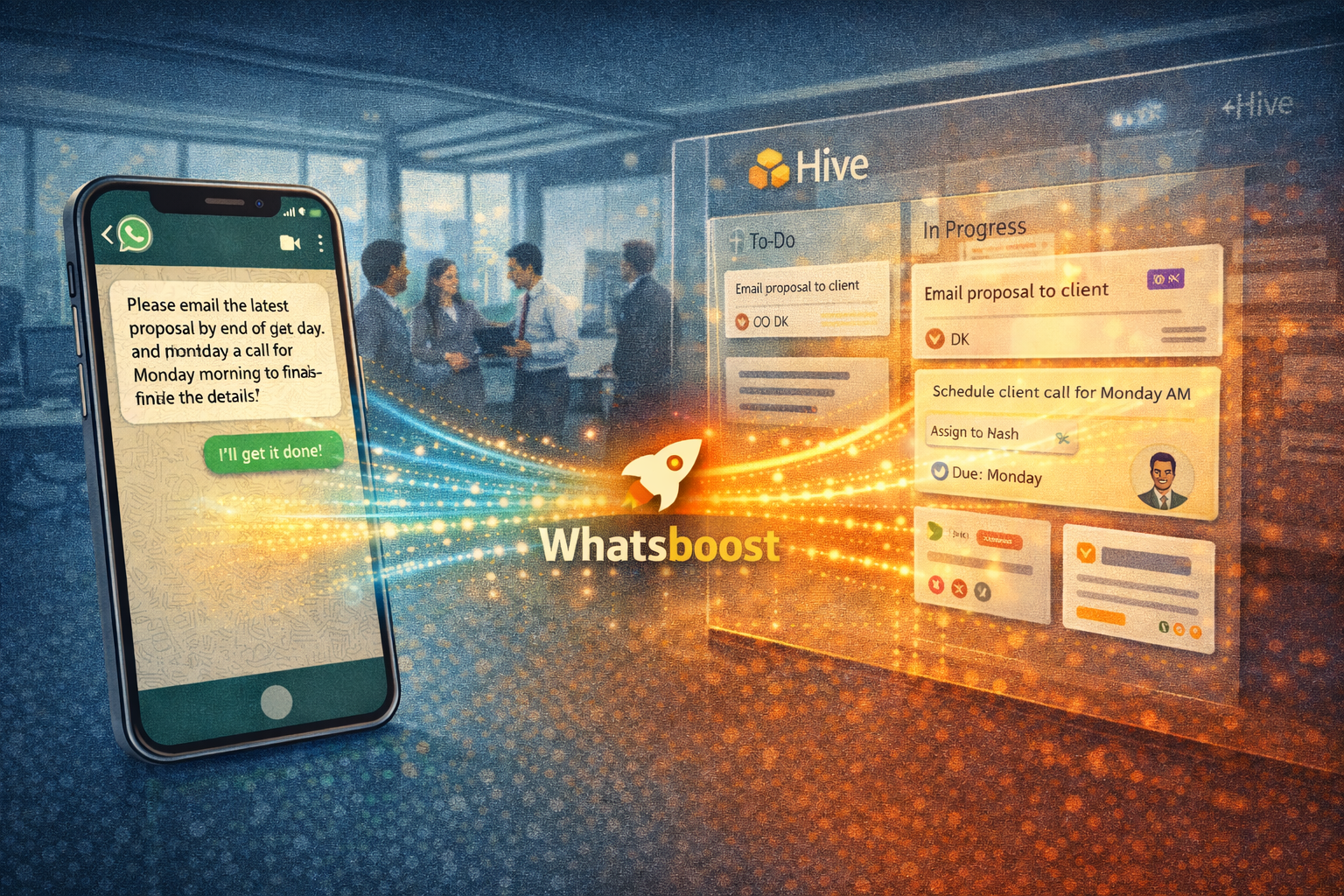
Conversations generating workflows — When a client sends a change request on WhatsApp, the message is automatically captured by Whatsboost, categorised by conversation label, and converted into a structured Hive action card — complete with the original message content, sender details, and timestamp. The task exists in Hive within seconds of the client pressing Send.
Workflows generating conversations — When a Hive task is assigned, its status changes, or a deadline is approaching, Whatsboost automatically delivers a targeted WhatsApp notification to the relevant team member, project manager, or client — keeping all stakeholders informed on the channel they check most consistently, without requiring anyone to log into Hive to discover the update.
Together, these two directions create a project communication system where no instruction is lost, no update is missed, and no stakeholder is ever uninformed about the current state of work.
Building Your WhatsApp and Hive Automation System With Whatsboost
Step 1: Activate WhatsApp Business API via Whatsboost
The entire automation runs on the WhatsApp Business API — which Whatsboost activates as an authorised WhatsApp Business Solution Provider. Without the API, real-time message capture, webhook firing, and automated WhatsApp message delivery are not available. This is the non-negotiable first step. Start at Whatsboost.in.
Step 2: Centralise WhatsApp Communication in Whatsboost Shared Inbox
Move all project-related WhatsApp communication — client conversations, internal team messages, and stakeholder updates — into Whatsboost's shared team inbox. This centralisation is what makes systematic conversation capture possible across the whole team rather than from individual devices.
Configure standard conversation labels across the entire team — "Client Instruction," "Change Request," "Approval," "Bug Report," "Internal Task," "Urgent Action" — so every relevant WhatsApp message is categorised consistently. These labels are the routing keys that determine which Hive project each conversation maps to and what type of workflow it initiates.
Step 3: Build the Conversation to Workflow Pipeline
In Zapier or Make, create the automation that fires when a Whatsboost conversation label is applied to an incoming WhatsApp message:
WhatsApp message labelled "Client Instruction" — Creates a new Hive action card in the client's project workspace, with the message content as the task description, the client's name as requester, a default due date, and the assigned project team member — then sends the client an automatic WhatsApp acknowledgement with a task reference number.
WhatsApp message labelled "Change Request" — Creates a Hive action card tagged as a change request, notifies the project manager via WhatsApp with the full request details and a direct link to the card, and sends the client an acknowledgement confirming the change request is under review.
WhatsApp message labelled "Approval" — Updates the status of the relevant pending Hive action card from "Awaiting Approval" to "Approved," notifies the assigned team member via WhatsApp that they can proceed, and logs the approval timestamp and original WhatsApp message as a comment on the Hive card — creating a formal approval audit trail.
WhatsApp message labelled "Urgent Action" — Creates a high-priority Hive action card with a same-day due date, sends an immediate WhatsApp notification to the project lead, and flags the task as critical in the Hive workspace — ensuring urgent client instructions receive the fastest possible team response.
Step 4: Build the Workflow to Conversation Pipeline
Configure the reverse automation that fires when specific Hive events occur — turning workflow updates into WhatsApp conversations:
Hive task newly assigned — Whatsboost sends a personalised WhatsApp notification to the assigned team member with the task name, project, due date, and direct Hive card link — ensuring assignments are acknowledged on WhatsApp within seconds rather than hours.
Hive task moved to "In Review" — Whatsboost sends a WhatsApp notification to the project manager and quality reviewer — flagging that a deliverable is ready for review and including the Hive card link for immediate access.
Hive task marked "Complete" — Whatsboost sends a WhatsApp update to the client or original requester confirming the task is done — closing the loop on the original WhatsApp instruction that initiated the workflow.
Hive task overdue — Whatsboost sends an escalation WhatsApp alert to the assigned team member and the project manager — flagging the task name, days overdue, and requesting an immediate status update or revised timeline.
Visit Whatsboost.in for configuration guidance on both pipeline directions.
Step 5: Define and Enforce Your Labelling Convention Across the Team
The entire automation depends on consistent conversation labelling in Whatsboost. A message that should create a Hive task but is never labelled stays as a conversation — defeating the purpose of the system. Invest in a brief team training session that explains the labelling convention, the five or six standard labels, and why consistent application directly improves the quality of the workflow data every team member depends on.
Configure Whatsboost's keyword auto-detection to automatically suggest labels when trigger phrases are detected — "please change," "approved," "urgent," "can you add" — reducing the manual labelling burden and improving coverage for messages that arrive outside core working hours.
Structured Workflow Scenarios That Transform Indian Project Delivery
Agency client management — Every client instruction, revision request, and approval that arrives on WhatsApp is automatically converted into a tracked Hive action card — creating a complete, time-stamped project record that protects the agency against scope disputes, payment delays, and unclear deliverable accountability.
Software development sprints — Bug reports, feature requests, and developer task assignments sent via WhatsApp are automatically converted into Hive sprint tasks — with the original WhatsApp context preserved in the card — while Hive sprint updates fire WhatsApp notifications to keep the whole team and the client aligned on progress without daily standups consuming unnecessary time.
Operations and field team management — Field staff send task completion confirmations, issue reports, and material requests via WhatsApp. These are automatically converted into Hive operational tasks — with the field team member's message preserved as context — and Hive task assignments are delivered back to field staff on WhatsApp, which they check continuously throughout the working day regardless of their location.

Best Practices for WhatsApp and Hive Workflow Automation
Build the conversation layer first, then the workflow layer. Establish your Whatsboost shared inbox, conversation labels, and client communication conventions before configuring the Hive task creation automation. A stable conversation layer with consistent labelling produces high-quality workflow data — a chaotic conversation layer produces chaotic tasks that make the Hive workspace harder to manage, not easier.
Design your Hive project structure to match your WhatsApp conversation categories. The routing logic between WhatsApp and Hive is most reliable when the structure of your Hive workspace mirrors the labelling taxonomy of your Whatsboost conversation categories. Each Whatsboost label should map to a specific Hive project or action card template — creating a one-to-one relationship that your automation platform can execute without ambiguity.
Audit the full conversation-to-workflow loop monthly. Review a sample of WhatsApp conversations from the previous month alongside their corresponding Hive action cards — checking that the task content accurately reflects the original conversation intent, that completion notifications reached the right recipients, and that no qualifying conversations were left unlabelled and therefore unprocessed. Monthly audits catch system drift before it becomes a delivery quality issue.
The Gap Between Conversation and Workflow Is Where Delivery Fails
In 2026, Indian project teams that have automated the bridge between WhatsApp conversations and Hive structured workflows operate with a project delivery quality that informally managed communication simply cannot achieve. Every instruction is documented. Every workflow has context. Every team member is informed. Every client is updated. And every project manager has complete, real-time visibility into all of it — without manual bridging effort or communication overhead.
With Whatsboost connecting your WhatsApp Business API to Hive through intelligent, bidirectional automation, this operational standard is achievable for any Indian team — whether you are a two-person consultancy or a fifty-person agency.
Visit Whatsboost.in and start turning your WhatsApp conversations into structured Hive workflows today.
Want to automate WhatsApp for your business?
Set up campaigns, replies, and follow-ups in minutes.