
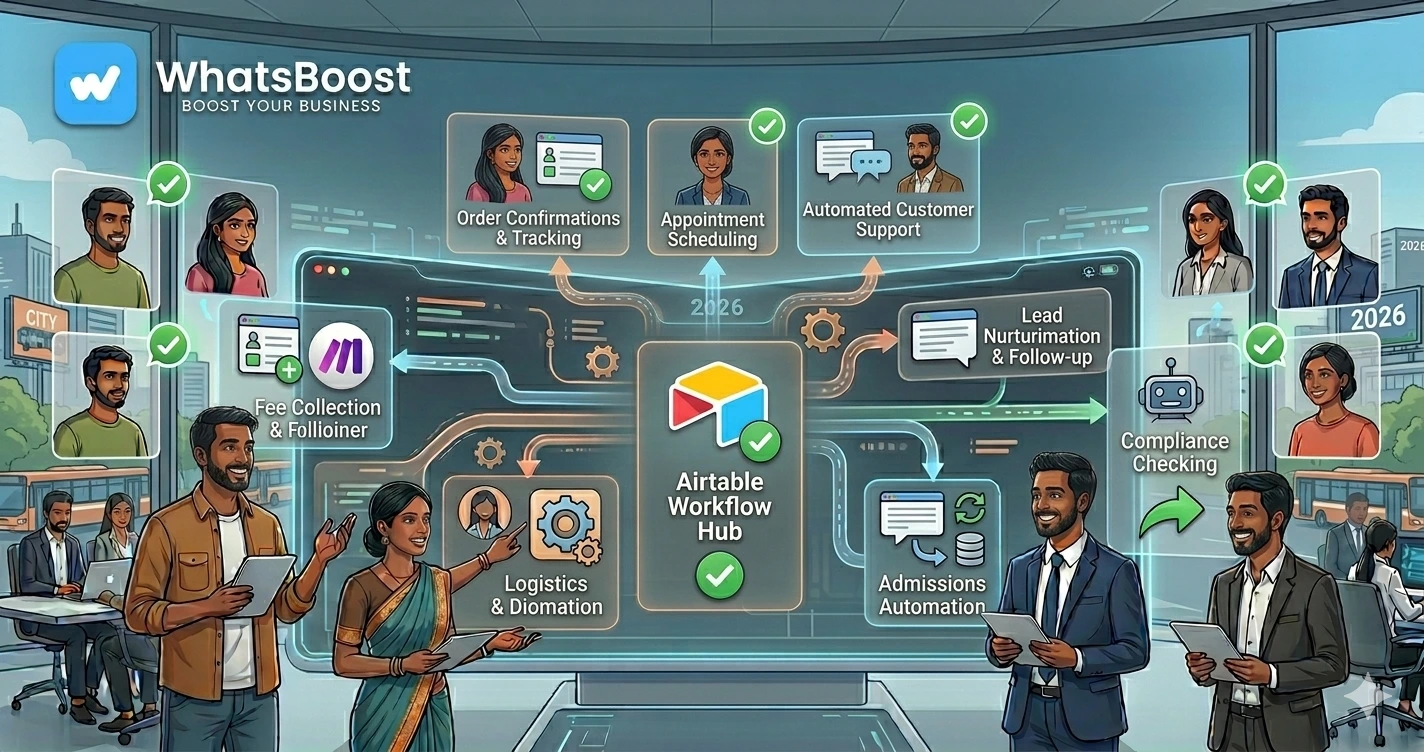
10 Airtable + WhatsApp Automations Every Business Should Implement (2026 Guide)
Discover 10 powerful Airtable and WhatsApp automation workflows that help businesses automate lead management, customer support, CRM updates, appointment reminders, reporting, and operations.
10 Airtable + WhatsApp Automations Every Business Should Implement
Most businesses have information scattered across multiple systems.
Leads are stored in spreadsheets.
Customer details live inside CRMs.
Support requests arrive through WhatsApp.
Tasks are managed elsewhere.
The result?
❌ Duplicate data
❌ Missed follow-ups
❌ Manual updates
❌ Poor visibility
❌ Operational inefficiencies
This is why many businesses are combining Airtable and WhatsApp automation.
Airtable acts as a flexible database and operational hub, while WhatsApp becomes the communication channel.
Together, they create powerful business automation workflows.
Let's explore 10 Airtable + WhatsApp automations every business should consider implementing.
Why Businesses Use Airtable with WhatsApp
Airtable is much more than a spreadsheet.
It can function as:
- CRM
- Lead database
- Project management system
- Customer management platform
- Operations dashboard
When integrated with WhatsApp, businesses can automate communication based on Airtable data.
Common use cases include:
- Lead nurturing
- Customer support
- Appointment reminders
- Internal operations
- Reporting
Many businesses start by implementing workflows similar to How to Integrate CRM With WhatsApp for Automation.
1. New Lead in Airtable → Instant WhatsApp Follow-Up
One of the simplest and most valuable automations.
Workflow:
Lead Added to Airtable
↓
WhatsApp Welcome Message Sent
↓
Sales Team Notified
This ensures every lead receives immediate attention.
Businesses generating leads often combine this with strategies from WhatsApp Lead Generation Strategies for Coaches, Consultants, and Agencies.
2. Airtable Lead Status Change → Automated Customer Updates
When lead status changes, customers can automatically receive updates.
Example:
Qualified Lead
↓
WhatsApp Message Sent
↓
Meeting Link Shared
↓
Next Steps Explained
This improves communication consistency.
3. Airtable CRM → Follow-Up Reminder Automation
One of the biggest sales problems is forgotten follow-ups.
Workflow:
Follow-Up Date Reached
↓
Airtable Trigger Activated
↓
WhatsApp Reminder Sent
↓
Sales Rep Notified
This helps prevent lost opportunities.
4. Appointment Booking → WhatsApp Confirmation
Many businesses use Airtable to manage appointments.
Workflow:
Appointment Added to Airtable
↓
Confirmation Sent
↓
Reminder Scheduled
↓
Meeting Completed
↓
Feedback Request Sent
This reduces no-shows and improves customer experience.
5. Customer Support Tracking
Airtable can function as a lightweight support management system.
Workflow:
Customer Sends WhatsApp Message
↓
Support Ticket Created in Airtable
↓
Team Assigned
↓
Status Updated
↓
Customer Notified
Businesses implementing AI support often explore solutions similar to Claude vs ChatGPT for WhatsApp Customer Support Automation.
6. Airtable Payment Tracking → WhatsApp Reminders
Late payments impact cash flow.
Workflow:
Invoice Recorded in Airtable
↓
Due Date Approaching
↓
WhatsApp Reminder Sent
↓
Payment Received
↓
Confirmation Sent
Many organizations use approaches similar to How to Send Payment Reminders on WhatsApp Automatically.
This reduces manual collections work.
7. Airtable Project Management → Team Notifications
Businesses often use Airtable to manage projects and tasks.
Workflow:
Task Assigned
↓
WhatsApp Alert Sent
↓
Deadline Reminder Scheduled
↓
Completion Tracked
This improves accountability and execution.
8. AI Lead Qualification Using Airtable
AI and Airtable work exceptionally well together.
Workflow:
Lead Added
↓
AI Reviews Lead Information
↓
Lead Scored
↓
Score Saved in Airtable
↓
WhatsApp Follow-Up Triggered
Businesses increasingly build systems similar to 10 AI Agent Workflows Every Business Should Implement.
This helps sales teams prioritize effectively.
9. Event Registration Management
Airtable is commonly used for event management.
Workflow:
Registration Submitted
↓
Record Added to Airtable
↓
WhatsApp Confirmation Sent
↓
Reminder Sequence Triggered
↓
Attendance Recorded
This improves event participation rates.
10. Airtable Dashboard → Daily WhatsApp Reports
Leadership teams need visibility.
Workflow:
Daily Metrics Calculated
↓
Airtable Dashboard Updated
↓
WhatsApp Summary Sent
Examples include:
- New leads
- Sales activity
- Support tickets
- Revenue figures
- Pending tasks
Businesses often combine reporting systems with strategies from WhatsApp + Google Sheets + Looker Studio: The Ultimate Reporting Stack for Businesses.
This provides real-time operational visibility.
Example Airtable + WhatsApp Workflow
A typical automation might look like:
Lead Submitted
↓
Added to Airtable
↓
Lead Assigned
↓
WhatsApp Welcome Message Sent
↓
AI Qualifies Lead
↓
Sales Team Notified
↓
Follow-Up Scheduled
↓
Dashboard Updated
Everything happens automatically.
Why Airtable Works Well for Automation
Easy Database Management
No complex CRM required.
Flexible Workflows
Adapt processes as your business evolves.
Centralized Information
Keep customer and operational data organized.
Strong Integration Capabilities
Connect with WhatsApp, AI tools, CRMs, and automation platforms.
Scalability
Grow workflows without rebuilding systems.
Before vs After Airtable + WhatsApp Automation
| Before Automation | After Automation |
| Manual follow-ups | Automated engagement |
| Spreadsheet chaos | Centralized database |
| Delayed communication | Instant updates |
| Missed tasks | Automated reminders |
| Limited visibility | Real-time reporting |
| Operational inefficiency | Streamlined workflows |
How WhatsBoost Helps Businesses Build Airtable Automations
WhatsBoost helps businesses implement:
✔ Airtable Workflow Automation
✔ WhatsApp Integrations
✔ CRM Systems
✔ AI Agent Workflows
✔ Lead Qualification Automation
✔ Customer Support Systems
✔ Payment Reminder Workflows
✔ Reporting Dashboards
Whether you're managing leads, customers, projects, or operations, WhatsBoost helps create automation systems that improve efficiency and business growth.
Final Conclusion
Airtable and WhatsApp are a powerful combination for businesses looking to automate operations without investing in complex software systems.
From lead management and customer support to payment reminders, project tracking, and AI-driven workflows, these automations help eliminate repetitive work while improving customer experiences.
The businesses gaining the biggest advantage in 2026 aren't just collecting data.
They're turning data into automated actions.
👉 The future is: Airtable + WhatsApp + AI + Automation = Smarter Business Operations 🚀
Want to automate WhatsApp for your business?
Set up campaigns, replies, and follow-ups in minutes.