
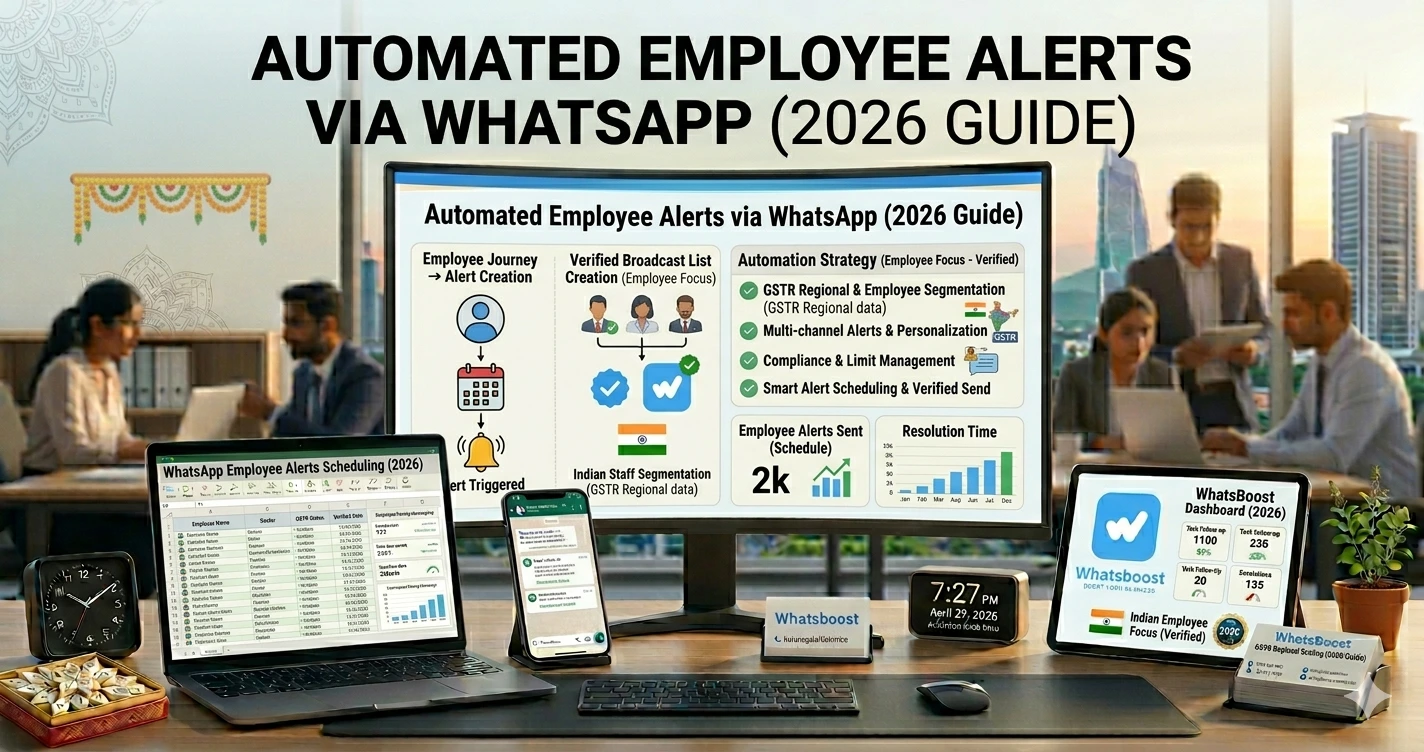
Automated Employee Alerts via WhatsApp: Benefits, Use Cases & Setup Guide (2026)
Whatsapp reminders and automation are helpful for accountablity. Whatsboost helps build these systems customised for your organisations as well as Whatsapp internal group automations.
Internal Communication is Slowing Down Your Team
Every business faces this challenge 👇
- Employees miss important updates
- Messages get buried in chats
- Urgent alerts go unnoticed
- Managers keep repeating instructions
👉 And the result?
❌ Delays in execution
❌ Miscommunication
❌ Reduced productivity
The Reality: Teams Don’t Need More Messages — They Need Better Alerts
Let’s be honest 👇
Most companies already use:
- WhatsApp groups
- Emails
- Internal tools
But still 👇
❌ Important updates are ignored
❌ Critical alerts are missed
❌ No structured communication
👉 If you're still managing communication manually, first understand how WhatsApp automation without Business API works — this is the foundation of automated alerts.
What Are Automated Employee Alerts?
Simple explanation 👇
👉 Automated alerts are:
- Pre-defined messages
- Triggered by events
- Sent instantly to employees
👉 Examples:
- “New lead assigned”
- “Payment received”
- “Task deadline approaching”
👉 These alerts ensure:
✔ Everyone stays informed
✔ No manual follow-ups
✔ Faster execution
Why WhatsApp is the Best Channel for Employee Alerts
📲 High Open Rates
Almost 98% message open rate
⚡ Instant Delivery
No delay like emails
👀 High Visibility
Employees check WhatsApp frequently
💬 Familiar Platform
No learning curve
👉 To understand how teams track communication better, explore platforms to track conversations and deal progress
Key Benefits of Automated Employee Alerts
1. Real-Time Communication
No waiting
👉 Alerts are sent instantly when events happen
✔ Faster decisions
✔ Faster execution
2. Reduced Manual Work
No need to:
❌ Call employees
❌ Send repeated messages
👉 System handles everything
3. Improved Accountability
Every alert:
✔ Is recorded
✔ Is delivered
✔ Can be tracked
👉 No excuses
4. Faster Task Completion
When employees are informed instantly:
✔ Tasks start earlier
✔ Deadlines are met
👉 Combine this with task delegation on WhatsApp for full workflow automation.
5. Better Team Coordination
Everyone gets the same information
✔ No confusion
✔ No miscommunication
6. Higher Productivity
Less time spent on:
- Coordination
- Clarifications
👉 More time for execution
7. Scalable Communication System
Manual communication doesn’t scale
👉 Automation does
✔ 10 employees → manageable
✔ 100+ employees → requires system
Common Types of Employee Alerts
🔔 Task Alerts
- New task assigned
- Deadline reminders
📊 Sales Alerts
- New lead assigned
- Deal closed
👉 See how businesses turn TradeIndia leads into a sales machine using structured workflows.
💰 Payment Alerts
- Payment received
- Pending invoices
🛒 Order Alerts
- New order received
- Dispatch updates
⚠️ Urgent Alerts
- System issues
- Emergency updates
Step-by-Step: Set Up Automated Employee Alerts
Step 1: Identify Alert Triggers
Ask:
👉 When should alerts be sent?
Examples:
- New lead
- Task assigned
- Deadline approaching
Step 2: Define Message Templates
Keep them:
✔ Short
✔ Clear
✔ Actionable
Example:
“New Lead Assigned: Rahul (Interested in bulk order)”
Step 3: Connect Data Sources
Sources:
- CRM
- Google Sheets
- Forms
👉 You can automate workflows using Google Forms to WhatsApp automation
Step 4: Set Automation Rules
Define:
- Trigger → Action
Example:
Lead captured → Send alert to sales team
Step 5: Assign Recipients
Send alerts to:
✔ Specific employees
✔ Teams
✔ Managers
Step 6: Enable WhatsApp Delivery
Use automation tools to:
✔ Send messages
✔ Track delivery
✔ Manage responses
Step 7: Monitor & Optimize
Track:
- Response time
- Task completion
👉 Improve continuously
Real Workflow (Simple Table)
| Step | Action | Result |
| Event occurs | Trigger activated | Alert generated |
| Message sent | WhatsApp delivery | Employee notified |
| Action taken | Task executed | Work completed |
Best Use Cases
🏢 Sales Teams
- Lead alerts
- Follow-ups
👉 Combine with lead qualification systems
🛒 E-commerce
- Order updates
- Inventory alerts
🏭 B2B Businesses
- Client updates
- Internal coordination
🎓 Agencies
- Project alerts
- Deadline reminders
Advanced Strategies (Expert Level)
🔁 Multi-Level Alerts
Example:
- Employee alert
- Manager alert
🧠 AI-Based Alerts
Smart triggers
👉 Enhance workflows using Gemini AI WhatsApp integration
📊 Analytics Tracking
Track:
- Alert effectiveness
- Response rate
🔗 CRM Integration
Full visibility
👉 Learn more about CRM + WhatsApp automation integration
Before vs After Automation
| Factor | Manual Alerts | Automated Alerts |
| Speed | ❌ Slow | ✔ Instant |
| Accuracy | ❌ Low | ✔ High |
| Scalability | ❌ Poor | ✔ Strong |
| Productivity | ❌ Low | ✔ High |
👉 Automation transforms communication
Common Mistakes to Avoid
❌ Sending too many alerts
❌ No prioritization
❌ Unclear messages
❌ No tracking
❌ No automation
👉 These reduce effectiveness
Pro Tips (From Real Teams)
Keep Alerts Short
Avoid overload
Prioritize Important Alerts
Don’t spam
Use Clear CTAs
Tell employees what to do
Monitor Performance
Improve system
Why WhatsBoost is Ideal for Employee Alerts
🚀 Automation Engine
Trigger → Alert → Action
🤖 Smart Workflows
No-code setup
👥 Team Communication
Structured alerts
📊 Analytics
Track performance
👉 It transforms WhatsApp into an internal communication system
Real Insight
Most businesses think:
👉 “We need better tools”
Reality:
👉 “We need better communication systems”
✔ Better alerts = better execution
Scaling Strategy
Start with Key Alerts
Focus on impact
Expand Gradually
Add more triggers
Optimize Continuously
Improve system
👉 Scaling requires structure
Final Conclusion
Communication is the backbone of execution
Without structured alerts:
❌ Delays
❌ Confusion
With automated WhatsApp alerts:
✔ Faster communication
✔ Better coordination
✔ Higher productivity
👉 The future is:
👉 Automation + Real-Time Alerts = High-Performance Teams 🚀
Want to automate WhatsApp for your business?
Set up campaigns, replies, and follow-ups in minutes.