
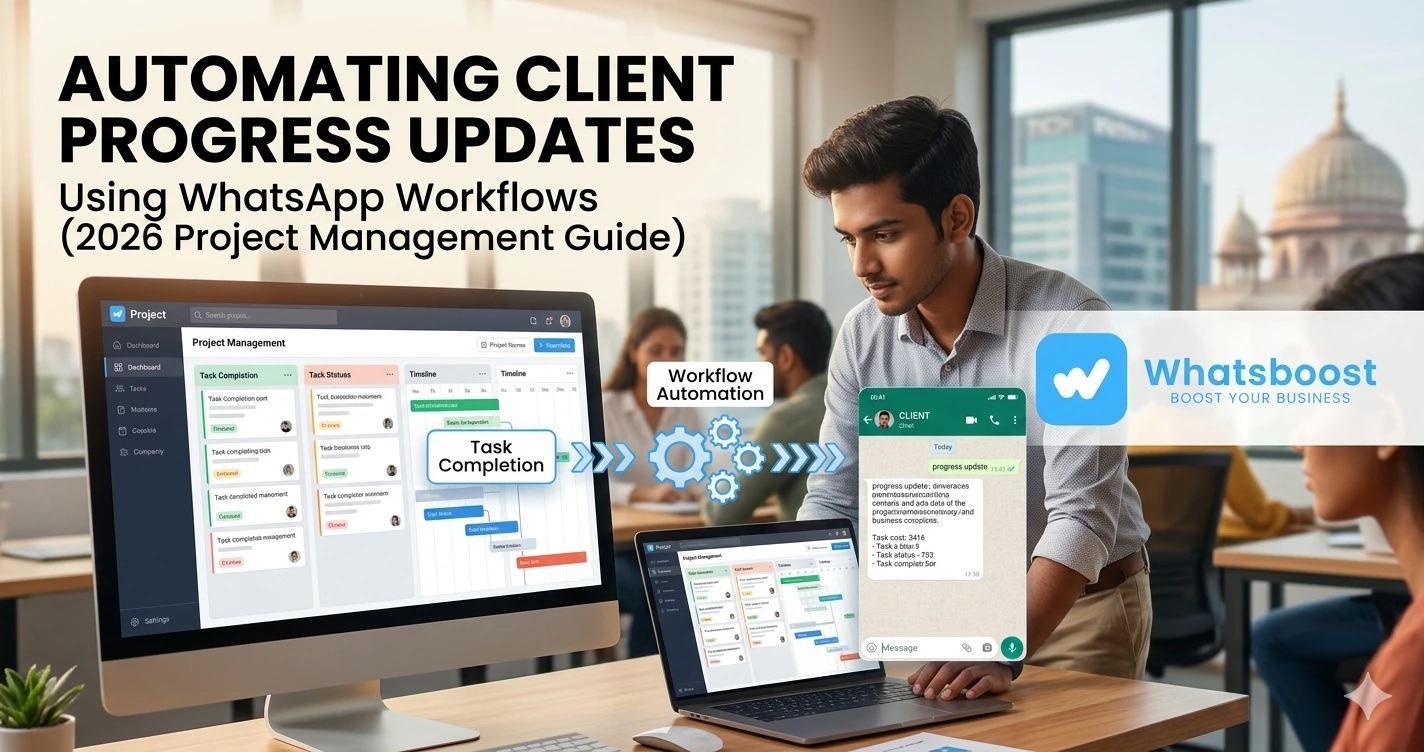
Automating Client Progress Updates Using WhatsApp Workflows (2026 Project Management Guide)
Learn how to automate client progress updates using WhatsApp project management workflows. Improve communication, reduce manual follow-ups, and scale operations efficiently.
Still Manually Updating Clients on Project Progress? 😓
If you manage client projects — whether you're a consultant, agency, or service provider — you’ve likely experienced this:
- Clients asking for updates repeatedly
- You checking internal tools before replying
- Team members not aligned on progress
- Updates getting delayed or missed
👉 And the most common pattern?
Clients message on WhatsApp:
“Any update?”
“What’s the status?”
“Is it done?”
The Hidden Cost of Manual Updates
This might seem small, but over time it creates:
- ⏳ Time drain
- ❌ Communication gaps
- 📉 Client dissatisfaction
- 🔁 Repetitive work
👉 The core issue:
Project updates are reactive, not automated
The Core Problem: No System for Progress Communication ⚙️
Let’s break it down.
In most businesses:
- Work happens in tools (Trello, Notion, Excel)
- Communication happens on WhatsApp
- But these systems are not connected
Result?
| Issue | Impact |
| Manual updates | Time wasted |
| No consistency | Confusion |
| No triggers | Delays |
| No tracking | Missed expectations |
👉 This is why businesses are now moving toward
WhatsApp CRM Without API
The Shift: From Manual Updates to Automated Workflows 🚀
Instead of waiting for clients to ask…
👉 Smart teams now automatically send progress updates
What Changes?
| Before | After |
| Client asks for updates | Updates sent automatically |
| Manual replies | Workflow-driven communication |
| Delayed info | Real-time visibility |
👉 This shift is part of a larger movement toward
The Complete Guide to WhatsApp Marketing Automation
What Are WhatsApp Project Management Workflows? 🛠️
Simple definition:
👉 Workflows that connect project activity with WhatsApp communication
Example Workflow:
| Trigger | Action |
| Task completed | Client notified |
| Stage changed | Progress update sent |
| Delay detected | Alert message triggered |
👉 This turns WhatsApp into:
❌ Chat tool →
✅ Project communication system
How Automated Client Updates Work (Step-by-Step) 📊
Step 1: Define Project Stages
Every project should have clear stages:
- Started
- In progress
- Review
- Completed
Step 2: Map Triggers
Decide when updates should go:
- Task completion
- Milestone achieved
- Delay detected
Step 3: Create Message Templates
Instead of typing manually:
- Pre-defined messages
- Personalized variables
- Consistent tone
Step 4: Set Automation Rules
Example:
- “Task marked complete → send update”
- “No activity for 24 hours → send reminder”
Step 5: Integrate with Workflow Thinking
This is where things become powerful.
👉 WhatsApp becomes part of your project lifecycle
👉 Similar to how
Lead Nurturing Sequences on WhatsApp
handles structured communication
Real-World Use Cases 📊
1. Digital Agencies
- Campaign launched → client notified
- Ads updated → progress shared
- Weekly reports → automated
2. Web Development Teams
- Design ready → message sent
- Development completed → update triggered
- Testing phase → client informed
3. Consultants
- Strategy completed → update
- Document shared → confirmation
- Next step → automated prompt
4. Operations & Logistics
- Order processed → update
- Dispatch → notification
- Delivery → confirmation
👉 This is similar to structured engagement systems used in
WhatsApp Group Marketing
Advanced Workflow Strategies 📈
🔥 1. Milestone-Based Updates
Instead of random updates:
- Milestone 1 → message
- Milestone 2 → message
- Completion → summary
🔥 2. Scheduled Progress Reports
- Daily updates
- Weekly summaries
- Monthly performance
🔥 3. Conditional Messaging
Example:
- If delayed → send alert
- If completed early → send success update
🔥 4. Multi-Step Communication Flow
Example:
- Task done → update
- After 2 hours → follow-up
- After 1 day → reminder
👉 Inspired by
WhatsApp Drip Sequences Strategy for Indian Lead Nurturing
🔥 5. Client-Specific Workflows
Each client gets:
- Customized update flow
- Personalized messaging
- Dedicated tracking
🔥 6. Funnel-Based Project Tracking
Combine:
- Lead → Project → Delivery → Retention
👉 Strategy explained here:
Building a Zero-Human Sales Funnel Using WhatsApp Automation
Comparison: Manual vs Automated Updates 📊
| Feature | Manual Updates | Automated Workflows |
| Speed | Slow | Instant |
| Accuracy | Depends | Consistent |
| Effort | High | Low |
| Scalability | Limited | High |
| Client experience | Inconsistent | Smooth |
Common Mistakes to Avoid ⚠️
❌ Updating only when client asks
Reactive approach
❌ Over-communicating
Too many messages = noise
❌ No structure
Random updates create confusion
❌ No personalization
Generic messages reduce trust
❌ Ignoring delays
No communication = frustration
Pro Tips for Better Results 💡
✅ Define clear update triggers
Consistency matters
✅ Keep messages short and clear
Avoid overload
✅ Combine automation + human touch
Balance is key
✅ Track response patterns
Improve communication
✅ Start small, then scale
Build gradually
The Bigger Insight: Communication Is Part of Project Management 🌐
Most businesses think:
👉 Project management = tasks
But reality:
👉 Project management = tasks + communication
And since communication already happens on WhatsApp…
👉 The next step is:
Integrating workflows into it
👉 This is why concepts like
WhatsApp for Small Business Growth: Strategies & Tools
are becoming essential
Final Thoughts 🎯
Clients don’t just want results…
👉 They want visibility
When you automate progress updates:
- Clients feel informed
- Teams stay aligned
- Work becomes predictable
👉 The real advantage is not automation itself…
👉 It’s clarity and consistency in communication
Want to automate WhatsApp for your business?
Set up campaigns, replies, and follow-ups in minutes.