
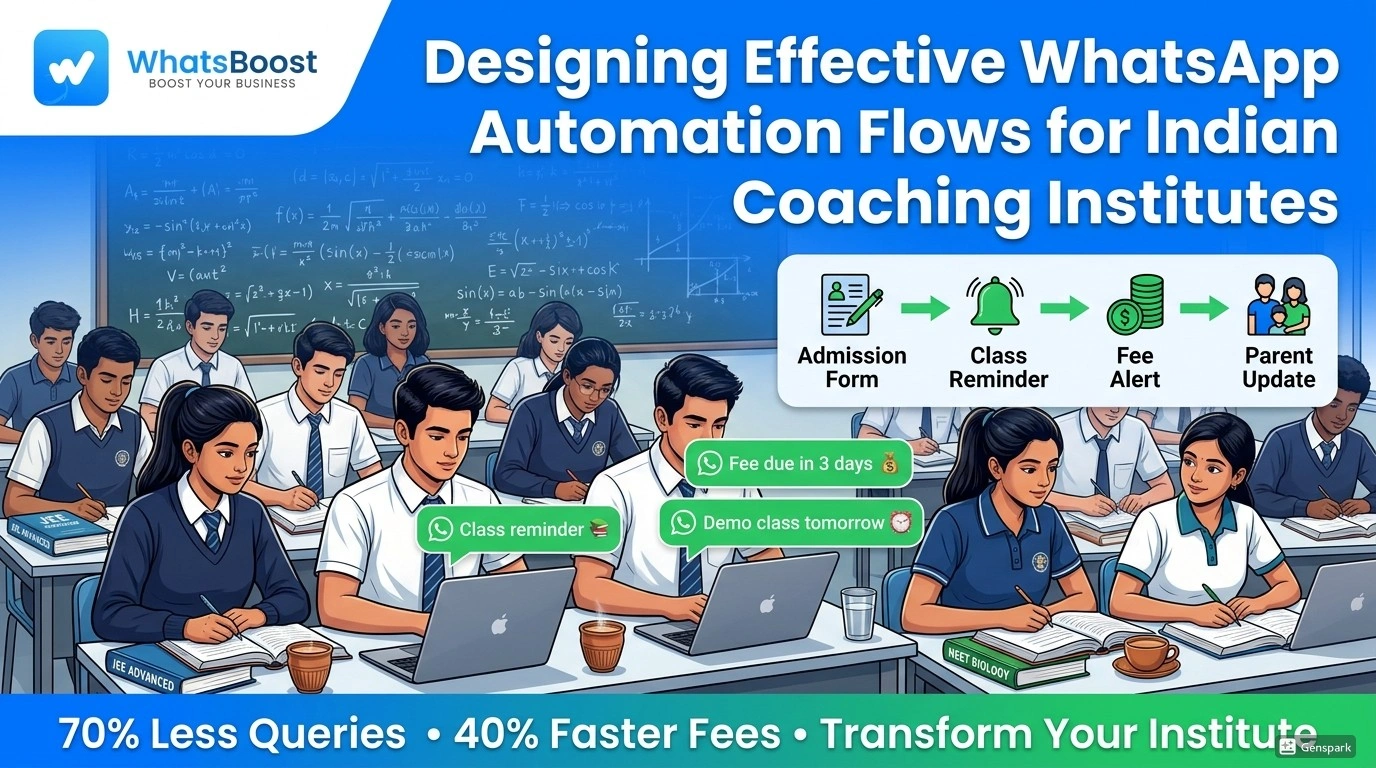
Designing Effective WhatsApp Automation Flows for Indian Coaching Institutes
Coaching institutes ke liye perfect WhatsApp automation flows! Admissions se fee reminders tak sab automate karo WhatsBoost ke saath. 70% queries kam, 40% faster payments—Kota aur Delhi institutes jaise real results pao. Free trial try karo!
Indian Coaching Institutes ke liye Effective WhatsApp Automation Flows Design Karna
Indian coaching institutes ke liye effective WhatsApp automation flows discover karo. Admissions, class reminders, parent updates aur bahut kuch automate karo WhatsBoost ke saath. Free trial available hai!
Imagine karo: Subah 7 baje, "Aaj class ho rahi hai kya?" jaise dozens messages ka frantic reply dene ki jagah, tum apni chai pee rahe ho, aur tumhara WhatsApp automation system pehle hi class reminders bhej chuka hai, aaj ka study material share kar diya hai, aur parents ko pending fees ki yaad bhi dila di hai. Yeh koi door ka sapna nahi—yeh reality hai un coaching institutes ki jo WhatsApp automation adopt kar chuke hain apni communication strategy transform karne ke liye.
Indian coaching institutes jo hundreds students aur anxious parents manage karte hain, communication jaldi overwhelming ho jati hai. Admission inquiries, class schedules, fee reminders, aur parent updates ke beech, administrative workload kabhi khatam nahi hota. Lekin, 97% Indian students aur parents daily WhatsApp use karte hain, is platform se incredible opportunity milti hai communication automate karne ka, woh personal touch maintain karte hue jo trust aur credibility build karta hai.
Kyun WhatsApp Automation Coaching Institutes ke liye Game-Changer Hai
Aaj ke competitive education landscape mein traditional communication methods kaafi nahi. Manual messaging se hota hai:
Important updates aur reminders miss ho jaate hain
Students aur parents ke saath inconsistent communication
Administrative staff repetitive queries se overwhelmed
Crucial admission periods mein delayed responses
Institute grow karne par communication scale karna mushkil
WhatsApp automation yeh challenges solve karta hai structured, timely, aur personalized communication dekar jo poora educational experience enhance karta hai. Student course mein interest show kare se leke program complete hone ke bahut baad tak, automated flows ensure karte hain ki koi communication gap na ho.
Har Stage ke liye Key WhatsApp Automation Flows
1. Admission aur Enrollment Flow
Pehla impression sabse important hota hai. Automated welcome sequence banao jo inquiries ko enrolled students mein convert kare.
Trigger: Website inquiry form submit ya WhatsApp par "Hi" message
Flow Sequence:
Instant Response: "Thank you for your interest in [Institute Name]! Yeh lo humara brochure with course details."
Follow-up (2 hours later): "Kya aapne humara program review kiya? Limited seats available hain."
Personal Touch (24 hours later): "Hi [Student Name], kya free demo class schedule karna chahoge humare faculty ke saath?"
Conversion Push (3 days later): "Last few seats bache hain! Yeh lo fee structure aur early-bird discount details."
Pro Tip: WhatsBoost ke template messaging se rich media bhejo jaise campus photos, faculty intros, aur student testimonials credibility build karne ke liye.
2. Academic Management Flow
Students ko engaged aur informed rakho smart academic automation se.
Key Automation Points:
Daily Class Reminders: Har class se 30 minutes pehle automatic message topic details aur required materials ke saath
Assignment Alerts: New assignments post hone par instant notifications submission deadlines ke saath
Study Material Distribution: PDF notes, video lectures, aur practice questions ka automated sharing
Test Schedule Updates: Upcoming tests ke reminders syllabus details aur prep tips ke saath
Sample Flow for Test Reminders:
"Hello [Student Name]! Quick reminder: Tumhara [Subject] test [Date] ko scheduled hai. Focus topics: [Topic List]. All the best! 📚"
3. Fee Management aur Payment Flow
Parents aur students ke saath financial communication streamline karo.
Automation Features:
Fee Due Reminders: Due date se 7 days, 3 days, 1 day pehle gentle notifications
Payment Confirmation: Successful payment ke baad instant receipts aur thank you messages
Late Payment Follow-ups: Late fee details ke saath automated escalation
Discount Alerts: Early payment ya referral bonuses ke special offers
4. Parent Communication Flow
Parents ko loop mein rakho bina administrative workload badhaye.
Essential Parent Updates:
Weekly Progress Reports: Automated performance summaries aur attendance records
Parent-Teacher Meeting: Invitations scheduling options aur reminders ke saath
Important Announcements: Holiday notices, schedule changes, event updates
Behavioral Updates: Attendance issues ya academic concerns ke instant notifications
Implementation Guide: 4 Steps mein Automation Set Up Karo
Step 1: Apna Communication Journey Map Karo
Saare touchpoints identify karo jahaan automation communication enhance kar sake:
Lead inquiry se admission conversion
Daily academic updates aur reminders
Fee payment cycles aur reminders
Parent communication aur reporting
Alumni engagement aur placement support
Step 2: Audience Segment Karo
Targeted communication ke liye different contact groups banao:
New Inquiries: Conversion aur info sharing pe focus
Current Students: Academic updates aur performance tracking
Parents: Progress reports aur fee reminders
Alumni: Placement opportunities aur networking
Step 3: Automation Flows Build Karo
WhatsBoost ke visual workflow builder use karke:
Student actions ya schedules pe triggers set karo
Personalized placeholders ke saath message sequences design karo
Different segments ke liye conditions add karo
Full implementation se pehle small group se test karo
Step 4: Monitor aur Optimize Karo
Key metrics track karo improvement ke liye:
Different message types ke response rates
Inquiries se admissions ke conversion rates
Parent satisfaction scores
Manual query resolution mein reduction
Real Results: Automation se Jeetne Wale Coaching Institutes
Case Study 1: Kota-based IIT JEE Institute
Challenge: 2000+ students manage karna limited staff ke saath
Solution: Comprehensive WhatsApp automation flows implement kiye
Results: 70% reduction in routine queries, 40% faster fee collections, 25% student satisfaction improvement
Case Study 2: Delhi NEET Coaching Center
Challenge: Poor parent communication se trust issues
Solution: Automated weekly progress reports aur parent updates
Results: 90% parent satisfaction, 35% student referrals increase
Educational WhatsApp Automation ke Best Practices
Personalization is Key
Hamesha student names, course details, specific performance metrics use karo taaki messages personal aur relevant lage.
Timing Matters
Appropriate hours mein messages schedule karo:
Academic updates: 7 AM - 8 PM
Parent communications: 6 PM - 8 PM
Urgent alerts: Anytime with prioritization
Human Touch Maintain Karo
Automation routine handle kare, urgent ya sensitive matters ko immediately human staff ko escalate karo.
Compliance aur Consent
Automated flows mein add karne se pehle proper consent lo aur easy opt-out options do.
Aaj Hi Apne Institute ki Communication Transform Karo
Educational communication ka future automated, personalized, aur efficient hai. Strategic WhatsApp automation flows implement karke, coaching institutes administrative burden reduce kar sakte hain, student engagement badha sakte hain, parent satisfaction improve kar sakte hain, aur stronger brand build kar sakte hain.
Ready ho apne institute ki communication revolutionize karne ke liye?
Start your WhatsBoost journey today aur dekho kaise automated flows teaching aur mentoring pe focus karne mein help karte hain.
Would you like me to make the Hinglish more casual (like street-style) or add links to specific WhatsBoost pages?
Want to automate WhatsApp for your business?
Set up campaigns, replies, and follow-ups in minutes.