
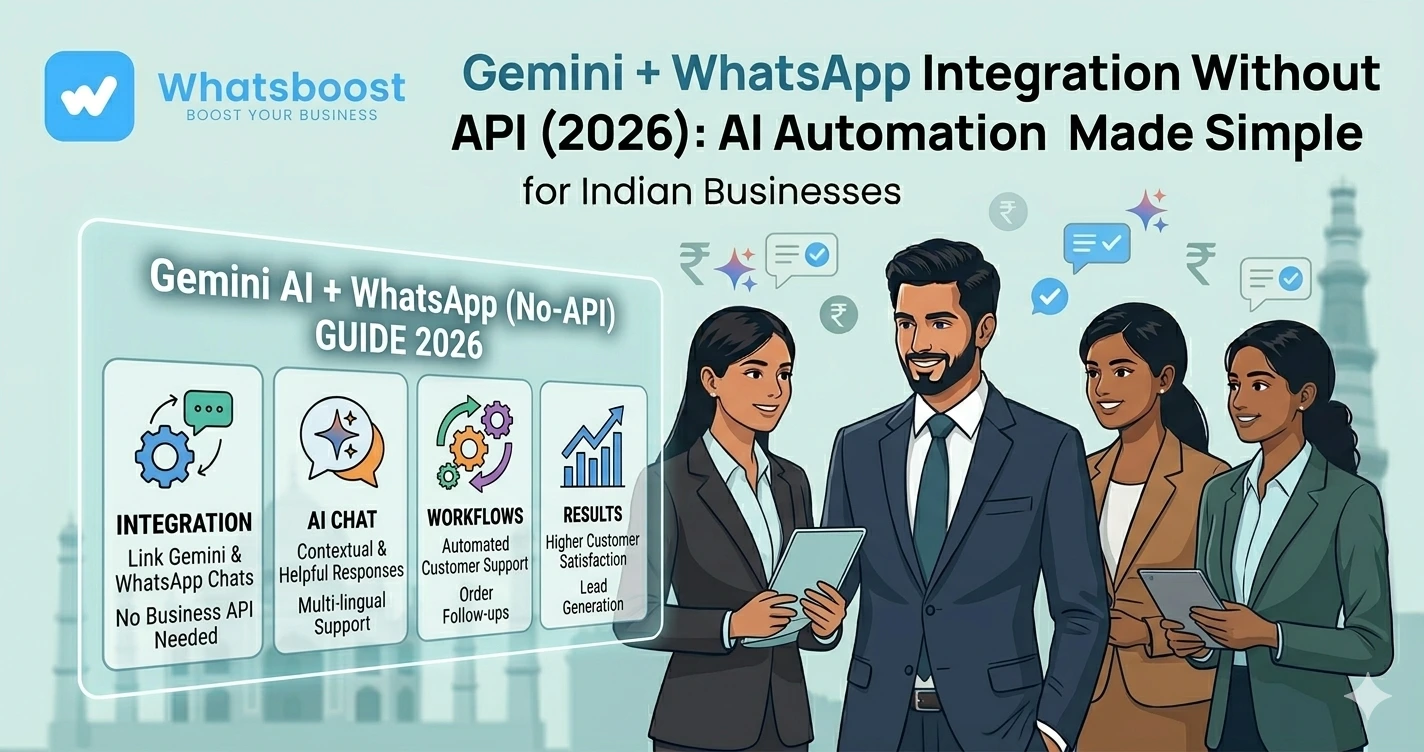
Gemini + WhatsApp Integration Without API (2026) AI Automation Made Simple
जानें कैसे Gemini AI को WhatsApp के साथ बिना Business API के integrate करें और smart automation workflows बनाएं — आसान हिंदी guide।
AI + WhatsApp = Future of Business Communication 🚀
2026 में businesses सिर्फ messaging नहीं कर रहे —
👉 AI-powered conversations बना रहे हैं
और यही जगह है जहाँ Google Gemini AI game changer बनता है
लेकिन सबसे बड़ा सवाल 👇
👉 क्या Gemini को WhatsApp से बिना Business API के connect किया जा सकता है?
👉 Answer: हाँ — और वो भी आसानी से
Gemini AI क्या है और WhatsApp के साथ क्यों use करें?
Gemini AI एक advanced AI assistant है जो:
- Auto replies generate करता है
- Smart conversations बनाता है
- Data-based responses देता है
- Automation workflows चला सकता है
👉 जब इसे WhatsApp से connect करते हैं:
✔ Instant replies
✔ Personalized messaging
✔ 24/7 automation
✔ Smart customer support
👉 यानी:
👉 Human + AI hybrid communication system
WhatsApp Business API क्यों avoid किया जाता है?
WhatsApp Business API powerful है, लेकिन:
❌ Setup complex
❌ Approval required
❌ Cost high
❌ Developer needed
👉 इसलिए SMEs और agencies prefer करते हैं:
👉 No-API WhatsApp automation systems
👉 अगर आप बिना API integration समझना चाहते हैं, यह जरूर पढ़ें:
https://whatsboost.in/blog/how-to-integrate-whatsapp-without-whatsapp-business-api-simplify-whatsapp-messaging
Gemini + WhatsApp Without API कैसे काम करता है?
यह direct integration नहीं होता
👉 बल्कि automation tools bridge का काम करते हैं
Popular tools:
- Make (Integromat)
- Zapier
- WhatsBoost
👉 ये tools allow करते हैं:
✔ Gemini response generate करना
✔ WhatsApp message trigger करना
✔ Workflows automate करना
👉 बिना API के
Step-by-Step: Gemini को WhatsApp से कैसे connect करें
Step 1: Gemini AI setup करें
- Google Gemini access करें
- Prompts / workflows define करें
👉 Example:
“Customer पूछे → product detail भेजो”
Step 2: Automation tool connect करें
Use करें:
- Make
- Zapier
- WhatsBoost
👉 ये Gemini + WhatsApp के बीच bridge बनाते हैं
Step 3: Trigger define करें
Automation कब चले?
- New lead आए
- Form submit हो
- Message receive हो
👉 Lead automation example देखें:
https://whatsboost.in/blog/how-to-automate-whatsapp-replies-from-google-forms-a-guide-for-faster-lead-conversion
Step 4: Gemini response generate करें
Workflow:
👉 Input → Gemini AI
👉 Output → Personalized message
Step 5: WhatsApp message भेजें
👉 WhatsBoost message safely deliver करता है
👉 बिना API complexity
Example Workflow (Simple समझें)
- User form fill करता है
- Data Gemini को जाता है
- Gemini personalized reply बनाता है
- WhatsBoost WhatsApp पर भेजता है
👉 पूरा process automated है
Gemini + WhatsApp Integration के Top Features
🤖 AI Auto Replies
👉 हर message का smart जवाब
🧠 Personalization
👉 User data के हिसाब से replies
🔁 Workflow Automation
👉 Follow-ups, reminders, notifications
👥 Multi-Agent Support
👉 Teams collaborate कर सकते हैं
🔗 400+ Integrations
👉 Google Sheets, CRM, Shopify
👉 CRM integration detail पढ़ें:
https://whatsboost.in/blog/how-to-integrate-crm-with-whatsapp-for-automation-without-business-api
Real Use Cases (Business Level)
🛒 E-commerce
- Product queries auto reply
- Order updates
🏢 Agencies
- Lead qualification
- Client follow-ups
🎓 Education
- Student queries
- Enrollment automation
🏭 B2B Businesses
- Inquiry handling
- Quotation automation
👉 IndiaMART automation example:
https://whatsboost.in/blog/how-to-automate-indiamart-with-whatsapp-for-auto-follow-ups
WhatsBoost क्यों जरूरी है इस setup में?
Gemini सिर्फ AI देता है
👉 लेकिन WhatsBoost देता है:
✔ Message delivery system
✔ Automation workflows
✔ Compliance safety
✔ Bulk messaging
👉 यानी:
👉 Brain = Gemini
👉 Execution = WhatsBoost
👉 WhatsApp automation deep dive:
https://whatsboost.in/blog/the-complete-guide-to-whatsapp-marketing-automation-in-2026-master-the-art-with-whatsboost
Advanced Strategy (Expert Level)
🧠 AI-driven Funnels
- Lead → qualify → convert
🔁 Smart Follow-ups
- No reply → auto reminder
📊 Behavior Tracking
- कौन interested
- कौन convert
🔗 Multi-tool Integration
- CRM
- Payment systems
- Analytics tools
Important: Safety & Compliance
Gemini + WhatsApp powerful है
लेकिन misuse dangerous हो सकता है
✅ Best Practices:
✔ Opt-in users
✔ Personalized messages
✔ Limited automation
❌ Avoid:
❌ Spam messaging
❌ Bulk random outreach
❌ बिना consent messaging
👉 WhatsApp safety guide:
https://whatsboost.in/blog/whatsapp-block-reasons-solutions-and-prevention-tips-2026-guide
Common Mistakes (Avoid करें)
❌ Over-automation
❌ Generic AI replies
❌ No human fallback
❌ गलत triggers
Pro Tips (Expert Strategy)
AI + Human balance रखें
Fully bot नहीं
Clear workflows बनाएं
Random automation avoid करें
छोटे से शुरू करें
Test → optimize → scale
सही tools use करें
Reliable system जरूरी है
Final Conclusion
Gemini + WhatsApp integration future है
लेकिन:
👉 API हर business के लिए जरूरी नहीं है
अगर आप:
✔ Fast setup
✔ AI automation
✔ Low cost
✔ No coding
चाहते हैं
👉 तो best approach है:
👉 Gemini + WhatsBoost (No API system)
👉 क्योंकि यह देता है:
✔ Smart conversations
✔ Automated workflows
✔ Scalable messaging
👉 AI + WhatsApp = अगले 5 साल की growth strategy 🚀
Want to automate WhatsApp for your business?
Set up campaigns, replies, and follow-ups in minutes.