
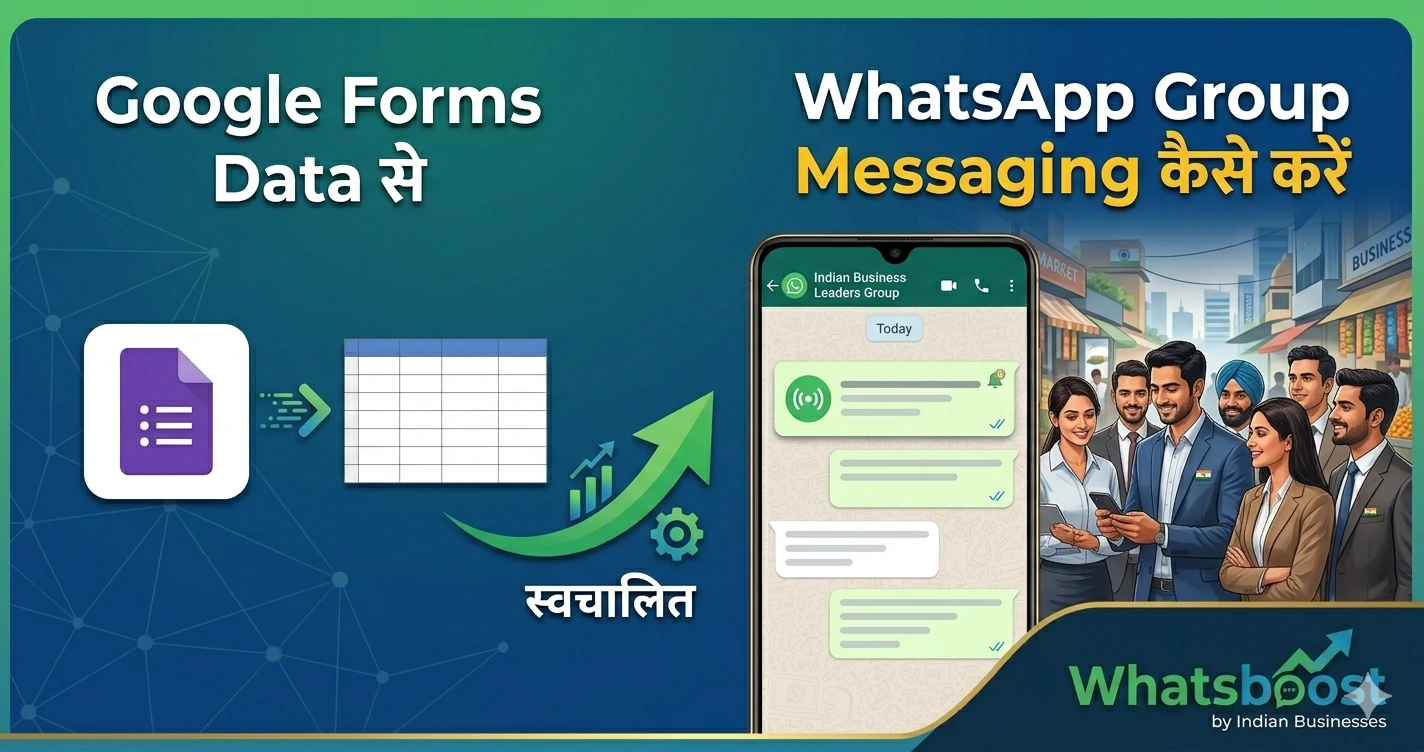
Google Forms Data से WhatsApp Group Messaging कैसे करें (Easy 2026 Guide)
Google Forms के data को WhatsApp group messaging के लिए कैसे use करें? इस आसान guide में जानें automation, integration और Whatsboost के साथ step-by-step process।
📊 Google Forms Data से WhatsApp Group Messaging कैसे करें (Easy 2026 Guide)
आज के समय में businesses lead collect करने के लिए Google Forms का use करते हैं।
लेकिन problem कहाँ आती है? 👇
👉 Data collect हो जाता है
👉 लेकिन follow-up slow हो जाता है
और यहीं पर WhatsApp एक powerful tool बनता है।
अब imagine करें:
👉 Google Forms में lead आए
👉 और automatically WhatsApp group या message में convert हो जाए
👉 यही हम इस guide में सीखेंगे
🤔 Google Forms + WhatsApp Integration क्यों जरूरी है?
अगर आप manually काम करते हैं:
Form responses check करना
Numbers copy करना
WhatsApp में add करना
👉 बहुत time-consuming है
💡 Automation से क्या होगा?
Leads instantly connect होंगे
WhatsApp groups auto update होंगे
Follow-ups fast होंगे
Conversion rate बढ़ेगा
🚀 Google Forms Data को WhatsApp से कैसे जोड़ें?
इस process को समझने के लिए हम इसे simple steps में तोड़ते हैं:
⚙️ Step 1: Google Form Setup करें
सबसे पहले आपको एक Google Form बनाना है जिसमें:
Name
Phone Number
Requirement
👉 ये fields जरूरी हैं
📌 Pro Tip
👉 Phone number format सही रखें (country code के साथ)
📊 Step 2: Google Sheets से Connect करें
हर Google Form automatically Google Sheets से connect होता है।
👉 यही आपका data source होगा
📌 क्या होगा यहाँ?
सभी leads sheet में store होंगे
Real-time update मिलेगा
🔗 Step 3: WhatsApp Automation Tool Connect करें
अब सबसे important step 👇
👉 Google Sheets को WhatsApp automation tool से connect करना
🔥 Whatsboost – Best Integration Solution
👉 Official Website: https://whatsboost.in/
Whatsboost आपको allow करता है:
Google Sheets data sync
WhatsApp messaging automation
Group management
⭐ Key Features
✅ Google Sheets Integration
👉 Form data automatically sync
✅ WhatsApp Group Messaging
👉 New leads को groups में add करें
✅ Bulk Messaging
👉 Multiple लोगों को message भेजें
✅ Automation Workflows
👉 Auto follow-ups
✅ CRM-like Tracking
👉 Leads track करें easily
🔗 Internal Resource
अगर आप WhatsApp broadcast के बारे में जानना चाहते हैं:
WhatsApp Broadcast Without Saving Number
⚙️ Step 4: Automation Workflow बनाएं
अब आपको define करना है:
👉 जब नया lead आए → क्या action लेना है?
💡 Example Workflow
New form submission
Number sheet में add
WhatsApp message send
Group में add
📌 Use Case
👉 Coaching institute:
Student form भरता है
Automatically WhatsApp group में add
Updates instantly मिलते हैं
📊 Real Business Use Cases
🏫 Education
Admission forms
Batch groups auto-create
🛍️ E-commerce
Lead capture → instant follow-up
🏢 Real Estate
Property enquiry → WhatsApp connect
🎟️ Events & Webinars
Registration → group access
👉 Related पढ़ें:
30 Creative WhatsApp Marketing Examples for Business & Sales Growth
🧠 क्यों WhatsApp Group Messaging powerful है?
📢 1. Instant Communication
👥 2. Community Building
📈 3. Higher Engagement
🔁 4. Faster Follow-ups
⚠️ Best Practices
✅ Spam मत करें
✅ Relevant groups बनाएं
✅ Consent लें
✅ Clear communication रखें
❗ Common Mistakes Avoid करें
❌ Random लोगों को add करना
❌ Over messaging
❌ No segmentation
🧠 सही Strategy क्या होनी चाहिए?
अगर आप Google Forms + WhatsApp use कर रहे हैं:
👉 Manual process छोड़िए
👉 Automation अपनाइए
🏁 Final Conclusion
Google Forms से data collect करना easy है।
लेकिन real growth तब होती है जब:
👉 आप उस data को action में बदलते हैं
WhatsApp integration से:
-
Leads instantly engage होते हैं
-
Conversion improve होता है
-
Manual work कम होता है
🚀 Final CTA
अगर आप lead management को automate करना चाहते हैं:
👉 Google Forms + WhatsApp combine करें
👉 Smart workflows बनाएं
👉 Growth accelerate करें
👉 Start करें: https://whatsboost.in/
Want to automate WhatsApp for your business?
Set up campaigns, replies, and follow-ups in minutes.