
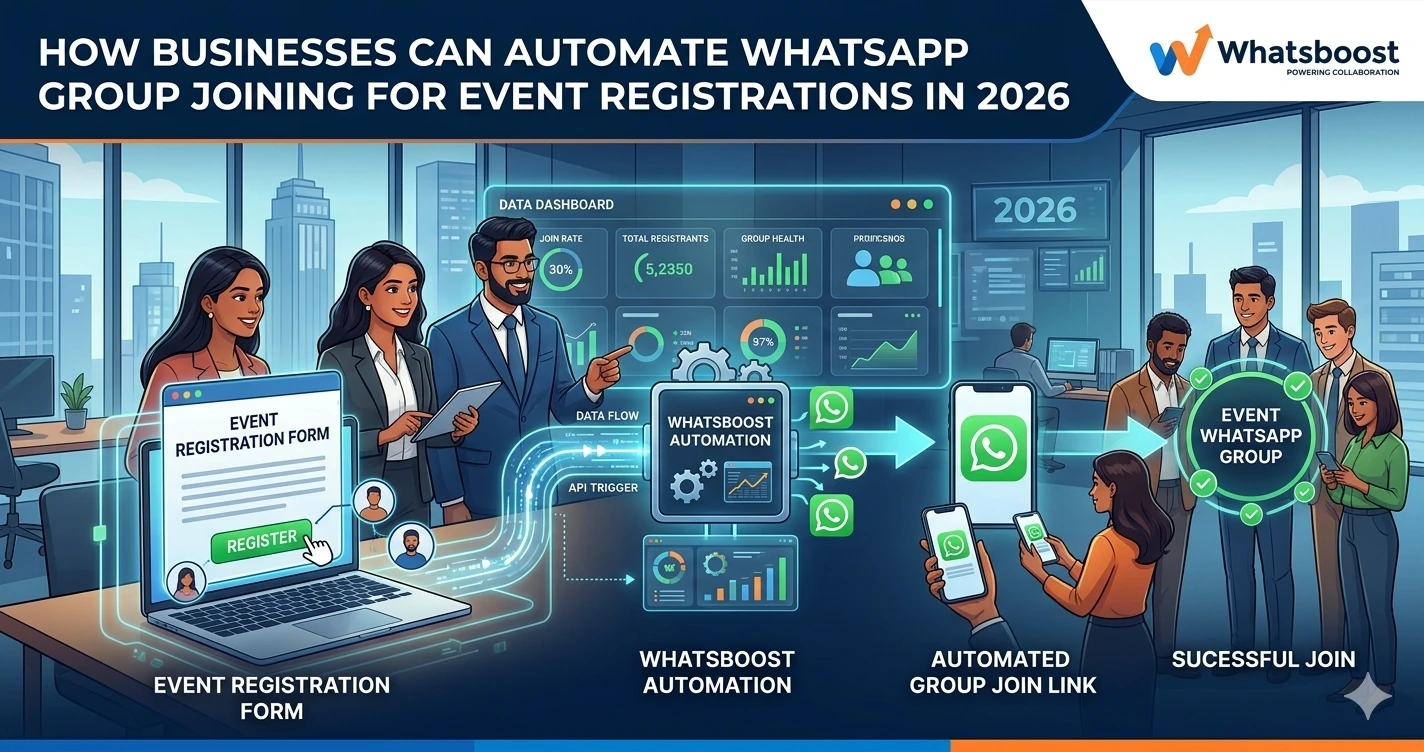
How Businesses Can Automate WhatsApp Group Joining for Event Registrations in 2026 | Whatsboost
Learn how businesses can automate WhatsApp group joining for event registrations in 2026. Discover step-by-step workflows, practical use cases, and how Whatsboost helps Indian businesses streamline event communication on WhatsApp automatically.
Events are one of the most powerful engagement tools for Indian businesses — webinars, workshops, conferences, product launches, training sessions, networking meetups, and community gatherings. And across every event format, WhatsApp groups have become the primary pre-event and during-event communication channel. Attendees receive schedules, reminders, session links, last-minute updates, and networking opportunities through dedicated event WhatsApp groups.
The operational challenge arrives at the intersection of two activities: event registration and WhatsApp group management. When someone registers for an event, they need to be added to the right WhatsApp group. For small events with 30 attendees, this is a manageable manual task. For businesses running events with hundreds of registrants — or managing multiple events simultaneously — manually adding every registered participant to the correct WhatsApp group becomes a time-consuming, error-prone, and entirely avoidable burden.
In 2026, automating WhatsApp group joining for event registrations is a standard operational capability for Indian businesses that run events at any meaningful scale. This blog explains how to build this automation — and how Whatsboost makes it work reliably without a single manual step.
Why Automating WhatsApp Group Joining Matters for Event-Driven Businesses
The manual process of adding event registrants to a WhatsApp group has a number of hidden costs that most Indian businesses accept without questioning.
Time cost — Every manual group addition requires retrieving the registrant's phone number, opening WhatsApp, searching for the contact, and adding them — a process that takes 30 to 60 seconds per person. For 200 registrants, this is up to two hours of purely administrative effort that adds zero value to the event experience.
Error risk — Manual data handling introduces errors. Wrong numbers are added. Correct registrants are missed. Names are misspelled. These errors create confusion and communicate a level of operational disorganisation that undermines the professional impression an event is designed to create.
Delay in participant experience — When registrants complete their registration and do not immediately receive WhatsApp group access, they experience a gap between action and reward that reduces engagement and increases the likelihood of no-shows. Immediate, automated group access creates a seamless registration experience that reinforces the value of attending.
Scalability ceiling — Manual group management creates a hard ceiling on event scale. Businesses that want to grow their events beyond the manual management threshold are forced to either accept the operational burden or accept the scalability limitation. Automation removes this ceiling entirely.
Whatsboost provides the WhatsApp Business API infrastructure and automation capabilities that transform manual group joining into an instant, automatic, error-free process. Visit Whatsboost.in to explore the platform.
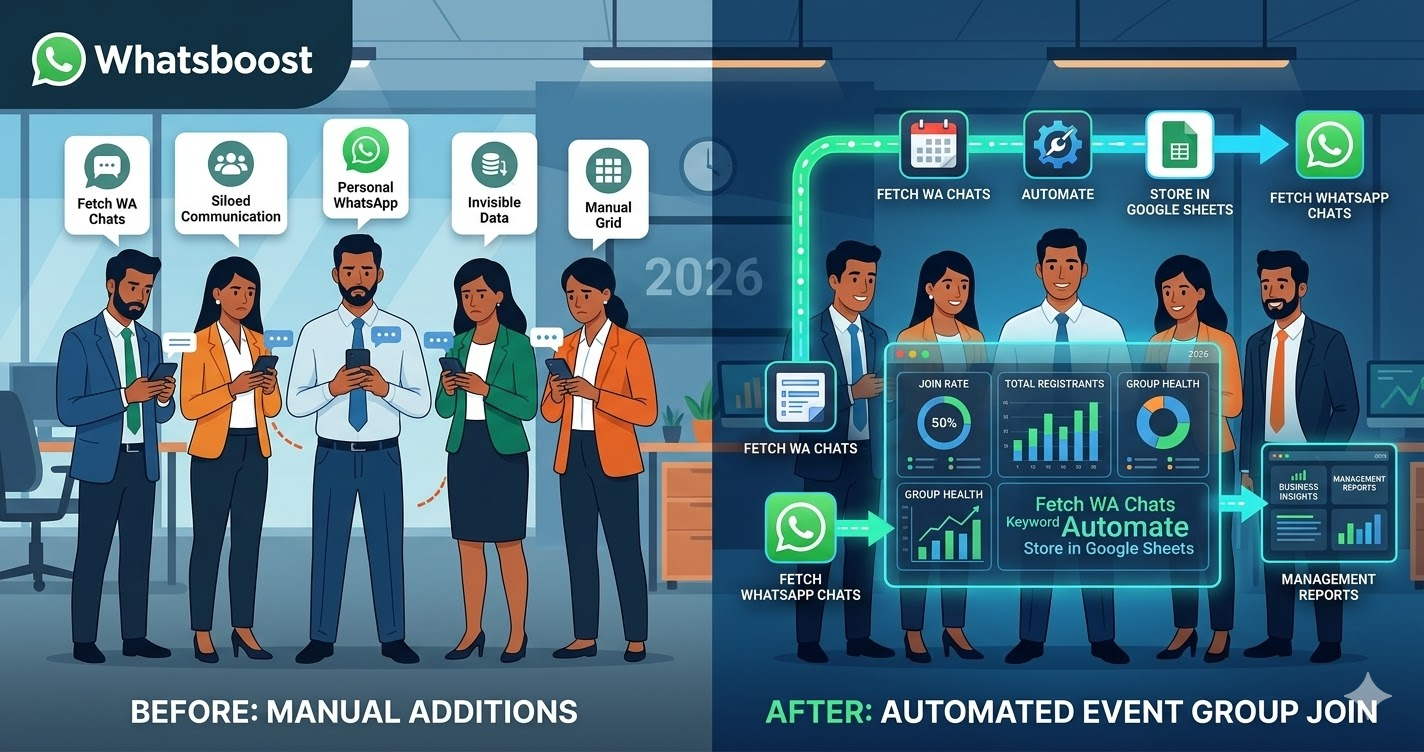
How Automated WhatsApp Group Joining for Event Registrations Works
The automation connects your event registration system with Whatsboost's WhatsApp Business API through a real-time webhook flow. Here is the complete process from the registrant's perspective and the business's backend simultaneously.
A registrant completes your event registration form — on your website, through a platform like Eventbrite, Instamojo, Townscript, or a custom Google Form — and submits their name, phone number, and any other required details.
The registration platform fires a webhook to your automation tool — Zapier, Make, or Pabbly Connect — which receives the registrant's data and immediately triggers two actions: a WhatsApp message via Whatsboost sent to the registrant confirming their registration and delivering the WhatsApp group invite link, and a CRM or Google Sheets record update logging the registrant as confirmed with group access granted.
The registrant taps the group invite link in the WhatsApp message and joins the event group within seconds of completing their registration — experiencing a seamless, immediate transition from registration to community access that sets a positive tone for their entire event experience.
The business has added a confirmed, accurately recorded participant to the correct event group with zero manual effort, zero possibility of adding the wrong number, and zero delay between registration and group access.
Building Your WhatsApp Event Group Joining Automation With Whatsboost
Step 1: Activate WhatsApp Business API via Whatsboost
Automated WhatsApp messaging — including delivering group invite links at scale — requires the WhatsApp Business API. Whatsboost is an authorised WhatsApp Business Solution Provider that activates your API with comprehensive onboarding support. This is the foundational step that everything else runs on.
Step 2: Create Your Event WhatsApp Group and Generate the Invite Link
Create a dedicated WhatsApp group for your event and generate a permanent invite link. This link is what your automation will deliver to every confirmed registrant — so every participant joins the correct group regardless of whether their phone number was previously saved as a contact.
For businesses running multiple simultaneous events, create a separate group and invite link for each event and configure your automation to deliver the correct link based on which event the registrant has signed up for — using the event name or event ID in the registration webhook payload to determine the correct routing.
Step 3: Connect Your Registration Platform to Whatsboost via Automation Tool
In Zapier, Make, or Pabbly Connect, create the following automation workflow:
Trigger — New event registration submitted on your registration platform.
Action 1 — Extract the registrant's phone number, name, and event identifier from the registration data.
Action 2 — Format the phone number in international format — adding the country code prefix and removing any spaces, dashes, or brackets — to ensure Whatsboost can deliver the WhatsApp message correctly.
Action 3 — Send a personalised WhatsApp registration confirmation message via Whatsboost, including the registrant's name, the event name, the date and time, and the WhatsApp group invite link as a tappable button or inline link.
Action 4 — Log the registrant's details, registration timestamp, and group access status in your CRM or Google Sheet for attendance tracking and post-event follow-up.
Step 4: Design a Multi-Touch WhatsApp Event Communication Sequence
Delivering the group invite link is the first message in a broader event communication sequence that Whatsboost can automate entirely. Configure the following scheduled messages for every confirmed registrant:
Day of registration — Confirmation message with group invite link and event overview.
Three days before the event — Reminder message with the agenda, speaker highlights, or session schedule — building anticipation and reinforcing the registrant's commitment to attend.
Day before the event — Final reminder with the session link or venue details, the WhatsApp group reminder to check for last-minute updates, and a practical checklist for the day.
Day of the event — A morning message welcoming attendees, confirming the event is happening, and directing them to the WhatsApp group for real-time updates throughout the day.
Day after the event — A thank-you message with the recording link, presentation materials, feedback survey, and an invitation to the next event — initiating the re-engagement cycle immediately while the event experience is fresh.
Visit Whatsboost.in to explore how multi-touch event sequences are built in the no-code workflow builder.
Step 5: Automate No-Show Follow-Up and Re-Engagement
Not every registrant attends. Configure Whatsboost to detect registrants who did not join the WhatsApp group by the event start time — indicating potential no-shows — and send them a personalised WhatsApp message the day after the event offering the recording, key takeaways, or a summary of what they missed. This no-show follow-up converts a lost attendance into an ongoing engagement opportunity rather than a dead end.
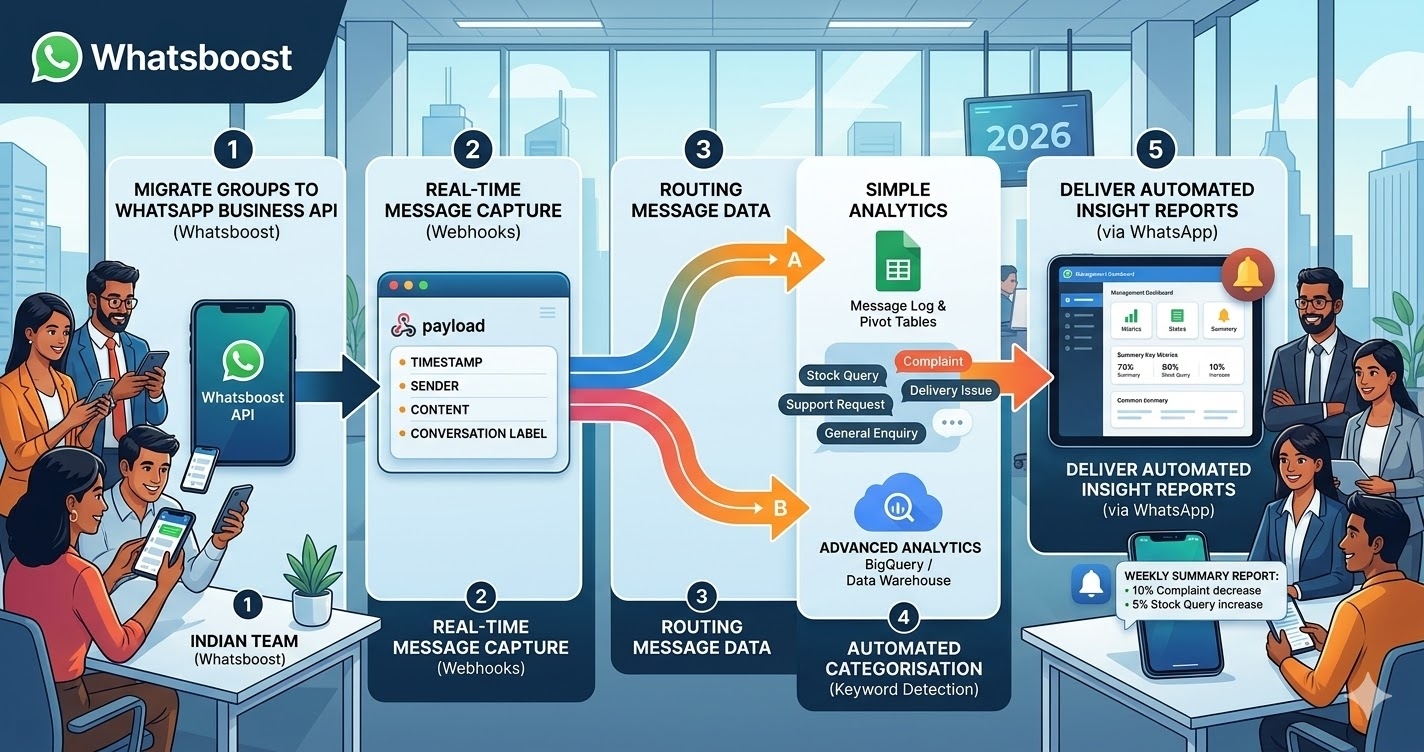
Event Types That Benefit Most From Automated WhatsApp Group Joining
Webinars and online workshops — Automated group joining ensures every registrant has immediate access to the pre-event community where session links, Q&A preparation, and networking happen — increasing attendance rates and pre-event engagement significantly.
Conferences and multi-day events — For large-scale Indian conferences, automated group joining across multiple sub-groups — by track, by day, by speaker session — eliminates the logistical complexity of managing dozens of group additions manually across hundreds of attendees.
Training programmes and cohort-based courses — When a new cohort enrolls in a training programme, automated WhatsApp group joining instantly connects all cohort members to their batch group — creating community from the first day and accelerating the learner relationship formation that drives programme completion rates.
Product launches and brand events — Invitees who confirm attendance are immediately added to the launch event WhatsApp group where exclusive pre-launch content, countdown updates, and real-time event communication create a premium experience that deepens brand engagement before the event even begins.
Best Practices for WhatsApp Event Group Joining Automation
Use a dedicated WhatsApp Business number for event communication. Keeping your event WhatsApp communication separate from your general customer support number ensures group members know exactly what to expect from messages they receive — event-specific information, not support queries or sales follow-ups mixed in.
Set clear group communication expectations in the first message. When registrants join the event WhatsApp group, send an automatic welcome message that outlines what the group is for, what kinds of messages they will receive, and how to reach support if needed. Clear expectations reduce confusion and inappropriate group messages from participants.
Monitor group health and remove inactive or disruptive members automatically. For large event groups, configure a post-event workflow that sends every group member a message with post-event resources and then archives or removes them from the group seven days after the event — keeping your group database clean for the next event cycle.
Every Registrant Deserves Instant, Seamless Event Access
The moment a registrant completes your event sign-up is the moment their excitement is highest. Delivering their WhatsApp group access instantly — through a personalised, automated message — capitalises on that excitement and sets the tone for an event experience they are already committed to attending.
With Whatsboost powering your event registration WhatsApp automation, every registrant receives immediate group access, every group is accurately managed, and your team invests their time in running a great event — not in manually adding phone numbers one by one.
Visit Whatsboost.in and automate your WhatsApp event group joining today.
Want to automate WhatsApp for your business?
Set up campaigns, replies, and follow-ups in minutes.