
How to Automatically Add Leads to WhatsApp Communities Using WhatsApp Group API in 2026 | Whatsboost
Learn how to automatically add leads to WhatsApp communities using the WhatsApp Group API in 2026. Discover step-by-step workflows, practical use cases, and how Whatsboost helps Indian businesses build engaged WhatsApp communities from their lead pipeline automatically.
Building an engaged WhatsApp community from a lead pipeline is one of the highest-leverage growth activities available to Indian businesses in 2026. A well-managed WhatsApp community turns cold leads into warm prospects through sustained, relevant engagement — and warm prospects into loyal customers through the trust and familiarity that community participation creates.
The operational challenge is adding the right leads to the right WhatsApp communities at the right time. Done manually, this is a labour-intensive process — reviewing lead lists, collecting phone numbers, adding contacts one by one, and tracking who has been added to which community. Done automatically using the WhatsApp Group API, it becomes an instant, zero-effort extension of your lead generation workflow — every new lead is added to the appropriate community the moment they enter your pipeline.
This blog explains exactly how to automatically add leads to WhatsApp communities using the WhatsApp Group API, and how Whatsboost makes this automation reliable, compliant, and immediately actionable for Indian businesses.
Why WhatsApp Communities Are a Powerful Lead Nurturing Channel
WhatsApp Communities — introduced as a structured evolution of WhatsApp groups — allow businesses to organise multiple sub-groups under a single community umbrella, broadcast messages to all members simultaneously, and manage membership at scale with the WhatsApp Business API. For Indian businesses with large lead databases, this structure is ideal for segmented, high-engagement lead nurturing.
The core advantage of nurturing leads through a WhatsApp community rather than a broadcast list or email sequence is the two-way engagement that community participation creates. Leads in a WhatsApp community do not just receive messages — they participate in conversations, respond to polls, share questions, and engage with content posted by other community members. This active participation builds familiarity and trust with your brand at a depth that passive email or broadcast communication simply cannot replicate.
For Indian B2B and B2C businesses where the sales cycle is relationship-driven — real estate, financial services, EdTech, professional services, SaaS — WhatsApp community membership is one of the most effective tools for moving leads along the journey from initial interest to purchase decision. Whatsboost provides the WhatsApp Business API and Group API infrastructure that makes automated community membership management possible at scale. Visit Whatsboost.in to learn more.
How the WhatsApp Group API Enables Automatic Lead Addition
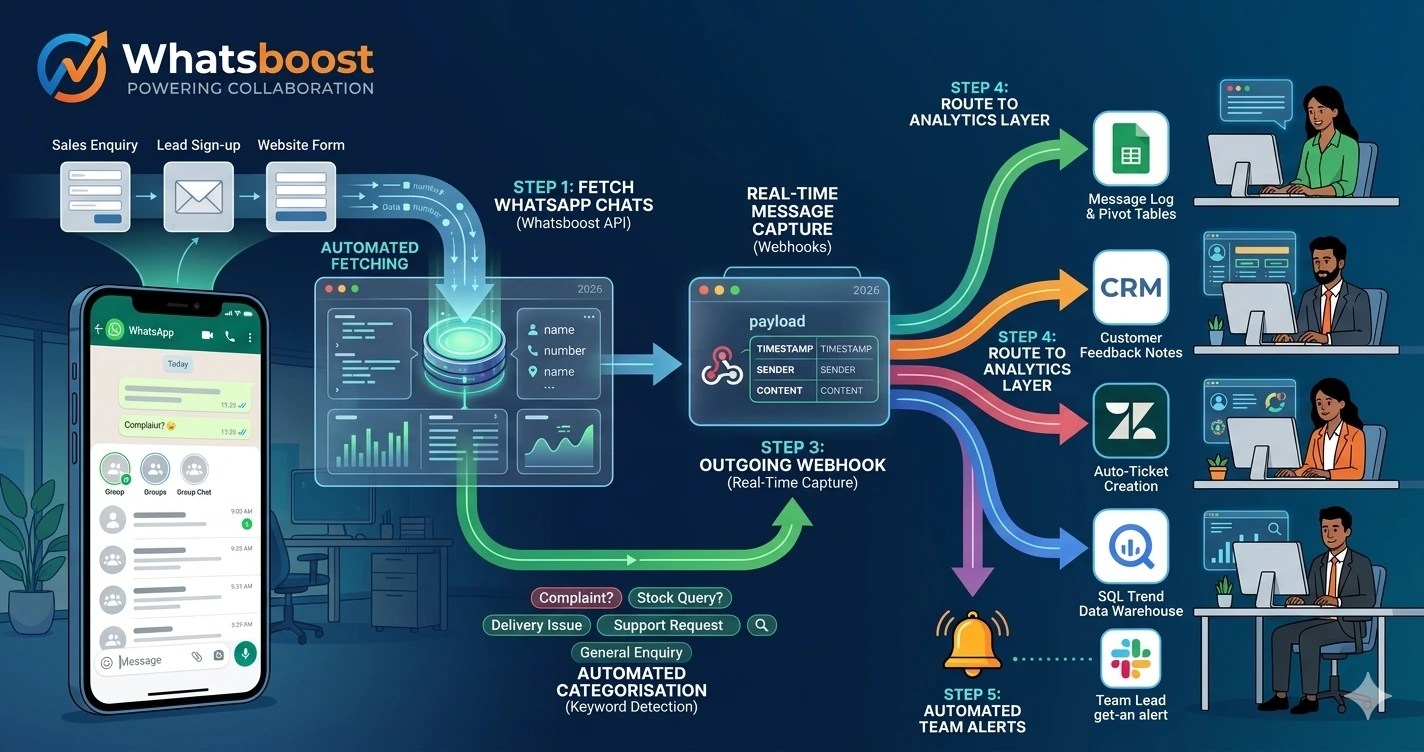
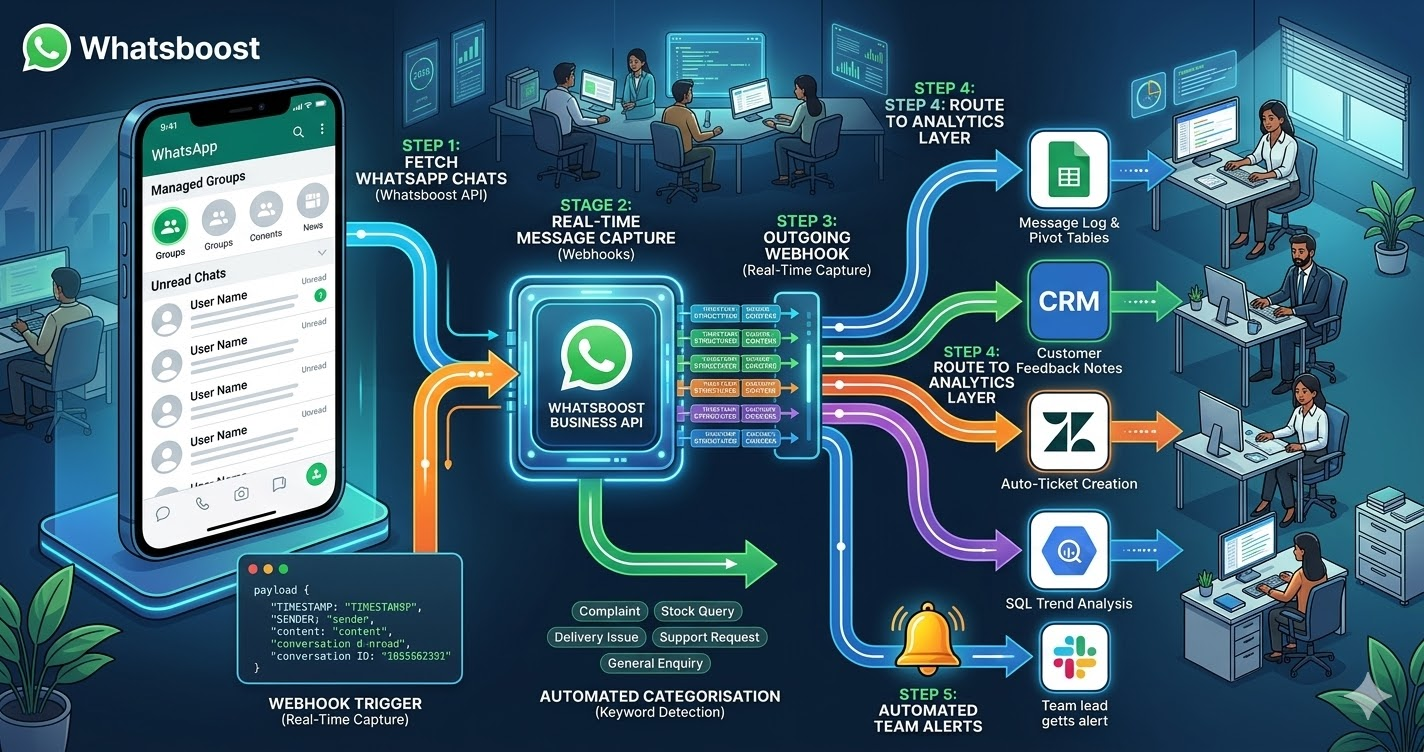
The WhatsApp Group API — accessible through the WhatsApp Business API that Whatsboost activates — allows businesses to programmatically manage group and community membership. This means adding members, removing members, and managing sub-group assignments can all be triggered by external events — such as a new lead entering your CRM, a form submission, a Meta Lead Ad conversion, or a specific lead score threshold being reached — rather than requiring manual action from your team.
When a lead is added to your pipeline through any source, the WhatsApp Group API call is triggered automatically — passing the lead's phone number and the appropriate community or sub-group identifier to Whatsboost, which executes the addition and simultaneously sends the new member a personalised welcome message introducing them to the community and setting expectations for the value they will receive.
The entire process — from lead entering the pipeline to becoming an active WhatsApp community member — takes seconds and requires zero manual effort from your team.
Building Automatic Lead-to-Community Addition With Whatsboost
Step 1: Activate WhatsApp Business API and Group API via Whatsboost
The WhatsApp Group API is a component of the WhatsApp Business API — and Whatsboost activates both together as an authorised WhatsApp Business Solution Provider. Without API access, programmatic community management is not available. This is the essential first step — visit Whatsboost.in to get started with onboarding.
Step 2: Structure Your WhatsApp Communities for Lead Segmentation
Before automating lead addition, design your community structure to reflect the segmentation logic of your lead pipeline. A well-structured WhatsApp community for lead nurturing typically includes a main community with several sub-groups, each serving a specific lead segment or journey stage:
Segment by lead source — One sub-group for organic website leads, another for paid ad leads, another for referral leads — enabling tailored content and communication for each acquisition channel.
Segment by product interest — For businesses with multiple products or services, separate sub-groups for each product category ensure community members receive only the content relevant to their specific interest.
Segment by journey stage — One sub-group for cold leads receiving educational content, another for warm leads receiving case studies and comparison content, another for hot leads receiving demo invitations and offers — automatically moving leads between sub-groups as their score progresses.
Step 3: Connect Your Lead Sources to Whatsboost via Automation Platform
Using Zapier, Make, or Pabbly Connect, build the automation workflows that trigger community addition for each lead source:
Meta Lead Ads — When a lead submits a Meta Lead Ad form, the automation receives the lead data, extracts the phone number, identifies the campaign source, and makes a WhatsApp Group API call via Whatsboost to add the lead to the corresponding community sub-group.
Website forms and landing pages — When a lead submits a website contact form or landing page form, the same flow triggers — with the form data determining which community sub-group the lead is assigned to based on the product or service they expressed interest in.
CRM pipeline events — When a lead's status in your CRM changes — from "New Lead" to "Qualified Lead," or from "Qualified" to "Proposal Sent" — the automation triggers a community sub-group change, moving the lead to the appropriate next stage community automatically.
WhatsApp chatbot qualification completion — When a lead completes a Whatsboost qualification chatbot and achieves a sufficient intent score, the automation adds them to the relevant community sub-group based on their qualification responses — moving them from a cold general community to a warm product-specific sub-group where higher-intent content and offers are shared.
Step 4: Configure Personalised Welcome Messages for Every New Community Member
The moment a lead is added to a WhatsApp community sub-group through the Group API, Whatsboost automatically sends them a personalised welcome message — addressing them by name, acknowledging what brought them to the community, and setting clear expectations for the value, content, and engagement they can expect as a member.
A strong welcome message significantly improves early community engagement rates — ensuring new members understand what the community is for and are motivated to participate from their first day of membership. For Indian leads who have never been part of a branded WhatsApp community before, this welcome message is the critical first impression that determines whether they engage or immediately mute the group.
Step 5: Automate Lead Journey Progression Between Community Sub-Groups
As leads progress through your sales funnel, their community membership should evolve with them. Configure Whatsboost and your CRM to trigger sub-group changes automatically when lead scoring milestones are reached:
A lead whose CRM score crosses the warm threshold is automatically moved from the cold leads educational sub-group to the warm leads case study sub-group — receiving more commercially relevant content without any manual membership management.
A lead who requests a demo through the community is automatically moved to a hot leads sub-group where a sales rep is notified and the lead receives specific pre-demo preparation content — accelerating the conversion process while maintaining the community engagement that has built the relationship to this point.
Visit Whatsboost.in to explore how journey-based community management workflows are built.
Business Types That Benefit Most From Automated Lead Community Addition
EdTech and coaching businesses — Automatically add every course enquiry lead to a free learner community where they receive sample content, success stories, faculty introductions, and peer interactions — converting passive enquirers into enrolled students through community-driven social proof and sustained engagement.
Real estate developers and agencies — Add property enquiry leads to location-specific or project-specific WhatsApp communities where they receive site visit invitations, project updates, price movement alerts, and testimonials from buyers — nurturing them through the extended real estate decision cycle with consistent, relevant engagement.
SaaS and technology companies — Add trial sign-up leads to a product community where they receive onboarding tips, feature updates, use case examples, and peer user success stories — improving trial-to-paid conversion through community-powered product adoption.
Financial services and insurance — Add leads who have expressed interest in specific financial products to product education communities where they receive regulatory updates, product comparison content, and customer testimonials — building the knowledge and trust needed for high-consideration financial purchase decisions.
Best Practices for Automated WhatsApp Community Lead Management
Always send a permission-confirming welcome message. When a lead is automatically added to a WhatsApp community, their first message should clearly explain what community they have joined, why they were added, what content they will receive, and how to opt out if they prefer. Transparency builds trust and reduces the likelihood of leads blocking your number or reporting spam.
Limit automated content frequency to protect engagement quality. The WhatsApp community is most valuable as an engagement tool when members find every message worth reading. Posting too frequently degrades community quality and accelerates member muting and exits. Design your content calendar with a maximum of three to four community messages per week — prioritising quality and relevance over volume.
Monitor sub-group health metrics weekly using Whatsboost analytics. Track message open rates, poll participation, sub-group join-to-exit ratios, and conversion rates from community member to sales conversation. These metrics reveal which sub-groups are generating engagement and which need content or targeting refinement — enabling data-driven community management rather than assumption-based adjustment.
Turn Every Lead Into a Community Member — Automatically
In 2026, Indian businesses that nurture leads through WhatsApp communities convert at significantly higher rates than those relying on email sequences and broadcast messages alone. Community membership creates the sustained, two-way engagement that builds the trust and familiarity that purchasing decisions require — particularly in high-consideration Indian markets where relationship quality is a primary conversion driver.
Automating lead addition to WhatsApp communities using the WhatsApp Group API, powered by Whatsboost, ensures that every lead enters your nurturing ecosystem immediately and automatically — receiving the right community content for their segment from day one, progressing through sub-groups as their intent develops, and arriving at the sales conversation already engaged, informed, and ready to convert.
Visit Whatsboost.in and start building your automated WhatsApp lead community today.
Want to automate WhatsApp for your business?
Set up campaigns, replies, and follow-ups in minutes.