
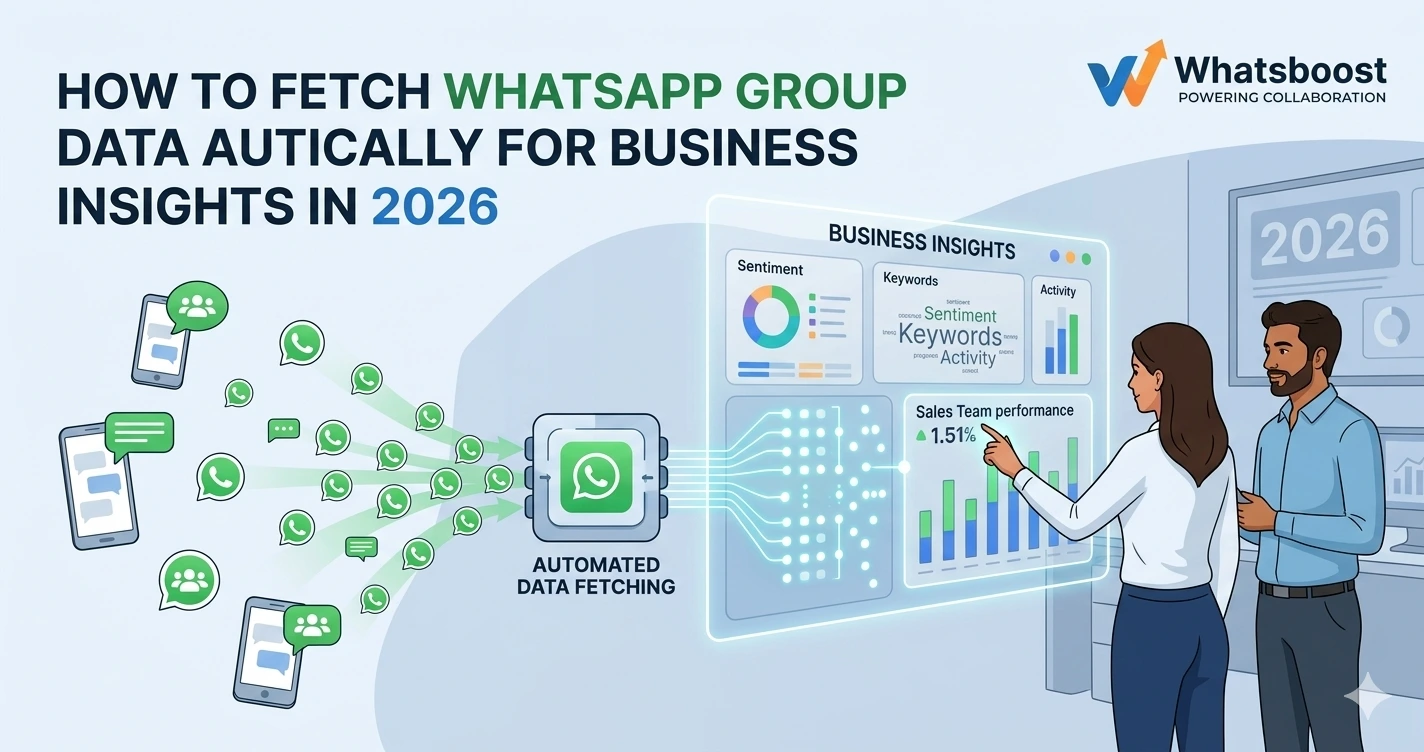
How to Fetch WhatsApp Group Data Automatically for Business Insights in 2026 | Whatsboost
Learn how to fetch WhatsApp group data automatically for business insights in 2026. Discover practical workflows, setup steps, and how Whatsboost helps Indian businesses extract actionable intelligence from WhatsApp communications at scale.
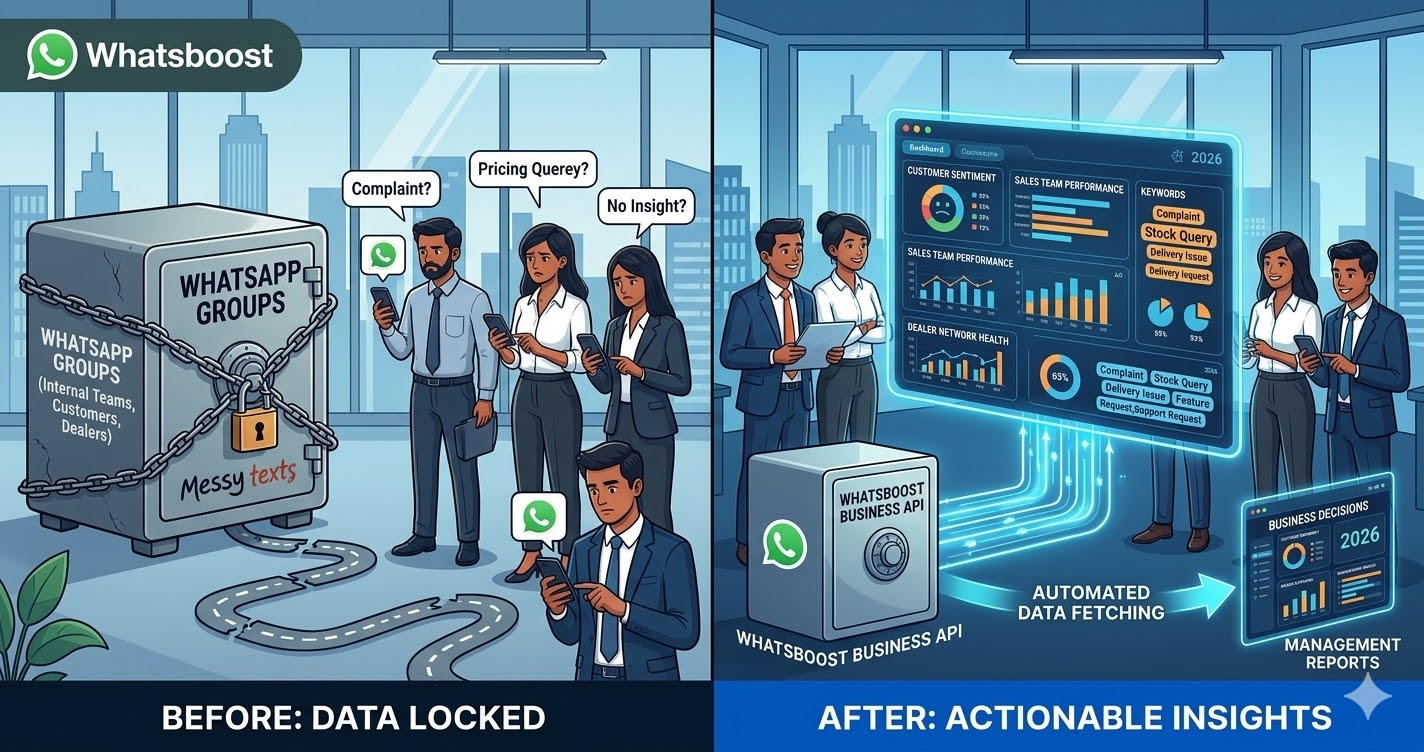
WhatsApp groups are where a significant volume of Indian business communication happens every day. Sales teams coordinate in groups. Customer feedback arrives in community groups. Reseller networks share updates in dealer groups. Support teams manage escalations across department groups. And yet, for most Indian businesses, all of this communication activity generates zero structured business intelligence — because the data stays locked inside WhatsApp with no systematic way to extract, organise, or analyse it.
The conversations happening in your WhatsApp groups contain real business signals. Recurring customer complaints point to product or service gaps. Frequently asked questions reveal gaps in your onboarding or communication. Message volume patterns show when your team is most active — and when response times are lagging. Keyword frequency across customer groups highlights emerging trends before they show up in formal surveys.
In 2026, Indian businesses that fetch WhatsApp group data automatically and channel it into structured business insights are making faster, better-informed decisions than competitors relying on gut feel and informal observation. This blog explains how to build this data pipeline — and how Whatsboost provides the foundation that makes it reliable, scalable, and actionable.
Why WhatsApp Group Data Is a Largely Untapped Business Intelligence Source
Most Indian businesses treat WhatsApp groups as operational communication tools — useful for getting things done day to day but not a source of strategic intelligence. This perception is a missed opportunity.
WhatsApp groups generate high-frequency, unfiltered communication that reflects genuine business reality. Unlike formal reports, email threads, or survey responses — which are shaped by who is preparing them and what they expect the audience wants to hear — WhatsApp group messages are spontaneous, direct, and honest. A customer who would rate their experience 4 out of 5 in a formal survey will say exactly what frustrated them in a WhatsApp community group.
For Indian businesses operating reseller networks, dealer channels, B2B communities, or customer support groups, this unfiltered communication is one of the richest sources of real-time business intelligence available. The challenge is extracting it systematically rather than relying on someone manually reviewing threads.
Whatsboost enables businesses to move WhatsApp group communication into a structured, analysable format automatically — capturing message data, categorising it by type and keyword, and routing it to the analytics tools where business decisions are actually made. Visit Whatsboost.in to explore the platform.
What Kinds of Business Insights Can WhatsApp Group Data Reveal?
Before building the data pipeline, it is worth being specific about the intelligence WhatsApp group data can generate for Indian businesses:
Customer feedback and sentiment trends — In customer community groups, message frequency around specific product features, service experiences, or delivery issues reveals satisfaction and dissatisfaction patterns that formal feedback mechanisms consistently miss.
Sales team activity and performance patterns — In internal sales group chats, message volume, response time to leads shared in the group, and keyword frequency around deal stages indicate which team members are most active and where pipeline bottlenecks are forming.
Reseller and dealer network health — In dealer or reseller groups, the frequency of questions about stock availability, pricing, or promotional materials signals where your channel partners need more support — before those gaps translate into lost sales.
Support query category distribution — In customer support groups, the most frequently occurring query types reveal which product or service areas generate the highest support burden — informing product improvement priorities and self-service content development.
Community engagement levels — Message volume trends over time across customer or partner community groups indicate whether engagement is growing, plateauing, or declining — an early warning signal for community health before formal metrics are reviewed.
How to Fetch WhatsApp Group Data Automatically With Whatsboost
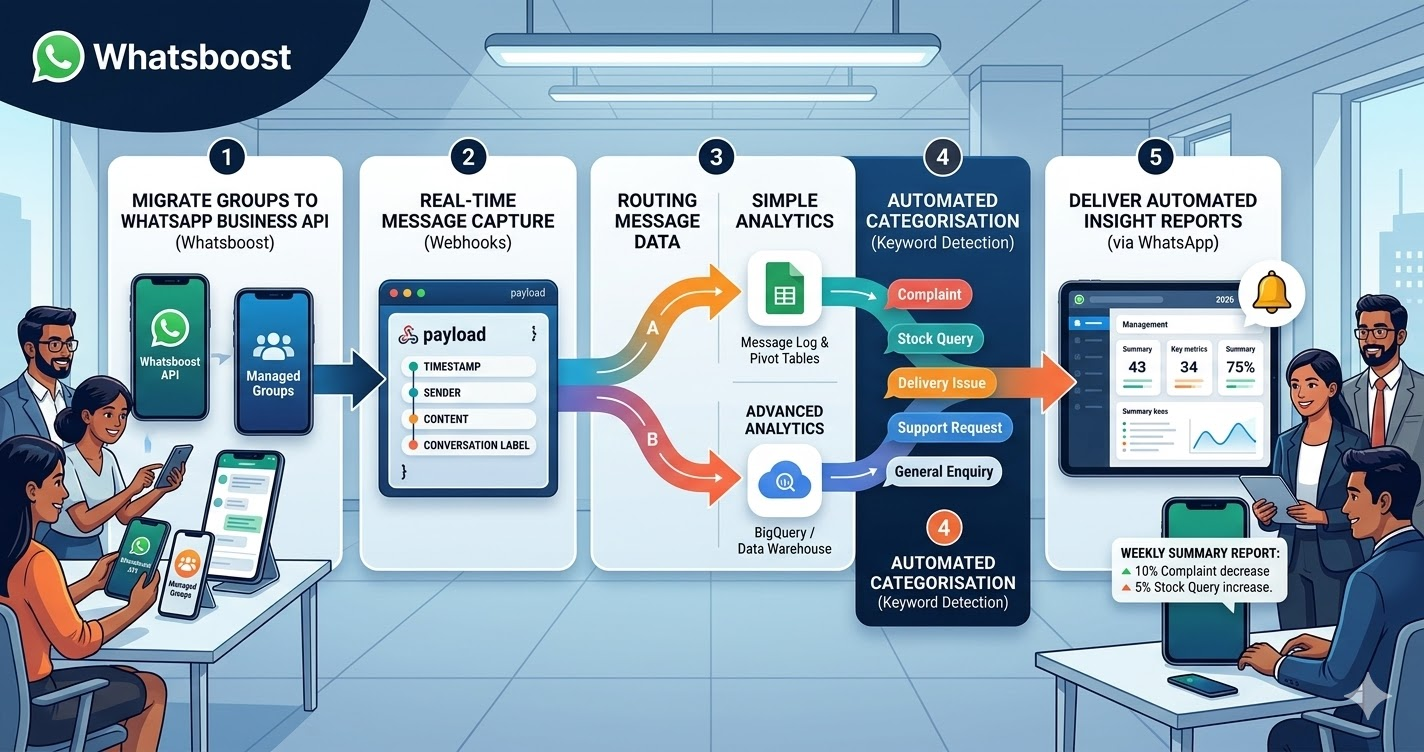
Step 1: Migrate Group Communication to WhatsApp Business API via Whatsboost
Standard WhatsApp groups do not expose data through an API — they are consumer-grade communication tools with no programmatic data access. To fetch WhatsApp group data automatically, your group communication needs to operate through the WhatsApp Business API, which Whatsboost activates as an authorised WhatsApp Business Solution Provider.
This means transitioning your business-critical group communication — customer communities, dealer networks, internal team groups — to Whatsboost's managed WhatsApp Business infrastructure, where all incoming and outgoing messages are captured, logged, and accessible through Whatsboost's webhook and API layer.
Step 2: Configure Whatsboost Webhooks for Real-Time Message Capture
Enable outgoing webhooks in Whatsboost that fire on every message received across your active group communications. Each webhook payload captures the sender's identifier, message content, timestamp, conversation label, and any media file metadata — delivering a structured data event for every message the moment it is received.
This real-time webhook stream is the data source your business intelligence pipeline is built on. Every message becomes a structured data point rather than a line in a chat thread.
Step 3: Route Message Data to Your Analytics and Storage Layer
Connect Whatsboost's webhooks to your preferred data destination using Zapier, Make, or Pabbly Connect:
Google Sheets — For Indian businesses wanting a simple, accessible analytics layer, routing WhatsApp group message data to Google Sheets creates a continuously updated message log that can be filtered, pivot-tabled, and charted by any team member without technical skills.
BigQuery or data warehouse — For larger businesses with dedicated analytics teams, routing message data to a cloud data warehouse enables SQL-based analysis, trend modelling, and integration with other business data sources — creating a unified intelligence layer across channels.
CRM or helpdesk platform — Messages from customer community groups can be routed to Zendesk, Freshdesk, or HubSpot — automatically creating tickets or contact notes for messages that contain complaint keywords or support request language.
Step 4: Build Keyword Detection and Automated Categorisation in Whatsboost
Use Whatsboost's keyword detection to automatically tag incoming messages with category labels before they are routed to your analytics layer. Common category labels for Indian business group communication include:
Complaint, Positive Feedback, Stock Query, Pricing Question, Delivery Issue, Feature Request, Support Request, and General Enquiry.
When messages arrive pre-categorised in your Google Sheet or data warehouse, analysis that would otherwise require manual review becomes a simple filter operation — revealing category distribution patterns, trend changes, and anomalies instantly.
Step 5: Set Up Automated Insight Reports Delivered via WhatsApp
Close the intelligence loop by configuring Whatsboost to send automated weekly or daily summary reports directly to your management team on WhatsApp — a brief, structured message reporting the previous week's message volume by category, top recurring keywords, response time averages, and any significant trend changes detected.
Your management team receives actionable business intelligence in the channel they check most frequently — without needing to log into a separate dashboard, pull a report, or wait for a weekly meeting to surface the findings. Visit Whatsboost.in to explore how automated reporting workflows are built.
Practical Business Intelligence Use Cases for Indian Businesses
E-commerce brands with customer WhatsApp communities — Automatically fetch and categorise customer feedback messages to identify the most frequently raised product issues, delivery complaints, and positive experiences — informing product development and customer success priorities on a weekly basis.
FMCG and consumer goods companies with dealer networks — Automatically capture dealer group messages to monitor stock queries, promotional questions, and competitive intelligence shared by field teams — creating a real-time pulse on channel health that head office teams rarely have visibility into.
EdTech platforms with student and parent groups — Automatically detect and categorise messages from learner community groups to identify the most common course queries, technical issues, and satisfaction signals — enabling course teams to address recurring problems proactively before they affect retention.
Financial services and insurance agencies with agent networks — Automatically log and categorise messages from agent communication groups to monitor activity levels, identify agents who are disengaged, and surface recurring product or process questions that indicate training needs.
Best Practices for Fetching WhatsApp Group Data for Business Insights
Inform group members that communication is being managed through a business platform. Transparency builds trust and ensures that your data collection operates within appropriate ethical boundaries. Most group members — whether customers, dealers, or employees — will have no objection to professional business communication being logged for operational purposes.
Start with one group and one insight goal. The most common mistake when building a WhatsApp data pipeline is attempting to connect every group simultaneously. Start with the single group where business intelligence would be most valuable — your most active customer community or your largest dealer group — and validate the data quality and insight value before expanding.
Review category tagging accuracy weekly in the first month. Keyword-based categorisation requires calibration in the early weeks. Review a sample of tagged messages each week and refine your keyword lists to improve categorisation accuracy — ensuring your business insights are based on correctly labelled data.
The Data You Need Is Already in Your WhatsApp Groups
Indian businesses are sitting on a rich, real-time intelligence source that most are not using. Every message in your customer communities, dealer networks, and internal team groups is a data point that could be informing a better decision — about your product, your service quality, your channel health, or your team performance.
Fetching WhatsApp group data automatically with Whatsboost transforms this dormant communication into structured, searchable, analysable business intelligence — giving Indian businesses the real-time decision-making advantage that was previously only available to organisations with large dedicated analytics teams.
Visit Whatsboost.in and start turning your WhatsApp group conversations into business insights today.
Want to automate WhatsApp for your business?
Set up campaigns, replies, and follow-ups in minutes.