
How to Qualify Leads Automatically From WPForms Using WhatsApp Workflows in 2026 | Whatsboost
Learn how to qualify leads automatically from WPForms using WhatsApp workflows in 2026. Discover step-by-step setup, practical qualification frameworks, and how Whatsboost helps Indian businesses convert WordPress form leads into pre-qualified sales conversations.
WPForms is one of the most widely deployed lead generation tools on Indian WordPress websites. Contact forms, consultation request forms, pricing enquiry forms, and free trial forms collectively generate hundreds of thousands of lead submissions for Indian businesses every day. The fundamental challenge is that most of these submissions are not equal — some represent serious, immediate buying intent; others represent casual curiosity with a 12-month decision timeline; and many represent students, competitors, or researchers with no purchase intent at all.
Without qualification, every WPForms lead enters the sales pipeline at the same priority level and receives the same follow-up effort — which means sales reps spend equal time on every lead regardless of their actual potential to convert. This is not only inefficient; it actively reduces overall conversion rates because the highest-intent leads do not receive the disproportionate attention they deserve.
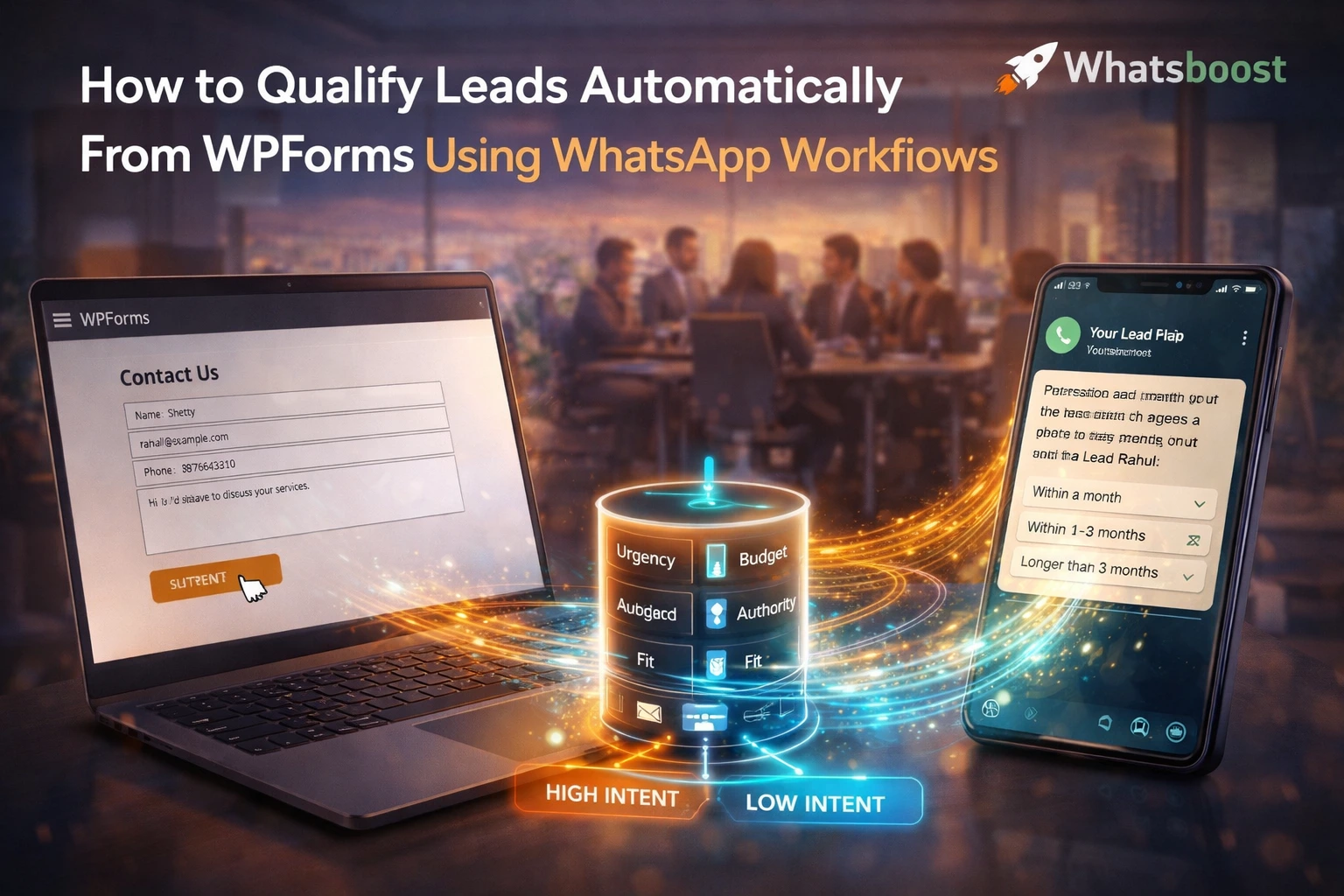
In 2026, automatically qualifying leads from WPForms using WhatsApp workflows — so that every form submission is assessed for intent, scored against defined criteria, and routed to the appropriate outcome before a sales rep is ever involved — is a practical, buildable system for Indian businesses. This blog explains how to build it, and how Whatsboost powers the WhatsApp workflow engine that makes automatic qualification possible.
Why WhatsApp Is the Ideal Qualification Channel for WPForms Leads
When a prospect submits a WPForms form, their intent is active — they have taken a deliberate action and are expecting some form of response. This is the highest-engagement moment in the entire lead journey — and it is the ideal moment to introduce a qualification workflow.
WhatsApp is the right channel for this qualification for three specific reasons that matter for Indian audiences:
Immediate engagement captures intent at its peak. A WhatsApp qualification message sent within seconds of form submission reaches the prospect while they are still mentally engaged with the decision they just made. The same qualification questions sent by email 45 minutes later arrive when the prospect has moved on to something else — producing lower response rates and less accurate answers.
Conversational format produces more honest qualification data. A multi-question web form that asks about budget and timeline before a prospect has any rapport with the business feels intrusive and produces under-reported answers. The same questions asked in a WhatsApp conversation — one at a time, with natural language framing — produce more honest, complete responses because the format feels less formal and less exposing.
Button-based responses remove friction from qualification. WhatsApp's interactive button messages present qualification options as tappable choices — requiring a single tap rather than typing. This dramatically increases qualification flow completion rates on mobile — where most Indian prospects are submitting WPForms forms and receiving WhatsApp messages.
Whatsboost provides the WhatsApp Business API, interactive button message support, and no-code workflow builder that makes automatic WPForms lead qualification a buildable system for any Indian business. Visit Whatsboost.in to explore the platform.
Designing Your WhatsApp Qualification Workflow for WPForms Leads
Before building the automation, design the qualification logic that will determine how each WPForms lead is scored and routed. Most Indian businesses qualify leads on four dimensions — Budget, Authority, Need, and Timeline (BANT) — with each dimension assessed through one focused WhatsApp question.
The qualification workflow should be concise — four to five questions maximum — and framed as a helpful intake process rather than a screening exercise. The opening message sets this tone: "Hi [Name], thanks for reaching out — to make sure we connect you with the right person and the right information, may we ask a few quick questions? It will only take two minutes."
Each subsequent question presents two or three button options that cover the range of likely responses. The prospect taps their answer, the next question is triggered, and at the end of the flow, their cumulative responses are scored automatically by the workflow logic — producing a lead classification that determines their routing outcome.
Building the WPForms to WhatsApp Qualification Workflow With Whatsboost
Step 1: Activate WhatsApp Business API via Whatsboost
Whatsboost activates your WhatsApp Business API as an authorised WhatsApp Business Solution Provider — giving your business the interactive button message capabilities and no-code workflow builder that the qualification flow runs on. This is the essential first step. Start at Whatsboost.in.
Step 2: Connect WPForms Submissions to Whatsboost
In Zapier, Make, or Pabbly Connect, create a trigger that fires on every new WPForms submission. The automation extracts the submitter's name and phone number — standardising the number to international format with the +91 country code for Indian leads — and passes both to Whatsboost to initiate the qualification workflow.
The form submission data — form name, campaign source, submitted field values — is also passed to the automation so the opening qualification message can reference the specific service or product the lead enquired about, making the WhatsApp conversation feel contextually relevant from the first message.
Step 3: Build the Four-Question Qualification Flow in Whatsboost
Using Whatsboost's no-code visual workflow builder, create the qualification conversation — a sequence of four button-based WhatsApp messages, each triggered by the prospect's response to the previous one:
Question 1 — Need Assessment "What best describes what you are looking for?" — Button options: "Specific solution for a current problem," "Exploring options for the future," "Comparing providers"
Question 2 — Budget Range "Which budget range applies to your current requirement?" — Button options matching your actual pricing tiers — for example: "Under ₹25,000," "₹25,000 – ₹1,00,000," "Above ₹1,00,000"
Question 3 — Timeline "When are you looking to get started?" — Button options: "Within the next 2 weeks," "Next 1–3 months," "3–6 months," "Just researching"
Question 4 — Decision Authority "Are you the primary decision-maker for this?" — Button options: "Yes, I decide," "Joint decision with my team," "I need to check with management"
These four questions, answered via single taps, generate the complete qualification data your sales team needs to prioritise and personalise every follow-up — without a single phone call before qualification is complete.
Step 4: Configure Scoring and Conditional Routing
In Whatsboost's conditional branching logic, assign score values to each button response and define routing rules for three lead classifications:
High-intent qualified leads — Specific current need + budget within range + decision within 30 days + decision-maker — Receive an immediate WhatsApp message with a calendar booking link and a senior rep assignment notification. These leads go directly to a sales call.
Medium-intent warm leads — Interested but timeline 1–3 months or joint decision required — Enter an automated WhatsApp nurture sequence delivering relevant case studies, testimonials, and re-qualification prompts at weekly intervals. Rep notification is sent but with a standard rather than urgent priority.
Low-intent cold leads — Researching, budget below range, timeline beyond 3 months — Receive a helpful WhatsApp message with free resources and are added to a long-term nurture campaign with a 60-day re-qualification trigger. No rep time is invested until their score improves.
Step 5: Connect Qualified Lead Data to Your CRM and Pipeline
At the end of every completed qualification flow, Whatsboost's webhook integration pushes the complete qualification profile — name, phone number, WPForms source, all question responses, lead classification, and timestamp — to your CRM. The sales rep who picks up the high-intent lead already has a complete qualification brief before making first contact. Visit Whatsboost.in for CRM integration details.
Best Practices for WPForms WhatsApp Lead Qualification
Match your qualification questions to your actual sales disqualifiers. The four questions in your workflow should test the criteria that genuinely determine whether your sales team should invest time in a lead — not generic BANT criteria that do not reflect your specific sales process. If geography is a disqualifier for your business, include a location question. If company size determines product fit, ask for it.
Keep the qualification flow under five minutes. Qualification flows that take longer than five minutes see significantly higher abandonment rates on mobile. Four focused questions with button options can be completed in under two minutes — the threshold at which completion rates remain high enough to produce statistically valid qualification data.
Always include a human escalation option at the first question. Some prospects want to speak to someone immediately rather than complete a chatbot flow. Include a "I prefer to speak to someone directly" button option at the opening message — routing these prospects immediately to a live agent in Whatsboost's shared team inbox with their WPForms submission data already visible. High-intent prospects who prefer direct contact should never be forced through an automated flow that reduces their likelihood of converting.
Stop Sending Every WPForms Lead to a Sales Rep — Start Sending Only the Right Ones
In 2026, Indian businesses that qualify WPForms leads automatically using WhatsApp workflows before involving a sales rep operate at a fundamentally different level of sales efficiency. Every rep conversation starts with a pre-qualified, high-intent prospect. Every rep hour generates more revenue. And every WPForms lead — regardless of intent — receives a professional, personalised WhatsApp experience from the moment of form submission.
With Whatsboost powering your WhatsApp qualification workflow, this level of automated lead intelligence is achievable for any Indian WordPress business — built without a developer, live within days, and delivering measurable conversion improvement from the first qualified lead it routes.
Visit Whatsboost.in and start automatically qualifying your WPForms leads through WhatsApp workflows today.
Want to automate WhatsApp for your business?
Set up campaigns, replies, and follow-ups in minutes.