
How to Sync WPForms Leads to WhatsApp and CRM Automatically in 2026 | Whatsboost
Learn how to sync WPForms leads to WhatsApp and CRM automatically in 2026. Discover step-by-step workflows, practical setup tips, and how Whatsboost helps Indian businesses instantly engage WPForms leads on WhatsApp while keeping their CRM pipeline current.
For Indian businesses running WordPress websites, WPForms is typically the front door of the lead pipeline — the point where a prospect transitions from a passive website visitor into an identifiable, contactable lead. What happens in the minutes immediately after that transition determines whether the lead converts or moves on.
Most Indian businesses have the same gap in this critical window. A WPForms lead is submitted. It lands in an email inbox — or a CRM, if the business has set up an integration — and waits. It waits for someone to notice the email. It waits for a CRM record to be reviewed during the next sales team meeting. It waits while the prospect, having expressed genuine interest moments ago, receives no acknowledgement, no response, and no reason to choose this business over any other.
Syncing WPForms leads to both WhatsApp and CRM automatically — simultaneously — solves this in one workflow. The lead is engaged on WhatsApp within seconds of form submission. The CRM record is created at the same moment. And the sales rep receives a WhatsApp alert with the full lead context before they have even had time to check their email. This blog explains exactly how to build this three-way sync, and how Whatsboost powers the WhatsApp delivery layer that makes it work in real time.
Why Simultaneous WhatsApp and CRM Sync Is the Standard Indian Businesses Should Set
Syncing WPForms leads to WhatsApp and CRM separately — or only to one of the two — leaves value on the table in different ways.
WhatsApp without CRM sync creates an engagement layer without a tracking layer. Leads are contacted immediately on WhatsApp — which is excellent for first-contact speed — but because no CRM record is created simultaneously, the pipeline has no visibility into the lead. The sales manager cannot see it. The lead is not tracked through the funnel. And if the WhatsApp conversation fails to convert, there is no CRM record to trigger a follow-up sequence weeks later.
CRM without WhatsApp sync creates a tracking layer without an engagement layer. The lead is in the system — correctly tagged, assigned, and visible in the pipeline — but they are waiting for a manual outreach that may not happen for hours. The first-contact advantage that instant WhatsApp engagement provides is completely lost.
Simultaneous WhatsApp and CRM sync combines both: the lead is engaged immediately on WhatsApp while simultaneously being created in the CRM with full context. The engagement is fast. The tracking is complete. The pipeline is current. And the sales rep has a WhatsApp lead alert with the CRM link attached — enabling a coordinated, accountable first contact in under five minutes.
Whatsboost provides the WhatsApp Business API layer that makes the WhatsApp side of this simultaneous sync real-time and reliable for Indian businesses of every scale. Visit Whatsboost.in to explore the platform.
How the WPForms to WhatsApp and CRM Sync Works
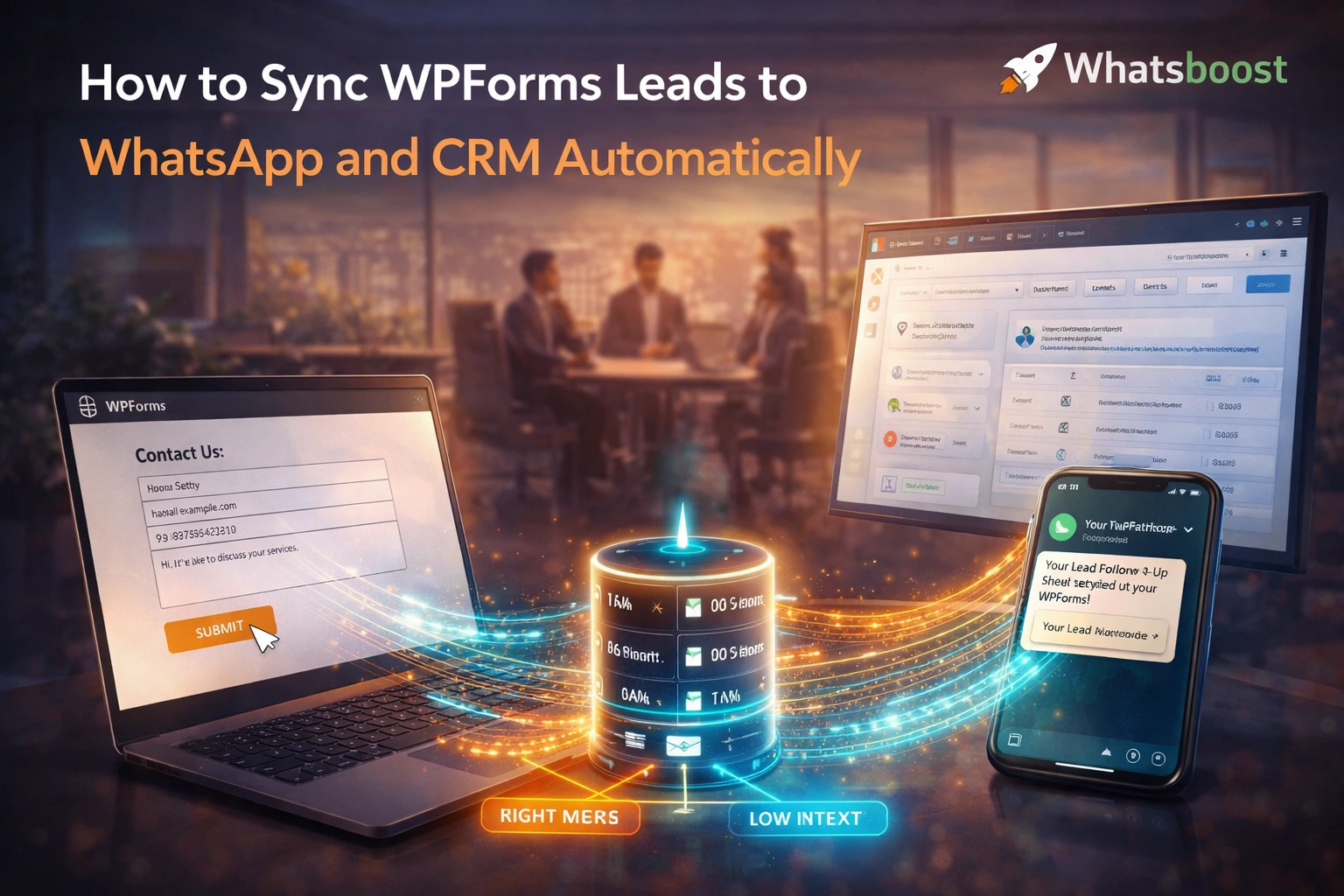
The three-way sync connects four components in a parallel pipeline: WPForms capturing the submission and firing a webhook, an automation platform splitting the data flow into simultaneous actions, Whatsboost delivering WhatsApp messages to both the lead and the rep, and your CRM receiving the lead record with complete field data.
The entire sequence — from form submission to WhatsApp message delivered and CRM record created — takes under 60 seconds and requires zero human involvement.
Building the WPForms to WhatsApp and CRM Sync With Whatsboost
Step 1: Activate WhatsApp Business API via Whatsboost
Whatsboost is an authorised WhatsApp Business Solution Provider that activates your WhatsApp Business API with full onboarding support — the non-negotiable foundation for automated WhatsApp lead engagement from WPForms. Start at Whatsboost.in.
Step 2: Prepare Your WPForms Lead Capture Setup
Ensure every WPForms form intended for lead capture includes a phone number field that collects the submitter's WhatsApp-contactable mobile number. Add hidden fields to each form that capture the form name, the campaign source (if applicable), and any UTM parameters — so your CRM records and WhatsApp messages are enriched with source attribution data that enables meaningful lead quality analysis by campaign.
Configure WPForms to connect with your automation platform — Zapier, Make, or Pabbly Connect — through WPForms' native integration. Verify that the test webhook delivers all form field data accurately before activating the live automation.
Step 3: Build the Parallel Action Workflow in Zapier or Make
Create an automation workflow with one trigger and four simultaneous parallel actions:
Trigger — New WPForms submission received.
Parallel Action 1 — Standardise phone number format Format the submitted phone number to international format — adding the +91 country code for Indian numbers, removing spaces, brackets, and dashes — ensuring Whatsboost receives a clean, deliverable number for WhatsApp contact.
Parallel Action 2 — Send WhatsApp acknowledgement to the lead via Whatsboost Deliver a personalised WhatsApp message to the submitter — using their name, referencing the specific form or service they enquired about, confirming next steps, and inviting immediate engagement with a tap-to-reply button. This message opens the WhatsApp conversation thread that the sales rep will use for all follow-up communication.
Parallel Action 3 — Send WhatsApp lead alert to the assigned rep via Whatsboost Deliver a structured WhatsApp notification to the sales rep responsible for this lead — containing the submitter's name, phone number as a wa.me one-tap link, the form name, all submitted field values formatted as a readable summary, and a direct link to the CRM record being created in Parallel Action 4. The rep has everything they need to make an informed first call within minutes.
Parallel Action 4 — Create CRM contact and lead record In HubSpot, Zoho CRM, Freshsales, or your preferred CRM platform, create a new contact with all WPForms field data mapped to the correct CRM fields — name, email, phone, company, message, form source, campaign attribution, and submission timestamp. Create an associated deal or lead record in the appropriate pipeline stage — "New Lead" — with a first contact due date set to the same business day or within your team's defined response standard.
Step 4: Configure Form-Specific Routing for Multiple WPForms
For WordPress websites with multiple WPForms forms serving different purposes — contact enquiry, pricing request, booking, consultation, demo request — configure separate routing rules that assign each form to the appropriate sales rep, CRM pipeline, and WhatsApp message template:
A pricing enquiry form routes to the pricing specialist and creates a deal in the pricing enquiry pipeline. A consultation request form routes to the senior consultant and creates a deal in the consultation pipeline. A product demo request routes to the pre-sales team and creates a deal in the demo pipeline.
This form-specific routing ensures every lead arrives in exactly the right place in the CRM with exactly the right rep alerted on WhatsApp — without any manual triage required. Visit Whatsboost.in to explore the routing capabilities available.
Step 5: Automate CRM Stage Progression From WhatsApp Conversations
Create bidirectional sync logic that keeps the CRM pipeline current as WhatsApp conversations progress:
When the assigned rep applies a conversation label in Whatsboost indicating a qualification milestone — "Qualified," "Demo Scheduled," "Proposal Sent," "Verbal Commitment" — the automation automatically updates the corresponding CRM deal stage to match. The CRM pipeline reflects the actual state of the WhatsApp sales conversation in real time — without the rep needing to log into the CRM and manually update the deal after every conversation.
When a CRM deal is marked "Won" or "Lost," Whatsboost sends an automated WhatsApp message to the lead — a warm congratulations and onboarding invitation for won deals, or a graceful closing message with a future re-engagement option for lost deals — ensuring the WhatsApp conversation is appropriately closed regardless of the deal outcome.
Advanced Sync Workflows for Indian WordPress Businesses
WPForms to WhatsApp qualification before CRM entry — For businesses with high form submission volumes, insert a WhatsApp qualification flow between form submission and CRM entry — so only leads that complete the qualification flow and meet your criteria are created as CRM contacts. This keeps your CRM clean with verified, qualified leads rather than populating it with every unqualified form submission.
Multi-form attribution reporting — Tag each CRM deal with its WPForms source and the UTM parameters captured at submission. Over time, this attribution data reveals which WordPress forms and which traffic sources produce the highest-quality leads — enabling smarter investment in the form designs and marketing channels that drive pipeline value.
Lead re-engagement from CRM inactivity triggers — Configure a CRM automation that fires when a lead deal has not had an activity log in 14 days. The trigger sends a Whatsboost WhatsApp re-engagement message to the lead — reviving the conversation — and alerts the sales rep in Whatsboost that the lead is going cold. This closed loop between CRM inactivity and WhatsApp outreach prevents qualified leads from quietly ageing out of the pipeline.
Three Systems, One Workflow, Zero Manual Effort
In 2026, the Indian businesses converting WPForms leads at the highest rates are not the ones with the biggest ad budgets or the best-designed forms — they are the ones who engage leads instantly on WhatsApp while simultaneously creating a complete, tracked CRM record that every team member can see and act on.
With Whatsboost powering the WhatsApp layer of this three-way sync, any Indian WordPress business can build this workflow — responding to every WPForms lead within seconds, tracking every lead in the CRM from the moment of submission, and giving every sales rep the context they need to convert leads at the rate the business has already paid for through its marketing investment.
Visit Whatsboost.in and start syncing your WPForms leads to WhatsApp and CRM automatically today.
Want to automate WhatsApp for your business?
Set up campaigns, replies, and follow-ups in minutes.