
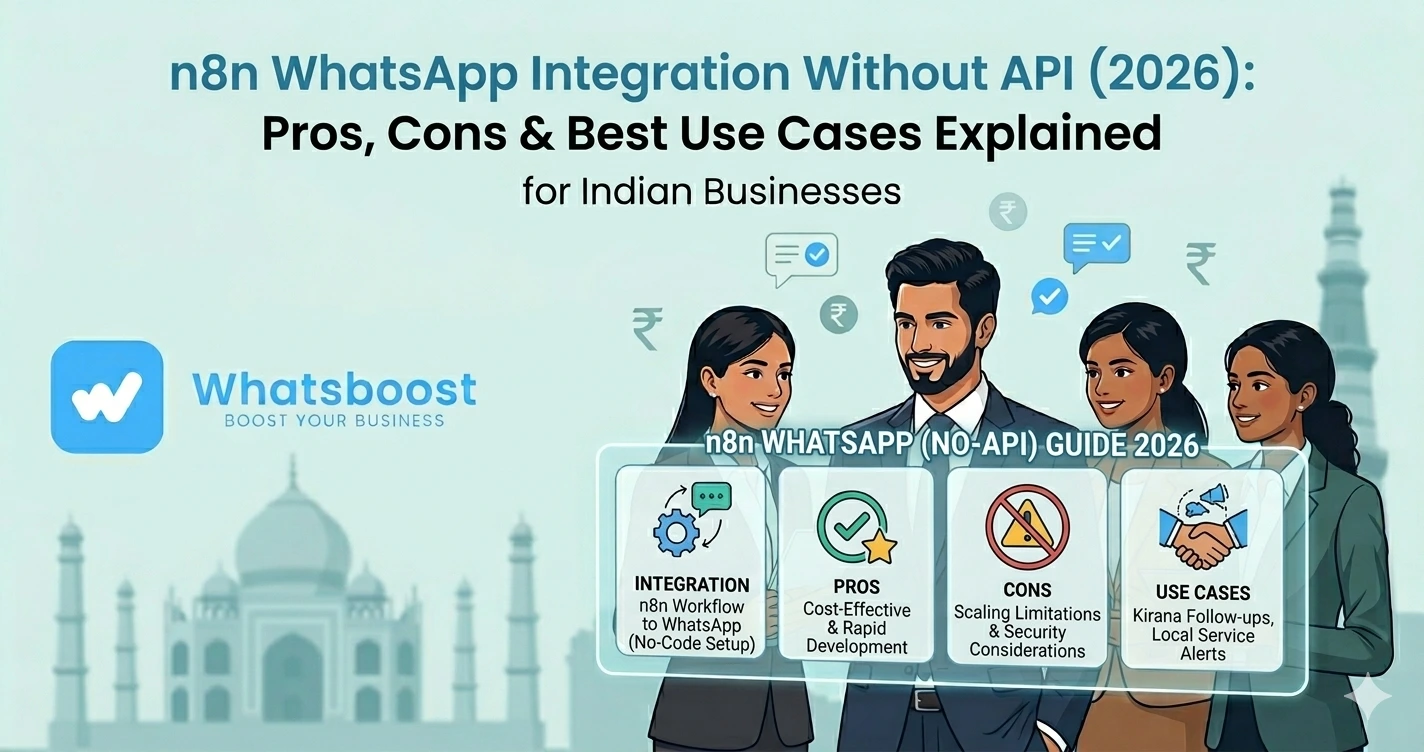
n8n WhatsApp Integration Without API (2026): Pros, Cons & Best Use Cases Explained
जानें n8n के साथ WhatsApp integration बिना API कैसे करें, इसके pros-cons क्या हैं और किन use cases में यह सही है — आसान हिंदी guide।
WhatsApp automation करना चाहते हैं… लेकिन API complex लग रहा है?
आज businesses automation tools use कर रहे हैं
और n8n जैसे tools popular हो रहे हैं
लेकिन problem यह है 👇
- WhatsApp API complex है
- Approval process लंबा है
- Setup costly है
👉 इसलिए लोग खोजते हैं:
👉 “n8n WhatsApp integration without API”
n8n क्या है? (Simple समझें)
n8n एक open-source workflow automation tool है
👉 इसका काम:
- Apps को connect करना
- Workflows automate करना
👉 Example:
- Google Sheets → Email
- CRM → Notification
👉 यह Zapier जैसा है, लेकिन ज्यादा flexible
👉 Developers के लिए powerful tool है
👉 अगर आप Google Sheets automation use करना चाहते हैं, तो यह पढ़ें:
https://whatsboost.in/blog/free-google-sheets-to-whatsapp-group-messaging-automations-for-teachers-clubs
n8n में WhatsApp Integration कैसे होता है?
WhatsApp को n8n से 2 तरीकों से connect कर सकते हैं:
1. Official API के साथ
✔ Stable
✔ Scalable
✔ Secure
2. बिना API (Unofficial तरीके से)
👉 यह methods use होते हैं:
- WhatsApp Web automation
- Puppeteer / Selenium scripts
- Third-party libraries
- Google Sheets triggers
👉 Example workflow:
- Google Sheet update
- n8n trigger
- Script WhatsApp message भेजता है
👉 यह workaround-based system है
👉 IndiaMART automation example देखें:
https://whatsboost.in/blog/how-to-automate-indiamart-with-whatsapp-for-auto-follow-ups
n8n + WhatsApp Without API: Pros (Advantages)
✅ 1. No API Cost
👉 API approval और per-message cost avoid
👉 Beginners के लिए affordable
✅ 2. Fast Experimentation
👉 तुरंत workflows test कर सकते हैं
👉 Developers के लिए perfect sandbox
✅ 3. High Flexibility
👉 Custom workflows बना सकते हैं
👉 Full control मिलता है
👉 Open-source होने से customization unlimited है
✅ 4. Internal Automation के लिए Best
👉 Team alerts
👉 Internal notifications
👉 Task reminders
👉 Small-scale use के लिए ideal
👉 Advanced workflows समझने के लिए:
https://whatsboost.in/blog/how-to-automate-whatsapp-replies-from-google-forms-a-guide-for-faster-lead-conversion
n8n + WhatsApp Without API: Cons (Limitations)
अब सबसे important part 👇
❌ 1. No Official Support
👉 WhatsApp update होते ही automation break हो सकता है
👉 कोई official backing नहीं
❌ 2. Scalability Problem
👉 Large-scale messaging possible नहीं
👉 High volume handle नहीं कर सकता
❌ 3. Compliance Risk
👉 WhatsApp policies violate हो सकती हैं
👉 Number ban होने का risk
👉 WhatsApp safety के बारे में पढ़ें:
https://whatsboost.in/blog/whatsapp-block-reasons-solutions-and-prevention-tips-2026-guide
❌ 4. Limited Features
👉 Missing:
- Templates
- Buttons
- Analytics
- Verified business
👉 Advanced marketing possible नहीं
❌ 5. Maintenance High
👉 Scripts maintain करने पड़ते हैं
👉 Debugging time-consuming होता है
👉 Learning curve भी high है
Real Insight (Reddit Experience)
Developers कहते हैं:
“n8n powerful है लेकिन beginner-friendly नहीं”
👉 मतलब:
👉 Flexibility high
👉 लेकिन complexity भी high
Best Use Cases (Without API)
🏢 1. Internal Notifications
- New lead alert
- Team updates
📅 2. Event Reminders
- Internal meetings
- Task deadlines
🧪 3. Testing Automation
- Workflow testing
- Prototype building
- 👉 अगर आप real business automation करना चाहते हैं, तो यह पढ़ें:
https://whatsboost.in/blog/best-platforms-to-track-conversations-and-deal-progress-2026-guide-for-sales-teams
📊 4. Personal Productivity
- Reminder system
- Task alerts
👉 Important:
👉 Customer-facing use cases के लिए risky है
किन Use Cases में n8n + WhatsApp Avoid करें?
❌ Bulk marketing
❌ Customer support
❌ Lead nurturing
❌ Sales automation
👉 क्योंकि:
👉 Scale + compliance issues
👉 इसके लिए बेहतर approach:
https://whatsboost.in/blog/how-to-turn-tradeindia-leads-into-a-sales-machine-using-whatsapp-automation-with-whatsboost
WhatsBoost vs n8n (Without API)
Core Difference
👉 n8n = DIY automation tool
👉 WhatsBoost = WhatsApp automation system
Comparison Overview
| Feature | n8n (Without API) | WhatsBoost |
| Setup | Technical | No-code |
| Compliance | Risky | सुरक्षित |
| Scalability | Low | High |
| Maintenance | High | Low |
| Automation | Custom | Pre-built + advanced |
| CRM | Manual | Built-in |
Hybrid Strategy (Best Approach)
Experts क्या करते हैं 👇
👉 n8n + WhatsBoost combine
Example:
- n8n → trigger (Google Sheets / CRM)
- WhatsBoost → WhatsApp message भेजता है
- Data CRM में sync
👉 Result:
✔ Flexibility + Reliability
Advanced Strategy (Expert Level)
🔁 Workflow Orchestration
n8n:
- Logic handle करता है
WhatsBoost:
- Messaging handle करता है
🧠 Smart Automation
- Trigger → filter → message
- Conditional flows
📊 Analytics Integration
- Conversion tracking
- Performance analysis
Common Mistakes (Avoid करें)
❌ Direct customer messaging without API
❌ No backup system
❌ Over-complex workflows
❌ Security ignore करना
Pro Tips (Expert Strategy)
Small से शुरू करें
पहले testing करें
Internal use पर focus करें
Safe use case
Hybrid model अपनाएं
Best performance
Scale करते समय API use करें
Long-term growth के लिए जरूरी
Final Conclusion
n8n + WhatsApp without API:
👉 अच्छा है experimentation के लिए
लेकिन:
❌ scalable नहीं
❌ reliable नहीं
❌ safe नहीं
अगर आप:
✔ Testing
✔ Internal automation
कर रहे हैं → n8n ठीक है
लेकिन अगर आप:
✔ Sales
✔ Marketing
✔ Customer communication
करना चाहते हैं
👉 तो WhatsBoost जैसा solution better है
👉 क्योंकि future है:
👉 Scalable + Compliant WhatsApp Automation 🚀
Want to automate WhatsApp for your business?
Set up campaigns, replies, and follow-ups in minutes.