
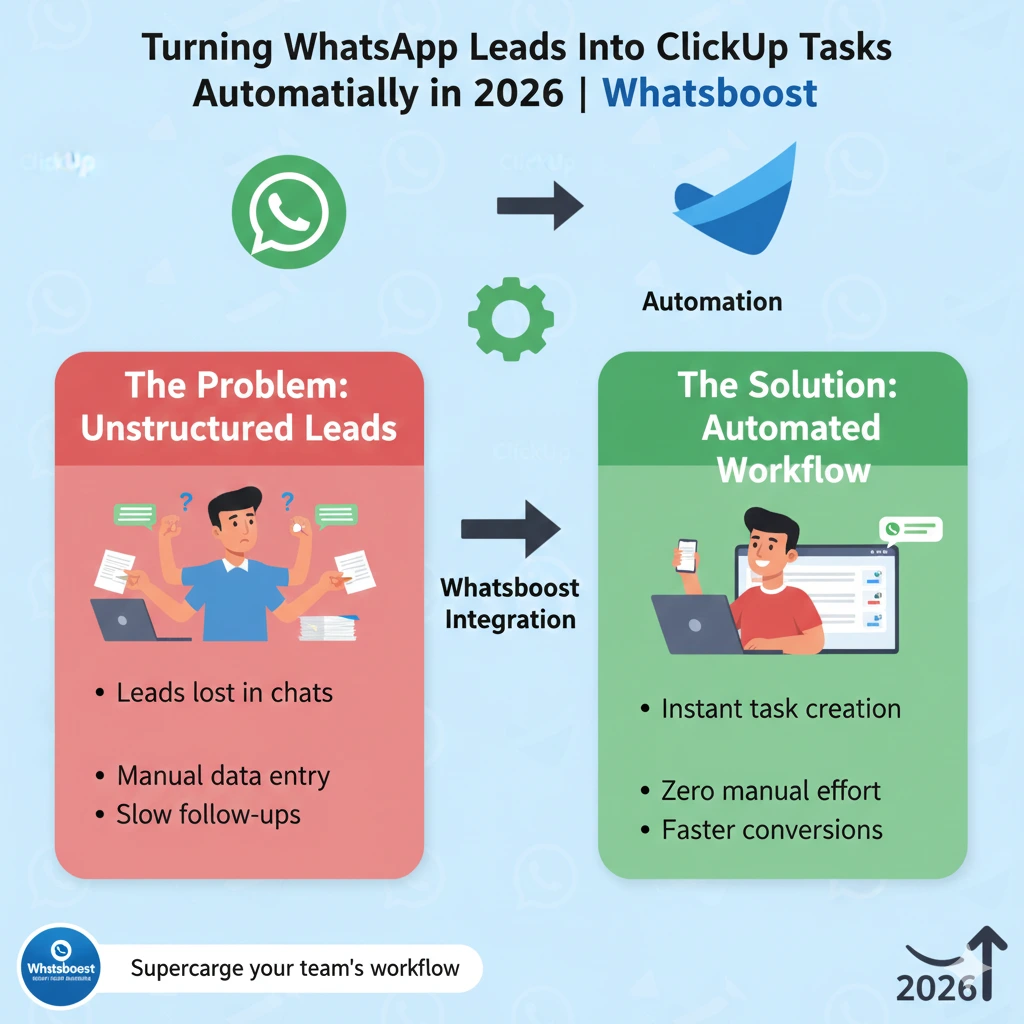
Turning WhatsApp Leads Into ClickUp Tasks Automatically in 2026 | Whatsboost
Learn how to automatically turn WhatsApp leads into ClickUp tasks in 2026. Discover the step-by-step setup, key benefits, automation ideas, and how Whatsboost powers seamless lead-to-task workflows for Indian businesses.
Every lead that messages your business on WhatsApp represents a real opportunity. But here is the uncomfortable truth — if your team is manually copying lead details from WhatsApp into ClickUp, you are already losing time, introducing errors, and risking that some leads simply never make it into your pipeline at all.
In 2026, Indian businesses cannot afford a leaky lead management process. Competition is fierce, customer attention is short, and the teams that convert fastest win. The solution is straightforward: automate the journey from WhatsApp lead to ClickUp task, so nothing falls through the cracks and your team can focus on closing — not copying and pasting.
This blog shows you exactly how to turn WhatsApp leads into ClickUp tasks automatically, and how Whatsboost gives you the WhatsApp Business API infrastructure to make it happen.
The Problem: WhatsApp Leads Are Slipping Through the Cracks
WhatsApp is where Indian customers reach out first. Whether it is a product enquiry, a service request, or a quote ask, the first message almost always lands on WhatsApp. The challenge is what happens next.
In most businesses, a team member reads the WhatsApp message, mentally notes it, and intends to create a follow-up task in ClickUp — later. Except later becomes tomorrow, and tomorrow the lead has already spoken to a competitor.
Even when tasks do get created manually, they are often incomplete. The lead's source is missing. The conversation context is not captured. The urgency is misjudged. And there is zero accountability built into the process.
Automating the conversion of WhatsApp leads into ClickUp tasks eliminates every one of these failure points. The moment a lead messages your business, a structured task is created in ClickUp automatically — with all the relevant details, assigned to the right team member, and ready to action.
How Turning WhatsApp Leads Into ClickUp Tasks Automatically Works
The automation flow is simpler than it sounds. Here is the end-to-end process:
Step 1 — Lead Messages Your Business on WhatsApp A potential customer sends a message to your WhatsApp Business number — an enquiry, a request, or a response to a campaign.
Step 2 — Whatsboost Captures the Lead and Triggers a Webhook Whatsboost receives the incoming WhatsApp message via the WhatsApp Business API and fires a webhook containing the lead's details — name, phone number, message content, timestamp, and source.
Step 3 — Automation Platform Processes the Trigger A connected automation tool like Zapier, Make, or Pabbly Connect picks up the webhook trigger from Whatsboost and maps the lead data to a ClickUp task creation action.
Step 4 — ClickUp Task Is Created Automatically A new task appears in your designated ClickUp list or space — pre-filled with the lead's name, contact number, message, source, and priority level. The task is automatically assigned to the relevant sales agent based on pre-set rules.
Step 5 — Sales Agent Gets a WhatsApp Notification Using Whatsboost's automation, the assigned sales agent receives an instant WhatsApp notification alerting them to the new lead task — ensuring immediate action without checking ClickUp manually.
The entire flow happens in seconds, without any human intervention between the lead's first message and the task appearing in your pipeline.
4 Key Benefits of Automating WhatsApp Lead to ClickUp Task Conversion

1. Zero Leads Slip Through
Every WhatsApp message that qualifies as a lead is automatically captured and logged as a ClickUp task. There is no reliance on a team member's memory or manual process — the system does it every single time, without fail.
2. Faster Lead Response Times
Because the assigned sales agent receives an instant WhatsApp notification the moment a task is created, response times drop dramatically. In India's competitive sales environment, being the first to respond is often the difference between winning and losing a deal.
3. Richer Lead Context for Your Sales Team
Manually created tasks are often sparse. Automated tasks pull in the full lead context — the exact message sent, the WhatsApp number, the time of enquiry, and the campaign source if applicable. Your sales team goes into every follow-up fully informed.
4. Full Pipeline Visibility for Sales Managers
When every WhatsApp lead automatically becomes a ClickUp task, sales managers gain complete visibility into the pipeline without chasing agents for updates. They can see exactly how many leads came in, which are being actioned, and where bottlenecks are forming — all from ClickUp.
Automation Ideas to Extend This Workflow Further
Once your base WhatsApp lead to ClickUp task automation is live, you can build on it with these extensions:
Qualify Leads Before Task Creation — Use a Whatsboost chatbot to ask incoming WhatsApp leads a few qualifying questions. Only leads that meet your criteria trigger a ClickUp task, keeping your pipeline clean and focused.
Auto-Update ClickUp Task Status Based on WhatsApp Replies — When a sales agent marks a lead as "Contacted" in ClickUp, trigger an automated WhatsApp follow-up message to the lead, and update the task status when the lead replies.
Escalate Unactioned Tasks via WhatsApp — If a ClickUp task has not been updated within a set number of hours, automatically send a WhatsApp alert to the sales manager flagging the unactioned lead.
Tag and Segment Leads in ClickUp by Source — Use Whatsboost to identify which campaign or channel the WhatsApp lead came from and automatically tag the ClickUp task accordingly, making reporting and campaign ROI tracking effortless.
Whatsboost supports all of these workflows through its webhook and API capabilities, no-code automation builder, and shared team inbox. Explore the full platform at Whatsboost.in.
Setting Up the Integration: What You Need
To turn WhatsApp leads into ClickUp tasks automatically, you need three things:
1. An Active WhatsApp Business API Account via Whatsboost This is the foundation. Whatsboost gets your API live quickly and reliably, with full onboarding support so you are not starting from scratch.
2. A ClickUp Workspace with Your Sales Pipeline Set Up Your ClickUp space should have clearly defined lists and task templates that mirror your sales stages, so automated tasks land in the right place from day one.
3. An Automation Platform to Bridge the Two Tools like Zapier, Make, or Pabbly Connect connect Whatsboost's webhook triggers to ClickUp's task creation API. No coding required — just configure the trigger and action fields, test the flow, and you are live.

FAQs: Turning WhatsApp Leads Into ClickUp Tasks Automatically
Q1. Do I need a developer to set up WhatsApp to ClickUp automation? No. Using Whatsboost for your WhatsApp Business API and a no-code automation platform like Zapier or Make, you can configure the entire workflow without writing any code. Whatsboost also provides setup support to help you get started.
Q2. Can I filter which WhatsApp messages become ClickUp tasks? Yes. You can set conditions in your automation workflow so that only messages meeting specific criteria — such as containing certain keywords or coming from a specific WhatsApp number — trigger a ClickUp task creation.
Q3. Will the sales agent know immediately when a new lead task is created? Yes. Whatsboost can send an instant WhatsApp notification to the assigned sales agent the moment a new ClickUp task is created, ensuring leads are actioned within minutes of enquiry.
Q4. Can multiple team members be assigned leads automatically based on rules? Yes. You can configure round-robin assignment or rule-based assignment in your automation workflow, distributing WhatsApp leads to different sales agents based on source, product category, location, or other criteria.
Q5. What happens to the original WhatsApp conversation once a task is created? The original WhatsApp conversation remains accessible in Whatsboost's shared team inbox, where the assigned agent can continue the dialogue directly — keeping communication and task management connected.
Q6. Is this automation suitable for businesses of all sizes? Absolutely. Whether you are a solo founder handling ten leads a day or a sales team managing hundreds, the WhatsApp to ClickUp automation scales with your volume without any additional manual effort.
FAQs: Whatsboost Features
Q1. What is Whatsboost? Whatsboost is an authorised WhatsApp Business Solution Provider that helps businesses activate the WhatsApp Business API and build powerful automation workflows — including lead capture, task creation, follow-up sequences, and team communication management.
Q2. Does Whatsboost support webhook triggers for third-party integrations like ClickUp? Yes. Whatsboost supports outgoing webhooks that can be connected to ClickUp, Zapier, Make, Pabbly, and other automation platforms to create seamless cross-tool workflows.
Q3. Can Whatsboost qualify leads automatically before creating a ClickUp task? Yes. Whatsboost's no-code chatbot builder lets you create conversational qualification flows on WhatsApp. Only leads that meet your defined criteria trigger downstream actions like ClickUp task creation.
Q4. Does Whatsboost support a shared inbox for sales teams? Yes. Whatsboost's shared team inbox allows multiple sales agents to manage WhatsApp conversations simultaneously, with chat assignment, internal notes, and role-based access — keeping your team organised as lead volume grows.
Q5. How do I get started with Whatsboost? Visit Whatsboost.in, sign up for your account, and the Whatsboost team will guide you through WhatsApp Business API activation, integration setup, and workflow onboarding tailored to your business needs.
Stop Losing Leads. Start Automating.
Every WhatsApp lead that does not make it into your pipeline is revenue left on the table. In 2026, the Indian businesses growing fastest are the ones who have automated the mundane and freed their sales teams to do what they do best — build relationships and close deals.
Turning WhatsApp leads into ClickUp tasks automatically is one of the highest-impact, lowest-effort automation upgrades your business can make this year. And with Whatsboost powering your WhatsApp Business API, you have everything you need to get it live quickly.
Visit Whatsboost.in and start converting every WhatsApp lead into a tracked, actioned, closed deal — automatically.
Want to automate WhatsApp for your business?
Set up campaigns, replies, and follow-ups in minutes.