
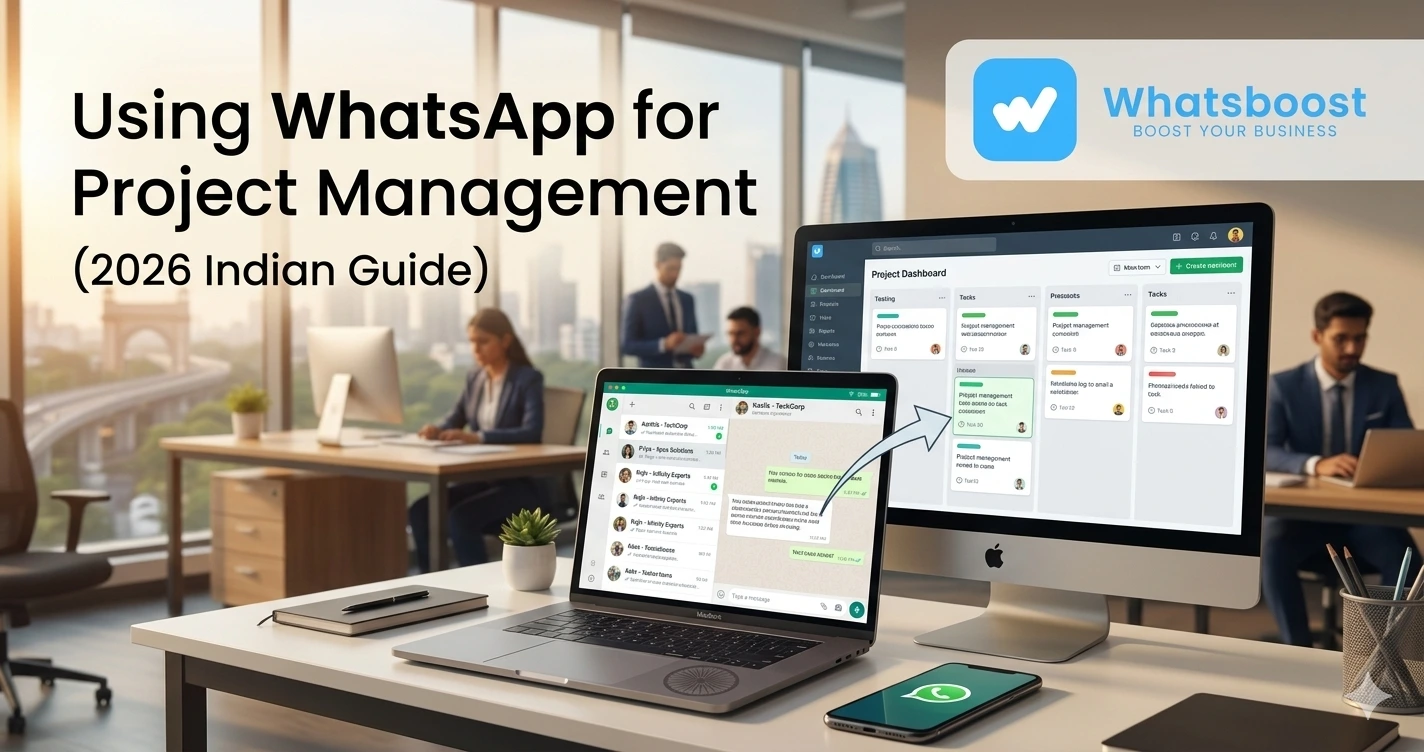
Using WhatsApp for Project Management Automate Client Chats Into Tasks (2026 Guide)
Learn how to use WhatsApp for project management by converting client chats into actionable tasks automatically. A complete guide for teams, agencies, and businesses.
Struggling to Manage Client Work Through WhatsApp? 😓
If you're running a business, agency, or service-based operation, chances are your day looks something like this:
- Clients send requirements on WhatsApp
- You say “noted”
- You forget to log it somewhere
- Work gets delayed or missed
Sound familiar?
👉 WhatsApp has become the default communication tool, especially in India and many global markets
But here’s the real problem:
👉 WhatsApp is great for communication, but terrible for task tracking (by default)
And that leads to:
- Missed deliverables
- Poor team coordination
- Client dissatisfaction
The Core Problem: Chats Are Not Tasks ⚙️
Let’s break this down.
A typical client conversation on WhatsApp looks like:
“Can you send the updated design by tomorrow?”
“Also add a new section to the homepage.”
Now what happens?
- You read it
- Maybe reply
- But you don’t convert it into a structured task
Why This Becomes a Big Issue
| Problem | Impact |
| No task tracking | Work gets missed |
| No priority system | Delays |
| No team visibility | Confusion |
| No history mapping | Rework |
👉 Over time, this becomes chaos
Especially for:
- Agencies
- Freelancers
- Service businesses
- Operations teams
The Shift: WhatsApp as a Project Management Layer 🚀
Instead of replacing WhatsApp…
👉 Smart businesses are now layering automation on top of it
Meaning:
- WhatsApp remains the communication channel
- Automation tools convert chats into tasks
This is part of a broader shift toward:
The Complete Guide to WhatsApp Marketing Automation
What Does “Turning Chats Into Tasks” Actually Mean?
Let’s simplify.
👉 A client sends a message
System automatically:
- Detects key instruction
- Creates a task
- Assigns it
- Sets deadline (optional)
- Tracks status
Example Workflow
| Step | Action |
| Client message | “Send report by 5 PM” |
| System action | Task created |
| Assignment | Assigned to team member |
| Reminder | Notification triggered |
👉 This is where WhatsApp evolves from:
❌ Chat tool →
✅ Workflow engine
How WhatsApp-Based Project Management Works 🛠️
Let’s break the system into components.
1. Message Capture Layer
Every client message is captured automatically.
No manual copying needed.
2. Trigger Identification
The system identifies:
- Actionable requests
- Keywords (send, update, fix, create)
- Follow-ups
3. Task Creation
Once identified:
- Task is created
- Linked to client
- Stored in system
4. Workflow Automation
- Task assigned
- Deadline set
- Notifications sent
5. Tracking & Completion
- Task status updated
- Client notified (optional)
Step-by-Step: Turning WhatsApp Into a Task System
Step 1: Structure Your Communication
Not every message is a task.
So define:
- Task-type messages
- Query messages
- Informational messages
Step 2: Use Automation Rules
Examples:
- “Send”, “Create”, “Update” → Task trigger
- “Follow up” → Reminder trigger
Step 3: Assign Ownership
Every task should have:
- Owner
- Deadline
- Status
Step 4: Create a Task Pipeline
Basic stages:
- New
- In Progress
- Review
- Completed
Step 5: Integrate with CRM Thinking
This is where WhatsApp becomes powerful.
👉 Instead of just chatting, you start managing:
- Client lifecycle
- Task history
- Communication logs
👉 This aligns with modern:
WhatsApp CRM Without API: How Automation Workflows Replace Traditional CRMs
Real-World Use Cases 📊
1. Digital Marketing Agencies
Client message:
“Update ad creatives and pause campaign”
System:
- Creates task
- Assigns to media buyer
- Sets priority
2. Web Development Teams
Client:
“Fix homepage bug and add contact form”
System:
- Splits into 2 tasks
- Assigns to developer
3. Consultants & Coaches
Client:
“Send recording + notes”
System:
- Task created
- Reminder scheduled
4. Operations Teams
Client:
“Dispatch order today”
System:
- Task → logistics team
- Status tracked
👉 This is similar to how
WhatsApp Group Marketing
uses structured engagement workflows
Advanced Strategies for Scaling 📈
🔥 1. Task Tagging System
Use tags like:
- Urgent
- High value
- Follow-up
🔥 2. Multi-Step Task Automation
Example:
- Task created
- Reminder after 2 hours
- Escalation after 6 hours
🔥 3. Client-Wise Task Mapping
Each client gets:
- Dedicated task stream
- Full history
🔥 4. Drip-Based Task Reminders
Instead of one reminder:
- Day 1 → Reminder
- Day 2 → Follow-up
- Day 3 → Escalation
👉 This logic comes from
WhatsApp Drip Sequences Strategy for Indian Lead Nurturing
🔥 5. Funnel-Based Tasking
Combine:
- Lead → Task → Conversion
👉 This ties into
Building a Zero-Human Sales Funnel Using WhatsApp Automation
Comparison: WhatsApp vs Traditional Project Tools 📊
| Feature | WhatsApp + Automation | Traditional Tools |
| Ease of use | High | Medium |
| Adoption | Instant | Slow |
| Communication | Built-in | Separate |
| Task tracking | Automated | Manual |
| Client interaction | Direct | Indirect |
👉 Insight:
Traditional tools are powerful…
But WhatsApp is already where your clients are
Common Mistakes to Avoid ⚠️
❌ Treating WhatsApp as “just chat”
👉 Biggest mistake
❌ Not defining task triggers
Leads to confusion
❌ No ownership system
Tasks remain incomplete
❌ Over-automation
Too many triggers = chaos
❌ No follow-up mechanism
Tasks get lost
Pro Tips for Better Results 💡
✅ Keep workflows simple first
Start small → scale later
✅ Combine human + automation
Not everything should be automated
✅ Use structured replies
Helps in trigger detection
✅ Track performance
Measure:
- Task completion rate
- Response time
✅ Think beyond tools
WhatsApp is not just a tool…
👉 It’s a workflow system
The Bigger Shift: WhatsApp as an Operating System 🌐
We’re moving toward a new reality:
👉 Businesses run on WhatsApp
Not just marketing…
But:
- Sales
- Support
- Operations
- Project management
👉 This is why automation ecosystems are evolving
And why concepts like
WhatsApp for Small Business Growth: Strategies & Tools
are becoming critical
Final Thoughts 🎯
WhatsApp is no longer just a messaging app.
It’s becoming:
👉 A central business interface
When combined with automation:
- Conversations become tasks
- Tasks become workflows
- Workflows drive growth
👉 The real advantage is not using WhatsApp…
👉 It’s using it intelligently
Want to automate WhatsApp for your business?
Set up campaigns, replies, and follow-ups in minutes.