
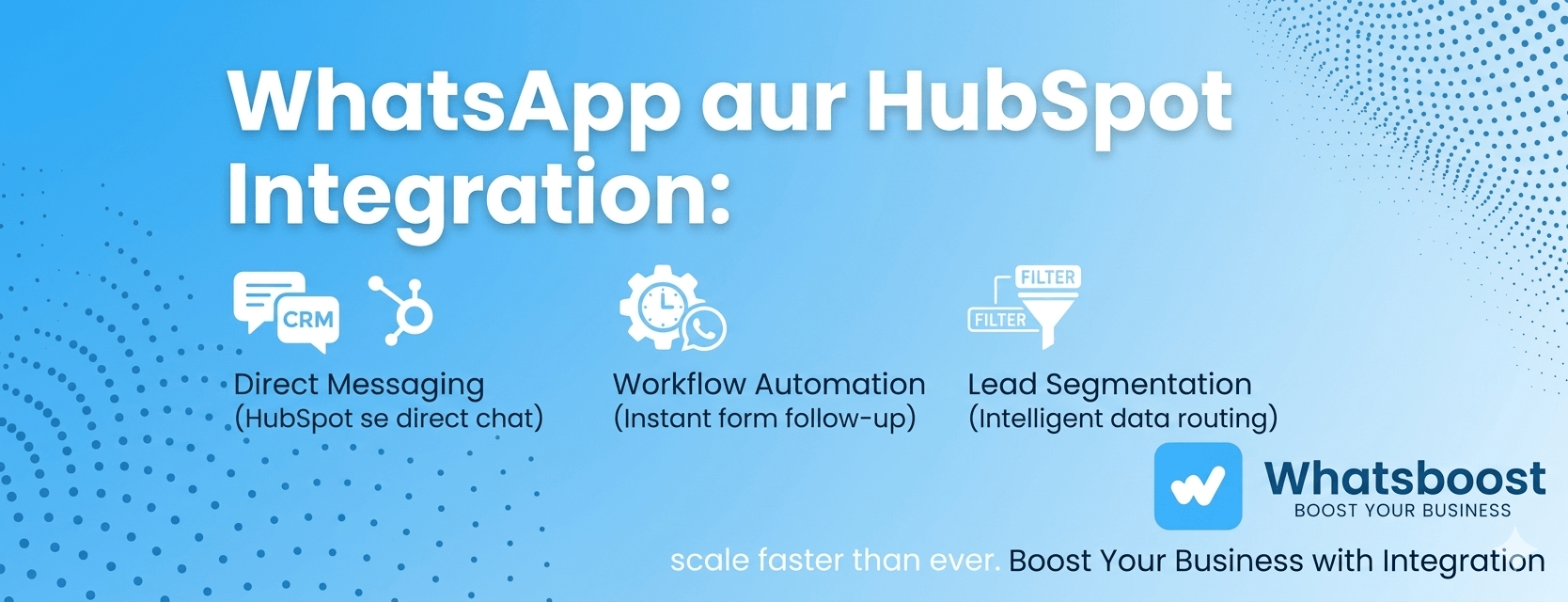
WhatsApp aur HubSpot Integration: 3 High-Value Use Cases Jo Aapke Business ko Scale Karenge
Manual follow-ups ko kahein alvida! Jaaniye kaise WhatsApp aur HubSpot ka combination aapki sales team ki efficiency badha sakta hai aur leads ko fast convert karne mein madad karta hai. 2026 ki best automation strategies yahan dekhein.
Aaj ke competitive market mein, customer se "kahan" connect karna hai, yeh utna hi important hai jitna ki "kya" baat karni hai. WhatsApp India ka sabse preferred communication channel ban chuka hai, lekin problem tab aati hai jab aapka lead data Excel sheets ya mobile phones mein bikhra rehta hai.
Asli growth tab milti hai jab aap WhatsApp and HubSpot Integration ka use karte hain. Jab aapka CRM (HubSpot) aur aapka primary chat tool (WhatsApp) ek saath kaam karte hain, toh aapki sales team ki efficiency 40% tak badh sakti hai.
Chaliye, un 3 use cases ko detail mein samajhte hain jo aapke business ki rumaal-badal (transformation) kar sakte hain.
1. 360-Degree Context: Direct WhatsApp Messaging from HubSpot
Sabse bada roadblock hota hai "App Switching". Ek agent pehle HubSpot mein lead ki detail dekhta hai, phir phone uthakar WhatsApp message type karta hai. Isme time bhi waste hota hai aur data entry mein galti ke chances bhi badhte hain.
One-Click Communication: Integration ke baad aap directly HubSpot contact record se message bhej sakte hain.
Full Visibility: Aapke paas customer ki puri journey hoti hai—unhone kaunsa ad dekha, kaunsi email kholi, aur ab wo kya puch rahe hain.
Standardized Branding: Aap pre-approved templates use kar sakte hain, taaki har customer ko ek jaisa professional experience mile.
2. Hyper-Automation: HubSpot Workflows ke Saath 24/7 Engagement
2026 mein koi bhi customer "Working Hours" ka wait nahi karta. Agar raat ko 11 baje koi lead aapki website par enquiry karti hai, toh unhe instant response milna chahiye. Yahi par
Instant Gratification: Jaise hi koi form fill hota hai, HubSpot workflow automatically ek welcome message ya brochure WhatsApp par trigger kar deta hai.
Drip Campaigns: Aap aise flows bana sakte hain jo pehle din ek "Introduction" bhejte hain, aur teesre din ek "Case Study". Yeh sab bina kisi manual effort ke hota hai.
Multi-Platform Sync: Aap apne flows ko dusre tools ke saath bhi connect kar sakte hain. Example ke liye, agar aap technical automation mein interest rakhte hain, toh aap dekh sakte hain ki kaise
n8n WhatsApp integration aapke complex workflows ko aur bhi simplify kar sakta hai.
3. Smart Intelligence: Segmenting Leads Based on Conversations
Sirf messages bhejna kafi nahi hai; unhe track karna bhi zaroori hai. Jab aap WhatsApp ko HubSpot se jodte hain, toh aapka CRM har conversation ko "read" karke data points update kar sakta hai.
Keyword Detection: Agar lead "Price" ya "Quotation" jaise words use karti hai, toh system unhe automatically "High Intent" mark kar deta hai.
Automatic Lead Routing: Sahi lead ko sahi salesperson tak pahunchana zaroori hai. Integration ke zariye, leads unke interest ke basis par directly relevant department ko assign ho jati hain.
Retention Strategy: Jo purani leads thandi (inactive) ho chuki hain, unhe unke past behavior ke base par segment karke ek personalized festive offer ya update bheja ja sakta hai.
How it Works: Setting Up the Ecosystem
Bahut se log sochte hain ki itna bada setup karne ke liye coding ki zaroorat hogi, lekin aisa nahi hai. Whatsboost ek bridge ki tarah kaam karta hai jo aapke Official WhatsApp Business API ko HubSpot ke saath connect kar deta hai.
Connect API: Sabse pehle apna official WhatsApp API account Whatsboost ke saath link karein.
HubSpot Mapping: Apne HubSpot account ko authenticate karein taaki data flow dono taraf (bi-directional) shuru ho sake.
Define Triggers: Taiyar karein ki kaunse action par (jaise Form Submission ya Deal Stage Change) WhatsApp jana chahiye.
Comparison: Manual vs. Automated Workflow
| Process | Manual Handling | Whatsboost + HubSpot |
| Response Time | 10 mins to 4 hours | Under 10 seconds |
| Data Logging | Often missed | 100% Automated |
| Lead Tracking | Very Difficult | Real-time Dashboard |
| Scalability | Limited by Staff | Unlimited |
Final Thoughts
Agar aapka goal leads ko loyal customers mein convert karna hai, toh aapko unke favorite platform (WhatsApp) par unhe CRM-level intelligence ke saath handle karna hoga. Isse na sirf aapka kaam asaan hota hai, balki aapka brand ek high-tech aur professional image create karta hai.
Apne business ki requirement ke hisaab se aap hamare
Want to automate WhatsApp for your business?
Set up campaigns, replies, and follow-ups in minutes.