
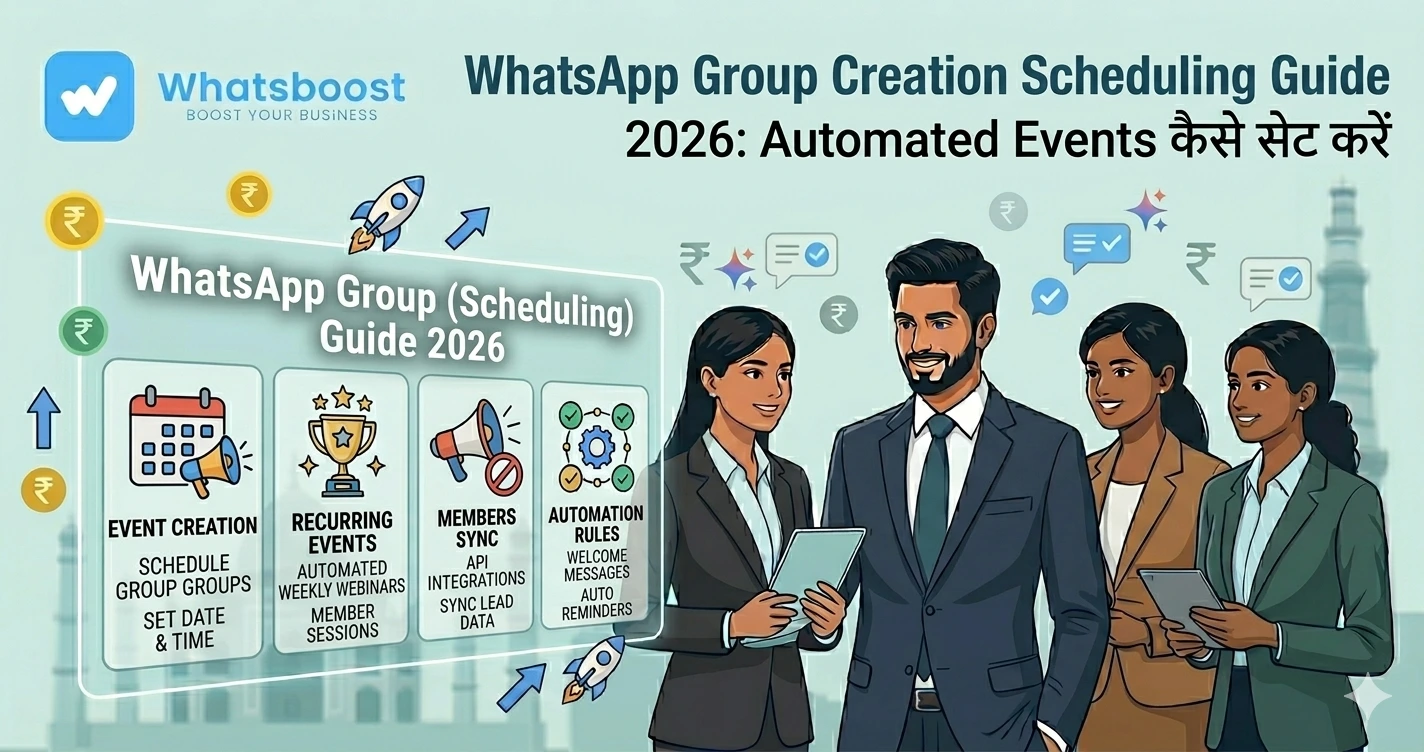
WhatsApp Group Creation Scheduling Guide 2026 Automated Events कैसे सेट करें
जानें कैसे WhatsApp group creation events को schedule करें, automation workflows बनाएं और scalable group management system तैयार करें।
WhatsApp groups manage करना easy है… लेकिन सही time पर create करना मुश्किल क्यों है?
अगर आप:
- Webinars run करते हैं
- Coaching batches चलाते हैं
- Events host करते हैं
तो आपने यह problem जरूर देखी होगी 👇
- Group late create होता है
- Users miss हो जाते हैं
- Manual errors होते हैं
- Coordination messy हो जाता है
👉 Reality:
Timing ही सबसे बड़ा problem है — creation नहीं
👉 इसलिए solution है:
👉 Scheduled WhatsApp Group Creation Automation
WhatsApp Group Creation Scheduling क्या है?
Simple भाषा में:
👉 Event तय → system automatically:
- Group create करता है
- Members add करता है
- Welcome messages भेजता है
👉 सही time पर
👉 बिना manual effort
👉 Group automation basics समझें:
https://whatsboost.in/blog/how-to-automate-whatsapp-groups-automate-whatsapp-group-management
क्यों जरूरी है Group Creation को Schedule करना?
⏰ Timely Access
Users को सही time पर group मिलता है
👉 कोई miss नहीं करता
⚙️ Operational Efficiency
Manual काम खत्म
👉 Errors reduce होते हैं
📈 Scalability
- 10 groups
- 100 groups
- 1000 groups
👉 सब automate
💬 Better Engagement
Right timing → ज्यादा participation
👉 Scheduling importance detail:
https://whatsboost.in/blog/whatsapp-group-scheduling-best-practices-for-indian-businesses-clubs
Step-by-Step: WhatsApp Group Creation Events कैसे Schedule करें
Step 1: सही Automation Tool चुनें
आपको ऐसा tool चाहिए जो:
✔ Group creation support करे
✔ Scheduling allow करे
✔ Automation workflows दे
👉 Example: WhatsBoost
👉 यह API-free automation भी support करता है
Step 2: Event Strategy Define करें
पहले decide करें:
- Webinar है या course?
- One-time event या recurring?
- किस audience को add करना है?
👉 Naming भी define करें:
“SEO Webinar Batch 1”
“Fitness Challenge Week 2”
👉 इससे structure clear होता है
👉 Cohort automation detail:
https://whatsboost.in/blog/how-to-automate-whatsapp-group-creation-for-online-courses-and-coaching-cohorts
Step 3: Automation Trigger सेट करें
अब define करें:
👉 Trigger कब चलेगा?
Examples:
- Payment complete
- Form submit
- Event से 2 दिन पहले
- Fixed date/time
👉 यही automation का brain है
👉 WhatsBoost में यह triggers easily configure होते हैं
Step 4: Group Creation Schedule करें
अब actual scheduling करें:
- Date select करें
- Time select करें
- Group create action add करें
👉 System automatically:
✔ Group बनाएगा
✔ सही नाम देगा
👉 बिना manual intervention
Step 5: Members Auto-Add करें
👉 Predefined list use करें:
- CRM data
- Google Sheets
- Form entries
👉 System automatically:
✔ Members add करता है
👉 यह सबसे powerful step है
👉 Google Sheets integration समझें:
https://whatsboost.in/blog/free-google-sheets-to-whatsapp-group-messaging-automations-for-teachers-clubs
Step 6: Welcome & Onboarding Automation
Group बनते ही:
✔ Welcome message
✔ Rules
✔ Instructions
auto भेजें
👉 इससे first impression strong होता है
Step 7: Post-Creation Automation सेट करें
Group create होने के बाद:
- Reminder messages
- Event updates
- Polls
- Engagement posts
👉 सब schedule करें
👉 इससे engagement बढ़ता है
👉 Engagement strategy देखें:
https://whatsboost.in/blog/whatsapp-group-retention-the-ultimate-guide-to-scaling-engagement-do-automation
Step 8: Test जरूर करें
Live करने से पहले:
✔ Test group create करें
✔ Members add check करें
✔ Messages verify करें
👉 इससे errors avoid होते हैं
Step 9: Monitor & Optimize करें
Track करें:
- कितने users join हुए
- कितने active हैं
- engagement level
👉 Analytics से improve करें
Real Workflow (Simple समझें)
| Action | System | Result |
| User register करता है | Form/CRM | Data store |
| Trigger activate होता है | WhatsBoost | Event detect |
| Scheduled time आता है | System | Group create |
| Members add होते हैं | Community ready | |
| Automation चलता है | System | Engagement |
Real Use Cases
🎓 Online Courses
Batch start → group auto-create
🎤 Webinars
Event से पहले group ready
🏋️ Fitness Programs
Daily challenge groups
🏢 Corporate Training
Employee batches
👉 यह सब automation से scalable बनता है
Advanced Strategy (Expert Level)
🔁 Recurring Events Automation
हर week same group flow
🧠 Behavior-Based Triggers
- Active users → add
- Inactive → skip
📊 Segmentation
- Beginner
- Advanced
🔗 CRM + Payment Integration
👉 End-to-end automation
👉 CRM integration detail:
https://whatsboost.in/blog/how-to-integrate-crm-with-whatsapp-for-automation-without-business-api
Common Mistakes (Avoid करें)
❌ Late group creation
❌ Wrong timing
❌ Manual adding
❌ No onboarding
❌ No testing
👉 ये mistakes experience खराब कर देती हैं
Pro Tips (Expert Strategy)
Event से पहले group create करें
Last-minute avoid करें
Clear naming रखें
Confusion avoid करें
Automation + human touch रखें
Best experience
छोटे groups रखें
Better engagement
Real Insight (Automation Reality)
Reddit users बताते हैं:
“Automation works only when workflows are clear”
👉 मतलब:
👉 Strategy > Tool
WhatsBoost क्यों best है Scheduling के लिए?
⏰ Smart Scheduling
Date/time based automation
🤖 Trigger-based workflows
Event-driven system
👥 Auto participant management
Add/remove automation
📊 Analytics tracking
Performance monitor
👉 यह बना देता है:
👉 Complete WhatsApp Event Automation Engine
Final Conclusion
WhatsApp groups powerful हैं
लेकिन:
❌ Manual creation = delay + chaos
अगर आप scheduling automation use करते हैं:
✔ सही time
✔ सही users
✔ सही experience
👉 तो आप बना सकते हैं:
✔ Seamless onboarding
✔ High engagement
✔ Scalable system
👉 यही modern strategy है
👉 Scheduling + Automation = Smart Growth 🚀
Want to automate WhatsApp for your business?
Set up campaigns, replies, and follow-ups in minutes.