
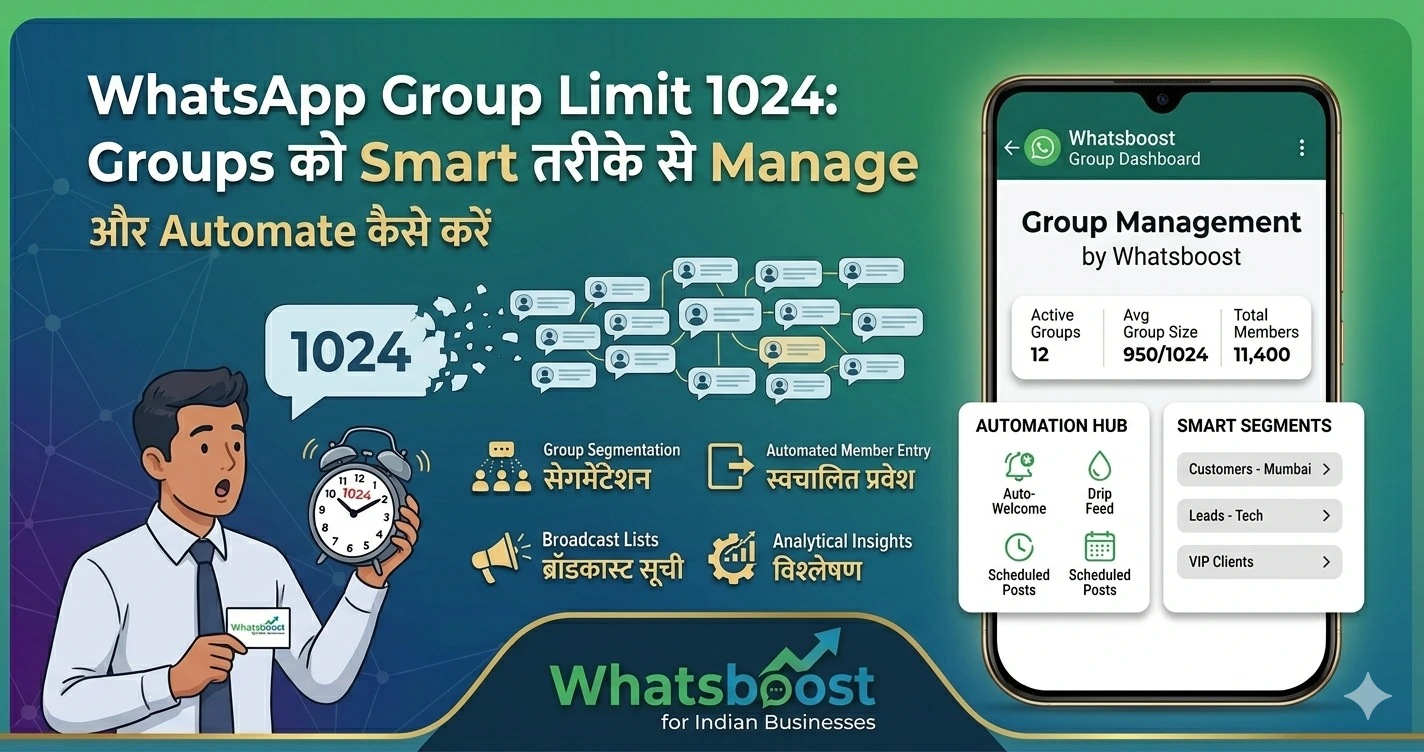
WhatsApp Group Limit 1024: Groups को Smart तरीके से Manage और Automate कैसे करें
WhatsApp group limit 1024 members क्या है? बड़े groups और communities को manage करने और automate करने के best तरीके जानें—Indian businesses के लिए practical guide।
WhatsApp ने group limit को बढ़ाकर 1024 members कर दिया है।
👉 यह update businesses, communities और educators के लिए बहुत बड़ा opportunity है।
लेकिन साथ में challenge भी आता है 👇
👉 इतने बड़े groups को manage कैसे करें?
👉 Messages miss न हों, ये कैसे ensure करें?
👉 Automation कैसे करें?
इस guide में हम आपको simple भाषा में समझाएंगे:
- WhatsApp group limit 1024 का मतलब
- बड़े groups को manage करने के practical तरीके
- WhatsApp communities कैसे use करें
- Automation से process को आसान कैसे बनाएं
🤔 WhatsApp Group Limit 1024 का मतलब क्या है?
अब आप:
👉 एक WhatsApp group में 1024 members add कर सकते हैं
यह पहले के मुकाबले काफी बड़ा upgrade है।
📌 इसका फायदा किसको है?
- Coaching institutes
- Online communities
- Businesses
- Event organizers
❗ Problem कहाँ आती है?
जैसे-जैसे group size बढ़ता है:
- Messages flood होने लगते हैं
- Important messages miss हो जाते हैं
- Management मुश्किल हो जाता है
🚨 बड़े WhatsApp Groups की Common Problems
❌ 1. Message Overload
👉 बहुत ज्यादा messages → confusion
❌ 2. No Proper Organization
👉 Topics mix हो जाते हैं
❌ 3. Manual Management
👉 Add/remove करना time लेता है
❌ 4. No Tracking
👉 कौन active है, कौन नहीं — पता नहीं चलता
💡 Solution: WhatsApp Communities + Automation
अब WhatsApp ने एक और feature दिया है:
👉 Communities
🏢 WhatsApp Communities क्या है?
Communities आपको allow करता है:
- Multiple groups को एक जगह organize करना
- Announcements broadcast करना
- Structured communication रखना
📊 Example Structure
👉 Main Community
- Batch 1 group
- Batch 2 group
- Updates group
📌 फायदा
- Organized communication
- Better control
- Clear segmentation
⚙️ WhatsApp Groups को Manage करने के Smart तरीके
✅ 1. Clear Group Rules बनाएं
- Spam allowed नहीं
- Only relevant messages
✅ 2. Admin Control रखें
- Limited admins
- Controlled messaging
✅ 3. Separate Groups बनाएं
- Different topics के लिए अलग groups
✅ 4. Important Messages Pin करें
👉 ताकि कोई miss ना करे
🤖 Automation क्यों जरूरी है?
अगर आप manually groups manage करेंगे:
👉 Time waste होगा
👉 Errors होंगे
👉 Growth slow होगी
🚀 Smart Solution: WhatsApp Automation Tools
🔥 Whatsboost – Advanced Group Management Tool
👉 Official Website: https://whatsboost.in/
Whatsboost खासतौर पर WhatsApp groups और business communication के लिए design किया गया है।
⭐ Key Features
✅ Multi-Group Management
👉 एक dashboard से 1000+ groups manage करें
✅ Auto Message Broadcasting
👉 सभी groups में एक साथ message भेजें
✅ Auto Ticketing System
👉 Important chats track करें
✅ SLA Tracking
👉 Missed replies को identify करें
✅ CRM Integration
👉 Data management आसान
👉 Internal Resource:
Best WhatsApp Business API Alternatives in 2026: Features & Pricing Compared
📊 Real Use Cases
🏫 Education
- 1000+ students manage
- Batch-wise groups
🛍️ Business
- Customer communities
- Product updates
🎟️ Events
- Attendee groups
- Real-time updates
👉 Related पढ़ें:
30 Creative WhatsApp Marketing Examples for Business & Sales Growth
⚠️ Best Practices for Large Groups
✅ Spam control करें
✅ Structured communication रखें
✅ सही tools use करें
✅ Automation अपनाएं
❗ Common Mistakes
❌ Random messaging
❌ No group structure
❌ Manual management
🧠 सही Strategy क्या होनी चाहिए?
अगर आपके पास large WhatsApp groups हैं:
👉 Community structure बनाएं
👉 Automation tools use करें
👉 Communication streamline करें
🏁 Final Conclusion
WhatsApp group limit बढ़ना एक opportunity है।
लेकिन:
👉 बिना strategy के chaos हो सकता है
अगर आप सही तरीके अपनाते हैं:
- Structure
- Automation
- सही tools
👉 तो WhatsApp आपके business का सबसे powerful channel बन सकता है
🚀 Final CTA
अगर आप बड़े WhatsApp groups efficiently manage करना चाहते हैं:
👉 Automation अपनाएं
👉 Smart tools use करें
👉 Growth accelerate करें
👉 Start करें: https://whatsboost.in/
Want to automate WhatsApp for your business?
Set up campaigns, replies, and follow-ups in minutes.