
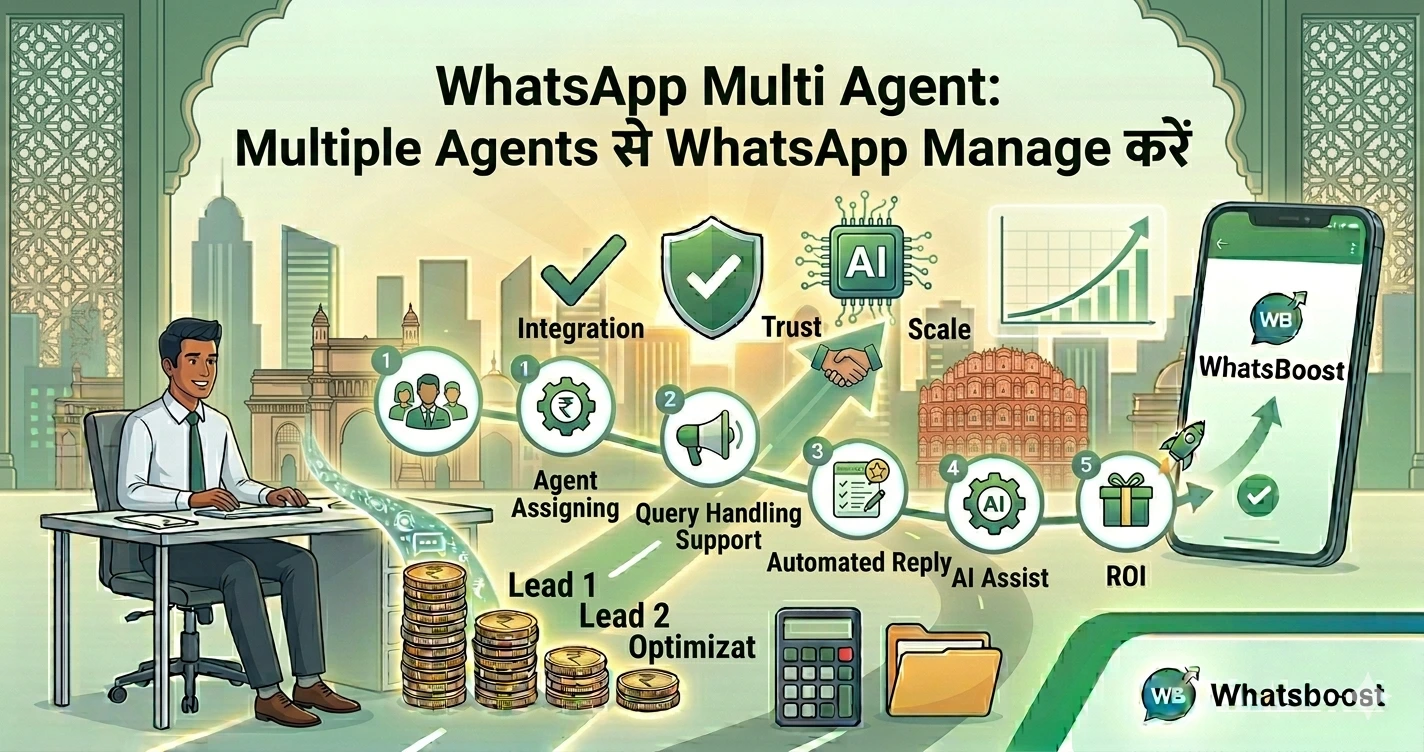
WhatsApp Multi Agent: Multiple Agents से WhatsApp Manage करें
जानें WhatsApp Multi Agent क्या है और कैसे multiple team members एक ही WhatsApp number से chats manage कर सकते हैं। Setup, benefits और WhatsBoost solution।
WhatsApp Multi Agent क्या होता है?
आज के digital business world में customers instant reply expect करते हैं।
लेकिन problem यह है:
👉 एक ही person पूरे WhatsApp chats manage नहीं कर सकता
यहीं आता है WhatsApp Multi Agent system
इसका मतलब है:
👉 एक ही WhatsApp number को multiple team members (agents) मिलकर handle करते हैं
जैसे:
- Sales team leads handle करती है
- Support team queries solve करती है
- Marketing team campaigns manage करती है
👉 इस तरह कोई भी message miss नहीं होता और response fast हो जाता है
Businesses को WhatsApp Multi Agent क्यों चाहिए?
1. Faster Customer Response
जो business जल्दी reply करता है, वही deal जीतता है
2. Team Collaboration आसान बनता है
हर department अपना काम efficiently कर सकता है
3. No Missed Messages
हर message track होता है और assign किया जाता है
4. Scalability
Business grow होते ही team भी grow कर सकती है
👉 अगर आप WhatsApp marketing को scale करना चाहते हैं, तो यह guide पढ़ें:
https://whatsboost.in/blog/whatsapp-marketing-guide-setup-automation-strategy-for-2026
WhatsApp Multi Agent कैसे काम करता है?
Simple language में:
👉 Customer message करता है
👉 System उस message को सही agent को assign करता है
👉 Agent reply करता है
👉 पूरा conversation track होता है
Advanced tools में:
- Auto assignment
- Chat routing
- Analytics
- Automation
सब available होता है
WhatsApp Multi Agent Setup के 2 तरीके
1. WhatsApp Business App (Small Businesses के लिए)
यह basic option है
Features:
- Free
- 1 phone + 4 devices (total 5 users)
- Quick replies, labels, catalog
Setup:
- WhatsApp Business खोलें
- Linked devices में जाएं
- QR scan करें
👉 इससे multiple लोग access कर सकते हैं
Limitations:
❌ No tracking (किसने reply किया?)
❌ No analytics
❌ No automation
2. WhatsApp API + WhatsBoost (Growing Businesses के लिए)
अगर आपका business scale कर रहा है, तो यही सही solution है
Features:
- Unlimited agents
- Smart chat assignment
- Automation workflows
- CRM integration
- Performance tracking
👉 यह setup large businesses के लिए ideal है
WhatsBoost के साथ WhatsApp Multi Agent कैसे काम करता है
1. Shared Team Inbox
सभी chats एक dashboard में दिखते हैं
2. Smart Chat Routing
Message automatically सही agent को assign होता है
3. Real-Time Analytics
आप देख सकते हैं:
- कौन fast reply कर रहा है
- कौन slow है
- कितनी queries solve हुई
4. Automation + AI
- Auto replies
- Chatbots
- FAQ handling
👉 इसके बारे में detail में पढ़ें:
https://whatsboost.in/blog/the-complete-guide-to-whatsapp-marketing-automation-in-2026-master-the-art-with-whatsboost
5. Team Collaboration
Agents:
- Notes add कर सकते हैं
- Chats transfer कर सकते हैं
- Internal discussion कर सकते हैं
WhatsApp Multi Agent के Real Business Use Cases
Customer Support
Multiple agents मिलकर queries handle करते हैं
Sales & Lead Management
Leads assign होते हैं → follow-ups → conversion
Marketing Campaigns
Bulk WhatsApp campaigns multiple agents manage करते हैं
Order Updates
- Order confirmation
- Delivery updates
- Payment reminders
👉 अगर आप AI agents setup करना चाहते हैं, तो यह पढ़ें:
https://whatsboost.in/blog/whatsapp-agent-setup-how-to-launch-ai-powered-conversations-at-scale
WhatsApp Business App vs WhatsApp API (Quick Comparison)
| Feature | Business App | WhatsApp API |
|---|---|---|
| Users | 5–10 max | Unlimited |
| Automation | Limited | Advanced |
| Analytics | No | Yes |
| Scalability | Low | High |
| Best For | Small business | Growing & large business |
WhatsApp Multi Agent के Major Benefits
Improved Customer Experience
Fast replies = Happy customers
Higher Conversion Rate
Quick response → ज्यादा sales
Better Team Management
हर agent accountable होता है
Time Saving
Automation repetitive काम संभाल लेता है
Data-Driven Decisions
Analytics से strategy improve होती है
WhatsApp Multi Agent Setup कैसे करें (Step-by-Step)
Step 1: सही Platform चुनें
Small business → Business App
Growing business → WhatsBoost
Step 2: WhatsApp Number Connect करें
API या app से connect करें
Step 3: Team Add करें
Agents को dashboard access दें
Step 4: Automation Setup करें
- Auto replies
- Routing rules
- Chat flows
Step 5: Monitor & Optimize करें
- Response time
- Conversion rate
- Agent performance
Common Mistakes (Avoid करें)
❌ Multiple agents without system
❌ No chat assignment
❌ Slow replies
❌ No automation
❌ No tracking
👉 ये mistakes growth रोक देती हैं
Final Conclusion
आज के time में WhatsApp सिर्फ messaging tool नहीं है
यह बन चुका है:
👉 Sales channel
👉 Support system
👉 Marketing platform
अगर आप scale करना चाहते हैं, तो:
✔ Multi-agent setup जरूरी है
✔ Automation must-have है
✔ सही tools से efficiency बढ़ती है
👉 WhatsBoost के साथ आप WhatsApp को एक complete team communication system बना सकते हैं 🚀
Want to automate WhatsApp for your business?
Set up campaigns, replies, and follow-ups in minutes.