
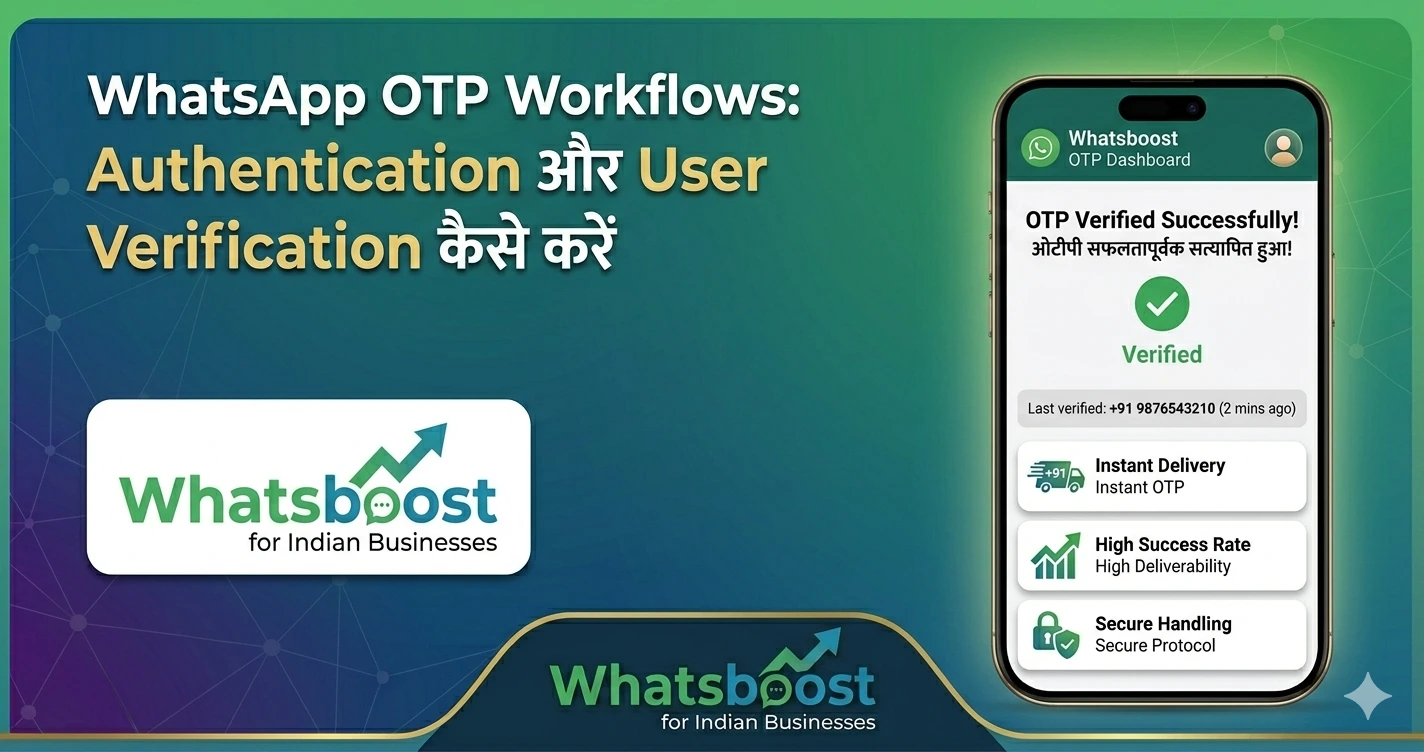
WhatsApp OTP Workflows: Authentication और User Verification कैसे करें
WhatsApp OTP से user verification और authentication कैसे करें? इस आसान guide में workflows, automation और WhatsApp OTP setup के best तरीके जानें।
आज के digital world में user authentication और verification बहुत important हो गया है।
हर business चाहता है:
👉 Fake users से बचना
👉 Secure login system बनाना
👉 Fast verification process रखना
यहीं पर WhatsApp OTP (One-Time Password) एक powerful solution बनता है।
🤔 WhatsApp OTP क्या होता है?
WhatsApp OTP एक one-time code होता है जो:
👉 User के WhatsApp number पर भेजा जाता है
👉 Login या verification के लिए use होता है
📌 Example
- User login करता है
- OTP WhatsApp पर receive होता है
- Code enter करके verify करता है
👉 Simple, fast और secure
🚀 WhatsApp OTP क्यों use करना चाहिए?
✅ 1. High Open Rate
👉 WhatsApp messages तुरंत देखे जाते हैं
✅ 2. Better User Experience
👉 SMS से ज्यादा fast और reliable
✅ 3. Fraud Prevention
👉 Fake accounts को रोकता है
✅ 4. Instant Delivery
👉 Real-time verification
⚙️ WhatsApp OTP Workflow कैसे काम करता है?
अब समझते हैं step-by-step 👇
🔄 Step 1: User Action
👉 User login / signup करता है
🔢 Step 2: OTP Generate
👉 System एक unique OTP generate करता है
📩 Step 3: WhatsApp Message Send
👉 OTP WhatsApp message के जरिए भेजा जाता है
✅ Step 4: Verification
👉 User code enter करता है
👉 System verify करता है
💡 Advanced WhatsApp OTP Workflows
अगर आप advanced setup करना चाहते हैं:
🔁 Auto Retry System
👉 अगर OTP fail हो जाए → auto resend
⏱️ Expiry Timer
👉 OTP limited time के लिए valid
🔐 Multi-layer Authentication
👉 OTP + password
📊 Tracking & Analytics
👉 कितने users verify हुए
⚠️ WhatsApp OTP vs SMS OTP
| Feature | WhatsApp OTP | SMS OTP |
|---|---|---|
| Delivery Speed | Fast | Medium |
| Open Rate | High | Lower |
| Cost | Lower (tools based) | High |
| User Experience | Better | Average |
🚀 WhatsApp OTP Setup कैसे करें?
Direct WhatsApp में OTP system नहीं होता।
👉 आपको automation tools की जरूरत होती है
🔥 Whatsboost – WhatsApp OTP Automation Solution
👉 Official Website: https://whatsboost.in/
Whatsboost आपको allow करता है:
- OTP workflows create करना
- Automated message भेजना
- User verification manage करना
⭐ Key Features
✅ Automated OTP Sending
👉 बिना manual effort
✅ Workflow Automation
👉 Complete login flow automate
✅ CRM Integration
👉 User data sync
✅ High Delivery Rate
👉 Reliable messaging
👉 Internal Resource:
Best WhatsApp Business API Alternatives in 2026: Features & Pricing Compared
📊 Real Business Use Cases
🛍️ E-commerce
- Login verification
- Order confirmation security
🏦 Fintech
- Secure transactions
- Account verification
🎓 EdTech
- Student login
- Exam access control
🏢 SaaS Platforms
- User onboarding
- Account security
👉 Related पढ़ें:
How to Automate Payment Reminder Messages on WhatsApp for Indian Businesses
⚠️ Best Practices
✅ Short और clear OTP message
✅ Expiry time mention करें
✅ Retry option दें
✅ User privacy maintain करें
❗ Common Mistakes
❌ OTP delay
❌ No expiry system
❌ Poor integration
🧠 सही Strategy क्या होनी चाहिए?
अगर आप WhatsApp OTP use कर रहे हैं:
👉 Automation जरूरी है
👉 Reliable tool जरूरी है
👉 Fast delivery जरूरी है
🏁 Final Conclusion
WhatsApp OTP:
👉 Fast है
👉 Secure है
👉 User-friendly है
अगर आप इसे सही तरीके से implement करते हैं:
👉 आपका system secure होगा
👉 user experience बेहतर होगा
🚀 Final CTA
अगर आप secure authentication system बनाना चाहते हैं:
👉 WhatsApp OTP अपनाएं
👉 Automation use करें
👉 बेहतर user experience दें
👉 Start करें: https://whatsboost.in/
Want to automate WhatsApp for your business?
Set up campaigns, replies, and follow-ups in minutes.