
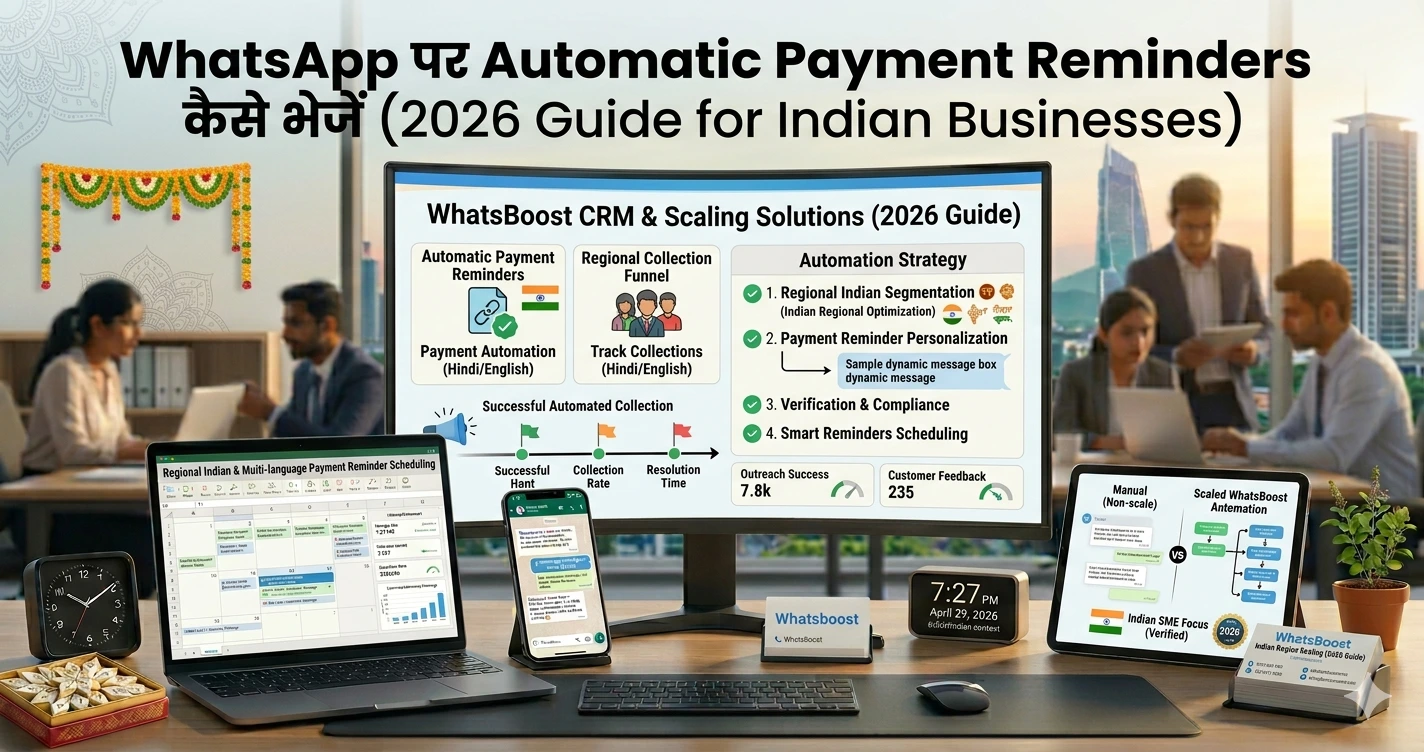
WhatsApp पर Automatic Payment Reminders कैसे भेजें (2026 Guide for Indian Businesses)
जानिए WhatsApp पर automatic payment reminders कैसे भेजें, कौन से automation workflows सबसे effective हैं और कैसे businesses late payments कम कर सकते हैं।
WhatsApp पर Automatic Payment Reminders कैसे भेजें (2026 Complete Guide)
“Sir reminder भेजना था… लेकिन फिर miss हो गया” 😓
हर business में यह problem होती है:
👉 Pending invoices
👉 Late payments
👉 Manual follow-ups
👉 Staff reminders भूल जाता है
और फिर…
❌ Cash flow slow
❌ Accounts chaos
❌ Awkward customer follow-ups
Payment Follow-ups अभी भी Manual हैं
बहुत businesses आज भी:
- Excel sheet use करते हैं
- Manual WhatsApp messages भेजते हैं
- Calls पर depend करते हैं
👉 Problem?
❌ Time waste
❌ Human error
❌ Missed reminders
Solution: Automatic WhatsApp Payment Reminder System 🚀
अब smart businesses क्या कर रहे हैं?
👉 Invoice generate
👉 Due date track
👉 WhatsApp reminder auto send
Result:
✔ Faster payments
✔ Better cash flow
✔ Less manual work
WhatsApp Payment Reminder System कैसे काम करता है
Step 1: Customer Data Store करो
- Name
- Phone number
- Invoice amount
- Due date
Step 2: Reminder Rules बनाओ
Example:
- Due date से 2 दिन पहले
- Due date वाले दिन
- Overdue होने के बाद
Step 3: Automation Trigger करो
👉 System automatically WhatsApp message भेजेगा
Step 4: Replies Track करो
👉 Paid / Pending status update
👉 यही modern payment workflow है
Why WhatsApp Payment Reminders इतना Effective है
📲 High Open Rate
Emails ignore हो जाते हैं
लेकिन WhatsApp:
✔ Instantly देखा जाता है
✔ Fast response मिलता है
🤝 Personal Feel
WhatsApp reminder ज्यादा natural लगता है
Example:
❌ “Your payment is overdue”
✔ “नमस्ते Ravi जी, आपका invoice payment आज due है 😊”
⚡ Faster Conversions
Quick reply → quick payment
4 Best Ways to Send Payment Reminders on WhatsApp
1. Manual WhatsApp Messages
सबसे basic तरीका
कैसे काम करता है
- Reminder note बनाओ
- Manually भेजो
Pros
✔ Easy
✔ No setup needed
Cons
❌ Time-consuming
❌ Miss होने का risk
❌ Scale impossible
👉 Small businesses शुरुआत में यही करते हैं
2. WhatsApp Business Quick Replies
कैसे useful है
- Templates save करो
- Faster sending
Example
“नमस्ते {{name}} जी, आपका payment ₹{{amount}} pending है।”
Problem
❌ फिर भी manual है
3. Automation Workflows (Best Option 🚀)
यहीं से real efficiency शुरू होती है
कैसे काम करता है
Invoice generated
→ Due date tracked
→ Reminder auto send
→ Follow-up auto
👉 Learn automation basics:
https://whatsboost.in/blog/how-to-integrate-whatsapp-without-whatsapp-business-api-simplify-whatsapp-messaging
👉 Advanced workflows (n8n):
https://whatsboost.in/blog/n8n-whatsapp-integration-without-api-pros-cons-best-use-cases
Benefits
✔ No missed reminders
✔ Time saving
✔ Scalable
4. CRM + WhatsApp Integration (Pro Level 🔥)
यह सबसे powerful setup है
Workflow Example
Lead converted
→ Invoice created
→ CRM updated
→ WhatsApp reminders scheduled
👉 CRM integration guide:
https://whatsboost.in/blog/how-to-integrate-crm-with-whatsapp-for-automation-without-business-api
👉 Tracking systems:
https://whatsboost.in/blog/best-platforms-to-track-conversations-and-deal-progress-2026-guide-for-sales-teams
Real Use Cases (Indian Businesses में)
🏢 Agencies
- Monthly retainers
- Client invoices
🎓 Coaching Institutes
- Fee reminders
- Installment alerts
👉 Group systems for cohorts:
https://whatsboost.in/blog/how-to-automate-whatsapp-group-creation-for-online-courses-and-coaching-cohorts
🛍️ E-commerce & Suppliers
- Pending payments
- COD confirmations
🏥 Clinics & Services
- Appointment dues
- Membership renewals
Advanced Automation Strategies 🚀
1. Multi-Step Reminder Sequence
Example:
| Time | Message |
| 2 days before | Friendly reminder |
| Due date | Payment alert |
| 3 days late | Urgent reminder |
👉 Automation sequence setup:
https://whatsboost.in/blog/how-to-turn-tradeindia-leads-into-a-sales-machine-using-whatsapp-automation-with-whatsboost
2. Smart Lead Segmentation
हर customer same नहीं होता
Segments:
- Regular payers
- Late payers
- VIP customers
👉 Lead scoring system:
https://whatsboost.in/blog/using-whatsapp-neodove-to-score-and-prioritize-high-intent-leads-automatically
3. AI-Based Follow-ups 🤖
AI analyze कर सकता है:
- कौन likely pay करेगा
- किसे stronger reminder चाहिए
👉 AI integration guide:
https://whatsboost.in/blog/how-to-integrate-gemini-with-whatsapp-without-whatsapp-business-api-2026-guide
4. Broadcast + Reminder System
Bulk reminder campaigns
👉 Smart broadcast strategy:
https://whatsboost.in/blog/whatsapp-broadcast-list-2026-unlimited-broadcast-for-free-using-meta-coexistence
Best Practices for Payment Reminders
✔ Friendly Tone रखें
Aggressive मत बनो
✔ Clear CTA दें
Example:
👉 “कृपया payment complete करें”
✔ Payment Link Add करें
👉 Easy payment = faster conversion
✔ Timing सही रखें
Morning या evening best रहता है
✔ Too Many Messages मत भेजो
Spam feel नहीं होना चाहिए
Common Mistakes
❌ सिर्फ manual reminders करना
→ Missed payments
❌ Harsh language use करना
→ Customer irritation
❌ No tracking system
→ Confusion
❌ One-time reminder भेजना
→ Low recovery
❌ Automation ignore करना
→ Slow growth
Pro Tips (High Impact 🔥)
- ✔ Personalized reminders भेजो
- ✔ Reminder sequence बनाओ
- ✔ CRM integrate करो
- ✔ Payment links use करो
- ✔ Follow-up automate करो
💡 Golden Rule:
Reminder जितना easy होगा, payment उतना fast आएगा
Future of Payment Collection (2026+)
अब businesses shift कर रहे हैं:
❌ Calls
❌ Manual follow-ups
➡️ Toward:
✔ WhatsApp automation
✔ CRM workflows
✔ AI reminders
👉 जो businesses जल्दी adopt करेंगे:
✔ Better cash flow
✔ Faster operations
✔ Less admin work
Final Conclusion
WhatsApp payment reminders:
👉 सिर्फ reminder नहीं
👉 Revenue recovery system है
अगर सही तरीके से setup करें:
✔ Faster collections
✔ Better customer communication
✔ Automated operations
👉 Best setup:
✔ WhatsApp automation
✔ CRM integration
✔ Reminder workflows
✔ Tracking system
👉 Final takeaway:
Manual follow-up बंद करो — automated collection system बनाओ
Want to automate WhatsApp for your business?
Set up campaigns, replies, and follow-ups in minutes.