
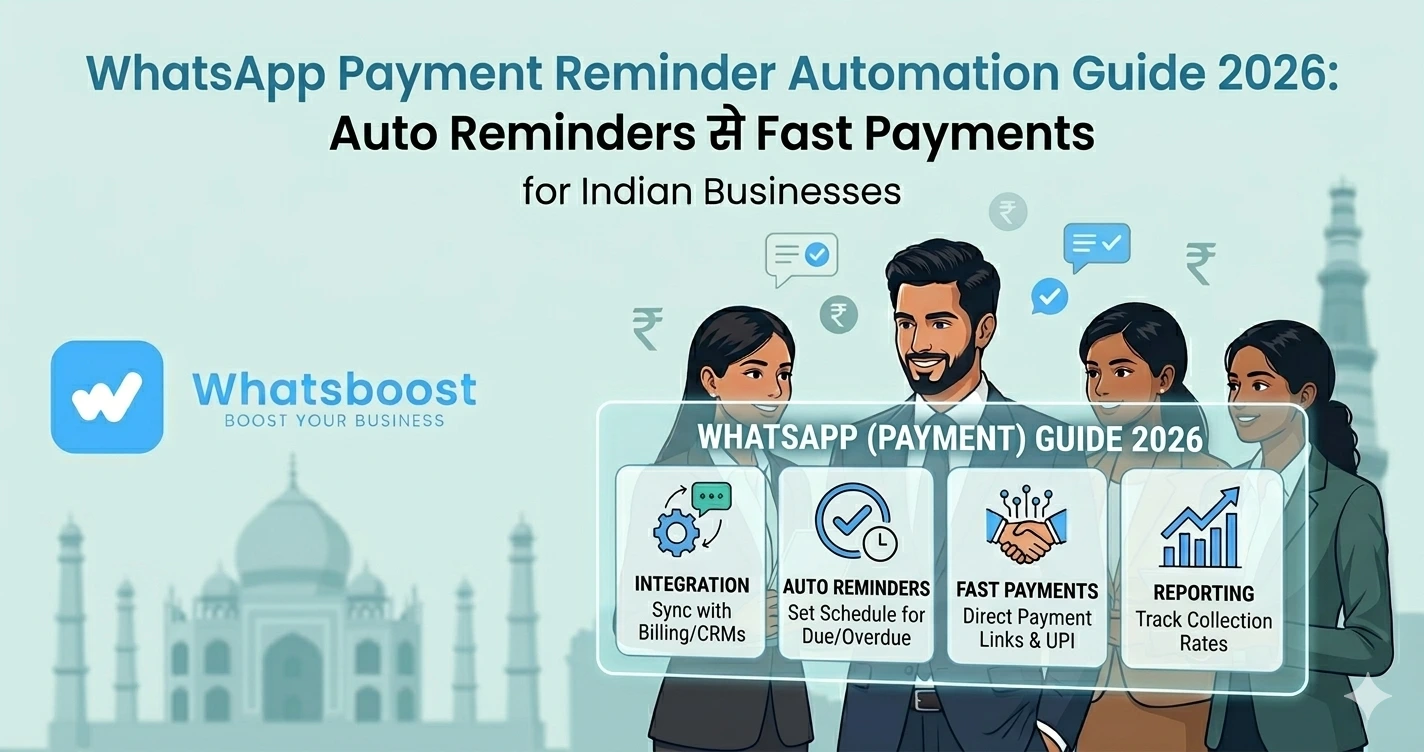
WhatsApp Payment Reminder Automation Guide 2026 Auto Reminders से Fast Payments
जानें कैसे WhatsApp पर payment reminders automate करें, overdue payments कम करें और cash flow improve करें — आसान हिंदी guide।
Payments follow-up करना सबसे मुश्किल काम क्यों है?
हर business owner इस problem को face करता है 👇
- Clients payment delay करते हैं
- बार-बार reminder भेजना पड़ता है
- Awkward conversations होती हैं
- Cash flow disturb होता है
👉 Reality:
Problem customer नहीं — system की है
Manual Payment Follow-ups क्यों fail होते हैं?
Manual system में:
❌ Reminder भूल जाते हैं
❌ Inconsistent follow-ups
❌ कोई tracking नहीं
❌ Time waste
👉 जैसे-जैसे clients बढ़ते हैं → system टूट जाता है
Solution: WhatsApp Payment Reminder Automation
अब imagine करें 👇
👉 Invoice generate हुआ
👉 WhatsApp reminder automatically गया
👉 Follow-ups auto schedule हो गए
👉 Result:
✔ Faster payments
✔ Zero manual effort
✔ Better customer experience
👉 WhatsApp का open rate ~98% होता है, इसलिए reminders miss नहीं होते
WhatsApp Payment Reminder Automation क्या है?
Simple भाषा में:
👉 Payment due date → trigger
👉 System automatically:
- Reminder भेजता है
- Follow-up schedule करता है
- Payment confirmation track करता है
👉 पूरा collection system automated हो जाता है
Step-by-Step: WhatsApp Payment Reminders कैसे automate करें
Step 1: सही automation tool choose करें
WhatsBoost जैसे tools use करें जो:
✔ Automation workflows
✔ CRM integration
✔ Payment link support
provide करते हैं
👉 WhatsApp automation basics समझें:
https://whatsboost.in/blog/how-to-integrate-whatsapp-without-whatsapp-business-api-simplify-whatsapp-messaging
Step 2: Customer & Payment Data sync करें
आप connect कर सकते हैं:
- Google Sheets
- CRM
- Accounting tools
👉 इससे system को पता रहता है:
✔ कौन pay करेगा
✔ कितना amount
✔ कब due है
👉 Google Sheets automation guide:
https://whatsboost.in/blog/free-google-sheets-to-whatsapp-group-messaging-automations-for-teachers-clubs
Step 3: Payment Gateway integrate करें
Examples:
- Razorpay
- Stripe
- PayU
👉 इससे:
✔ Payment link auto generate होता है
✔ WhatsApp में directly भेज सकते हैं
👉 friction कम → payment fast
Step 4: Reminder Templates बनाएं
🟢 Before Due Date
“Hi {{name}}, आपका ₹{{amount}} payment {{date}} को due है। यहाँ pay करें: {{link}}”
🟡 Due Date
“Reminder: आपका payment आज due है। Kindly complete: {{link}}”
🔴 Overdue
“Your payment ₹{{amount}} overdue है। Please clear here: {{link}}”
👉 Personalized messages ज्यादा effective होते हैं
Step 5: Automation Sequence सेट करें
Typical flow:
- Day -3 → Reminder
- Day 0 → Due alert
- Day +2 → Follow-up
- Day +5 → Final reminder
👉 यही structured system सबसे effective होता है
Step 6: Smart Logic add करें
👉 अगर payment हो गया:
✔ Reminder stop
👉 अगर reply आया:
✔ Team assign
👉 अगर ignore किया:
✔ Next follow-up
👉 यही automation को intelligent बनाता है
Real Workflow (Simple समझें)
| Action | System | Result |
| Invoice generate | CRM / Sheet | Data ready |
| Trigger activate | WhatsBoost | Message send |
| Customer receive | Payment action | |
| Payment complete | System | Automation stop |
WhatsApp Payment Reminders इतना effective क्यों है?
⚡ Instant Delivery
Messages seconds में deliver होते हैं
📲 High Engagement
Users WhatsApp रोज use करते हैं
💬 Two-way communication
Customer reply कर सकता है
💰 Faster Collections
👉 Delay कम → cash flow improve
Top Use Cases
🏫 Education
- Tuition fees
- Course payments
🛒 E-commerce
- COD confirmation
- Pending payments
🏢 Agencies
- Retainers
- Project payments
🏭 B2B Businesses
- Invoice follow-ups
- Bulk collections
👉 IndiaMART sellers के लिए भी powerful use case है:
https://whatsboost.in/blog/how-to-automate-indiamart-with-whatsapp-for-auto-follow-ups
Advanced Strategy (Expert Level)
🔁 Drip Campaigns
👉 Multiple reminders automatically
🧠 Segmentation
- Due today
- Overdue
- High-value clients
📊 Tracking & Analytics
- कौन pay कर रहा है
- कौन ignore कर रहा है
🔗 CRM Integration
👉 Full visibility
👉 CRM integration detail:
https://whatsboost.in/blog/how-to-integrate-crm-with-whatsapp-for-automation-without-business-api
Common Mistakes (Avoid करें)
❌ Random reminders
❌ No schedule
❌ No personalization
❌ Payment link missing
❌ Over-messaging (spam)
Pro Tips (Expert Strategy)
Friendly tone रखें
Aggressive message avoid करें
Clear CTA दें
“Pay now” link जरूरी
सही timing रखें
Morning / evening best
Automation + human mix करें
High-value clients पर personal touch
Final Conclusion
Payment collection हर business का backbone है
लेकिन:
👉 Manual follow-up = delay + stress
अगर आप:
❌ अभी भी manually reminders भेज रहे हैं
तो:
👉 Revenue leak हो रहा है
लेकिन automation के साथ:
✔ Faster payments
✔ Consistent follow-ups
✔ Better cash flow
👉 यही smart system है
👉 Automation = Predictable Revenue 🚀
Want to automate WhatsApp for your business?
Set up campaigns, replies, and follow-ups in minutes.