
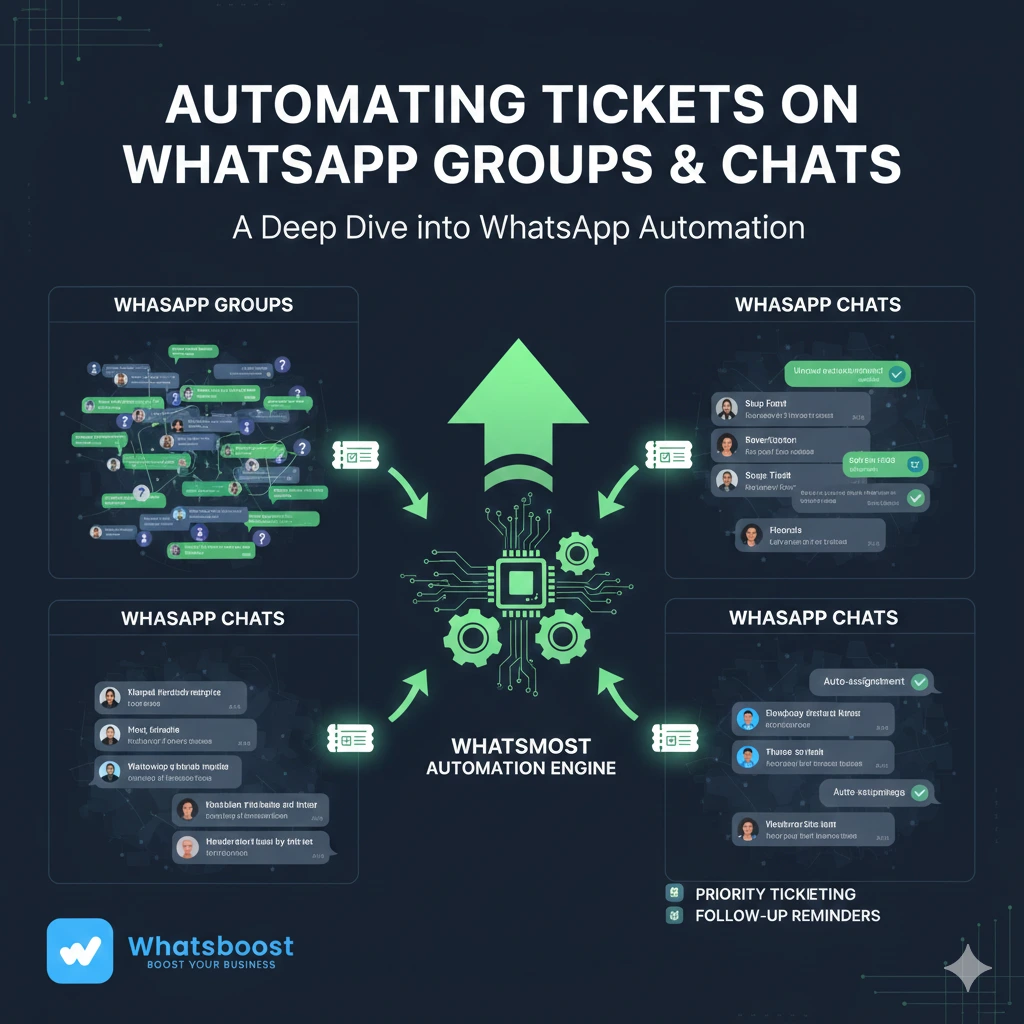
Automating Tickets on WhatsApp Groups & Chats: A Deep Dive into WhatsApp Automation
Learn how automating tickets on WhatsApp Groups & Chats improves SLA tracking, response time, and customer satisfaction. A deep dive into WhatsApp Automation for modern teams.
Automating Tickets on WhatsApp Groups & Chats: A Deep Dive
Managing conversations on WhatsApp is no small task.
When your business relies on WhatsApp Groups & Chats for customer communication, internal coordination, or sales follow-ups, message volume can quickly spiral out of control. Hundreds of chats. Dozens of groups. Continuous notifications. Constant context switching.
In that noise, important customer queries get buried.
An “urgent” message goes unnoticed.
A billing concern waits too long.
A VIP client raises an issue in a group—and no one responds quickly enough.
The result?
Missed SLAs.
Frustrated customers.
Lost revenue.
This is exactly where WhatsApp Automation changes the game.
Automating Tickets on WhatsApp Groups & Chats ensures that:
Critical messages are flagged instantly
Tickets are created automatically
Your team prioritizes effectively
SLAs are monitored in real-time
Escalations happen without manual tracking
In this deep dive, we’ll explore how ticket automation works, how to set it up, and the powerful real-world use cases it unlocks for modern teams.
Why Manual Monitoring on WhatsApp Doesn’t Scale
Before diving into automation, let’s understand the problem.
WhatsApp was designed for personal messaging. It wasn’t built for enterprise-level ticketing workflows.
When businesses start scaling on WhatsApp, common challenges appear:
No centralized visibility across numbers
No structured tracking of unresolved queries
No SLA monitoring
No escalation framework
No accountability metrics
In large WhatsApp Groups & Chats, messages move fast. Without structured tracking, teams rely on memory and manual scanning.
That approach breaks under scale.
If your business handles:
50+ daily customer queries
Multiple sales representatives
Regional WhatsApp numbers
Large customer groups
You need structured WhatsApp Automation.

Learn how Whatsboost helps manage WhatsApp at scale:
https://whatsboost.in/
What Is Automating Tickets on WhatsApp?
Automating Tickets on WhatsApp means converting important WhatsApp messages into structured, trackable tickets automatically—based on predefined rules.
Instead of manually flagging messages, the system:
Identifies messages that require attention
Converts them into actionable tickets
Assigns them to the right team
Tracks SLA timelines
Escalates if unresolved
This transforms WhatsApp from a messaging app into a workflow engine.
With Whatsboost’s automation engine, ticket creation happens in real-time—without requiring WhatsApp Business API.
How Automated Ticketing Works
At its core, ticket automation follows three steps:
Step 1: Define Triggers
Triggers determine when a ticket should be created.
Examples:
Specific keywords (e.g., “urgent,” “refund,” “invoice”)
SLA breaches (no reply in 15 minutes)
Emojis indicating certain issues
Messages from VIP customers
Mentions in large WhatsApp groups
Step 2: Define Actions
Once triggered, automation decides what happens next.
Actions may include:
Create a new ticket
Assign ticket to specific team
Set priority level
Notify manager
Escalate after X minutes
Send alert to internal WhatsApp group
Step 3: Real-Time Monitoring & Escalation
Tickets are:
Tracked in a centralized dashboard
Monitored for SLA compliance
Escalated if unresolved
This ensures no important message is missed—even during peak hours.
Setting Up Automated Ticketing with Whatsboost
Getting started with Automating Tickets on WhatsApp Groups & Chats is straightforward.
Step 1: Sign Up
Create a trial account on Whatsboost.
Start here:
https://whatsboost.in/
Step 2: Connect Your WhatsApp Numbers
Link your regular WhatsApp numbers to the Whatsboost dashboard.
No WhatsApp Business API required.
Step 3: Navigate to Automation Rules
Inside the dashboard:
Go to “Automation Rules”
Click “New Rule”
Choose “Create from Scratch”
Step 4: Define Ticketing Triggers
Specify conditions such as:
Keywords or phrases
SLA breaches
Emoji-based signals
Group-specific monitoring
Example triggers:
If message contains “urgent” → create high-priority ticket
If message unanswered for 15 minutes → escalate
If emoji 🔧 appears → assign to tech team
Step 5: Set Ticketing Actions
Choose what happens automatically:
Create ticket
Assign to specific team member
Add SLA timer
Notify manager
Send escalation message
Step 6: Save and Activate
Once saved, your rule works automatically.
Every matching message becomes a structured ticket in real time.
No manual monitoring required.
Real-World Use Cases for Ticket Automation
Let’s explore how Automating Tickets on WhatsApp Groups & Chats unlocks operational efficiency.
1. Keyword-Based Ticket Creation
Scenario: A customer sends:
“This is urgent. I need help with my invoice.”
Automation identifies keywords like:
“urgent”
“help”
“invoice”
Instantly:
A ticket is created
Assigned to billing team
Marked high priority
SLA timer begins
Even during peak hours, critical queries never get lost.
This is especially powerful for:
E-commerce businesses
B2B service providers
SaaS companies
Financial services
2. Handling SLA Breaches Automatically
Scenario: A query remains unanswered for 30 minutes.
Manual teams might miss it.
Automation:
Detects SLA breach
Creates high-priority ticket
Escalates to manager
Sends notification in internal group
Now accountability is automated.
No one has to constantly monitor chats.
SLA-based automation ensures customer satisfaction remains high.
3. Emoji-Based Ticket Routing
Customers often use emojis to express concerns:
🔧 = Technical issue
💰 = Billing problem
🚚 = Delivery issue
Automation can detect these emojis and:
Create category-specific tickets
Route to correct department
Trigger specialized workflows
This reduces response time significantly.
4. VIP Monitoring in Large WhatsApp Groups
Scenario: In a 500-member WhatsApp group, a VIP customer raises a complaint.
Without automation, this message could be buried within seconds.
With WhatsApp Automation:
VIP name triggers detection
Ticket is created instantly
Team notified immediately
Priority assigned
This ensures premium customers receive priority handling.
5. Sales Lead Qualification in Groups
In large lead groups, prospects often ask:
“What’s the price?”
“Can someone call me?”
Automation can:
Convert such messages into sales tickets
Assign to specific sales rep
Track response time
This transforms WhatsApp Groups into lead pipelines.
6. Internal Team Coordination
Ticket automation isn’t only for customers.
Internal groups can trigger tickets when:
Sales reps request approvals
Operations need action
Managers flag urgent tasks
Structured workflows increase internal efficiency.
Benefits of Automating Tickets on WhatsApp Groups & Chats
Implementing WhatsApp Automation provides measurable advantages.

1. Zero Missed Critical Messages
Automation eliminates human error.
2. Faster Response Time
Tickets are assigned instantly.
3. Better SLA Compliance
SLA timers and escalations ensure deadlines are met.
4. Improved Team Accountability
Every ticket has an owner.
5. Centralized Visibility
All tickets tracked in one dashboard.
6. Scalable Workflow Management
As your WhatsApp volume grows, automation scales with you.
Why Whatsboost Is Built for Ticket Automation
Among WhatsApp Automation platforms, Whatsboost stands out because:
It works with regular WhatsApp numbers
It supports WhatsApp Groups & Chats
It provides built-in ticketing
It enables SLA tracking
It integrates with CRM systems
It supports multi-number dashboards
Unlike tools that rely solely on WhatsApp Business API, Whatsboost offers operational flexibility without template restrictions.
Explore features here:
https://whatsboost.in/
Common Mistakes to Avoid When Setting Up Automation
Creating too many rules at once
Not defining SLA clearly
Ignoring escalation paths
Failing to test triggers
Not assigning ticket ownership
Start simple. Optimize gradually.
The Future of WhatsApp Automation
As businesses increasingly rely on WhatsApp, structured automation will become non-negotiable.
In 2026 and beyond, teams will expect:
AI-driven ticket prioritization
Predictive escalation
Performance analytics dashboards
Deep CRM synchronization
Automating Tickets on WhatsApp Groups & Chats is no longer optional—it’s foundational.
Frequently Asked Questions
1. What is Automating Tickets on WhatsApp?
It’s the process of automatically converting important WhatsApp messages into structured tickets using predefined rules and triggers.
2. Can WhatsApp Automation track SLA breaches?
Yes. Advanced tools like Whatsboost allow SLA timers and automatic escalation for unresolved queries.
3. Does this work in WhatsApp Groups?
Yes. Whatsboost supports automation across both WhatsApp Groups & Chats.
4. Do I need WhatsApp Business API?
No. Whatsboost works with regular WhatsApp numbers.
5. Can I create rules based on emojis?
Yes. Emoji-based triggers are supported for routing tickets.
FAQs About Whatsboost Automation
Does Whatsboost require API approval?
No. It works directly with WhatsApp Web.
Can I manage multiple numbers?
Yes. Multi-number management is supported.
Does it integrate with CRM tools?
Yes. It integrates with HubSpot, Zoho Desk, Freshdesk, Zapier, and custom APIs.
Is there a free trial?
Yes. Whatsboost offers a 14-day free trial.
Can I automate escalation workflows?
Yes. You can define SLA thresholds and automatic escalation paths.
Final Thoughts
WhatsApp is powerful—but chaotic without structure.
When you’re managing high volumes of WhatsApp Groups & Chats, manual monitoring is unsustainable.
Automating Tickets on WhatsApp transforms reactive messaging into structured workflow management.
Critical messages are flagged.
Tickets are created.
SLAs are tracked.
Escalations happen automatically.
With the right WhatsApp Automation platform, your team gains clarity, accountability, and speed.
If you’re ready to stop losing important messages in the noise, explore Whatsboost today:
Turn WhatsApp into a structured, scalable support and sales engine.
Want to automate WhatsApp for your business?
Set up campaigns, replies, and follow-ups in minutes.