
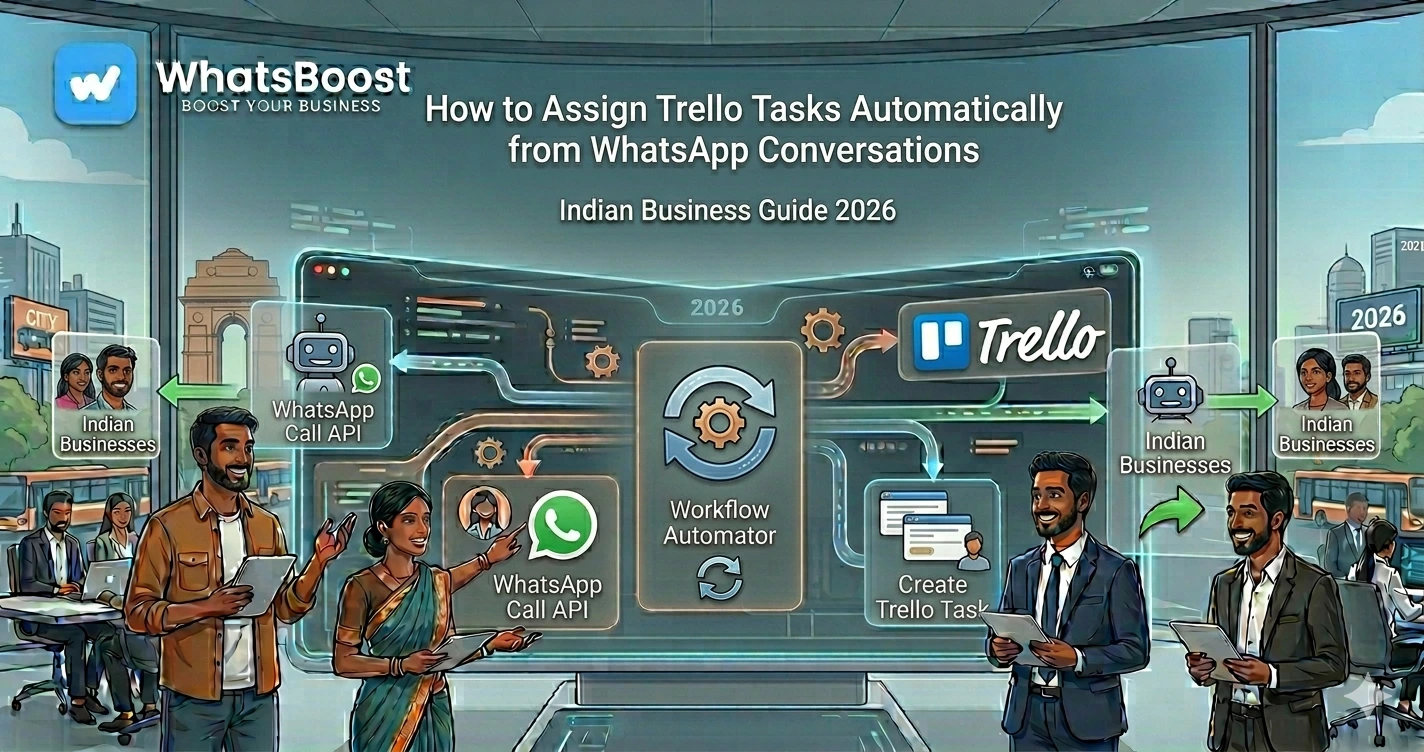
How to Assign Trello Tasks Automatically from WhatsApp Conversations
Learn how to automatically assign Trello tasks from WhatsApp conversations using WhatsBoost, AI, and automation workflows. Turn customer messages, team requests, and support queries into assigned Trello tasks instantly.
How to Assign Trello Tasks Automatically from WhatsApp Conversations
Most businesses already use WhatsApp to manage daily communication.
Customers send enquiries.
Sales teams discuss leads.
Employees report issues.
Clients request revisions.
Vendors share updates.
The problem isn't receiving messages.
The problem is making sure someone actually takes ownership of them.
A customer asks for a quotation.
A lead requests a callback.
A client needs a project update.
A support ticket requires attention.
The message gets read.
Everyone assumes someone else will handle it.
And then nothing happens.
The result?
❌ Missed follow-ups
❌ Delayed responses
❌ Confused team members
❌ Poor accountability
❌ Lost business opportunities
As businesses grow, relying on people to manually create and assign tasks becomes risky.
This is why many businesses are now automating the entire process.
Instead of depending on team members to create Trello cards manually, WhatsApp conversations can automatically generate and assign tasks to the right person.
👉 Every important message becomes an action item with a clear owner.
Why Manual Task Assignment Fails
Most businesses follow a process that looks like this:
Customer sends WhatsApp message.
↓
Team member reads it.
↓
Remembers to create a task later.
↓
Assigns someone manually.
↓
Task eventually gets completed.
Or sometimes forgotten entirely.
This system works when you receive 10 messages per day.
It breaks when you're receiving hundreds.
Some common issues include:
- Tasks getting lost in WhatsApp chats
- Team members forgetting follow-ups
- No visibility into who owns what
- Delayed customer responses
- Duplicate work across departments
This is exactly why many companies are investing in smarter task follow-up systems that ensure every customer request is tracked and assigned automatically instead of depending on human memory.
When businesses rely entirely on WhatsApp chats, accountability becomes difficult because nobody knows who owns a task, when it should be completed, or whether it has been completed at all. Many organizations solve this by implementing task delegation on WhatsApp alongside project management tools like Trello.
What Is Automatic Trello Task Assignment?
Automatic Trello task assignment is a workflow where WhatsApp conversations create Trello tasks and assign them to the appropriate team member instantly.
The system can identify:
- New sales enquiries
- Customer complaints
- Technical support requests
- Project revisions
- Internal team requests
- Payment-related tasks
Once identified, the workflow automatically creates a Trello card and assigns ownership.
Simple Workflow
WhatsApp Message Received
↓
Automation Triggered
↓
Message Categorized
↓
Trello Task Created
↓
Assigned to Team Member
↓
Notification Sent
↓
Follow-Up Process Begins
No manual task creation required.
Why Businesses Are Connecting WhatsApp and Trello
WhatsApp is where conversations happen.
Trello is where work gets managed.
Combining both platforms creates a much smoother operational workflow.
| Without Automation | With Automation |
| Messages stay inside chats | Messages become assigned tasks |
| Manual task creation | Automatic task creation |
| Unclear ownership | Clear responsibility |
| Delayed action | Instant assignment |
| Difficult tracking | Full visibility |
The result is faster execution and better accountability.
Real Business Examples
Sales Team Lead Assignment
A prospect sends:
"I'd like a demo of your WhatsApp automation platform."
The system automatically:
- Creates a Trello card
- Assigns it to a sales representative
- Sets lead priority
- Triggers follow-up reminders
This workflow becomes even more powerful when combined with WhatsApp lead qualification workflows that automatically identify high-intent prospects before assigning them to the appropriate salesperson.
Many growing businesses also connect Trello with CRM and WhatsApp automation so that every assigned task is reflected in their sales pipeline automatically.
Customer Support Requests
A customer sends:
"My order has not arrived."
The automation:
- Creates a support task
- Assigns it to the support team
- Labels it as urgent
- Notifies the assigned agent
Nobody has to manually forward the message.
Marketing Agency Operations
A client sends:
"Please update the website banner before tomorrow."
The workflow:
- Creates a Trello card
- Assigns it to the designer
- Adds a due date
- Notifies the project manager
The request immediately enters the production workflow.
How Automatic Assignment Works
The automation follows predefined rules.
For example:
| Message Type | Assigned To |
| New Lead | Sales Team |
| Support Complaint | Customer Support |
| Invoice Issue | Accounts Team |
| Website Revision | Design Team |
| Technical Problem | Development Team |
The workflow can identify keywords, sender categories, departments, or even AI-generated classifications.
This ensures tasks always reach the right person.
Using AI to Assign Trello Tasks More Accurately
Modern businesses are increasingly using AI to understand WhatsApp conversations before assigning tasks.
Instead of simple keyword matching, AI can analyze intent.
For example:
Message:
"We are looking for WhatsApp automation for our coaching business and need pricing."
AI can determine:
- Sales enquiry
- High purchase intent
- Coaching industry
- Pricing request
The Trello card can then be assigned directly to the most suitable sales representative.
Businesses exploring this approach often start with Gemini integration for WhatsApp or build more advanced systems using Claude AI and n8n-powered WhatsApp coaching workflows. For organizations looking for broader automation opportunities, this can be extended using the ideas covered in 50 WhatsApp + n8n + Claude automation workflows for Indian businesses.
Step-by-Step Setup
Step 1: Connect WhatsApp to Your Automation Platform
The first step is capturing incoming WhatsApp conversations.
Many businesses choose solutions that allow WhatsApp automation without the complexity of traditional API development.
If you're exploring setup options, it's worth understanding how WhatsApp can be integrated without the WhatsApp Business API and how Meta Coexistence works for businesses managing multiple communication channels.
Step 2: Create Trello Boards and Lists
Organize Trello based on departments.
Example:
| Board | Purpose |
| Sales | Lead Management |
| Support | Customer Issues |
| Operations | Internal Tasks |
| Marketing | Campaign Requests |
| Finance | Payment Follow-Ups |
Step 3: Define Assignment Rules
Decide who should receive specific task types.
Examples:
- Leads → Sales Team
- Complaints → Support Team
- Payment Queries → Finance Team
- Content Requests → Marketing Team
The clearer the rules, the better the automation.
Step 4: Configure Task Details
Each Trello card can automatically include:
- Customer name
- WhatsApp number
- Message content
- Due date
- Priority label
- Assigned member
- Status
This removes manual data entry completely.
Step 5: Add Notifications
Once a task is assigned:
- Notify the responsible team member
- Alert managers
- Trigger reminders
- Create escalation workflows
Many businesses combine this with automated employee alerts on WhatsApp to ensure assigned tasks receive immediate attention.
Advanced Workflow Examples
Lead Management Workflow
New WhatsApp Lead
↓
Lead Qualification
↓
Trello Task Created
↓
Salesperson Assigned
↓
CRM Updated
↓
Follow-Up Sequence Started
Businesses that already manage leads through spreadsheets often combine this setup with a WhatsApp lead tracking system powered by Claude AI and Google Sheets for additional visibility.
Client Request Workflow
Client Message
↓
Task Created
↓
Assigned to Team
↓
Progress Updated
↓
Completion Notification Sent
↓
Client Informed
This creates a smooth customer experience.
Payment Reminder Workflow
Customer Payment Overdue
↓
Reminder Triggered
↓
Response Received
↓
Trello Task Assigned
↓
Accounts Team Notified
Businesses handling recurring payments often automate this process using WhatsApp payment reminder systems to reduce collection delays.
Common Mistakes to Avoid
Assigning Every Message
Not every WhatsApp message needs a Trello task.
Use filters.
Focus on actionable conversations.
No Priority System
Without priorities, teams become overwhelmed.
Create labels such as:
- High Priority
- Medium Priority
- Low Priority
Lack of Escalation Rules
Some tasks remain unresolved because nobody follows up.
Automation should include reminders and escalation logic.
This is why businesses increasingly adopt WhatsApp-based task delegation systems that go beyond task creation and ensure accountability.
Poor Visibility
Managers should always be able to see:
- Open tasks
- Assigned tasks
- Overdue tasks
- Completed tasks
A well-designed Trello board solves this problem.
Before vs After Automation
| Before Automation | After Automation |
| Tasks assigned manually | Tasks assigned automatically |
| Messages get lost | Every request tracked |
| Delayed ownership | Instant responsibility |
| Poor accountability | Transparent workflows |
| Slow responses | Faster execution |
As message volume grows, the productivity gains become significant.
Who Should Use This Workflow?
This automation works particularly well for:
Agencies
Automatically assign client requests.
Coaches
Manage student enquiries and support tickets.
Consultants
Track client communications.
Sales Teams
Route leads to the right representatives.
Service Businesses
Handle customer requests efficiently.
Operations Teams
Improve internal task management.
It is especially valuable for businesses already using CRM and WhatsApp automation together because task assignment becomes part of a larger operational workflow.
Final Conclusion
WhatsApp conversations generate hundreds of important actions every week.
The challenge is not communication.
The challenge is ownership.
When tasks depend on people remembering to create and assign them manually, things inevitably get missed.
By automatically assigning Trello tasks from WhatsApp conversations, businesses can ensure every important request has a clear owner, deadline, and follow-up process.
The result is better accountability.
Better customer experiences.
Faster response times.
And more scalable operations.
As businesses continue to automate sales, support, operations, and project management workflows, task assignment automation will become a critical part of everyday business infrastructure.
👉 The future is: WhatsApp + AI + Automation = Scalable Business Operations 🚀
Want to automate WhatsApp for your business?
Set up campaigns, replies, and follow-ups in minutes.