
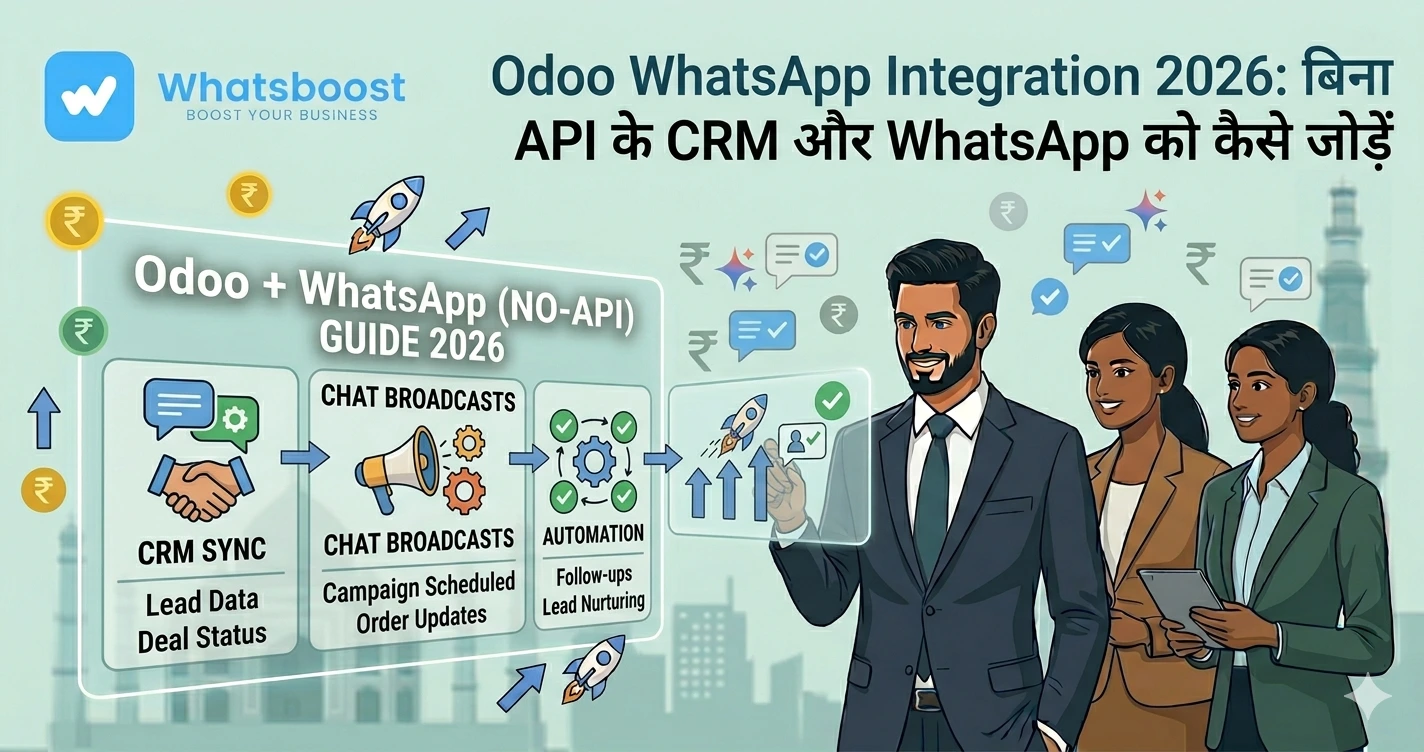
Odoo WhatsApp Integration 2026 बिना API के CRM और WhatsApp को कैसे जोड़ें
जानिए कैसे Odoo CRM को WhatsApp से integrate करें बिना API के। WhatsBoost की मदद से lead automation, follow-ups और business growth को आसान बनाएं।
Odoo use कर रहे हैं… लेकिन WhatsApp connect नहीं है? 😓
अगर आप Odoo CRM या ERP use कर रहे हैं, तो आपके पास data की कमी नहीं होगी।
- Leads आ रहे हैं
- Customer database ready है
- Sales pipeline set है
लेकिन एक बड़ी problem यहाँ आती है 👇
👉 Communication अभी भी manual है
- Sales team WhatsApp manually कर रही है
- Follow-ups delay हो रहे हैं
- Leads cold हो जाते हैं
आज के time में customer instant response expect करता है।
👉 अगर reply fast नहीं आया, तो lead lost
यही reason है कि businesses तेजी से
👉 WhatsApp marketing automation strategies adopt कर रहे हैं
Traditional Odoo + WhatsApp Integration इतना complicated क्यों है? ⚙️
अगर आपने Odoo को WhatsApp से connect करने की कोशिश की है, तो आपने ये hurdles जरूर देखे होंगे:
API-based setup में क्या-क्या चाहिए?
-
WhatsApp Business API
-
Meta verification
-
BSP (provider)
-
Template approvals
-
Developer support
Real Challenges:
Problem Impact API approval Slow Cost High Setup Technical Dependency Developers
| Problem | Impact |
|---|---|
| API approval | Slow |
| Cost | High |
| Setup | Technical |
| Dependency | Developers |
👉 Result:
Small aur mid businesses के लिए ये practical नहीं होता
Modern Solution: बिना API के Integration 🚀
अब सवाल है — क्या इसका आसान तरीका है?
👉 हाँ
आज businesses API के बिना भी WhatsApp + CRM connect कर रहे हैं
इस approach में:
- WhatsApp directly automation tool से connect होता है
- Odoo data use होता है
- Automated messaging flows बनते हैं
👉 इसको deeply समझने के लिए
👉 complete WhatsApp marketing automation guide देख सकते हैं
Odoo + WhatsApp Integration कैसे करें (Step-by-Step) 🛠️
Step 1: WhatsApp automation setup करें
-
Automation tool setup करें
-
WhatsApp connect करें
👉 No coding needed
Step 2: Odoo data connect करें
आप use कर सकते हैं:
- CRM leads
- Customers
- Deals
- Forms
👉 Example:
Real estate inquiry → WhatsApp follow-up
Step 3: Automation triggers बनाएं
Triggers define करें:
- New lead
- Deal stage change
- Invoice generated
Step 4: Messaging workflows बनाएं
आप create कर सकते हैं:
- Instant reply
- Follow-up
- Reminder
👉 ये concept detail में समझने के लिए
👉 WhatsApp lead nurturing sequences देखें
Step 5: सही communication method चुनें
आप use कर सकते हैं:
- Groups
- Broadcast
- Funnel
👉 Difference समझने के लिए
👉 WhatsApp broadcast vs group messages guide
Step 6: Test और optimize करें
-
Dummy leads
-
Flow test
-
Timing improve
Real Business Use Cases (India-Focused) 📊
Manufacturing Business
-
Distributor inquiry → Odoo
-
WhatsApp follow-up
-
Product catalog भेजना
👉 Similar automation
👉 IndiaMART leads automation strategies में use होता है
Coaching Institutes
-
Student inquiry
-
Auto message
-
Batch info
Service Businesses
-
Ticket update
-
WhatsApp notification
E-commerce Brands
-
Order confirmation
-
Delivery updates
👉 ये approach
👉 WhatsApp CRM integration guide में explain है
Advanced Automation Strategies 📈
🔥 Instant Response System
👉 “5-minute response rule”
Automation = faster conversion
🔥 Multi-Step Funnel
-
Day 1 → Intro
-
Day 2 → Value
-
Day 3 → Offer
👉 ये strategy
👉 WhatsApp drip campaigns for lead nurturing में use होती है
🔥 CRM + WhatsApp Sync
-
Tracking
-
Follow-ups
-
Conversion
🔥 Bulk Campaign Automation
-
Offers
-
Announcements
👉 Large businesses के लिए
👉 WhatsApp bulk messaging strategies useful है
🔥 Zero-Human Funnel
Automation इतना powerful हो सकता है कि:
👉 बिना human involvement के sales
👉 Learn here:
👉 <a href="https://whatsboost.in/blog/building-a-zero-human-sales-funnel-using-whatsapp-automation">WhatsApp sales funnel automation</a>
API vs No-API Integration 📊
Feature API Method No-API Method Setup Complex Easy Cost High Low Approval Required Not needed Time Slow Fast Tech Skill Required Not required Best for Enterprises SMBs
| Feature | API Method | No-API Method |
|---|---|---|
| Setup | Complex | Easy |
| Cost | High | Low |
| Approval | Required | Not needed |
| Time | Slow | Fast |
| Tech Skill | Required | Not required |
| Best for | Enterprises | SMBs |
Common Mistakes ⚠️
❌ API में unnecessarily फंसना
❌ Slow response
❌ Spam messaging
❌ No segmentation
❌ No follow-up
Pro Tips 💡
✅ Personalization करें
✅ Timing optimize करें
✅ CRM data use करें
✅ Automation + human balance रखें
✅ Small शुरू करें
Final Conclusion 🎯
अगर आप Odoo use कर रहे हैं…
👉 सिर्फ CRM होना enough नहीं है
👉 Communication automation जरूरी है
Traditional तरीका:
- Slow
- Expensive
- Complex
Modern तरीका:
- Fast
- Simple
- Scalable
👉 सही combination:
Odoo + WhatsApp automation = better growth 🚀
Want to automate WhatsApp for your business?
Set up campaigns, replies, and follow-ups in minutes.