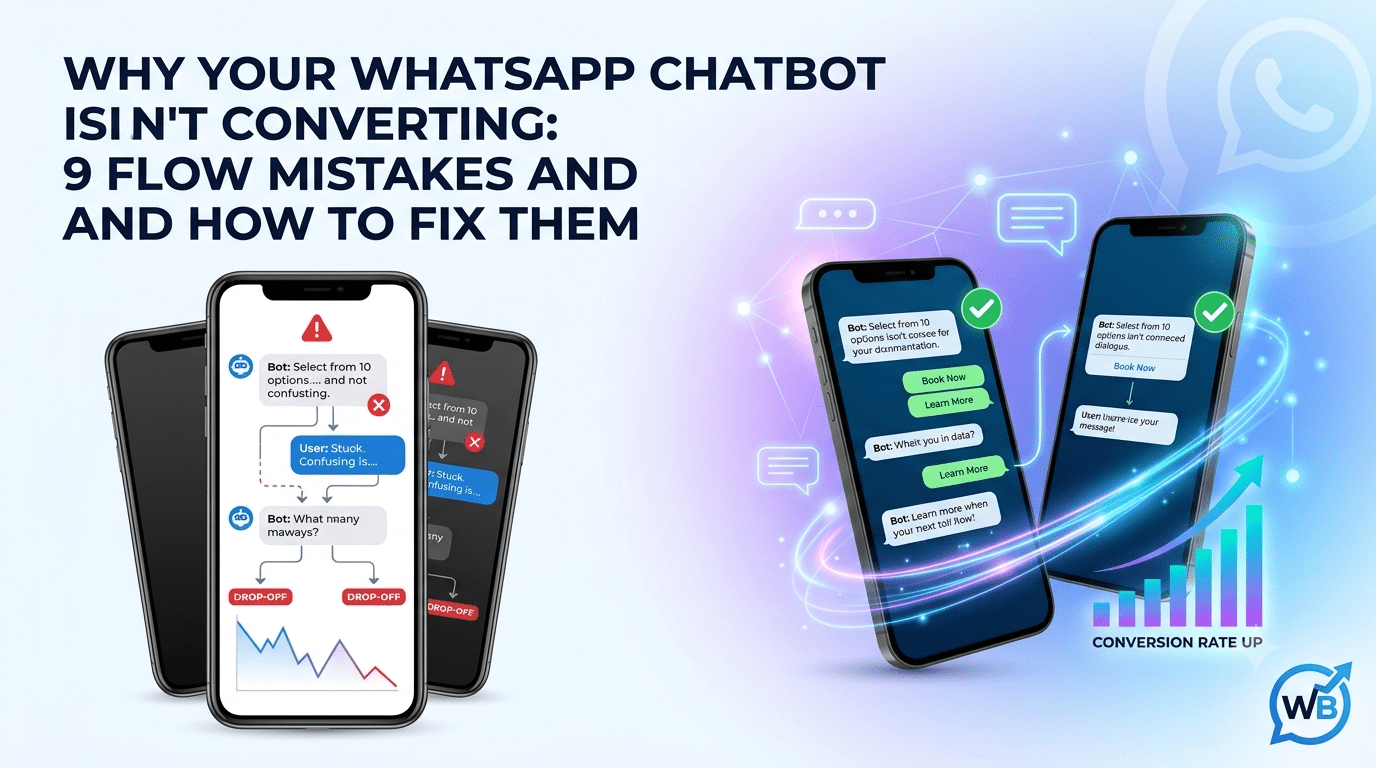
Why Your WhatsApp Chatbot Isn't Converting: 9 Flow Mistakes and How to Fix Them
Getting chats but few bookings or orders? This guide covers nine common WhatsApp chatbot flow mistakes, from menu overload to dead ends and weak follow-ups, with a practical fix for each.
Key Takeaways
Most chatbot conversions are lost inside the flow, not at the ad or the broadcast. Long menus, early data grabs, dead ends and walls of text each push users out within a few messages. Fix the flow one drop-off point at a time and the same traffic starts producing more bookings and orders.
You tap a "Chat on WhatsApp" button, expecting an answer. Instead you get a greeting, a menu of nine options, and a request for your name, email and city before anyone has told you a price. You type "hi, is a human there?" and the bot replies with the same menu again. Most people leave at this point, and the business sees one more "lead" that never answered.
WhatsApp conversion works differently from a landing page or an email. There is no scroll, no second tab to compare things in, and no skimming. Every bot message demands a reply, so each extra tap or typed answer is a small tax on the user's patience. A website visitor can ignore a form for a while. A WhatsApp user who is annoyed just goes back to their other chats.
That makes the flow, not the traffic source, the first thing to audit. Below are nine mistakes that quietly drain conversions, each with a fix you can apply in your builder. If you are still setting up your first automations, our guide covers the groundwork before you start optimizing.
1. The Overwhelming Menu
The Mistake: The first message offers eight, ten or twelve options, because every team in the company wanted its department represented. Users do not read menus like this. They either pick the first item, pick the wrong one, or type something the bot cannot match. Each wrong pick sends them into a flow that does not answer their question, and they leave.
The Fix: Cut the top-level menu to the three to five actions that account for most of your conversations. Pull these from your chat history, not from your org chart. Send everything else one level deeper, behind a "More options" choice or revealed only after the user has picked a category.
Pro-Tip: Check which menu items nobody has tapped in the last 30 days and remove them. A menu that shrinks over time is usually a sign that the flow is getting better.
2. Asking for Too Much Information Upfront
The Mistake: The bot opens with "Please share your name, email, company, budget and city" before it has given the user anything. On a website, a form like that is tolerated because the user has already decided to fill it in. In a chat, it reads like an interrogation from a stranger, and it also ignores the fact that you already have the user's phone number.
The Fix: Deliver value first, then ask for one thing at a time. Answer the question or show the product, then ask for the single detail you need to take the next step, such as a pincode for delivery or a preferred slot for a call. Collect the rest in later steps, and only when it changes what the user sees next.
Pro-Tip: For each question in your qualification flow, ask what you would do differently with the answer. If the answer is "nothing yet," move the question later or delete it.
3. Dead-End Flows
The Mistake: The flow answers a question, then goes silent. There is no next step, no button, and no way to reach a person. This usually happens in the branches nobody tested, such as a "no stock" reply, an unrecognized input, or the end of an FAQ answer. The user is left staring at a message with nowhere to go.
The Fix: Walk through every branch of your flow and make sure each one ends in one of three ways: a clear next action, a return to the main menu, or a handoff to a person. Add a fallback to every input step, so an unrecognized reply triggers a helpful nudge instead of silence. Build this check into every release of the flow.
Pro-Tip: Search your chat logs for conversations where the last message came from the bot and the user never replied. Those are your dead ends, and they tell you exactly which branch to fix first.
4. Ignoring Delayed Human Handoff
The Mistake: The user types "talk to agent" or "this is wrong," and the bot responds with the menu again. Teams often set up handoff as a last resort that triggers only after several failed attempts. By then the user is already frustrated, and the hot lead you were about to lose has gone cold.
The Fix: Make a human one tap away from the first screen, and add trigger rules that escalate early. Phrases like "agent," "complaint," "refund," or a repeated failed input should route straight to a person, with the conversation history attached so the user never has to repeat themselves.
Pro-Tip: Tell the user what happens next, such as "Connecting you to our team, usually within a few minutes," so a wait feels like progress and not silence.
5. Wall of Text Messages
The Mistake: The bot sends one long block that explains the product, lists the pricing, describes the process and ends with a question buried in the last line. On a phone screen, that block pushes the question out of view. Users skim the first line, miss the ask, and either reply with something irrelevant or stop replying.
The Fix: Split the message into short chunks of one idea each, and put the question or button at the end of the last chunk. Use an image, a short video or a PDF where a picture does the job of three paragraphs. Keep the main message to two or three short lines before the user is asked to do something.
Pro-Tip: Read your bot's messages on an actual phone, not in the builder preview. If you have to scroll to find the question, the message is too long.
6. Lack of Dynamic Personalization
The Mistake: A customer who bought last week gets the same "Welcome! How can we help?" as someone messaging for the first time. The bot asks for details the business already has, offers products the customer already owns, and ignores open orders. The user feels like a stranger, and the chat feels like a form, not a conversation.
The Fix: Connect the bot to your customer data so each flow starts with context. A returning customer can see "Hi Priya, want to track your last order?" while a new visitor gets the standard welcome. Check how our syncs contact fields, order status and tags into the flow so you can branch on them.
Pro-Tip: Start with one personalization that saves a step, such as skipping the name question for known contacts. Add more only when each one clearly removes friction.
7. Over-Reliance on Open Text Inputs
The Mistake: The bot asks "What are you looking for?" and waits for free text. Users type spelling variations, mixed languages, full sentences, or things the bot was never built to understand. Every unmatched reply is a failed step, and a couple of those in a row ends the chat.
The Fix: Replace open questions with structured choices wherever the answer set is limited. WhatsApp supports reply buttons, up to three per message, and list messages with up to 10 options, so most choices fit one of the two. Use buttons for yes/no and short picks, lists for categories or products, and reserve free text for the few cases that need it, such as an order ID or an address. See our guide to WhatsApp Interactive Buttons & List Messages for how each format behaves in a flow.
Pro-Tip: When free text is unavoidable, show an example in the question, like "Share your order ID, for example #10482," and add a fallback for badly formatted answers.
8. Misaligned CTAs in Promotional Broadcasts
The Mistake: A broadcast promises "Flat 30% off on sneakers today," but the button opens a generic bot greeting with a menu. The user came for one specific offer and now has to hunt for it. Some of them will, but many will assume the offer is not real and leave.
The Fix: Treat every broadcast and its chatbot entry point as one flow. The button should open a conversation that picks up exactly where the message left off, so the first bot reply is "Here are the sneakers on offer," not "How can we help?" Build a dedicated entry flow for each campaign through the WhatsBoost Broadcast Campaign Tool and match the first bot message to the broadcast copy word for word on the offer.
Pro-Tip: Compare button-click rate with the number of users who reach the offer page of your flow. A big gap between the two points to a mismatch between promise and landing.
9. Zero Post-Conversion Follow-up
The Mistake: The user books, pays or places an order, receives one confirmation, and never hears from the bot again. That is the moment of highest trust, and most businesses spend it on silence. Questions about delivery, rescheduling or usage then go to your support team, or to a competitor's ad.
The Fix: Plan the messages that come after the sale. A confirmation, a status update, a reminder before an appointment, a check-in after delivery and a review request cover most businesses. Each should be short and carry a button for the most likely next action, like "Track order" or "Reschedule."
Pro-Tip: Use the post-purchase chat to ask one useful question, such as "How was your delivery?" The reply gives you feedback, and a happy answer is the natural moment to ask for a review or a referral.
Where to Start
Pick one flow, usually the one that gets the most conversations, and walk it as a customer on a phone. Mark every point where you hesitated, scrolled or got stuck, then fix the worst one and measure again after a week. Small fixes to the menu, the first question and the handoff tend to move results faster than rebuilding the whole bot.
If you want to test changes without rebuilding from scratch, WhatsBoost's visual workflow builder lets you edit a flow, preview it and adjust it as you learn what your customers actually tap. Book a demo to see how your current flow would look in the builder.
Want to automate WhatsApp for your business?
Set up campaigns, replies, and follow-ups in minutes.