
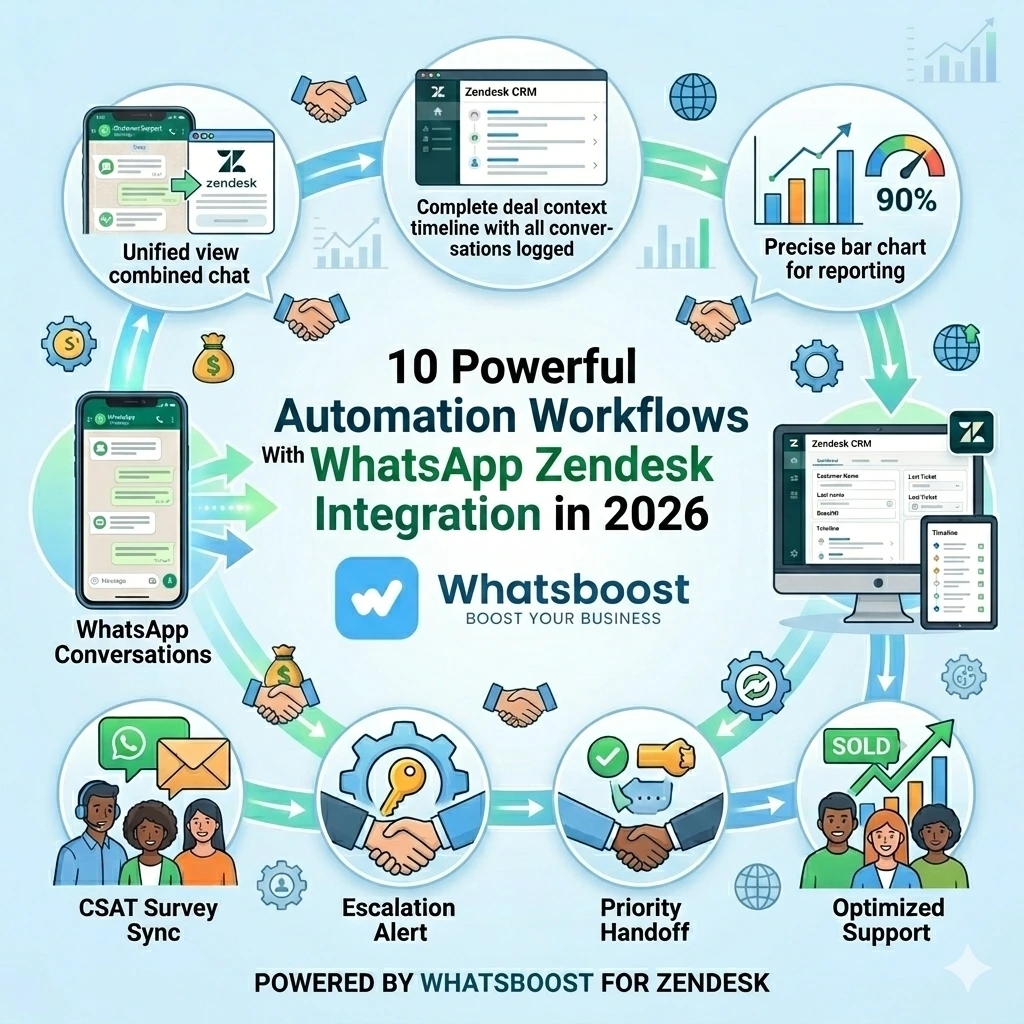
10 Powerful Automation Workflows With WhatsApp Zendesk Integration in 2026 | Whatsboost
Discover 10 powerful automation workflows using WhatsApp Zendesk integration in 2026. Learn how to automate ticket creation, escalations, CSAT surveys, and more using Whatsboost's WhatsApp Business API for smarter customer support.
WhatsApp and Zendesk are two of the most widely used customer communication tools in Indian businesses. WhatsApp is where customers reach out. Zendesk is where support teams manage, track, and resolve. Yet most businesses use them in isolation — handling WhatsApp conversations informally while Zendesk sits underutilised as a ticketing system that never sees the most active communication channel.
When WhatsApp and Zendesk are connected through Whatsboost's WhatsApp Business API, the combination becomes genuinely powerful. Every conversation is tracked. Every ticket is contextualised. And with the right automation workflows in place, your support team operates with a level of speed, consistency, and intelligence that manual processes simply cannot match.
Here are 10 powerful automation workflows that Indian businesses can implement with WhatsApp Zendesk integration today.
The Foundation: What Makes WhatsApp Zendesk Integration Work
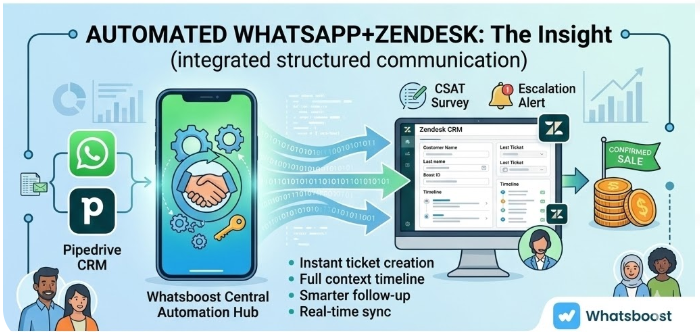
Before the workflows, the foundation matters. All 10 automation ideas below rely on three components working together: Whatsboost's WhatsApp Business API capturing and routing WhatsApp messages via webhooks, an automation platform — such as Zapier, Make, or Pabbly Connect — processing the logic, and Zendesk's ticketing API creating, updating, and closing tickets based on the triggers.
Whatsboost is an authorised WhatsApp Business Solution Provider that activates your API, manages your shared team inbox, and provides the no-code automation and analytics tools that make these workflows operational without a development team. Explore the platform at Whatsboost.in.
10 Powerful WhatsApp Zendesk Automation Workflows
Workflow 1 — Automatic Ticket Creation From Every New WhatsApp Message
The most fundamental workflow and the one every business should implement first. When a customer sends a new WhatsApp message to your business number, Whatsboost fires a webhook that automatically creates a Zendesk support ticket — pre-populated with the customer's name, phone number, message content, timestamp, and a "WhatsApp" channel tag.
No agent needs to manually log the interaction. Every customer message is in the Zendesk queue, subject to your SLA policies, and visible to your entire support team from the moment it arrives.
Workflow 2 — Instant WhatsApp Acknowledgement When a Ticket Opens
The moment a Zendesk ticket is created from a WhatsApp message, Whatsboost automatically sends the customer a personalised WhatsApp acknowledgement — confirming receipt, providing a ticket reference number, and stating the expected response time.
Customers feel immediately heard. Support teams avoid the flood of "did you receive my message?" follow-ups. And the first response SLA clock starts with a positive customer interaction already logged.
Workflow 3 — Smart Ticket Prioritisation Based on Message Keywords
Whatsboost's keyword detection scans incoming WhatsApp messages for urgency signals — "urgent," "not working," "please escalate," "still waiting," "very unhappy." When detected, the automation assigns a high or critical priority to the Zendesk ticket automatically and sends an instant WhatsApp alert to the support manager.
High-priority customer situations are identified at the moment of first contact — not discovered hours later during a queue review — ensuring your most urgent issues always receive the fastest response.
Workflow 4 — Customer Tier-Based Routing to Specialist Zendesk Queues
When a WhatsApp message arrives, the automation checks the customer's tier in Zendesk — Standard, Premium, or Enterprise. Based on the tier, the ticket is automatically routed to the appropriate support queue, with premium and enterprise customers receiving priority assignment to senior agents.
For Indian businesses with tiered service contracts, this workflow ensures high-value customers receive the elevated support experience they are paying for — automatically and consistently, without agents needing to manually check customer tier before routing a ticket. Whatsboost supports the webhook logic that drives this identification and routing workflow accurately.
Workflow 5 — Duplicate Prevention for Returning Customers
When a customer sends a follow-up WhatsApp message about an unresolved issue, the automation detects the existing open Zendesk ticket for that phone number and appends the new message as a ticket note — rather than creating a duplicate ticket.
The agent sees the complete, chronological conversation thread in one ticket. The customer is not asked to repeat their issue. And your Zendesk queue stays clean and accurate rather than cluttered with duplicate records for the same interaction.
Workflow 6 — Proactive Status Updates to Customers on WhatsApp
When a Zendesk agent updates a ticket status — from "Open" to "In Progress," or from "In Progress" to "Pending Customer Action" — an automated WhatsApp message is sent to the customer via Whatsboost, informing them of the update in plain, friendly language.
Customers stay informed throughout the resolution journey without calling or messaging to chase an update. Agent time spent on proactive status communication drops significantly. And customer satisfaction scores improve because customers feel continuously in the loop — one of the strongest drivers of positive support experience. Learn more about this capability at Whatsboost.in.
Workflow 7 — SLA Breach Warning Alert to Support Manager on WhatsApp
When a Zendesk ticket is approaching its first response or resolution SLA deadline without action, an automated WhatsApp alert is sent to the support manager — flagging the ticket number, the customer name, and the time remaining before breach.
The manager can reassign, escalate, or intervene before the SLA is breached — not after. For Indian support teams managing high ticket volumes, this real-time SLA monitoring via WhatsApp provides a safety net that prevents compliance failures and the customer dissatisfaction that follows them.
Workflow 8 — Category-Based Ticket Tagging From Whatsboost Labels
When a Whatsboost support agent applies a conversation label — "Billing Issue," "Technical Error," "Delivery Complaint," or "Feature Request" — the automation automatically applies the corresponding tag to the Zendesk ticket in real time.
Zendesk reporting becomes more meaningful. Ticket filtering for team leads becomes instant. And trend analysis — identifying which issue categories are growing — becomes possible without manual ticket review. This workflow turns Whatsboost's labelling system into a Zendesk data enrichment tool that improves reporting accuracy over time.
Workflow 9 — Automated WhatsApp Follow-Up for Tickets Pending Customer Response
When a Zendesk ticket has been waiting for a customer response for 48 hours, Whatsboost automatically sends a gentle WhatsApp reminder to the customer — asking if they still need assistance and providing a simple way to re-engage.
If the customer does not respond within a further 24 hours, the ticket is automatically closed in Zendesk with a "No Customer Response" tag, and the customer receives a final WhatsApp message confirming the closure with an invitation to reopen if needed.
This workflow prevents tickets from stagnating in pending status indefinitely — keeping your Zendesk queue clean and your resolution rate metrics accurate.
Workflow 10 — Post-Resolution CSAT Survey via WhatsApp Synced to Zendesk
When a Zendesk ticket is marked resolved, Whatsboost automatically sends a CSAT survey to the customer on WhatsApp — a concise, one-tap rating request: "How satisfied were you with your support experience? Reply 1 (Very Satisfied) to 5 (Very Dissatisfied)."
The customer's rating is captured through Whatsboost, automatically synced to the resolved Zendesk ticket as a satisfaction score, and aggregated into your CSAT reporting dashboard. Your support team builds a comprehensive satisfaction database — for every WhatsApp ticket, every agent, and every issue category — without any manual follow-up effort.
Getting Started: Implementing These Workflows With Whatsboost
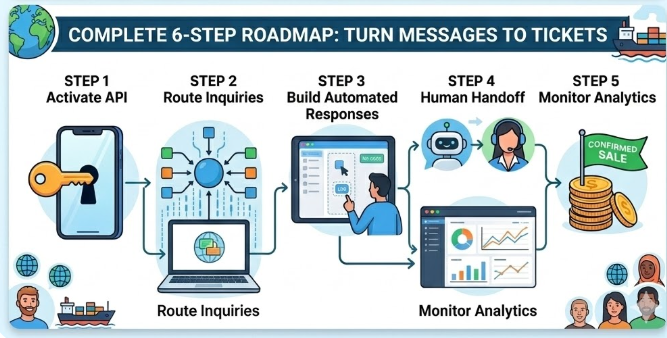
All 10 workflows run on the same foundational setup — your WhatsApp Business API activated via Whatsboost, outgoing webhooks configured, and a no-code automation platform connecting Whatsboost to Zendesk's ticketing API.
The recommended approach for most Indian businesses is to implement Workflows 1 and 2 first — automatic ticket creation and instant acknowledgement — to establish the core integration. Then add Workflows 3, 5, and 7 for priority management, duplicate prevention, and SLA monitoring. Build out the remaining workflows progressively as your team becomes comfortable with the system and your automation library grows.
Whatsboost provides comprehensive onboarding support to help your team configure every workflow correctly from the start. Visit Whatsboost.in to get started.
Best Practices for WhatsApp Zendesk Automation Workflows
Test every workflow before going live with real customers. Run each automation in a controlled environment — using test phone numbers and sandbox Zendesk accounts — to confirm that ticket creation, routing, and messaging all behave exactly as intended before customers experience them.
Write automated WhatsApp messages in your brand's voice. Templates should sound like your business speaks — friendly, clear, and helpful — not like system notifications. Customers respond better to messages that feel personal, even when they are automated.
Review workflow performance monthly using Whatsboost analytics. Track which workflows are creating the most tickets, which acknowledgements generate the highest response rates, and which CSAT surveys receive the most responses. Use this data to continuously improve each workflow's impact.
Combine workflows for compounding impact. The real power of these 10 workflows is in how they work together. Workflow 1 creates the ticket. Workflow 2 acknowledges the customer. Workflow 3 prioritises it intelligently. Workflow 6 keeps the customer updated. Workflow 10 closes the loop with CSAT. Together, they create an end-to-end automated support experience that individually each workflow only partially delivers.
Ten Workflows. One Integrated System. Better Support at Every Step.
The 10 automation workflows in this guide are not standalone improvements — they are building blocks of a fully automated, intelligent WhatsApp Zendesk support operation. Implemented together and powered by Whatsboost, they create a customer support system where every message is captured, every ticket is prioritised correctly, every customer is kept informed, and every resolved interaction contributes to a growing CSAT database.
In 2026, this level of support automation is not just achievable for Indian businesses — it is expected. The businesses building it today are setting a customer experience standard that will define their competitive position for years.
Visit Whatsboost.in and start building your WhatsApp Zendesk automation workflows today.
Want to automate WhatsApp for your business?
Set up campaigns, replies, and follow-ups in minutes.