
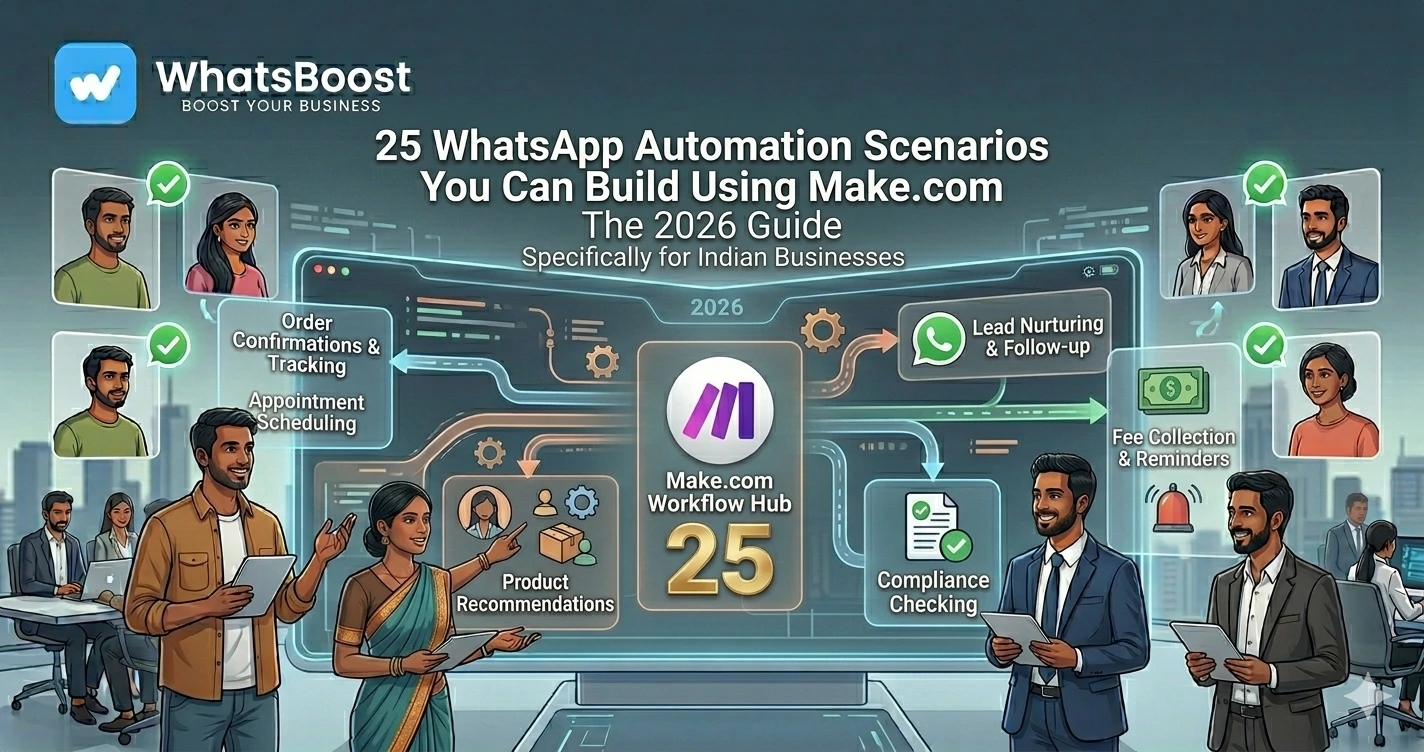
25 WhatsApp Automation Scenarios You Can Build Using Make.com (2026 Guide)
Discover 25 powerful WhatsApp automation scenarios you can build using Make.com. Automate lead generation, CRM updates, customer support, appointment scheduling, payment reminders, and business operations.
25 WhatsApp Automation Scenarios You Can Build Using Make.com
Most businesses use WhatsApp every day.
Customers send enquiries.
Leads ask questions.
Teams coordinate tasks.
Payments need follow-ups.
Appointments require reminders.
The problem?
Most of these activities are still handled manually.
As message volume increases, businesses face:
❌ Missed leads
❌ Delayed responses
❌ Forgotten follow-ups
❌ Manual CRM updates
❌ Increased operational workload
This is where Make.com becomes powerful.
Make.com allows businesses to connect WhatsApp with CRMs, Google Sheets, forms, calendars, AI tools, payment systems, and hundreds of other applications.
Instead of manually moving information between systems, workflows run automatically.
Let's explore 25 WhatsApp automation scenarios businesses are building with Make.com in 2026.
Why Businesses Use Make.com for WhatsApp Automation
Make.com is a visual automation platform that allows businesses to create workflows without building custom software.
It can connect WhatsApp with:
- CRM platforms
- Google Sheets
- Calendars
- Forms
- Payment systems
- AI tools
- Internal databases
Businesses that want to streamline customer communication often start by implementing workflows similar to How to Integrate CRM With WhatsApp for Automation.
The result is faster communication and fewer manual tasks.
Lead Generation Automation Scenarios
1. Website Form → WhatsApp Follow-Up
When a prospect submits a form, WhatsApp instantly sends a welcome message.
2. Facebook Lead Ads → WhatsApp Conversation
New leads automatically receive a personalized WhatsApp message.
Many businesses combine this with strategies discussed in WhatsApp Lead Generation Strategies for Coaches, Consultants, and Agencies.
3. Google Form → CRM → WhatsApp
Form submissions automatically create CRM records and trigger WhatsApp follow-ups.
4. Click-to-WhatsApp Ad → Lead Qualification
Automatically start lead qualification conversations.
5. Event Registration → WhatsApp Confirmation
Confirm registrations instantly and improve attendance rates.
CRM Automation Scenarios
6. WhatsApp Lead → CRM Contact Creation
Automatically create contacts from incoming enquiries.
7. WhatsApp Conversation → Deal Stage Update
Keep sales pipelines updated without manual data entry.
8. Lead Assigned → Sales Team Notification
Notify sales representatives immediately.
9. Opportunity Won → Customer Onboarding Sequence
Trigger onboarding messages after a successful sale.
10. Lead Inactive → Follow-Up Reminder
Prevent leads from going cold.
Businesses often combine these workflows with How to Build a WhatsApp Lead Tracking System Using Claude AI and Google Sheets.
Customer Support Automation Scenarios
11. New Support Ticket → WhatsApp Notification
Keep customers informed about support requests.
12. FAQ Detection → Instant Response
Automatically answer common questions.
Organizations implementing AI support often explore concepts from Claude vs ChatGPT for WhatsApp Customer Support Automation.
13. Escalation Required → Manager Alert
Notify supervisors when urgent intervention is needed.
14. Ticket Resolved → Feedback Request
Collect customer satisfaction feedback automatically.
15. Support Delay → Escalation Workflow
Ensure unresolved issues receive attention.
Appointment & Scheduling Automation
16. Appointment Booking → Confirmation Message
Reduce uncertainty and improve attendance.
17. Appointment Reminder → WhatsApp Alert
Send reminders 24 hours before appointments.
18. Missed Appointment → Rescheduling Workflow
Automatically offer new booking options.
Many businesses combine scheduling workflows with tools like Cal.com and WhatsApp automation.
Payment Reminder Automation
19. Invoice Created → WhatsApp Notification
Inform customers immediately after invoicing.
20. Payment Due → Reminder Sequence
Automatically follow up before due dates.
Businesses frequently use workflows similar to How to Send Payment Reminders on WhatsApp Automatically.
21. Payment Received → Thank You Message
Improve customer experience after payment.
AI-Powered Automation Scenarios
22. AI Lead Qualification Agent
Use AI to qualify incoming prospects before assigning them to sales teams.
Organizations exploring AI automation often build on ideas discussed in 10 AI Agent Workflows Every Business Should Implement.
23. AI Customer Support Assistant
Provide instant answers using AI-powered WhatsApp agents.
Many businesses also implement solutions similar to WhatsApp AI Agent: How It Enhances Sales and Support in 2026.
Internal Operations Automation
24. New Task Assigned → WhatsApp Alert
Notify employees immediately when tasks are created.
Businesses often implement systems similar to How to Run a 5-Person Business Like a 50-Person Team Using WhatsApp Automation.
25. Daily KPI Report → WhatsApp Summary
Automatically deliver business performance updates to leadership teams.
Many organizations build reporting systems using approaches discussed in WhatsApp + Google Sheets + Looker Studio: The Ultimate Reporting Stack for Businesses.
Example Make.com WhatsApp Workflow
A simple workflow might look like:
Website Lead Submitted
↓
Make.com Receives Data
↓
Lead Added to CRM
↓
AI Qualifies Lead
↓
WhatsApp Welcome Message Sent
↓
Sales Team Notified
↓
Follow-Up Scheduled
Everything happens automatically.
Benefits of Using Make.com for WhatsApp Automation
Faster Response Times
Customers receive immediate engagement.
Reduced Manual Work
Automate repetitive processes.
Better Lead Management
Never lose track of opportunities.
Improved Customer Experience
Maintain consistent communication.
Scalable Operations
Grow without adding administrative overhead.
Make.com vs Manual Processes
| Manual Process | Automated Workflow |
| Manual follow-ups | Instant automation |
| Spreadsheet updates | Automatic synchronization |
| Delayed responses | Real-time communication |
| Human errors | Consistent execution |
| Limited scalability | Growth-ready systems |
How WhatsBoost Helps Businesses Build Make.com Automations
WhatsBoost helps businesses implement:
✔ WhatsApp Automation
✔ Make.com Workflow Development
✔ CRM Integrations
✔ AI Agent Workflows
✔ Lead Qualification Systems
✔ Customer Support Automation
✔ Payment Reminder Automation
✔ Reporting Dashboards
Whether you're automating lead generation, customer support, operations, or reporting, WhatsBoost helps create scalable automation systems tailored to your business.
Final Conclusion
WhatsApp has become one of the most important communication channels for businesses.
But managing conversations manually doesn't scale.
With Make.com, businesses can automate lead generation, CRM updates, customer support, appointment scheduling, payment reminders, and internal operations through powerful visual workflows.
The businesses gaining a competitive advantage in 2026 aren't simply using WhatsApp.
They're connecting WhatsApp to the rest of their business systems.
👉 The future is: WhatsApp + Make.com + AI + CRM + Automation = Smarter Business Operations 🚀
Want to automate WhatsApp for your business?
Set up campaigns, replies, and follow-ups in minutes.