
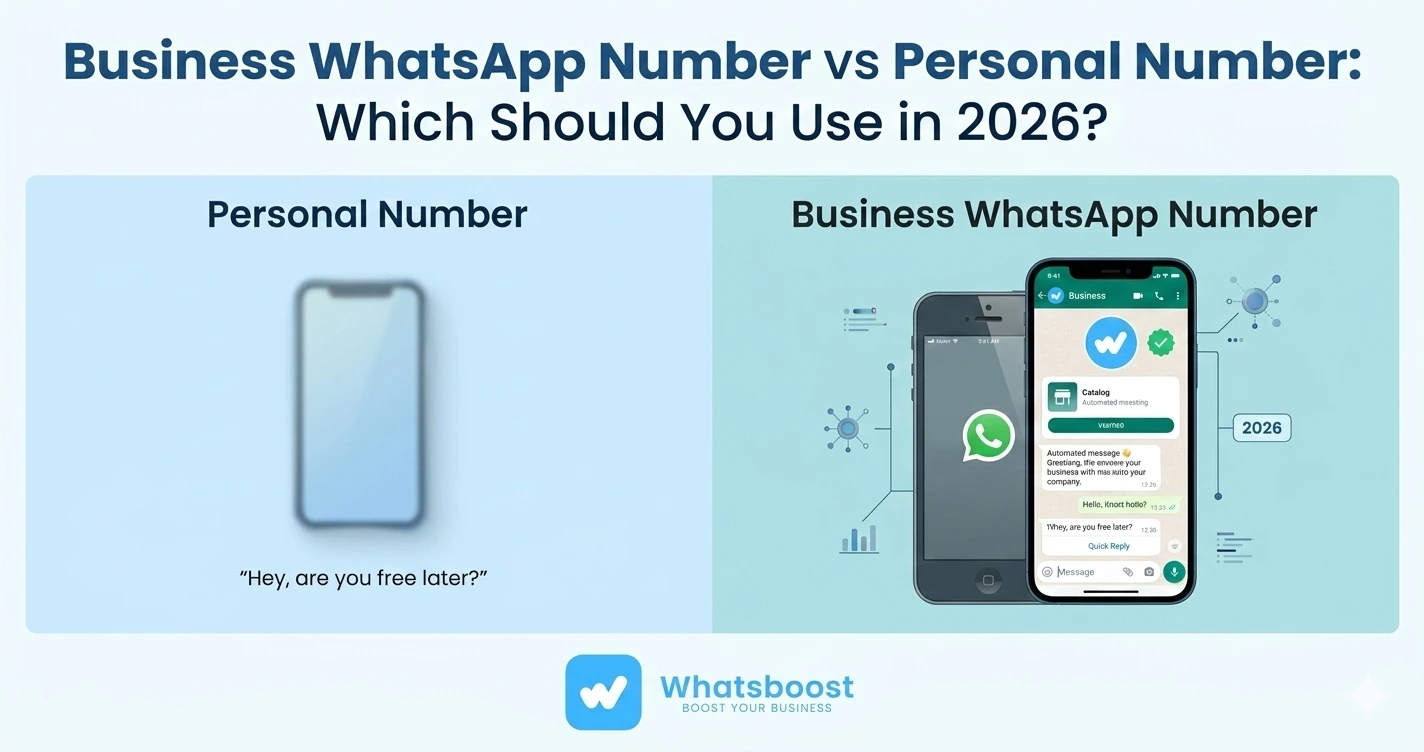
Business WhatsApp Number vs Personal Number: Which Should You Use in 2026?
Business WhatsApp number or personal number — which is right for your team in 2026? Discover the key differences, use cases, limitations, and how Whatsboost bridges the gap.
Whether you use WhatsApp for sales, customer support, or client communication, the number you connect to your business matters more than most people realise. A personal WhatsApp number keeps things relationship-driven and familiar. A business WhatsApp number signals professionalism and scales with your team. The right choice depends on your team size, how you manage contacts, and whether you need full visibility across all conversations.
With over 3.3 billion people using WhatsApp monthly in 2026 and more than 175 million customers messaging a business on the platform every single day, getting this decision right has real commercial consequences. Here is everything you need to know.
What Is the Difference Between a Business WhatsApp Number and a Personal Number?
At its core, the difference comes down to which app you use and what that number represents to your contacts and your team.
A personal WhatsApp number is registered in the standard WhatsApp app on a regular phone number — typically your own SIM. A business WhatsApp number is registered in the WhatsApp Business app, or through the WhatsApp Business API, on a number dedicated to your company.
Both operate on the same WhatsApp network and can send and receive texts, voice notes, images, and files. But they differ significantly in two areas — how your profile appears to contacts, and what tools you can connect to manage conversations at scale.
Here is a quick comparison of the key differences:
- Business profile with hours and description — available on business number only
- Automated greeting and away messages — business number only
- Product catalogue — business number only
- Quick replies — business number only
- CRM integration — available for both via Whatsboost
- Number ownership — personal number belongs to the individual; business number belongs to the company
- Multi-user shared inbox — available for both via Whatsboost
When Should You Use a Personal WhatsApp Number for Business?
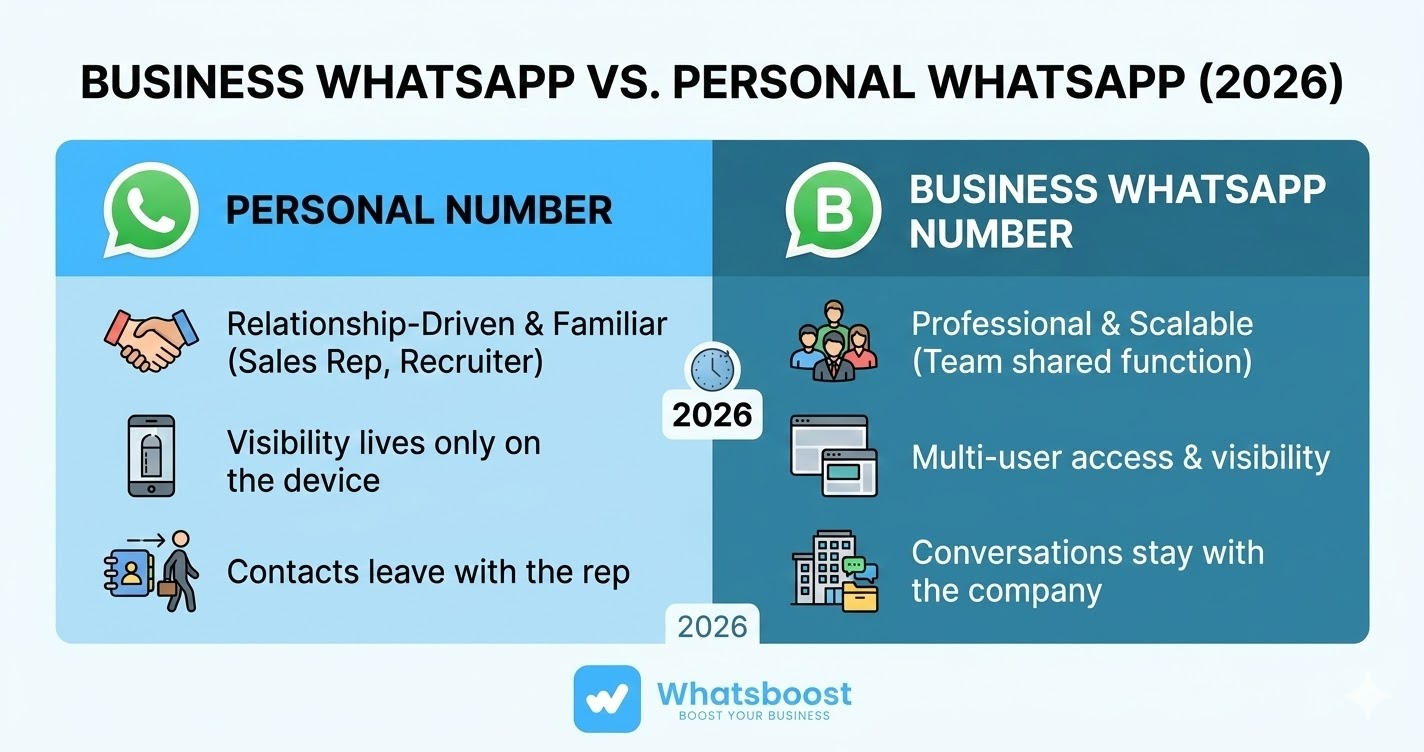
A personal number works well when your contacts already know you by your personal phone number — a more common scenario than many businesses realise. Sales reps who built client relationships before joining a company, freelancers, recruiters, real estate agents, and consultants frequently communicate on personal WhatsApp. Forcing contacts to message a new business number can break the conversation thread and create unnecessary friction.
The practical limitation, however, is visibility. When a sales rep uses a personal number, every conversation lives on their device. Managers have no CRM record. When that rep leaves, those contacts and conversation histories leave with them.
Whatsboost solves this problem directly. You can connect a personal WhatsApp number to your CRM without switching to WhatsApp Business and without requiring the WhatsApp Business API. The rep keeps their number and their client relationships. The business keeps the full conversation history in the CRM, automatically synced in real time.
A personal number is the right choice when:
- Your contacts already have your personal number and recognise you by it
- You are a solo operator, freelancer, or individual sales rep
- Your business has not yet issued company-owned phone numbers
- You need to get started quickly with zero disruption to existing client conversations
When Should You Use a Business WhatsApp Number?
A dedicated business number makes sense once your WhatsApp communication becomes a team function rather than an individual one. When multiple reps, agents, or support staff need to access the same inbox, a company-owned number is the right foundation.
A business number registered in WhatsApp Business gives your team quick replies, automated greeting and away messages, a professional business profile complete with opening hours and a description, and a product catalogue. None of these features exist in the standard WhatsApp app.
Beyond the features, the bigger operational advantage is ownership. A business number stays with the company — not the employee. If a rep leaves, their replacement can pick up exactly where the last conversation ended. No client ever needs to be re-contacted to explain a team change.
A business number is the right choice when:
- Multiple team members handle the same inbox or shared customer queries
- You want WhatsApp Business app features like quick replies and a professional profile
- Your company issues work phone numbers to staff
- You need conversations to remain company property, not personal property
Can You Use Both at the Same Time?
Yes — and many growing teams do. A common setup involves sales reps each connecting their personal WhatsApp number for individual client relationships, while a central business number handles inbound leads, support queries, or broadcast campaigns.
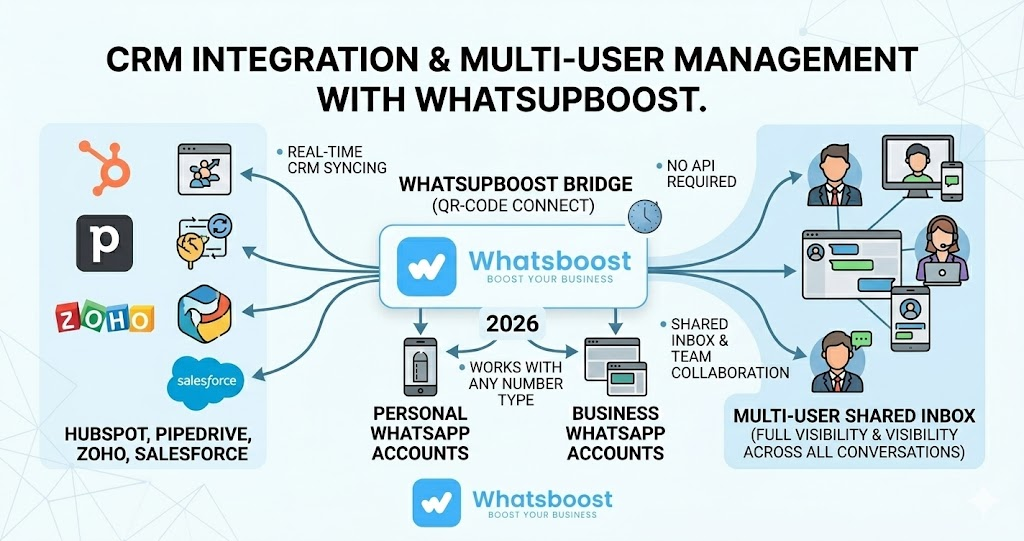
Whatsboost supports multi-number WhatsApp management from a single dashboard. You can connect multiple personal numbers, multiple business numbers, or a combination of both. Each number gets its own inbox and conversations sync automatically to the correct CRM contact or deal record — giving your entire team full visibility without anyone needing to share a device.
How Does CRM Integration Work for Each Number Type?
This is where the personal versus business number decision has historically created problems. Most CRM-native WhatsApp features only support the WhatsApp Business API — meaning personal numbers are completely excluded. Reps using personal numbers have no way to log conversations, no automated CRM updates, and no management visibility.
Whatsboost closes this gap. It connects via QR code scan — the same method WhatsApp uses for WhatsApp Web — which means it works with any WhatsApp account, personal or business, on any phone number. No API credentials, no Meta verification, no developer setup required.
Once connected, every conversation syncs in real time to your CRM — whether that is HubSpot, Pipedrive, Zoho, Salesforce, or another platform. Contacts are created or matched automatically, and conversations appear directly in the contact or deal timeline. Your entire team has full, real-time visibility without changing how they communicate.
Key Limitations to Know Before You Decide
Personal WhatsApp limitations for business use — WhatsApp limits each account to four linked devices. If your personal number is already your primary account, that leaves three additional slots. For teams trying to share a single personal number across multiple people, this creates an immediate ceiling. There is also no business profile, no quick replies, and no automated messaging.
WhatsApp Business app limitations — The app is designed for small businesses and supports one primary user at a time. It does not natively support multiple team members in the same inbox simultaneously. Whatsboost's shared inbox solves this without requiring the WhatsApp Business API — avoiding approval delays of two to fifteen business days and per-conversation fees that range from $0.01 to $0.15 depending on country and category.
Scale Your WhatsApp Communication With Whatsboost
Whether your team uses personal numbers, a dedicated business number, or a combination of both, Whatsboost gives you the tools to manage it all from one place. Connect any WhatsApp number to your CRM in minutes, manage a shared team inbox without sharing a device, and run personalised broadcast campaigns to your entire contact base. Combine this with Whatsboost's chatbot automation and you have a complete WhatsApp communication and sales system — regardless of which number type your team uses.
In 2026, the businesses winning on WhatsApp are the ones that have bridged the gap between personal communication and scalable automation. Whatsboost makes that possible for businesses of every size.
Want to automate WhatsApp for your business?
Set up campaigns, replies, and follow-ups in minutes.