
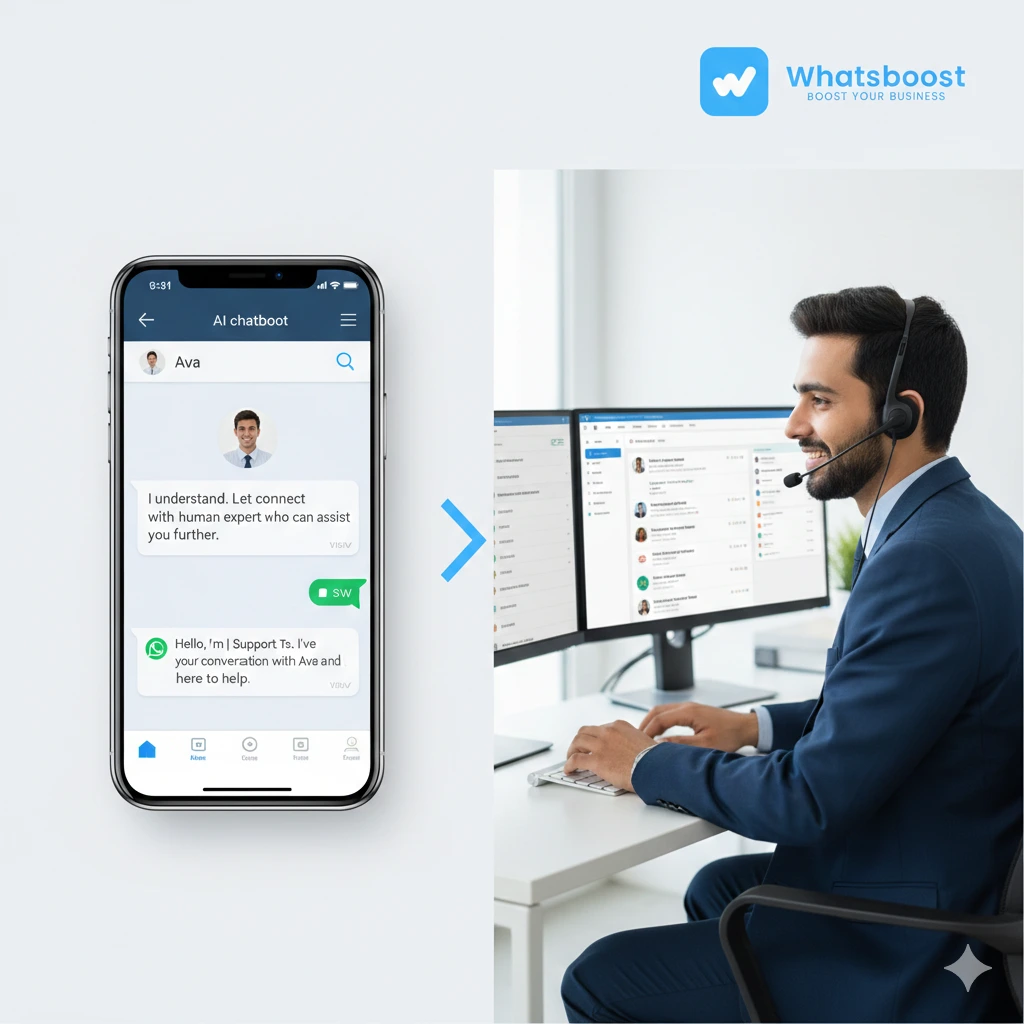
Escalation on WhatsApp: Building Human Handoffs That Preserve Context and Accountability
Learn how to design intelligent escalation on WhatsApp that preserves context and ensures accountability. Discover keyword triggers, smart routing, zero-loss context transfer, and WhatsBoost automation best practices.
WhatsApp is customer service’s most intimate battleground.
It shares screen space with family group chats, best friends, and private conversations. Yet many enterprises treat it as a high-volume automation pipeline. That’s the central tension: to the user, WhatsApp is a living room. To the business, it’s a conveyor belt.
When a chatbot fails on a website, the user refreshes the page.
When it fails inside WhatsApp, it feels intrusive.
This is the Intimacy Tax.
The deeper you embed into someone’s private digital life, the more jarring a robotic “I don’t understand” becomes.
That’s why escalation on WhatsApp is not just ticket routing. It is architecture. It is memory transfer. It is accountability design.
Done right, a human handoff doesn’t feel like escaping a broken machine. It feels like the bot gracefully stepping aside to introduce a specialist who already read the room.
In this guide, we’ll break down:
-
What context really means on WhatsApp
-
How keyword-based escalation works
-
Which users need instant human routing
-
How to preserve context during handoffs
-
How to design accountability in routing
-
Advanced patterns that prevent escalation fatigue
-
A phased implementation roadmap
-
Why escalation is actually trust design
What Is Context in WhatsApp?
On most channels, context is just a transcript.
On WhatsApp, context is a ticking clock.
The WhatsApp Business API enforces a strict 24-hour session window. Once a user goes silent, businesses cannot freely respond unless they use pre-approved templates. These templates are rigid and often lack conversational warmth.
So context cannot be passive. It must be portable.
When building human handoffs that preserve context and accountability, you must transfer three layers:
1. Ephemeral Thread History
WhatsApp conversations can lock without warning. The system must actively capture:
-
What the user said
-
What the bot attempted
-
Which workflow step failed
-
Where the user was in the journey
Without this, the human agent starts cold.
2. Metadata Layers
True context includes:
-
Authentication status
-
CRM segment
-
Journey stage (onboarding, retention, cancellation)
-
Sentiment trajectory
-
Previous escalations
This metadata determines routing priority. It also determines emotional tone.
3. Template Constraints
If the 24-hour window closes, the human agent must use an approved template. These are structured and compliance-driven.
To compensate for their clinical tone, the agent must inherit emotional context before replying.
The difference between:
“Can you explain your issue?”
and
“I see the bot couldn’t process your refund for Order #2847. Let me fix that.”
is the difference between reset and continuity.
With WhatsBoost’s WhatsApp automation infrastructure, this portable context can be surfaced instantly to agents inside a unified inbox.
How Do Keywords in WhatsApp Chats Signal True Escalation?
Escalation on WhatsApp must be surgical, not blunt.
The traditional “Talk to Agent” button is reactive. Modern escalation is proactive and signal-driven.
Explicit Intent Markers
Users may type:
-
agent
-
representative
-
human
-
executive
-
operator
But precision matters.
“Agent” in “I’m a real estate agent” should not trigger escalation.
This requires regex patterns that detect imperative phrasing:
-
“Talk to an agent”
-
“Connect me to a human”
Emotional Escalation Syntax
WhatsApp language is informal.
Signals include:
-
Repetition: “Hello?? Hello?? HELLO??”
-
All caps
-
Profanity clusters
-
Emoji like 😤 😡
-
Rapid-fire short messages
Weighted scoring systems should track:
-
Frequency
-
Position in session
-
Negative phrase density
A single negative word may not escalate. Three consecutive negative phrases should.
PII as an Emergency Brake
Certain inputs must override automation immediately:
-
Credit card numbers
-
Government ID formats
-
Medical record references
-
“Hacked”
-
“Breach”
-
“GDPR”
On WhatsApp, users overshare because it feels private.
When they share sensitive information, immediate human handoff is mandatory for compliance and reassurance.
Which Users Need Immediate Human Routing?
Not every WhatsApp message deserves a human. But some demand one instantly.
Smart segmentation prevents escalation fatigue while protecting high-value interactions.
Revenue VIP
Enterprise customers and high-LTV accounts bypass automation entirely.
If a $50K account messages your WhatsApp number and is routed to a password-reset bot, the signal is indifference.
Immediate human routing protects lifetime value.
Compliance Risk
Keywords like:
-
GDPR
-
Lawsuit
-
Hacked
-
Data breach
must skip automation.
AI cannot improvise legal advice. These cases require documented human oversight.
Churn-Imminent Users
Behavioral triggers reveal exit intent:
-
3+ visits to cancellation page
-
Payment failures
-
“Cancel subscription”
These users need retention specialists, not general agents.
On WhatsApp, churn decisions are fast. Escalation delay equals revenue loss.
Friction-Saturated Users
If a user has:
-
3 failed bot attempts
-
Repeated “human” requests
-
Re-entered conversation within 24 hours
The system should stop automation entirely.
This is where WhatsBoost’s segmentation and tagging capabilities become critical for intelligent routing.
What Enables Zero-Loss Context Transfer?
Escalation on WhatsApp fails when agents ask users to repeat themselves.
Zero-loss context transfer requires three mechanisms:
Automatic Briefing
When escalation triggers:
-
The system generates a conversation summary
-
Captures order numbers
-
Lists troubleshooting steps
-
Highlights sentiment
The agent receives this instantly.
Context Without Redundancy
If the customer already provided:
-
Account details
-
Order numbers
-
Screenshots
-
Issue descriptions
The agent must see all of it.
Repetition is the fastest way to lose trust on WhatsApp.
Efficiency at the Edge
Agents should not scroll through 30 messages to understand context.
Summaries eliminate prep time.
On a channel governed by a 24-hour ticking window, every second matters.
With WhatsBoost’s unified WhatsApp inbox and automation flows, summaries can be layered with CRM segmentation and tagging for contextual clarity.
Who Owns the Resolution Outcome?
Escalation without accountability is chaos.
Ownership begins with routing.
Skill-Based Routing
Technical query → Technical specialist
GDPR mention → Compliance officer
API error → Integration team
Capability must determine assignment.
Intent-Based Routing
“I want to cancel my order” → Fulfillment
“I want to cancel my account” → Retention
Intent classification determines destination.
Tier-Based Routing
High-value accounts skip general queue.
When routing lacks intelligence, accountability disappears.
In WhatsBoost’s WhatsApp automation ecosystem, combining segmentation + manual escalation protocols ensures the right person owns the outcome.
Clear ownership prevents:
-
Re-escalation
-
Responsibility bouncing
-
SLA breaches
On WhatsApp, speed and accuracy are inseparable.
What Advanced Patterns Prevent Escalation Fatigue?
Escalation fatigue happens when users feel trapped between bot and human.
Advanced architectures prevent this.
The Re-Entry Loop
After human resolution, the bot can re-enter for structured tasks:
-
Feedback collection
-
Address updates
-
Survey
-
Follow-up confirmation
This keeps humans focused on empathy and complexity.
Frequency Capping
Limit escalation per 24 hours.
If a user is already assigned to a human, suppress bot re-engagement.
WhatsApp’s pricing model rewards single-session resolution.
Sentiment-Triggered Warm Transitions
Instead of:
“Connecting you to an agent.”
Use:
“I can see this has been frustrating. I’m bringing in our specialist right now.”
Escalation language shapes emotional continuity.
Phased Implementation Roadmap for WhatsApp Escalation
Phase 1: Infrastructure (Weeks 1–4)
-
Shared inbox setup
-
Manual “Talk to Agent” fallback
-
24-hour session monitoring
-
Template approval
Goal: No orphaned escalations.
Phase 2: Context Layer (Weeks 5–12)
-
Keyword trigger library
-
AI summarization
-
3-strike fallback rule
-
Basic segmentation
Goal: No repeated questions.
Phase 3: Routing Intelligence (Months 4–6)
-
Sentiment analysis
-
Skill-based routing
-
Frequency capping
-
Re-entry loop
Goal: 80% first-response resolution.
Phase 4: Predictive Escalation (Months 6–12)
-
ML-based intent prediction
-
Proactive agent whisper
-
Dynamic segmentation
-
Closed-loop feedback
Goal: 95% context preservation rate.
WhatsBoost enables structured implementation of these phases using automation flows, tagging, segmentation, and CRM sync.
Why Escalation Is Actually Trust Design
Escalation is not system failure.
It is humility.
The Humility Signal
Admitting the bot’s limitation builds trust.
Cognitive Load Relief
Carrying context forward shows respect for mental energy.
Specialist Framing
The human should feel like an upgrade, not a fix.
Accountability Visibility
Clear ownership eliminates anxiety.
Temporal Respect
Stop messaging before the user feels spammed.
On WhatsApp, trust is earned through continuity.
Escalation architecture is trust architecture.
Conclusion
Escalation on WhatsApp is not about reducing automation. It is about refining it.
When human handoffs preserve context and accountability:
-
Customers don’t repeat themselves
-
Agents don’t start blind
-
Revenue isn’t lost in loops
-
Compliance risks are minimized
-
Trust compounds
Businesses that master escalation design transform WhatsApp from a support channel into a relationship engine.
If you’re ready to design seamless AI-to-human handoffs using WhatsBoost’s WhatsApp automation infrastructure, book a 15-minute consultation with our experts today.
FAQs: Escalation on WhatsApp
What is escalation on WhatsApp?
Escalation on WhatsApp is the process of transferring a conversation from an AI chatbot to a human agent while preserving context and accountability.
Why is context preservation important?
Without context transfer, users must repeat information, increasing frustration and churn risk.
What triggers human handoff?
Triggers include:
-
Explicit “agent” requests
-
Negative sentiment
-
Compliance keywords
-
VIP segmentation
-
Repeated bot failure
How does the 24-hour rule impact escalation?
After 24 hours of inactivity, businesses must use template messages. Proper context packaging ensures continuity even after session expiry.
FAQs: WhatsBoost Automation
Can WhatsBoost automate escalation on WhatsApp?
Yes. WhatsBoost enables intelligent triggers, segmentation, tagging, and routing for seamless AI-to-human handoffs.
Does WhatsBoost support context transfer?
Yes. Conversation history, metadata, and segmentation tags are visible inside the shared WhatsApp inbox.
Can WhatsBoost integrate with CRM systems?
Yes. WhatsBoost supports WhatsApp CRM sync for intelligent routing and prioritization.
Can I create VIP-based routing using WhatsBoost?
Yes. You can tag high-value customers and route them directly to senior agents.
Want to automate WhatsApp for your business?
Set up campaigns, replies, and follow-ups in minutes.