
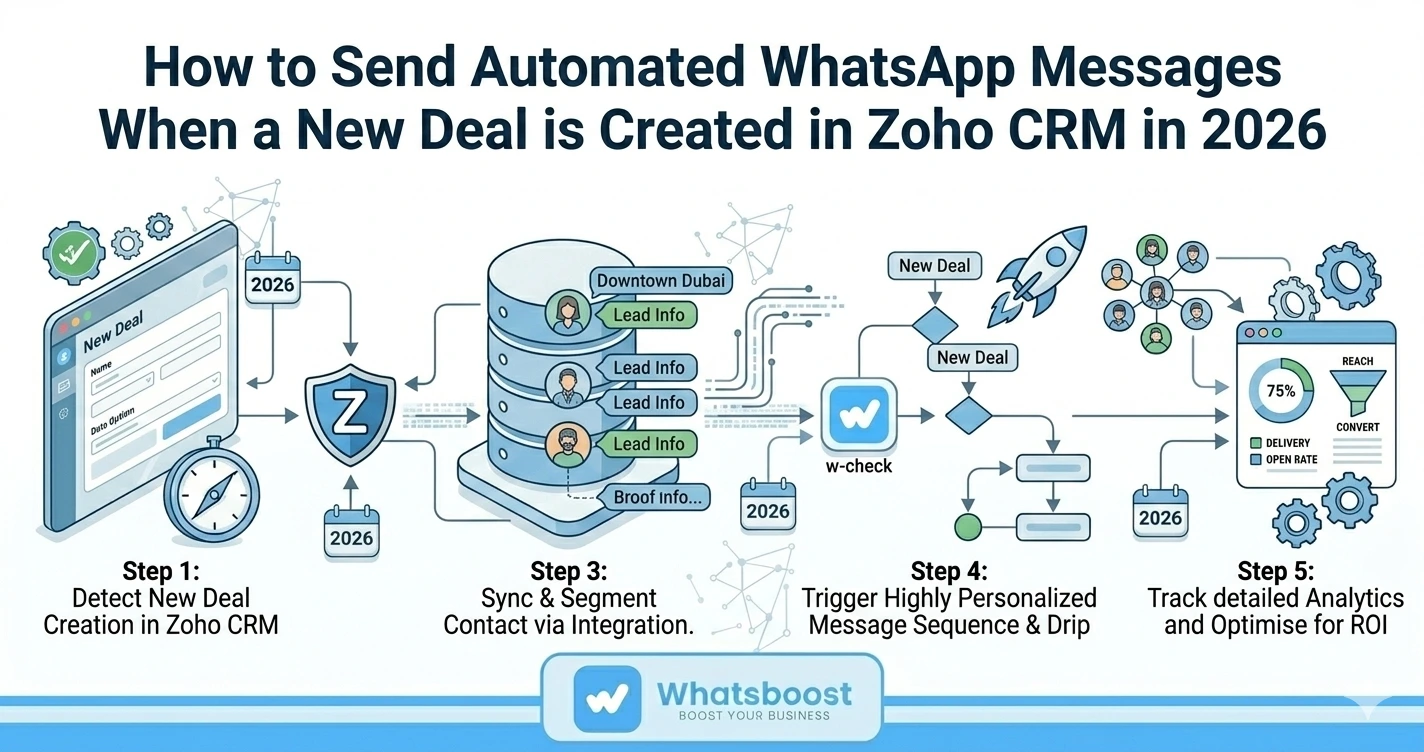
How to Send Automated WhatsApp Messages When a New Deal is Created in Zoho CRM in 2026
Learn how to automatically send WhatsApp messages when a new deal is created in Zoho CRM in 2026. A step-by-step guide using Whatsboost to streamline your sales communication.
Every second counts when a new lead enters your pipeline. Research consistently shows that the faster a business responds to a new contact, the higher the likelihood of converting them into a customer. Yet for most sales teams, manually sending a welcome message or follow-up to every new deal created in their CRM is either forgotten in the rush of the day or simply not scalable as the pipeline grows.
In 2026, there is a smarter way. By integrating Zoho CRM with WhatsApp through Whatsboost, you can automatically trigger personalised WhatsApp messages the moment a new deal is created — without any manual effort from your team. Here is everything you need to know to set it up and start benefiting immediately.
Why Automate WhatsApp Messages for New Zoho CRM Deals?
Before diving into the setup, it is worth understanding why this integration delivers such a significant return.
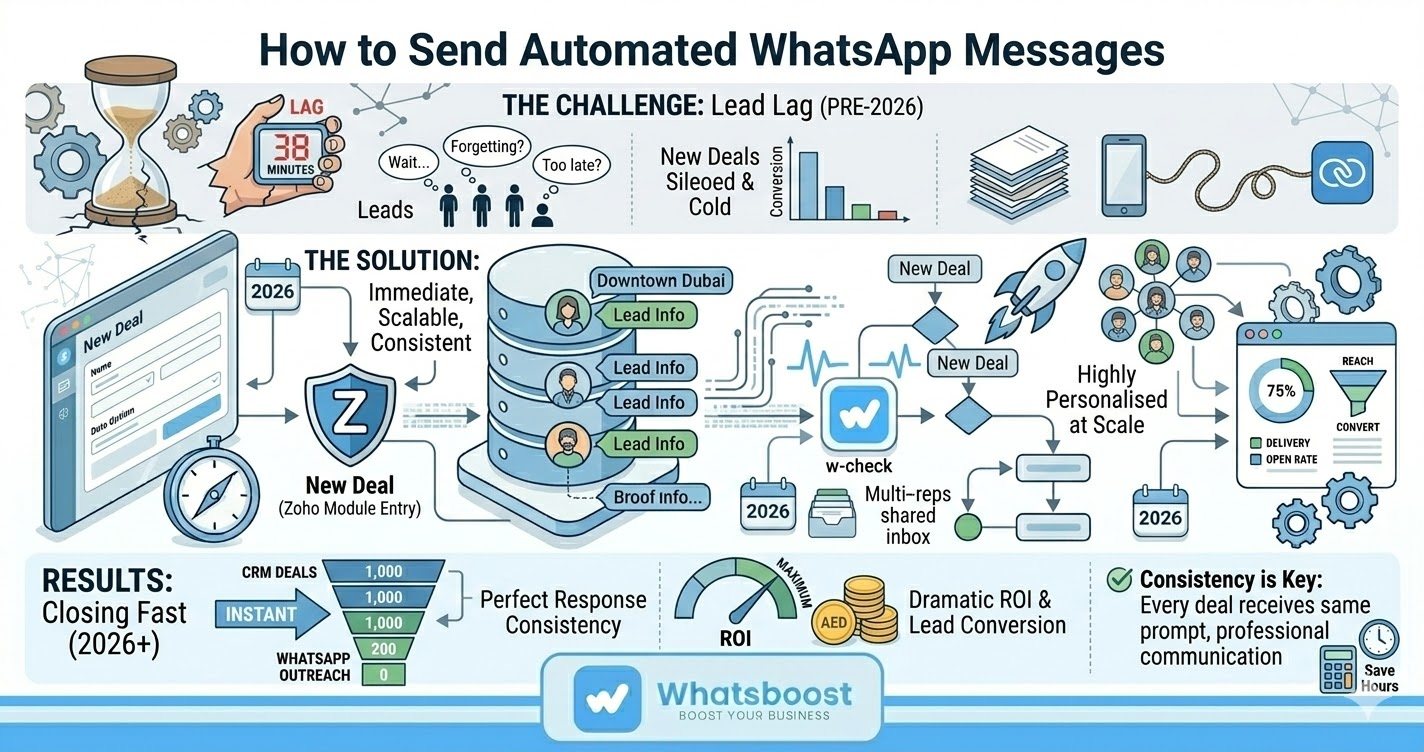
Immediate engagement wins deals. The window between a lead entering your CRM and their first meaningful interaction with your business is critical. Automated WhatsApp messages ensure that window closes instantly — every time, without exception.
WhatsApp outperforms every other channel for speed. With open rates of around 98% and most messages read within minutes of delivery, WhatsApp is the fastest channel available to your sales team. An automated message that arrives on a prospect's phone within seconds of their deal being created sets a powerful first impression.
Consistency across your entire pipeline. Manual outreach is inconsistent by nature — some leads get contacted quickly, others fall through the cracks. Automation ensures every single new deal receives the same prompt, professional communication regardless of team workload or time of day.
Your team focuses on closing, not admin. By automating routine touchpoints like welcome messages, deal confirmations, and follow-up reminders, your sales team reclaims time to focus on the high-value conversations that actually move deals forward.
Personalisation at scale. Using data already stored in Zoho CRM — contact name, deal value, product interest, assigned rep — Whatsboost can craft messages that feel individually tailored, even when sent automatically across hundreds of new deals.
What You Can Automate With Zoho CRM and Whatsboost
Once your Zoho CRM is connected to Whatsboost, a wide range of WhatsApp automations become available across the entire sales cycle.
Welcome messages — Greet new leads the moment their deal is created, introducing your business, confirming their enquiry, and setting expectations for next steps.
Appointment and meeting reminders — Automatically send reminders ahead of scheduled calls or demos linked to deals in Zoho, reducing no-shows and keeping prospects engaged.
Deal milestone updates — Notify contacts as their deal progresses through pipeline stages — from initial contact through proposal, negotiation, and close.
Follow-up sequences — Schedule automated follow-up messages at key intervals after deal creation to keep leads warm without requiring manual prompting from your sales team.
Feedback requests — After a deal is closed, trigger automated post-sale surveys via WhatsApp to gather valuable customer feedback and fuel continuous improvement.
Step-by-Step: How to Set Up Automated WhatsApp Messages for New Zoho CRM Deals
Here is how to connect Zoho CRM with Whatsboost to automate WhatsApp messages for new deals, using Zapier as the integration layer.
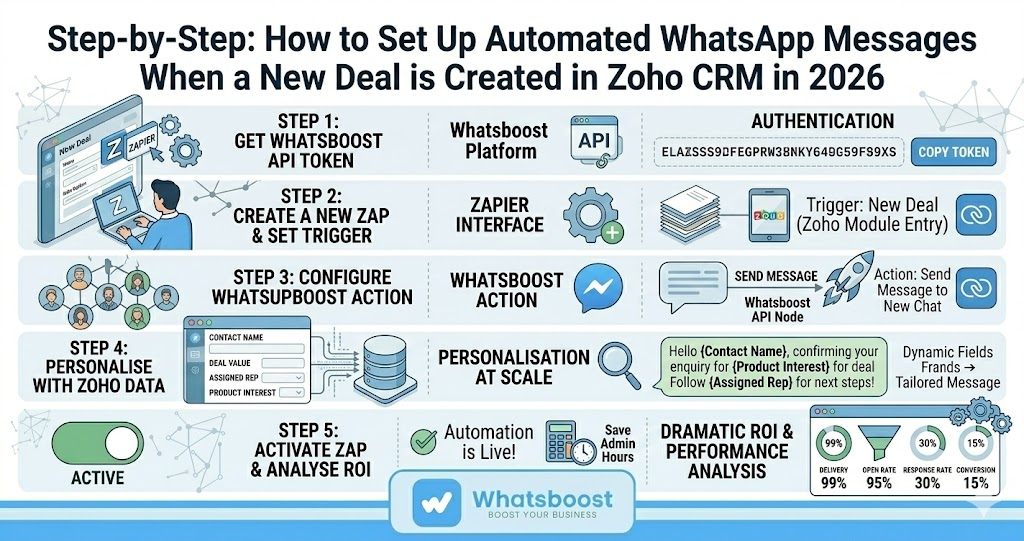
Step 1 — Generate Your Whatsboost API Token Log in to your Whatsboost account and navigate to the Zapier integration tab. Click "Generate New Token" and copy the token displayed — you will need this to authenticate the connection with Zapier.
Step 2 — Open Zapier and Create a New Zap Go to Zapier and click "Create" to start building a new automation. Select "Zaps" to begin configuring your trigger and action manually.
Step 3 — Set Your Trigger: New Deal in Zoho CRM Click on "Trigger" and search for and select "Zoho CRM." Under the event type, select "New Module Entry" — this will fire the automation whenever a new deal is created. Connect your Zoho CRM account by signing in and entering your Zoho domain when prompted.
Step 4 — Configure Your Action: Send WhatsApp Message via Whatsboost Click on "Action" and search for and select "Whatsboost." Under the event, select "Send Message to New Chat." Click "Account" and paste the API token you copied in Step 1 to authenticate the connection between Whatsboost and Zapier.
Step 5 — Map Your Message Fields Configure the message content using dynamic fields pulled directly from Zoho CRM — such as the contact's name, deal name, assigned sales rep, or any other relevant data stored against the deal. This is what makes each automatically sent message feel personalised rather than generic.
Step 6 — Test and Activate Run a test to confirm that a new deal creation in Zoho CRM triggers the correct WhatsApp message through Whatsboost. Once satisfied with the result, activate your Zap and your automation is live — running entirely on autopilot from that point forward.
Why Whatsboost Is the Right Platform for Zoho CRM WhatsApp Automation
Whatsboost goes well beyond a basic message trigger. It is a complete WhatsApp automation and communication platform built on the WhatsApp Business API — giving sales teams and business owners the tools to build sophisticated, scalable workflows around their CRM data.
A unified shared inbox means your entire sales team can view conversation history, collaborate on replies, and tag colleagues — all within one centralised interface. No message gets missed, and no lead falls through the cracks.
AI-powered autoresponders analyse incoming message context to deliver relevant, accurate replies automatically — ensuring prospects receive a professional experience even outside business hours.
Whatsboost's broadcast feature enables targeted mass communication to segmented contact lists — perfect for re-engaging deals that have gone quiet or launching campaigns to specific pipeline stages.
And with Whatsboost's chatbot automation, you can build no-code conversation flows that qualify new leads, answer common questions, and book meetings — all triggered automatically when a new deal enters your Zoho pipeline.
As your business scales, Whatsboost scales with it — handling increasing message volumes without any drop in efficiency or quality.
Conclusion
Automating WhatsApp messages for new Zoho CRM deals is one of the highest-impact, lowest-effort improvements any sales team can make in 2026. It eliminates the lag between lead creation and first contact, ensures every prospect receives a consistent and professional experience, and frees your team to focus on what they do best — building relationships and closing deals.
With Whatsboost and Zoho CRM working together, your sales pipeline becomes a fully automated, always-on communication engine. Set it up once and let it drive engagement around the clock.
Want to automate WhatsApp for your business?
Set up campaigns, replies, and follow-ups in minutes.