
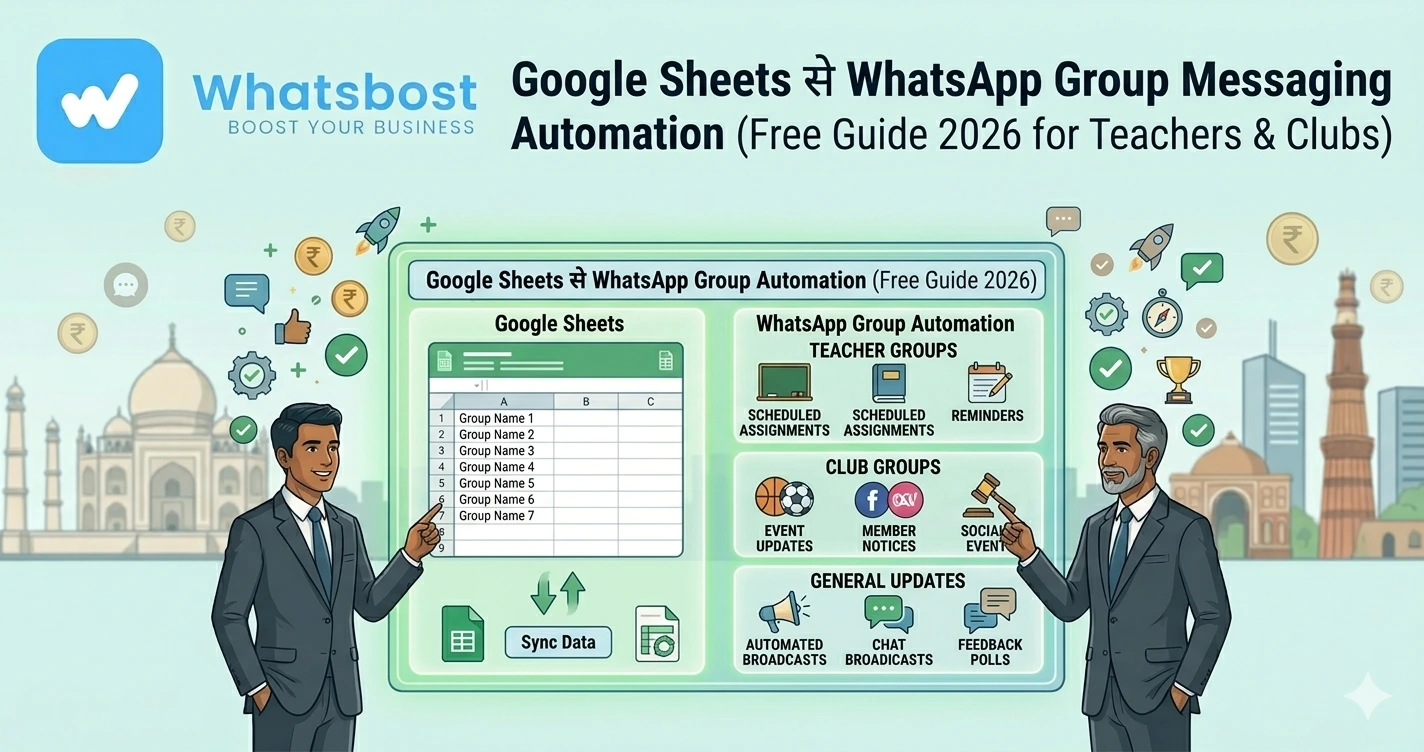
Google Sheets से WhatsApp Group Messaging Automation (Free Guide 2026 for Teachers & Clubs)
जानें कैसे Google Sheets से WhatsApp group messaging automate करें — teachers, coaches और clubs के लिए free और easy setup guide।
Teachers और Clubs के लिए WhatsApp Messaging इतना time क्यों ले रहा है?
अगर आप teacher, coach या club admin हैं, तो आपने यह जरूर feel किया होगा 👇
- हर student को reminder भेजना
- हर group में same message copy करना
- Updates manually भेजना
👉 Result:
❌ Time waste
❌ Errors
❌ Missed communication
👉 Reality:
Teachers हर week 4–5 घंटे सिर्फ messaging में spend करते हैं
Solution: Google Sheets + WhatsApp Automation
अब imagine करें 👇
👉 आपने Google Sheet में data update किया
👉 WhatsApp groups में message automatically चला गया
👉 बिना copy-paste
👉 बिना manual effort
👉 यही है Google Sheets to WhatsApp Automation System
Google Sheets से WhatsApp Automation क्या है?
Simple भाषा में:
👉 Google Sheet = Data control center
👉 WhatsApp = Message delivery system
👉 जैसे ही sheet update होती है:
✔ Message trigger होता है
✔ WhatsApp पर send होता है
✔ Groups या individuals तक पहुँचता है
👉 यह पूरा process automated होता है
Teachers & Clubs के लिए यह इतना powerful क्यों है?
⚡ No Coding Required
कोई technical knowledge नहीं चाहिए
👉 Simple setup → automation ready
📊 Central Control
- Student list
- Messages
- Schedule
👉 सब कुछ एक ही sheet में
👤 Personalized Messaging
Example:
“Hi Rahul, your assignment कल submit करना है”
👉 हर student को अलग message
⏱️ Time Saving
👉 Hours → Minutes
👉 पूरा system खुद काम करता है
Step-by-Step: Google Sheets से WhatsApp Group Messaging कैसे करें
Step 1: Google Sheet तैयार करें
Columns create करें:
- Name
- Phone Number
- Message
- Group Name (optional)
👉 यह आपका automation base है
Step 2: WhatsBoost connect करें
- WhatsApp account link करें
- Multiple numbers भी connect कर सकते हैं
👉 Schools / clubs के लिए useful
Step 3: Integration setup करें
आप use कर सकते हैं:
- Zapier
- Pabbly Connect
- n8n
👉 ये tools sheet को WhatsApp से connect करते हैं
Step 4: Trigger define करें
Automation कब चले?
- New row add
- Row update
- Specific condition
Step 5: Message भेजें या schedule करें
Options:
✔ Instant send
✔ Scheduled (daily/weekly)
👉 Example:
हर Monday → class reminder
Real Use Cases (Teachers & Clubs)
🎓 1. Assignment & Homework Reminders
👉 Sheet update → auto reminder
Example:
“Hey Aman, Maths homework आज submit करना है”
💰 2. Fee Reminders
👉 Parents को auto alerts
👉 इससे late payments 60–70% तक कम हो सकते हैं
📅 3. Class Updates
- Timetable changes
- Exam schedule
👉 तुरंत सभी students को update
🏆 4. Club Events
- Yoga sessions
- Sports practice
- Community events
👉 Scheduled reminders
👋 5. New Member Welcome
👉 New entry → welcome message
Example Workflow (Simple समझें)
|
|---|
Advanced Strategy: Smart Automation System
🔁 Auto Follow-ups
अगर student reply नहीं करता:
👉 Reminder auto भेजें
🧠 Conditional Messaging
- Paid → thank you message
- Unpaid → reminder
📊 Tracking System
- कौन message पढ़ा
- कौन reply किया
👉 Better decision making
👉 Lead automation समझें:
https://whatsboost.in/blog/how-to-automate-whatsapp-replies-from-google-forms-a-guide-for-faster-lead-conversion
WhatsBoost क्यों best है इस use case के लिए?
🚀 Group Messaging Support
Direct WhatsApp groups में message भेज सकते हैं
🤖 Automation Workflows
- Trigger-based messaging
- Scheduled campaigns
🔗 7000+ Integrations
Google Sheets + CRM + Forms
🔒 Safe Delivery System
- Random timing
- Spam protection
👉 इससे आपका system reliable बनता है
Common Mistakes (Avoid करें)
❌ Manual messaging continue करना
❌ गलत data entry
❌ No scheduling
❌ No personalization
Pro Tips (Expert Strategy)
Sheet clean रखें
गलत data = गलत messages
Personalization use करें
Name-based messages
Schedule automation करें
Consistency जरूरी है
Small batches में send करें
Spam risk कम होता है
Real Insight: Google Sheets क्यों best है?
👉 Google Sheets सिर्फ spreadsheet नहीं है
👉 यह बन सकता है:
- CRM
- Automation trigger
- Data control system
👉 Proper setup के बाद:
👉 यह आपका WhatsApp command center बन जाता है
Final Conclusion
Teachers और clubs के लिए communication सबसे बड़ा challenge है
लेकिन:
👉 Manual system = slow + error-prone
अगर आप:
❌ अभी भी manually messages भेज रहे हैं
तो:
👉 Time waste + missed updates
लेकिन Google Sheets automation के साथ:
✔ Instant messaging
✔ Central control
✔ Better engagement
👉 यही future है
👉 Smart communication system 🚀
Want to automate WhatsApp for your business?
Set up campaigns, replies, and follow-ups in minutes.