
Manage Customer Queries on WhatsApp Groups with AI-Powered WhatsApp Automation | Whatsboost
Learn how to manage customer queries on WhatsApp Groups using WhatsApp Automation. Automatically flag important messages, create tickets, assign tasks, and integrate with CRM using Whatsboost.
Manage Customer Queries on WhatsApp Groups at Scale with WhatsApp Automation
Businesses across the world rely heavily on WhatsApp Groups to engage with customers, partners, distributors, and internal teams. Whether it’s product discussions, support requests, onboarding conversations, or community management, WhatsApp has evolved into a primary communication channel.
However, as message volumes increase, managing customer queries on WhatsApp Groups becomes overwhelming.
Important questions get buried in long threads. Support requests go unnoticed. Team members duplicate responses. There is no clear ownership, no accountability, and no structured tracking of conversations.
This is where WhatsApp Automation becomes essential.
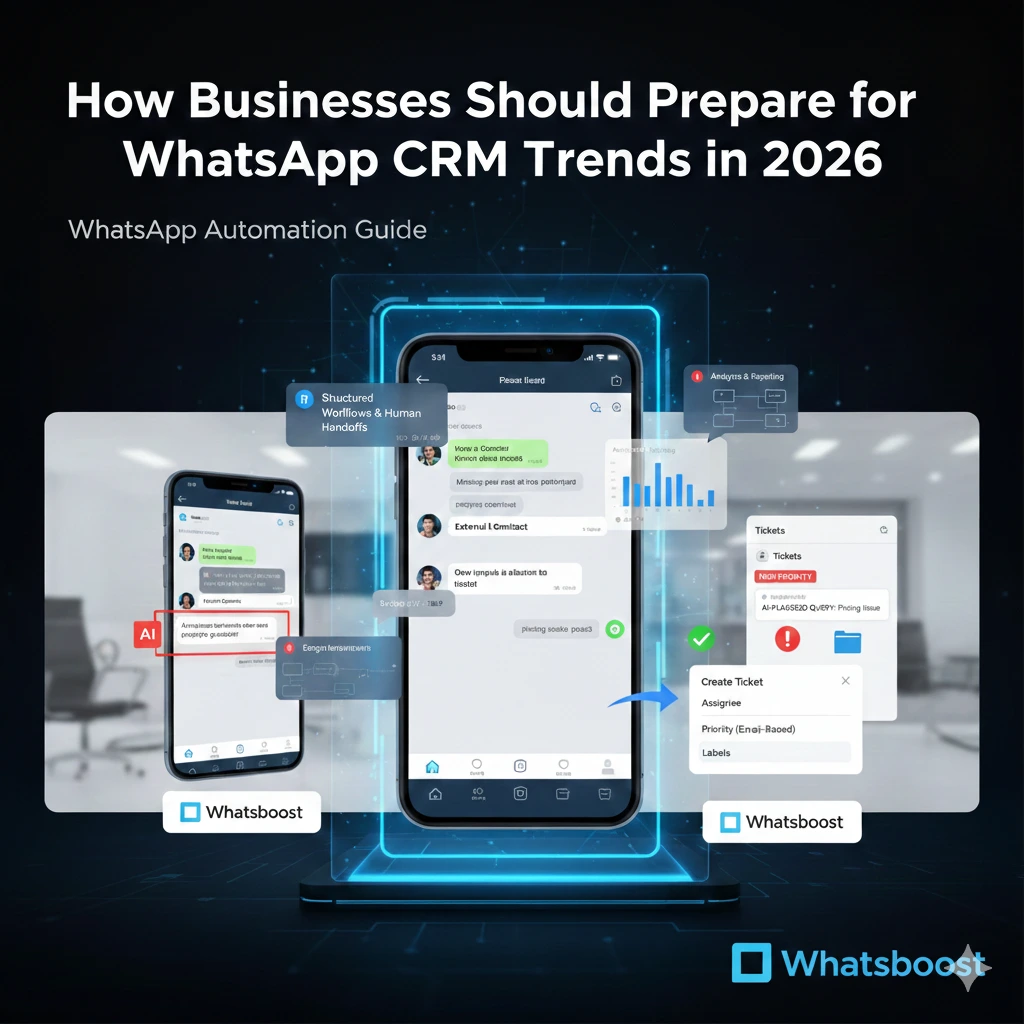
With Whatsboost, businesses can automatically flag important messages, convert WhatsApp group queries into actionable tickets, assign tasks, track response time, and integrate conversations with CRM systems — all from a centralized dashboard.
This guide explains how to manage customer queries efficiently on WhatsApp Groups using automation, AI, and structured workflows.
Why Managing Customer Queries on WhatsApp Groups Is Difficult
WhatsApp Groups are fast-moving environments. In active communities, dozens or even hundreds of messages can appear within minutes.
Without a proper system in place, businesses face several challenges:
No visibility into which queries are resolved
No way to assign responsibility
Missed customer complaints
Delayed response times
Lack of performance metrics
No ticket tracking
Managing queries manually through the standard WhatsApp Business App is not scalable.
To truly manage customer queries at scale, businesses need structured WhatsApp Automation with AI-based detection and ticketing workflows.
Three Smart Ways to Manage Customer Queries on WhatsApp Groups
Whatsboost provides three structured methods to manage WhatsApp Group conversations efficiently:
AI-Based Auto-Flagging
Manual Ticket Creation from Dashboard
Emoji-Based Ticketing Directly from WhatsApp
Each method ensures that no critical message goes unnoticed.

Automatically Flag Important Queries Using AI
The biggest risk in WhatsApp Groups is missing important messages.
Once you connect your WhatsApp number to Whatsboost, incoming messages are automatically scanned using AI-powered WhatsApp Automation.
For every message received, the system evaluates two conditions:
First, it checks whether the message is sent by an external contact. Internal members can be marked as “internal” from the contacts tab to prevent unnecessary ticket creation.
Second, it determines whether the message is a question, query, complaint, or request for support. AI separates actionable customer messages from general statements or casual discussions.
If both conditions are met, the message is automatically flagged.
This ensures you never miss:
Product inquiries
Pricing questions
Payment issues
Technical support requests
Order tracking queries
Customer complaints
When a team member replies to a flagged message through Whatsboost or WhatsApp, the platform calculates First Response Time (FRT). This metric helps you measure support efficiency and improve SLA compliance.
AI-based query detection eliminates guesswork and significantly improves response quality.
Create Tickets from WhatsApp Messages via Dashboard
While AI handles most queries automatically, agents sometimes need to manually convert messages into tickets.
Whatsboost enables agents to log in via email and create tickets directly from the chats screen.
The process is simple:
Navigate to the chats screen
Right-click on any WhatsApp message
Select “Create Ticket”
A modal window allows agents to enter important details such as:
Ticket title
Assignee
Priority level
Due date
Labels
Status
Once created, the ticket appears both next to the specific chat and inside the dedicated tickets tab for easy tracking.
This structured workflow ensures accountability and clear task ownership within WhatsApp Groups.
For businesses managing multiple agents or departments, the shared inbox system simplifies collaboration.
Create Tasks Directly from WhatsApp Using Emoji-Based Ticketing
Speed matters in active WhatsApp Groups.
Whatsboost offers emoji-based ticketing that allows your team to convert messages into tickets directly from WhatsApp without logging into the dashboard.
Here’s how it works:
Open WhatsApp
React to a specific message with a predefined label emoji
The system automatically creates a ticket in Whatsboost
This workflow is ideal for:
Sales teams marking qualified leads
Support teams escalating urgent issues
Community managers tracking requests
Managers assigning tasks quickly
Emoji-based ticketing reduces friction and ensures fast action in high-volume group conversations.
Sync WhatsApp Tickets with HubSpot, Freshdesk, Zoho Desk & More
Managing customer queries becomes even more powerful when integrated with your CRM or helpdesk platform.
Once tickets are created from WhatsApp Groups or 1:1 chats, Whatsboost allows automatic synchronization with:
HubSpot
Freshdesk
Zoho Desk
Other CRM systems
This integration ensures:
Centralized customer data
Unified communication history
No data silos
Seamless cross-platform tracking
Explore CRM integration options. With WhatsApp CRM integration, sales and support teams operate within a unified ecosystem.

Benefits of Using WhatsApp Automation for Group Query Management
Implementing structured WhatsApp Automation provides measurable business benefits.
Improved response time is one of the most immediate outcomes. AI flagging ensures urgent queries are prioritized instantly.
Zero missed queries means every customer request becomes trackable and actionable.
Better team accountability ensures tickets are assigned clearly and monitored until resolution.
Analytics and reporting provide visibility into:
First Response Time
Resolution time
Ticket volume
Agent performance
Query trends
Scalability allows businesses to manage multiple WhatsApp Groups, multiple numbers, and multiple teams from one centralized system.
Best Practices to Manage Customer Queries on WhatsApp Groups
To maximize the impact of WhatsApp Automation, businesses should follow structured best practices.
Define clear response SLAs to set expectations internally and externally.
Train your internal teams on how to use ticket creation, labels, and emoji triggers effectively.
Use labels strategically to categorize tickets by department, urgency, or query type.
Monitor analytics weekly to identify recurring customer pain points.
Integrate CRM systems early rather than waiting until operational complexity increases.
These steps ensure that WhatsApp Group management becomes an asset rather than a bottleneck.
Who Should Use WhatsApp Group Automation?
Whatsboost is ideal for businesses that rely on WhatsApp Groups for daily operations, including:
EdTech institutions managing student communities
D2C brands handling product discussions
Real estate teams coordinating buyer inquiries
Agencies managing client groups
Healthcare providers responding to patient queries
Enterprises operating distributor or partner networks
If your organization communicates regularly through WhatsApp Groups, automation is essential for growth.
Start scaling with Whatsboost.
FAQs About Managing Customer Queries on WhatsApp Groups
How can I manage customer queries in busy WhatsApp Groups?
You need structured WhatsApp Automation that flags important messages, converts them into tickets, assigns ownership, and tracks performance metrics.
Can WhatsApp messages be converted into tickets automatically?
Yes. Whatsboost uses AI to detect important queries and automatically create actionable tickets.
What is emoji-based ticketing?
It allows users to react to a message with a predefined emoji, triggering automatic ticket creation in the system.
Does AI detect support messages accurately?
Yes. Whatsboost evaluates whether a message is from an external contact and whether it qualifies as a support query before flagging it.
FAQs About Whatsboost Automation
What is Whatsboost Automation?
Whatsboost Automation is a WhatsApp Business API platform that enables AI-based query detection, ticket creation, CRM integration, shared inbox collaboration, and analytics.
Can Whatsboost integrate with my CRM?
Yes. Whatsboost supports integrations with HubSpot, Zoho Desk, Freshdesk, and other CRM platforms.
Is Whatsboost suitable for growing teams?
Absolutely. It supports multi-user collaboration, ticket assignments, analytics tracking, and multi-number management.
Does Whatsboost support WhatsApp Business API?
Yes. Whatsboost operates on the WhatsApp Business API, enabling scalable automation and structured workflows.
Final Thoughts
WhatsApp Groups are powerful tools for customer communication, but without structure, they quickly become chaotic.
If your goal is to manage customer queries efficiently, reduce response times, and improve team accountability, WhatsApp Automation is no longer optional.
With Whatsboost, you can automatically flag important messages, convert conversations into actionable tickets, assign responsibilities, integrate with CRM systems, and track performance — all from one centralized dashboard.
In today’s competitive landscape, businesses that master WhatsApp Group automation will deliver faster responses, better customer experiences, and scalable support systems.
The real question is not whether you should automate WhatsApp Groups — it’s how soon you can start.
Want to automate WhatsApp for your business?
Set up campaigns, replies, and follow-ups in minutes.