
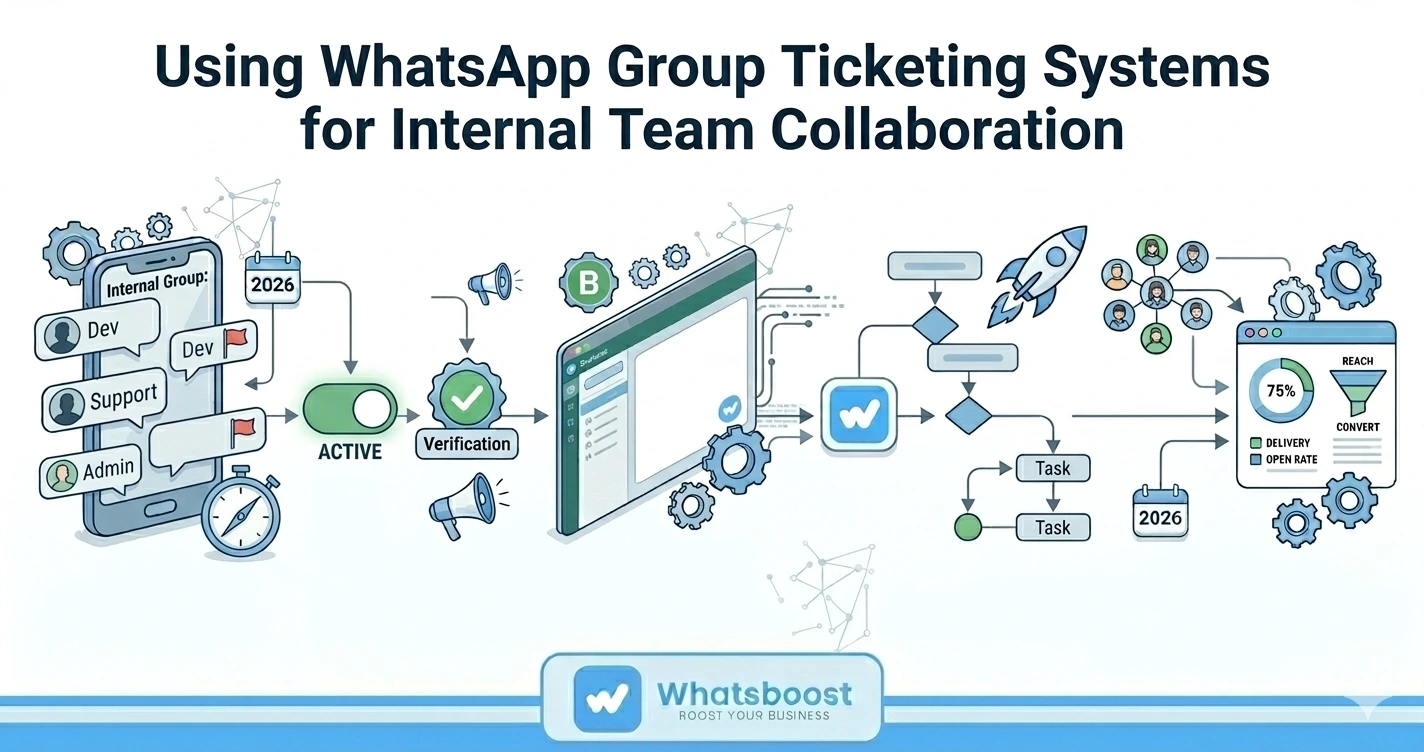
Using WhatsApp Group Ticketing Systems for Internal Team Collaboration
Discover how using WhatsApp Group Ticketing Systems improves internal team collaboration. Learn how WhatsApp Automation with Whatsboost helps teams manage tasks, conversations, and workflows efficiently.
In many organizations today, WhatsApp is not just used for customer communication—it has become a central platform for internal team coordination and collaboration.
From support teams and sales departments to operations and project management groups, teams frequently rely on WhatsApp Groups to share updates, assign tasks, and resolve issues quickly.
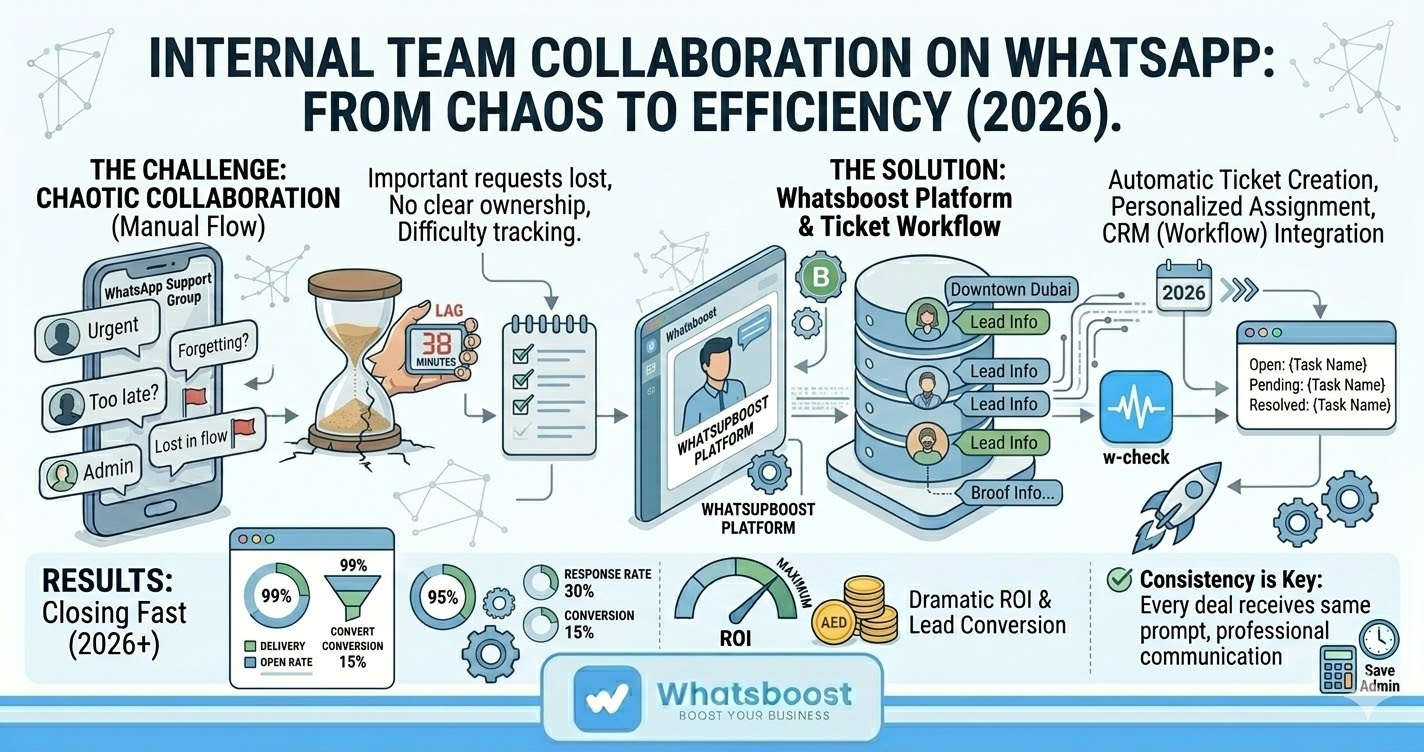
However, as team conversations grow, WhatsApp Groups often become chaotic communication channels. Important requests get buried under dozens of messages, responsibilities become unclear, and teams struggle to track progress on tasks.
This is where Using WhatsApp Group Ticketing Systems for Internal Team Collaboration becomes a powerful operational strategy.
By combining structured ticketing workflows with WhatsApp Automation, businesses can transform everyday group chats into organized task management systems that improve visibility, accountability, and team efficiency.
Why WhatsApp Groups Alone Are Not Enough for Team Collaboration
WhatsApp Groups are fast and convenient, but they are not designed for structured workflow management.
Without proper systems in place, teams often face several collaboration challenges.
Message Overload
Active teams may send hundreds of messages daily in WhatsApp groups. Important tasks or requests often get lost in the conversation flow.
Lack of Task Ownership
When a request appears in a group chat, it is rarely clear who should handle it. Multiple team members may respond—or no one may respond at all.
No Structured Tracking
WhatsApp messages are not organized as tasks or tickets. This makes it difficult to track progress, deadlines, or resolution status.
Inefficient Follow-Ups
Managers often need to manually ask for updates or scroll through chat history to check whether tasks were completed.
As teams grow and communication increases, these problems can significantly reduce productivity.
What Is a WhatsApp Group Ticketing System?
A WhatsApp Group Ticketing System transforms WhatsApp conversations into structured tickets that teams can track, assign, and resolve.
Instead of relying on unstructured chats, each message that requires action becomes a trackable ticket.
These tickets can include:
Task descriptions
Assigned team members
Priority labels
Status updates
Resolution tracking
This system helps teams manage internal collaboration more efficiently while still using the communication platform they are already comfortable with.
How WhatsApp Automation Improves Internal Collaboration
When WhatsApp Automation is combined with ticketing systems, internal collaboration becomes significantly more organized and scalable.
Automation helps teams turn group conversations into structured workflows without manual effort.
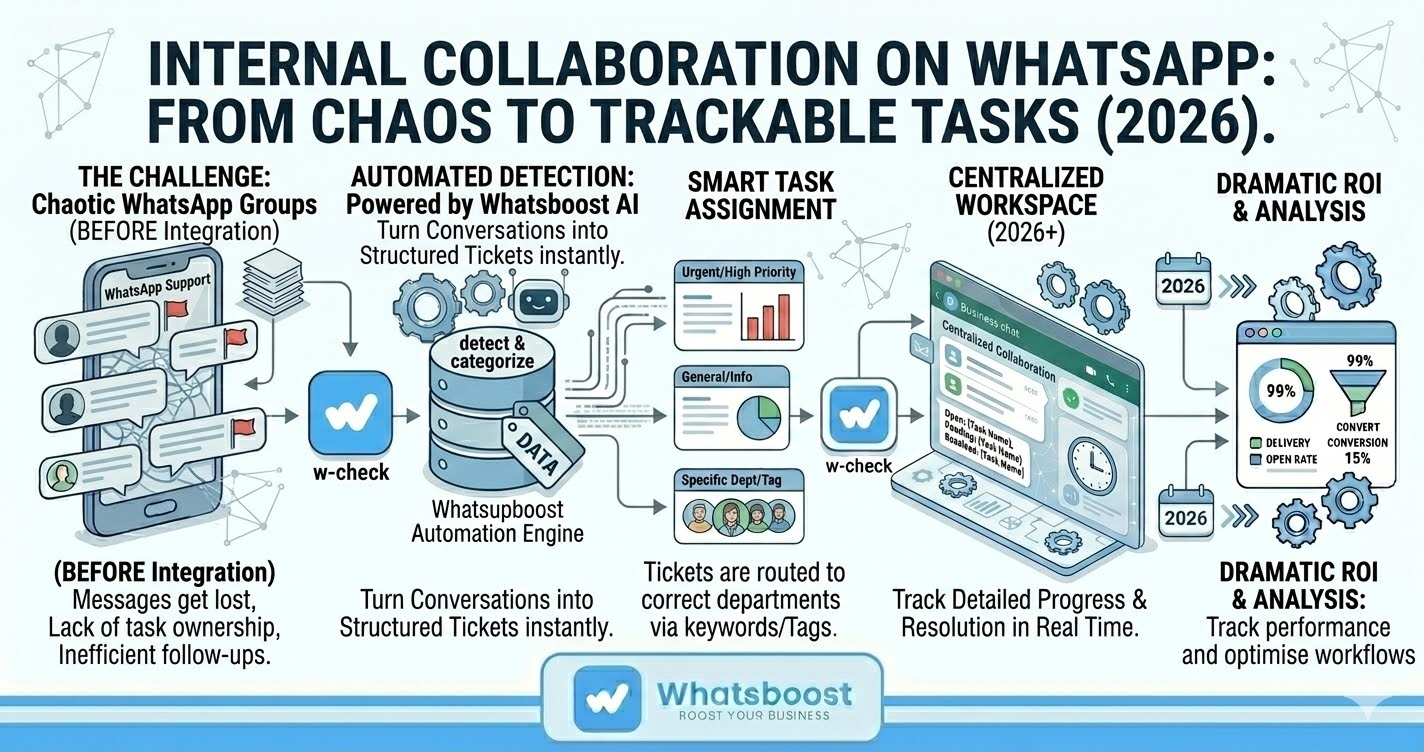
Automatic Ticket Creation
Messages that require action can automatically become tickets, reducing the need for manual logging.
Smart Task Assignment
Automation can route tickets to the appropriate team member or department based on keywords or tags.
Notification Alerts
Team members receive alerts when they are assigned tasks, ensuring that nothing is overlooked.
Status Tracking
Tickets can move through stages such as:
Open
In Progress
Pending
Resolved
This creates visibility for both team members and managers.
Centralized Collaboration
Instead of searching through chats, teams can view structured task lists and monitor progress in real time.
Key Benefits of Using WhatsApp Group Ticketing Systems
Implementing structured ticketing systems within WhatsApp groups offers several operational advantages.
Improved Accountability
Each task has a clear owner responsible for completing it.
Faster Issue Resolution
Actionable messages are immediately converted into tickets and assigned to the right person.
Reduced Communication Confusion
Teams avoid repeated conversations and unnecessary follow-up messages.
Better Project Visibility
Managers can easily track tasks, progress, and team performance.
Scalable Collaboration
As organizations grow, ticketing systems allow teams to manage larger communication volumes without losing efficiency.
By adding structure to WhatsApp group conversations, businesses can maintain productivity while keeping communication simple and familiar.
How Whatsboost Enables WhatsApp Group Ticketing for Teams
Businesses looking to implement Using WhatsApp Group Ticketing Systems for Internal Team Collaboration can leverage Whatsboost to automate and organize their internal workflows.
Whatsboost provides powerful tools that turn WhatsApp group chats into structured collaboration systems.
AI-Powered Query Detection
Whatsboost automatically identifies messages in WhatsApp groups that require action and flags them as tasks.
Instant Ticket Creation
Team members can convert a WhatsApp message into a ticket directly from the platform dashboard.
Emoji-Based Ticketing
Using predefined reactions or emojis, agents can create tickets instantly without leaving the WhatsApp conversation.
Shared Team Workspace
Multiple team members can collaborate on tasks while maintaining a clear overview of responsibilities.
CRM and Workflow Integrations
Tickets and conversation data can be synced with CRM or helpdesk platforms, enabling centralized management.
Businesses can explore these capabilities in detail at
https://whatsboost.in
Practical Use Cases for Internal Team Collaboration
Many departments can benefit from WhatsApp Group Ticketing Systems.
Customer Support Teams
Support agents can convert customer issues shared in internal groups into tickets and assign them to relevant specialists.
Sales Teams
Sales inquiries discussed internally can be tracked as leads or opportunities within ticket workflows.
Operations Teams
Operational tasks, approvals, or service requests shared in WhatsApp groups can be structured into actionable tickets.
Project Management Teams
Project updates, task assignments, and progress tracking can be organized through automated ticket systems.
By turning conversations into trackable tasks, teams gain clarity and efficiency.
Best Practices for Implementing WhatsApp Group Ticketing Systems
Organizations that want to maximize the benefits of WhatsApp ticketing should follow a few strategic practices.
Define Clear Ticketing Rules
Identify which types of messages should be converted into tickets.
Assign Ownership Quickly
Ensure that every ticket has a clear owner responsible for resolution.
Use Priority Tags
Categorize tickets by urgency to ensure critical tasks are addressed first.
Monitor Performance Metrics
Track resolution time, response time, and ticket completion rates.
Encourage Structured Communication
Teams should use ticketing workflows instead of relying solely on informal messages.
These practices ensure that WhatsApp collaboration remains organized as teams grow.
Want to automate WhatsApp for your business?
Set up campaigns, replies, and follow-ups in minutes.