
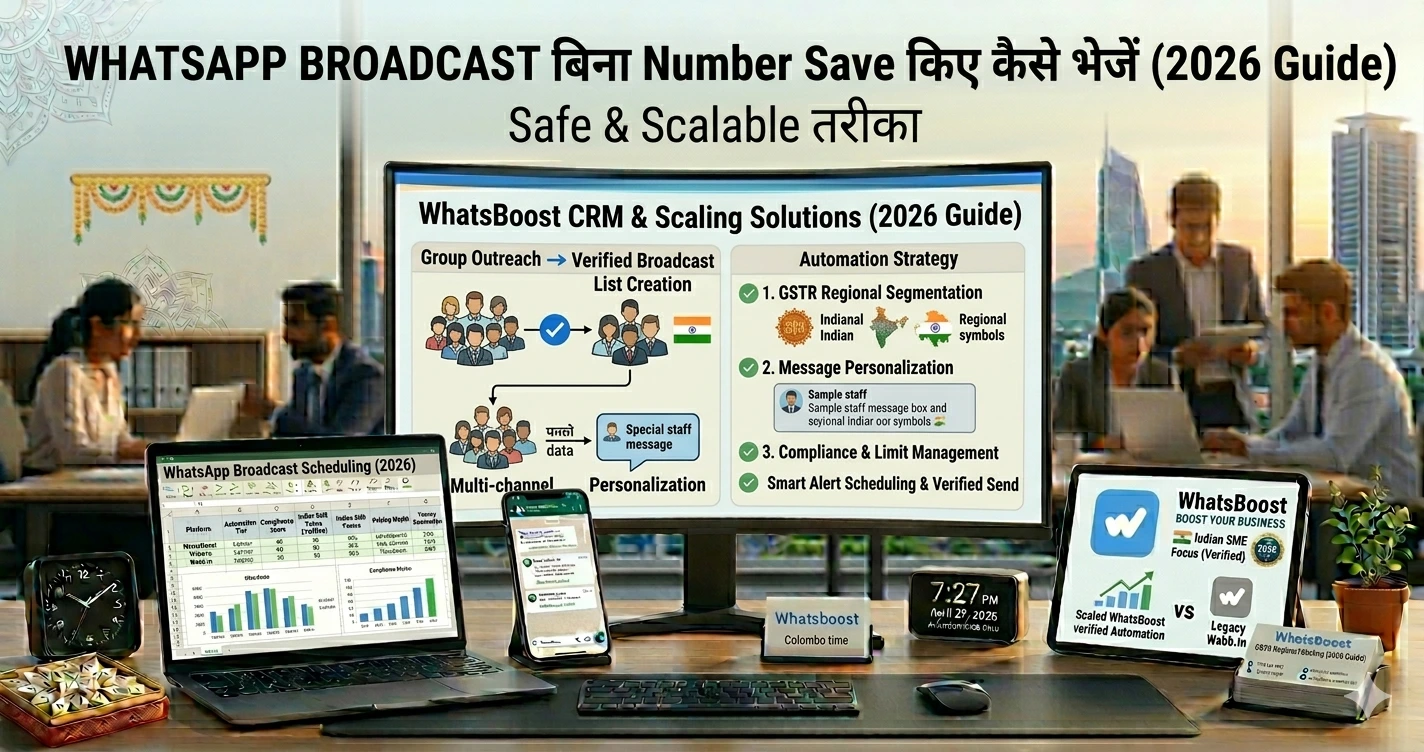
WhatsApp Broadcast बिना Number Save किए कैसे भेजें (2026 Guide) Safe & Scalable तरीका
जानिए WhatsApp broadcast बिना number save किए कैसे भेजें, कौन से methods safe हैं और कैसे automation से scalable messaging system बनाएं।
WhatsApp Broadcast बिना Number Save किए कैसे भेजें (2026 Complete Guide)
“हर lead का number save करना possible ही नहीं है…” 😓
आपके पास daily आते हैं:
👉 Website leads
👉 Ads से enquiries
👉 Event registrations
👉 Marketplace contacts
अब सोचो…
👉 हर number manually save करना
👉 फिर broadcast भेजना
👉 फिर delete करना
❌ Time waste
❌ Chaos
❌ Phone clutter
तो सवाल:
क्या बिना number save किए WhatsApp broadcast भेज सकते हैं?
Short Answer
👉 Direct WhatsApp App में: ❌ नहीं
👉 Smart tools + system के साथ: ✔ हाँ
👉 क्योंकि default WhatsApp broadcast सिर्फ उन्हीं लोगों को जाता है जिन्होंने आपका number save किया हो
Problem: Traditional Broadcast System क्यों fail होता है
WhatsApp Business App में:
- Max 256 contacts per list
- Saved contacts required
- Low scalability
👉 अगर सामने वाले ने आपका number save नहीं किया:
Message deliver ही नहीं होगा
Reality: 2026 में Broadcast कैसे काम करता है
अब WhatsApp ecosystem बदल चुका है
👉 Focus है:
- Opt-in based messaging
- API-based delivery
- Automation workflows
👉 यानी:
Broadcast = system, not feature
Solution: WhatsApp Broadcast बिना Save किए — 4 Real तरीके
अब practical methods समझते हैं 👇
1. Click-to-Chat (Small Scale के लिए)
कैसे काम करता है
👉 wa.me link बनाओ
👉 User chat open करता है
👉 Message भेजो
Example
https://wa.me/919XXXXXXXXX
Pros
✔ No saving needed
✔ Simple
Cons
❌ Manual
❌ Bulk के लिए useless
👉 यह method 20–30 contacts तक ही practical है
2. QR Codes & Chat Buttons
Use case
- Website
- Instagram bio
- दुकान QR
👉 User scan करता है → chat open
फायदा
✔ New leads directly WhatsApp में आते हैं
✔ कोई saving नहीं
👉 लेकिन यह broadcasting नहीं —
lead capture method है
3. WhatsApp Business API + Automation (Best तरीका 🚀)
यह असली solution है
कैसे काम करता है
- User opt-in देता है
- आप contact list upload करते हैं
- Template message बनाते हैं
- Broadcast भेजते हैं
👉 बिना number save किए
क्यों काम करता है?
👉 API contacts list से directly message भेजता है
👉 Saved contact requirement हट जाता है
Benefits
✔ Unlimited scale
✔ Personalization
✔ Automation
✔ Tracking
👉 Learn automation setup:
https://whatsboost.in/blog/how-to-integrate-whatsapp-without-whatsapp-business-api-simplify-whatsapp-messaging
👉 Advanced workflows:
https://whatsboost.in/blog/n8n-whatsapp-integration-without-api-pros-cons-best-use-cases
4. WhatsBoost System (Structured Approach 💡)
यह सबसे practical business तरीका है
Workflow
- Leads import (Excel / Google Sheets)
- Segmentation
- Personalized broadcast
- Reply tracking
👉 बिना number save किए
Example Flow
- Webinar leads
- Offer message
- Reminder
- Follow-up
👉 Full funnel example:
https://whatsboost.in/blog/from-inquiry-to-invoice-whatsboost-flows-that-convert-70-more-tradeindia-leads
Important Rule: Opt-in Mandatory है ⚠️
👉 बिना permission message भेजना risky है
Risks:
- Account ban
- Low delivery
- Spam reports
👉 Best practice:
✔ Form checkbox
✔ Website consent
✔ स्पष्ट communication
Use Cases: कहाँ यह सबसे ज्यादा useful है
📈 Lead Generation
- Ads → WhatsApp
- Form → auto message
🛍️ Marketing Campaigns
- Offers
- Launches
- Promotions
👉 Smart broadcast system:
https://whatsboost.in/blog/whatsapp-broadcast-list-2026-unlimited-broadcast-for-free-using-meta-coexistence
📞 Follow-ups
- Reminders
- Nurturing
- Upsells
👥 Community Funnels
👉 Groups + broadcast combo
👉 Group automation:
https://whatsboost.in/blog/how-to-use-whatsapp-group-api-adding-features-to-build-niche-customer-communities-in-2026-whatsboost
👉 Group creation:
https://whatsboost.in/blog/how-to-automate-whatsapp-group-creation-for-online-courses-and-coaching-cohorts
Advanced Strategies (Pro Level 🚀)
1. Segmentation First
👉 Same message सबको मत भेजो
Segments:
- Hot leads
- Warm leads
- Cold leads
2. CRM Integration
👉 Track करो:
- कौन reply कर रहा
- कौन ignore कर रहा
- कौन convert हो रहा
👉 CRM setup:
https://whatsboost.in/blog/how-to-integrate-crm-with-whatsapp-for-automation-without-business-api
👉 Tracking tools:
https://whatsboost.in/blog/best-platforms-to-track-conversations-and-deal-progress-2026-guide-for-sales-teams
3. Lead Scoring
👉 High intent leads पहले
4. AI Automation
👉 Smart replies + timing
👉 AI integration:
https://whatsboost.in/blog/how-to-integrate-gemini-with-whatsapp-without-whatsapp-business-api-2026-guide
Common Mistakes
❌ Bulk spam करना
→ Ban risk
❌ बिना opt-in messaging
→ Compliance issue
❌ Same message सबको
→ Low engagement
❌ Manual workflows
→ Time waste
❌ Random tools use करना
→ Account block risk
👉 कई “bulk sender tools” unsafe होते हैं और account ban करा सकते हैं
Pro Tips (High Impact 🔥)
- ✔ Short messages लिखो
- ✔ Clear CTA दो
- ✔ Timing सही रखो
- ✔ Follow-ups automate करो
- ✔ हमेशा reply handle करो
💡 Golden Rule:
Broadcast मत भेजो — conversation शुरू करो
Final Conclusion
WhatsApp broadcast बिना number save किए:
👉 Possible है
👉 लेकिन सही system के साथ
सही approach:
✔ API-based messaging
✔ Automation workflows
✔ CRM tracking
✔ Segmentation
👉 अगर आप सही तरीके से करें:
- No contact clutter
- High reach
- Better conversion
👉 अगर गलत तरीके से करें:
❌ Ban
❌ Low delivery
❌ Lost leads
Want to automate WhatsApp for your business?
Set up campaigns, replies, and follow-ups in minutes.