
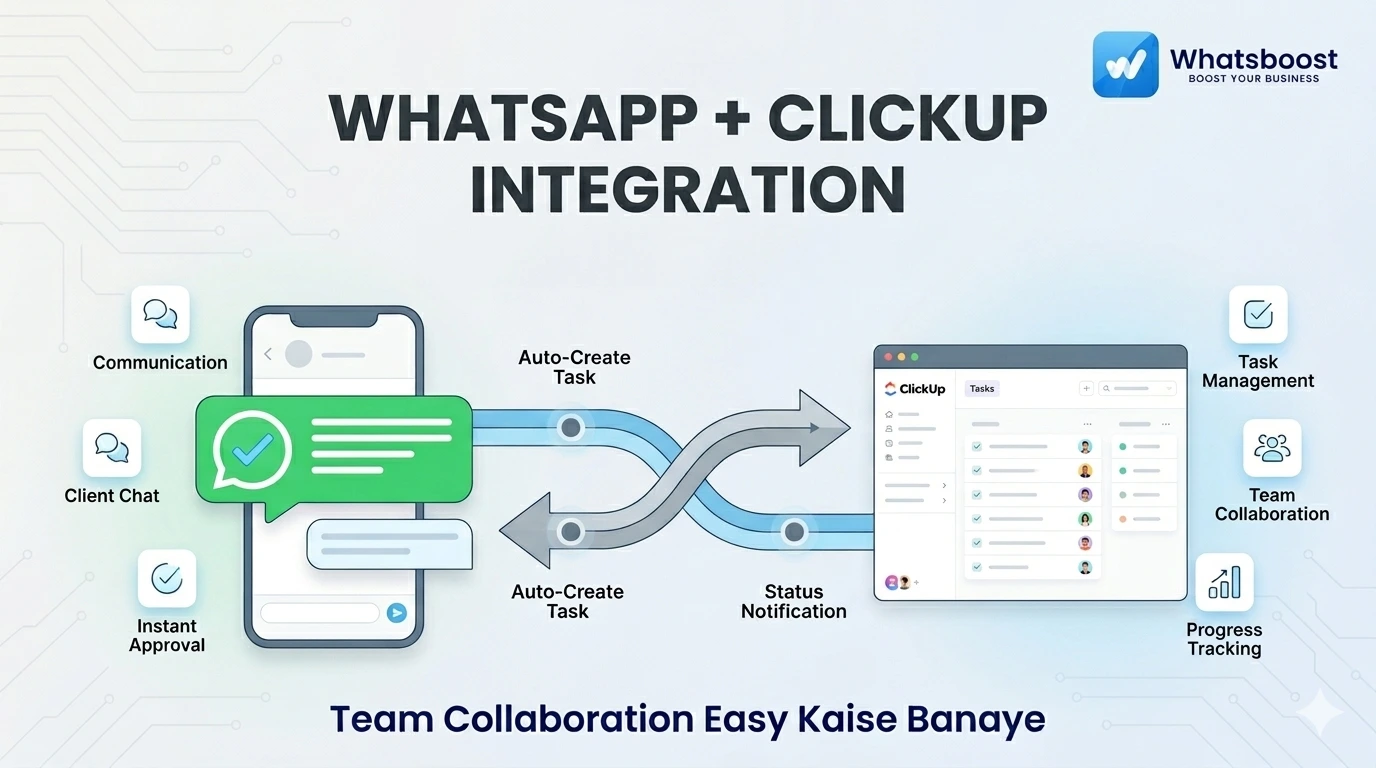
WhatsApp + ClickUp Integration: The Ultimate Guide for Indian Teams
Kya aapki team ClickUp aur WhatsApp ke beech confuse ho rahi hai? Is blog mein seekhiye kaise WhatsBoost ke saath dono tools ko connect karke aap manual data entry khatam kar sakte hain aur har task assign hone par instant WhatsApp notification pa sakte hain. 100% productivity, 0% headache!
WhatsApp + ClickUp Integration: Team Collaboration Easy Kaise Banaye (2026 Guide)
2026 mein agar aap kisi bhi growing Indian business mein jaoge, toh do tools almost har jagah milenge: WhatsApp communication ke liye aur ClickUp task management ke liye. Dono tools apne aap mein strong hain, lekin jab ye alag-alag chalte hain, toh real problem shuru hoti hai.
Problem Kya Hai?
Double Effort: Same kaam WhatsApp pe discuss hota hai aur ClickUp pe manual update karna padta hai.
Missed Updates: Team ko real-time notifications nahi milte, jisse deadlines miss ho jaati hain.
Context Loss: Chat mein kya decide hua aur task ka status kya hai, ismein confusion rehta hai.
Solution? 👉 WhatsApp + ClickUp integration via WhatsBoost.
Indian Teams ko Yeh Integration Kyun Chahiye?
India mein kaam ka style bahut fast hai. Decisions aksar WhatsApp chats pe hote hain, lekin unhe execute karne ke liye ClickUp ki zaroorat padti hai.
Quick Approvals: WhatsApp pe approval aate hi ClickUp task status auto-update ho jaye.
No Login Barrier: Har baar ClickUp login karne ki zaroorat nahi; updates seedha WhatsApp pe milte hain.
Better Lead Tracking: Agar aap WhatsApp CRM use kar rahe hain, toh leads ko task mein convert karna easy ho jata hai.
Pro Tip: Agar aapne abhi tak WhatsApp automation setup nahi kiya hai, toh pehle
ke basics samajh lijiye. WhatsApp Business API
WhatsApp + ClickUp Integration ke Real Benefits
Jab aap WhatsBoost ke through dono ko connect karte hain, toh aapko ye features milte hain:
Real-time Task Notifications: Task assign hote hi assignee ko WhatsApp message chala jata hai.
Client Auto-Updates: Jaise hi ClickUp mein "Task Completed" mark hota hai, client ko automatic update mil jata hai.
Two-Way Automation: WhatsApp message se naya task create karna ya task update se notification bhejna.
Centralised Inbox: Team ke saare replies ek hi jagah handle hote hain.
Step-by-Step: Integration Kaise Kare?
Step 1: WhatsApp Business API Activate Karo
Automation ke liye official API zaroori hai. WhatsBoost aapko quickly API setup karke deta hai bina kisi technical headache ke.
Step 2: ClickUp Webhooks Setup
ClickUp mein webhook enable karein taaki data exchange ho sake.
Check official
ClickUp API Docs
Step 3: Connect Using Automation Tools
Aap niche diye gaye tools use kar sakte hain bina coding ke:
Zapier: Sabse popular no-code tool. (
Learn more about Zapier Make (formerly Integromat): Complex workflows ke liye best.
Pabbly Connect: Indian users ka favourite budget-friendly option.
Step 4: Workflows Define Karo
Apne rules set karein, jaise: "Status changed to 'In Review' → Send WhatsApp to Manager."
4 Practical Use Cases (For Real Teams)
| Use Case | Kya Hota Hai? | Benefit |
| Task Assignment | New task → WhatsApp Alert | Instant action |
| Deadline Reminder | 2 Hours left → Reminder | No missed deadlines |
| Client Updates | Milestone hit → Auto Message | Better Customer Experience |
| Internal Handover | Dev to QA → Notification | Smooth transition |
Best Practices (Bhulna Mat!)
Start Small: Pehle sirf 2-3 important workflows setup karein.
Keep it Short: WhatsApp messages ko concise aur clear rakhein.
Shared Inbox: Ek common number use karein taaki poori team visibility rahe.
Review Regularly: Check karein ki automation sahi se kaam kar raha hai ya nahi.
Final Insight (2026 Reality)
2026 mein wahi business scale karega jo apne systems ko connect rakhta hai. CRM sirf deals track karne ke liye nahi, balki unhe automate karke close karne ke liye hota hai. Agar aap WhatsApp pe business chala rahe ho, toh wahi pe apna system build karo.
Want to automate WhatsApp for your business?
Set up campaigns, replies, and follow-ups in minutes.