
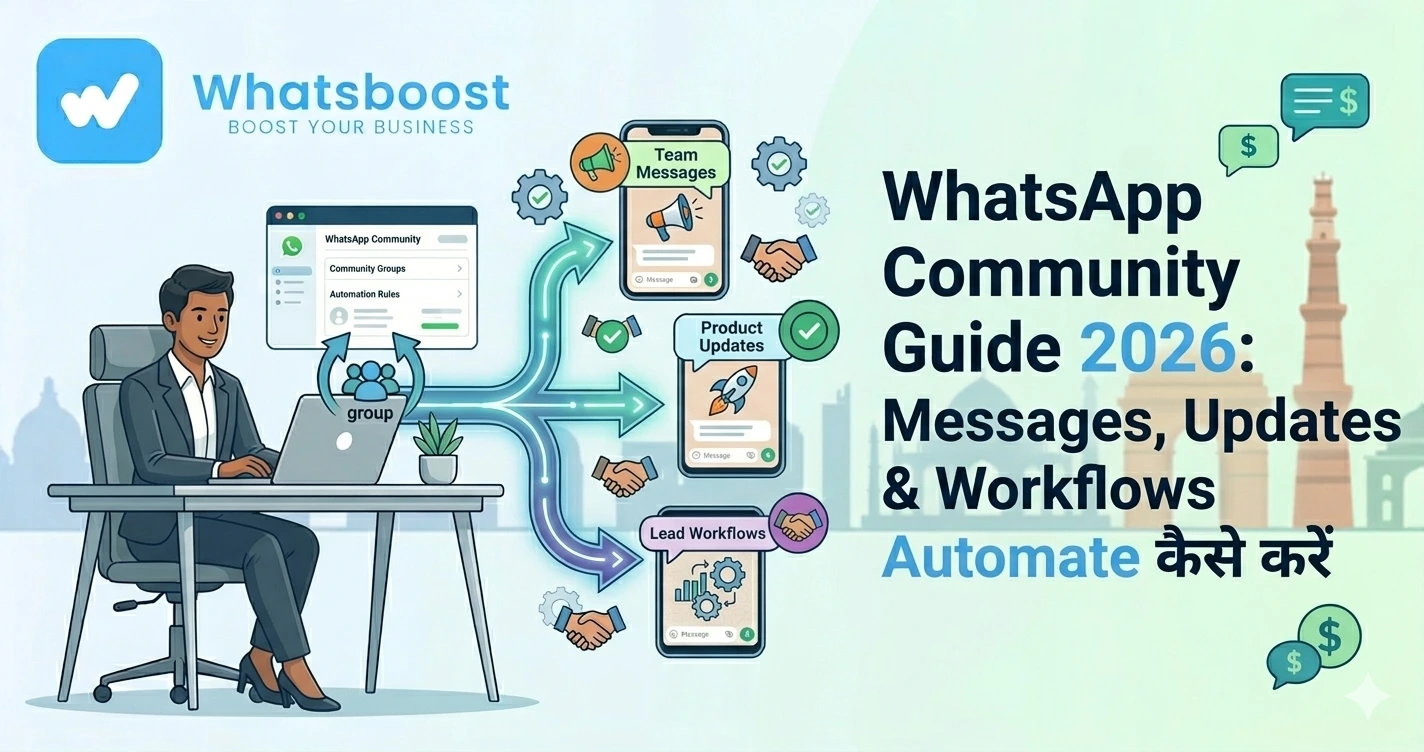
WhatsApp Community Automation Guide 2026 Messages, Updates & Workflows Automate कैसे करें
जानें कैसे WhatsApp community messages automate करें, auto updates भेजें, members manage करें और engagement बढ़ाएं — बिना API के आसान guide।
WhatsApp Communities grow हो रही हैं… लेकिन manage करना मुश्किल क्यों हो रहा है?
आज businesses WhatsApp Communities use कर रहे हैं:
- Customer groups
- Student batches
- Buyer communities
- VIP groups
लेकिन जैसे-जैसे community grow होती है:
❌ हर group में manually message भेजना
❌ Members manage करना
❌ Updates repeat करना
👉 यह सब time-consuming बन जाता है
👉 Reality:
Manual communication large communities में scalable नहीं होता
Solution: WhatsApp Community Message Automation
अब imagine करें:
👉 New member join करे → welcome message auto
👉 Weekly updates → auto भेजे जाएँ
👉 Keywords detect → auto reply trigger
👉 यही है WhatsApp Community Automation System
WhatsApp Community Automation क्या होता है?
Simple भाषा में:
👉 Community के अंदर होने वाले repetitive काम automate करना
जैसे:
- Welcome messages
- Announcements
- Reminders
- Follow-ups
👉 इससे:
✔ Time save होता है
✔ Consistency maintain होती है
✔ Engagement बढ़ता है
👉 Automation से आप multiple groups को एक साथ manage कर सकते हैं
WhatsBoost Community Automation कैसे काम करता है
WhatsBoost एक automation platform है जो आपको:
- बिना API
- बिना coding
👉 WhatsApp communities automate करने देता है
Core Features:
1. Group Listener (Smart Trigger System)
👉 System हर message को monitor करता है
अगर कोई keyword आए:
- “Interested”
- “Join”
👉 तुरंत action trigger होता है
जैसे:
- Auto reply
- Lead capture
👉 यह real-time automation enable करता है
2. Automation Triggers
आप condition set कर सकते हैं:
- Keyword-based
- Time-based
- Event-based
👉 Example:
- “Webinar” → registration message
- “Price” → product details
3. Broadcast Automation
👉 एक ही message multiple groups में भेज सकते हैं
- Announcement
- Offers
- Updates
👉 बिना manual copy-paste
4. Auto Add Members
👉 New lead आते ही:
- Group में automatically add
- सही segment में assign
👉 यह Google Forms / CRM से trigger हो सकता है
5. CRM & Google Sheets Integration
👉 Community data automatically save होता है:
- कौन join हुआ
- कौन reply कर रहा है
- कौन active है
👉 इससे tracking आसान हो जाती है
👉 CRM integration समझने के लिए पढ़ें:
https://whatsboost.in/blog/how-to-integrate-crm-with-whatsapp-for-automation-without-business-api
Step-by-Step: WhatsApp Community Messages कैसे Automate करें
Step 1: WhatsBoost Setup करें
- Account create करें
- WhatsApp connect करें
👉 QR scan से setup हो जाता है
Step 2: Community Connect करें
- Groups select करें
- Community sync करें
👉 System groups detect कर लेता है
Step 3: Automation Goal Define करें
Decide करें:
- Announcements
- Welcome messages
- Reminders
- Follow-ups
Step 4: Automation Flow बनाएँ
Example:
- New member → welcome message
- Day 2 → introduction
- Day 3 → offer
👉 यह drip automation कहलाता है
Step 5: Keyword Triggers सेट करें
Example:
- “Join course” → details भेजें
- “Price” → pricing share करें
Step 6: Broadcast Schedule करें
- Daily updates
- Weekly campaigns
- Event reminders
👉 Time-based automation से consistency आती है
WhatsApp Community Automation के Real Use Cases
🎓 Coaching Institutes
- Student onboarding
- Class reminders
🏢 Agencies
- Client updates
- Campaign communication
🛒 E-commerce
- VIP groups
- Early offers
📊 SaaS & Startups
- User onboarding
- Feature updates
👉 Automation से engagement और retention दोनों improve होते हैं
Automation vs Manual Community Management
Manual System:
❌ Time consuming
❌ Inconsistent
❌ Missed updates
Automation System:
✔ Instant messaging
✔ Structured communication
✔ Scalable system
👉 यही difference growth में दिखता है
Advanced Strategies (Expert Level)
🔁 Drip Campaigns
- Day-wise messages
- Structured nurturing
👉 Lead conversion improve होता है
🧠 Behavior-Based Messaging
- Active users → offers
- Silent users → reminders
📊 Engagement Tracking
- कौन message पढ़ रहा है
- कौन reply कर रहा है
👉 इससे targeted campaigns possible हैं
👉 Buyer intent tracking समझें:
https://whatsboost.in/blog/tracking-buyer-intent-from-indiamart-leads-using-whatsapp-chatbot
Best Practices (Avoid Mistakes)
❌ Spam मत करें
Community ≠ broadcast channel
✅ Segmentation करें
Different groups = different content
✅ Personalization रखें
Name + context use करें
✅ Automation + Human balance रखें
Bot engage करे, human connect करे
👉 Reddit users भी बताते हैं:
“Automation fast replies देता है, लेकिन human touch जरूरी है”
WhatsBoost क्यों best solution है?
🚀 No API Needed
Direct WhatsApp से काम
🤖 Smart Automation
Triggers + workflows
👥 Multi-group Management
Hundreds of groups handle
🔗 Integrations
Google Sheets, CRM, Zapier
📊 Real-time Tracking
Complete visibility
👉 यह WhatsApp को बना देता है:
👉 Full-scale community management system
Final Conclusion
WhatsApp Communities powerful हैं
लेकिन manual management impossible है
अगर आप:
❌ Manually groups manage कर रहे हैं
तो:
👉 Time waste होगा
👉 Engagement drop होगा
लेकिन automation के साथ:
✔ Instant communication
✔ बेहतर engagement
✔ Scalable system
👉 यही future है
👉 Automated community growth system 🚀
Want to automate WhatsApp for your business?
Set up campaigns, replies, and follow-ups in minutes.