
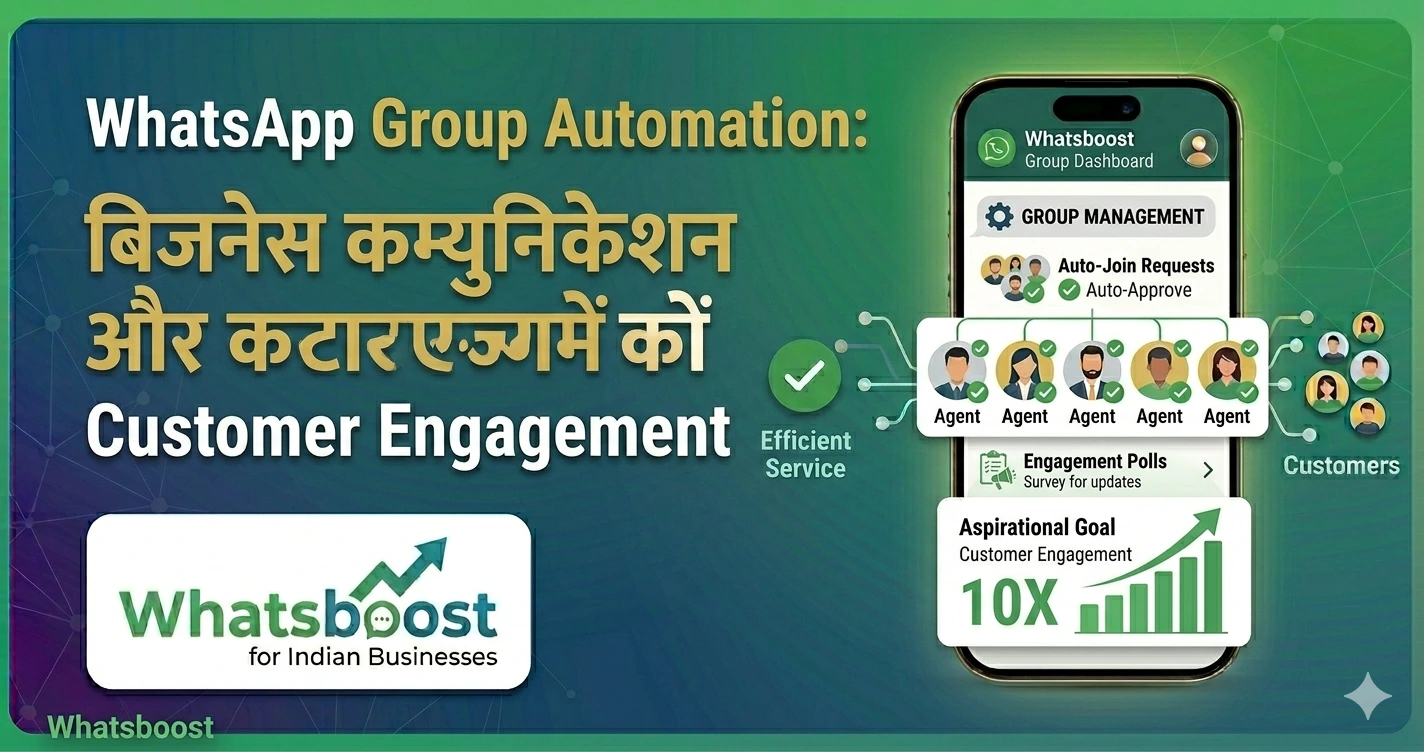
WhatsApp Group Automation से Business Communication Scale करें (10X Engagement Guide)
WhatsApp group automation से customer engagement 10X कैसे बढ़ाएं? इस आसान guide में जानें strategies, tools और workflows Indian businesses के लिए।
आज के time में WhatsApp business communication का सबसे powerful channel बन चुका है।
👉 लेकिन जैसे-जैसे आपका business grow करता है:
- Customers बढ़ते हैं
- Groups बढ़ते हैं
- Messages बढ़ते हैं
👉 और यहीं chaos शुरू होता है
🤔 Problem क्या है?
अगर आप manually WhatsApp groups manage कर रहे हैं:
- Messages miss हो जाते हैं
- Replies delay होते हैं
- Engagement गिरता है
👉 Result: Lost opportunities
💡 Solution क्या है?
👉 WhatsApp Group Automation
यह आपको allow करता है:
- Communication scale करना
- Engagement बढ़ाना
- Time बचाना
📈 WhatsApp Group Automation क्यों जरूरी है?
🔥 1. 10X Faster Communication
👉 सभी groups में instantly message
🔥 2. Consistent Messaging
👉 कोई update miss नहीं
🔥 3. Better Engagement
👉 सही time पर सही message
🔥 4. Scalable System
👉 10 groups से 1000 groups तक manage
⚙️ WhatsApp Group Automation कैसे काम करता है?
🔄 Step 1: Central Dashboard
👉 सभी groups एक जगह manage
📩 Step 2: Message Broadcast
👉 एक click में multiple groups को message
🤖 Step 3: Automation Workflows
👉 Pre-defined rules के हिसाब से actions
📊 Step 4: Tracking
👉 कौन read कर रहा है
👉 कौन reply कर रहा है
🚀 10X Engagement बढ़ाने के Proven Strategies
🎯 1. Smart Broadcasting
👉 सभी users को same message मत भेजें
👉 Segment करें और targeted messages भेजें
🎯 2. Timely Updates
👉 सही time पर message भेजना
🎯 3. Interactive Messages
- Questions
- Polls
- Feedback
🎯 4. Consistent Follow-ups
👉 Automation से follow-ups
👉 Related पढ़ें:
30 Creative WhatsApp Marketing Examples for Business & Sales Growth
🤖 Smart Tool: Whatsboost
👉 Official Website: https://whatsboost.in/
Whatsboost एक advanced platform है जो WhatsApp group automation को आसान बनाता है।
⭐ Key Features
✅ Multi-Group Management
👉 1000+ groups manage करें
✅ Bulk Messaging
👉 सभी groups में broadcast
✅ Auto Follow-ups
👉 Engagement बढ़ाएं
✅ SLA Tracking
👉 Missed replies identify करें
✅ CRM Integration
👉 Customer data manage करें
👉 Internal Resource:
How to Automate Whatsapp Groups
📊 Real Business Use Cases
🏫 Education
- Student groups
- Batch communication
🛍️ E-commerce
- Customer communities
- Offers & updates
🏢 Corporate
- Internal communication
- Team coordination
🎟️ Events
- Attendee groups
- Live updates
👉 Related पढ़ें:
WhatsApp Group Limit 1024: How to Manage Communities & Automate it.
⚠️ Best Practices
✅ Spam avoid करें
✅ Clear communication रखें
✅ सही timing रखें
✅ Automation smart रखें
❗ Common Mistakes
❌ Over messaging
❌ No segmentation
❌ Manual process
🧠 Winning Strategy (2026)
अगर आप WhatsApp groups use कर रहे हैं:
👉 Automation अपनाएं
👉 सही tools use करें
👉 engagement-focused approach रखें
🏁 Final Conclusion
WhatsApp group automation:
👉 सिर्फ convenience नहीं है
👉 यह growth engine है
अगर आप इसे सही तरीके से use करते हैं:
- Engagement बढ़ेगा
- Communication improve होगा
- Business scale होगा
🚀 Final CTA
अगर आप WhatsApp communication को next level पर ले जाना चाहते हैं:
👉 Automation अपनाएं
👉 Smart tools use करें
👉 10X growth achieve करें
👉 Start करें: https://whatsboost.in/
Want to automate WhatsApp for your business?
Set up campaigns, replies, and follow-ups in minutes.